Every project accumulates a `utils/` folder. Inside it: a function that chunks arrays, a regex for parsing logs, and JSON transforms that only you can read. These aren’t hard problems. They’re the 20 minutes you spend writing throwaway code before getting back to the actual work.
Here are 7 free tools that eliminate most of that boilerplate. Each solves a specific, recurring problem. None require an install or a custom script.
—
## 1. JSON Schema Validator — Catch API Contract Bugs Before They Reach Production
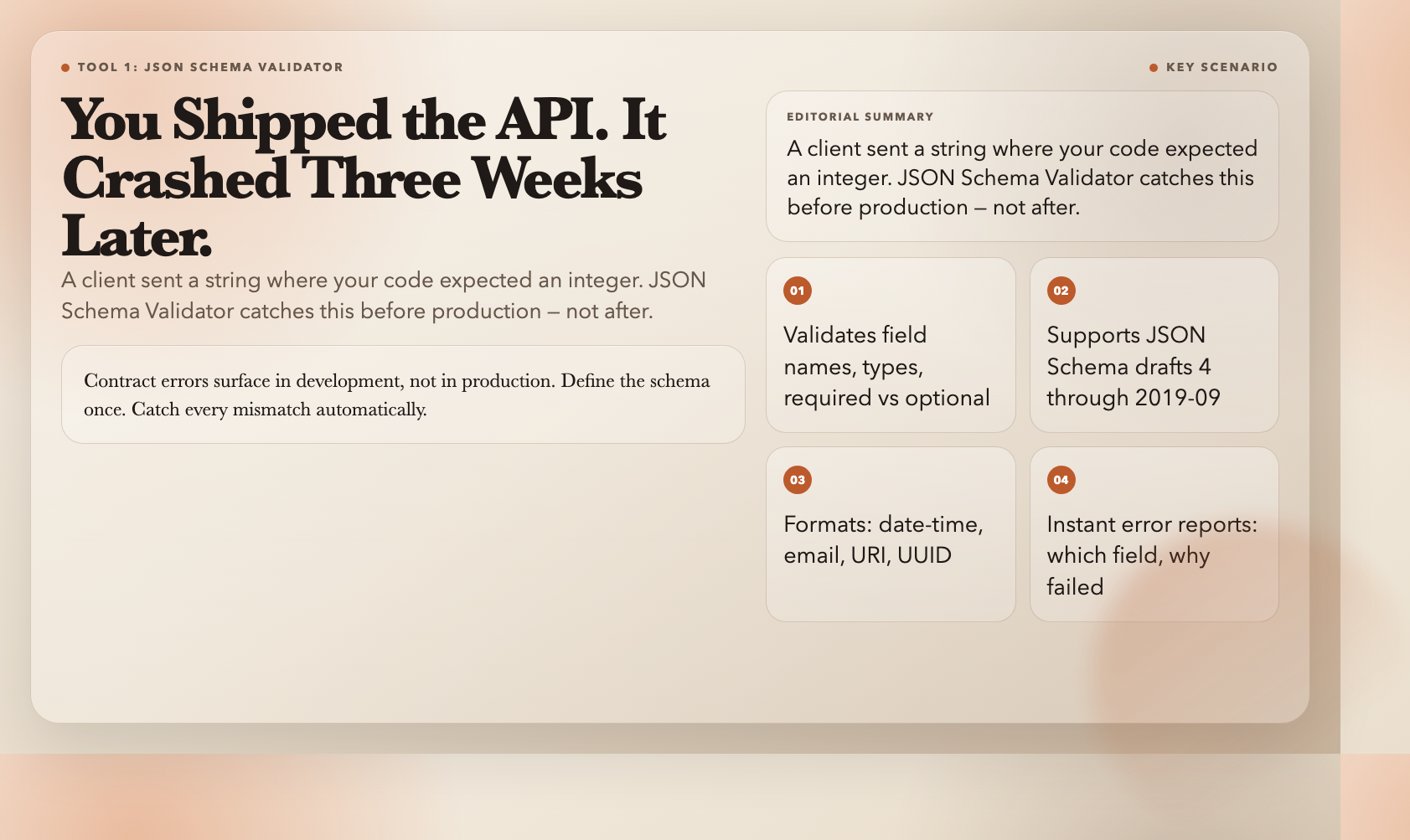
You finished an API endpoint, tested it with curl, and shipped it. Three weeks later, a client sends a string in the `user_id` field where your code expects an integer. Your service crashes silently in production.
JSON Schema Validator catches this. Define a schema — field names, data types, required vs optional fields, constraints, formats — and it validates any JSON payload against it. When something fails, it tells you exactly which field and why (`expected integer, got string`). It supports JSON Schema drafts 4 through 2019-09, plus formats like date-time, email, URI, and UUID.
The payoff is immediate: contract errors surface in development, not in production. Define the schema once. Catch every mismatch automatically.
**When to use it:** Validating incoming API payloads, testing webhook handlers, checking that exports match expected structure, or writing contract tests for your services.
**URL:** JSON Schema Validator
—
## 2. JSONPath Query Tool — Extract Nested Data Without Writing Extraction Functions
You’re consuming a third-party API. The response is nested 5 levels deep. You need the author bios from `data.results[].metadata.author.info.bio`. Your options: write a recursive extraction function, use lodash’s `_.get`, or iterate with a for-loop.
JSONPath Query Tool gives you a query language instead. `$.store.book[*].author` pulls all authors from an array. `$.data[?(@.price<10)]` filters items by condition. You preview results in real time, export as JSON or Markdown, and save queries as reusable templates.
Unlike extraction code, a JSONPath query is self-documenting. `$.results[?(@.status==’active’)].email` tells you exactly which data you’re pulling and why — without a comment.
**When to use it:** Exploring unfamiliar API responses, building data extraction pipelines, documenting JSON structure in READMEs, or pulling specific fields from large datasets.
**URL:** JSONPath Query Tool
—
## 3. PII Finder — Know Exactly What Sensitive Data Lives in Your Logs
Your application logs contain user information. You think you’re careful. Then someone asks: “Does our error log contain credit card numbers?” You open the file, stare at 80,000 lines, and realize you have no idea.
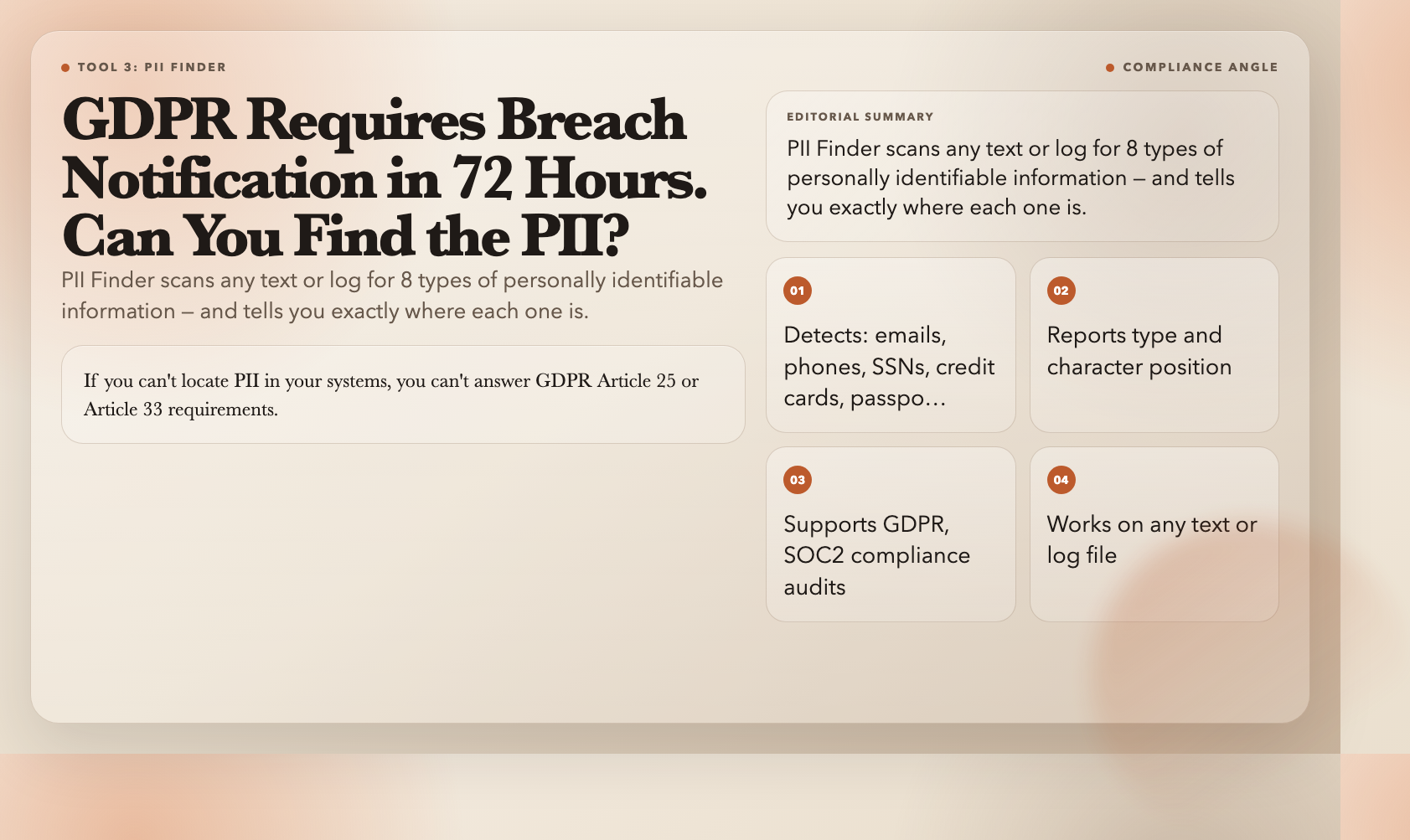
PII Finder scans any text or log for personally identifiable information. It detects emails, phone numbers, credit card numbers, SSNs, passport numbers, IP addresses, GPS coordinates, and API keys — and reports each with type and character position. You know exactly what data is where.
The compliance stakes are real. GDPR Article 25 requires “data protection by design.” GDPR Article 33 requires breach notification within 72 hours. If you can’t locate PII in your systems, you can’t answer either requirement. PII Finder is the fastest audit before data leaves your infrastructure.
**When to use it:** Auditing logs before external sharing, checking exports for GDPR/SOC2 compliance, redacting PII from datasets before analytics, or investigating a potential data exposure.
**URL:** PII Finder
—
## 4. Log Parser — Turn Raw Apache and Nginx Logs Into Structured Data
Your web server’s access log is a wall of text. You need to answer: which IP addresses hit `/api/` yesterday between 2 AM and 4 AM? Your options are grep, awk, or a custom script.
Log Parser replaces all three. It handles Apache combined format, Nginx default and combined formats, and custom regex patterns. Paste your log, pick the format, get structured output — IP addresses, timestamps, HTTP methods, URLs, response codes, byte sizes — as JSON, CSV, or a summary table.
No regex required. If built-in formats don’t match your setup, define a custom pattern with capture groups and reuse it. The same tool handles Cloudflare and AWS ALB logs.
**When to use it:** Investigating traffic spikes, identifying 404 sources, analyzing endpoint usage, debugging bot vs human traffic, or generating access reports for audits.
**URL:** Log Parser
—
## 5. Chunk Array — Split Large Arrays Into Batches Without a Loop
You have 50,000 user IDs. Your API rate limit is 100 requests per second. You need to process them in batches of 100. You write a chunking helper, put it in `utils.js`, and spend 15 minutes debugging an off-by-one error.
Chunk Array does this in one step. Paste your array, specify chunk size (1–100), get back an array of sub-arrays. No code, no loops, no edge case bugs. Under the hood it uses lodash’s `_.chunk`, which handles boundaries correctly: a 97-item array with chunk size 10 produces 10 chunks (9 of size 10, 1 of size 7).
**When to use it:** Batching API requests to respect rate limits, paginating large datasets for display, splitting work queues for parallel processing, or distributing load across workers.
**URL:** Chunk Array
—
## 6. Uniq Array — Remove Duplicates From Any Array in One Step
You merged two datasets. There are duplicates everywhere. You reach for `[…new Set(array)]` — except lodash isn’t installed and you can’t run Node in your current environment. You’re staring at 3,000 rows of mostly-duplicate data.
Uniq Array removes duplicate values from any JSON array instantly. Paste the array, get back a deduplicated version. Under the hood it uses lodash’s `_.uniq`, which handles comparison correctly across all primitive types.
**When to use it:** Cleaning merged datasets, deduplicating API responses, removing duplicate entries from exports, or preparing data for unique-constraint columns.
**URL:** Uniq Array
—
## 7. Difference Arrays — Find What Two Datasets Don’t Share
You have two lists: users who signed up this month, and users who completed onboarding. You need the difference — who signed up but didn’t finish? The textbook answer involves nested loops or Set operations. The practical answer is a two-minute tool call.
Difference Arrays computes set difference: it finds values in the first array that don’t appear in any subsequent arrays. Pass multiple arrays — `difference([1,2,3,4], [2,4], [1])` returns `[3]`. This is the operation you keep writing 10-line helpers for. Now you don’t have to.
**When to use it:** Identifying churned users, finding contacts to suppress from campaigns, detecting changed records between exports, or debugging data sync issues.
**URL:** Difference Arrays
—
## The 20 Minutes You Keep Spending

None of these tools do anything you couldn’t implement yourself. That’s not the point. The point is the 15 minutes writing `chunk()`, the 20 minutes debugging a log regex, the 30 minutes building a PII audit script you only need once.
A developer who reaches for a tool instead of writing boilerplate saves roughly 2–3 hours per week on data processing tasks alone. Over a year, that’s 100–150 hours — three full workweeks of pure overhead elimination.
Seven tools. Zero installs. All free. Pick the ones that match your stack and stop writing the same helper twice.