# 8 Free Geography Tools That Reveal What Your Map App Is Hiding From You
You know the moment. You’re hiking somewhere new, GPS signal flickers to nothing, and your phone screen just spins. Or you’re planning a road trip and wondering: how far is “about 500 miles” really — as the crow flies, or as the highway curves?
Your map app doesn’t answer these questions. It routes you and moves on.
That’s because most navigation apps are built for *direction*, not understanding. They solve the *where* without touching *how far*, *in what direction*, or *what’s the midpoint*. Eight free tools on ElysiaTools do exactly this.
1. Distance Between Cities
Enter two cities. Get the exact distance, in multiple units, along with the compass bearing and estimated flight time.
The built-in database covers 30 major cities worldwide — New York, London, Tokyo, Beijing, Sydney, Dubai, São Paulo. Pick a departure and destination, choose your units, and the tool runs the Haversine formula to return the great-circle distance.
New York to London comes back as ~5,567 km, East-Northeast (68°), and about 6 hours by air. That’s useful before a trip — not for turn-by-turn navigation, but for calibrating your expectations of what “overseas” actually means in distance.
The bearing number (68°) surprises most people. Most assume transatlantic flights head due east. They don’t.
2. Great Circle Distance Calculator
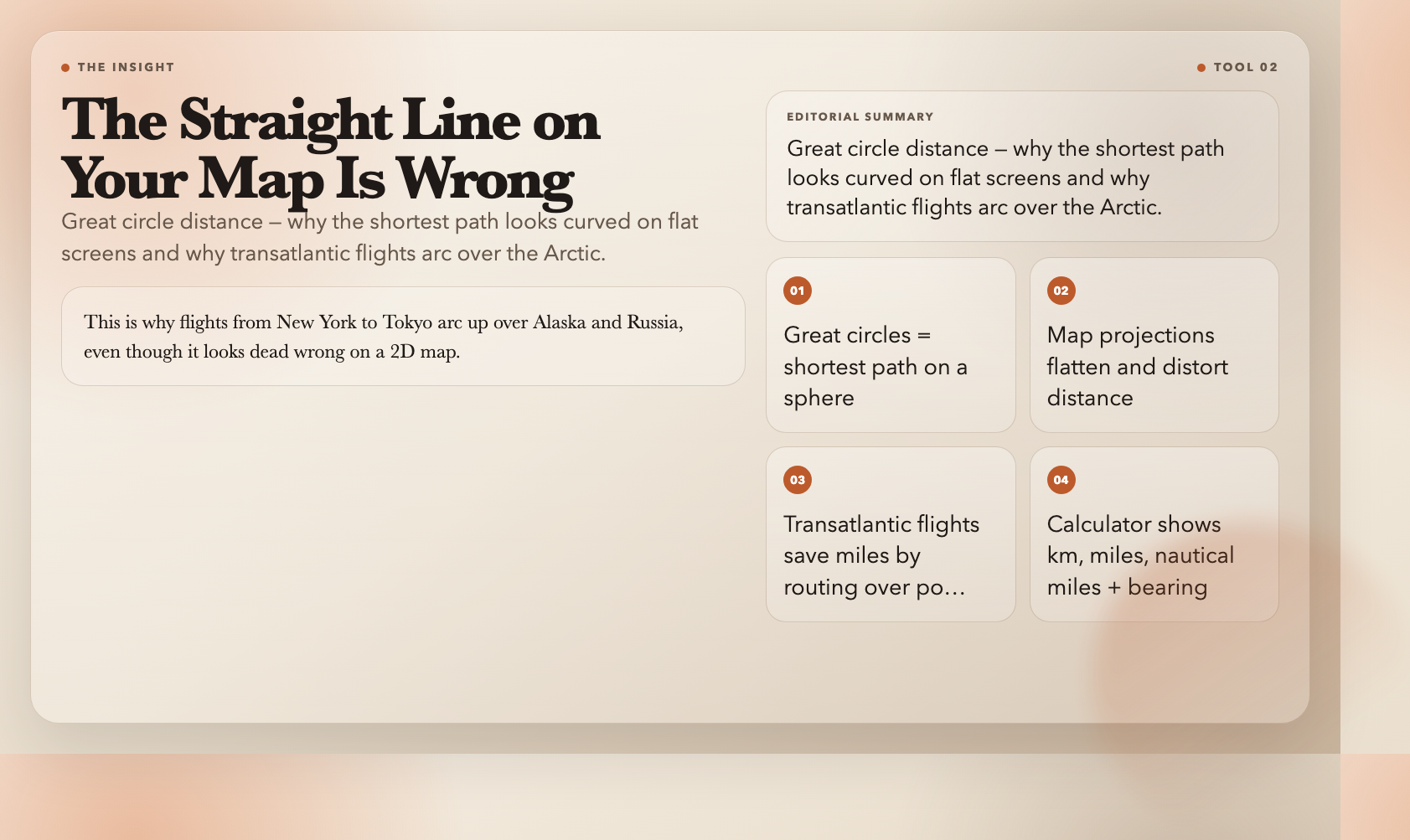
The route your map shows on a flat screen is an illusion.
The shortest path between two points on a sphere is a *great circle* — an arc that curves toward the poles. The map projection flattens it into something that looks like a diagonal line. This is why flights from New York to Tokyo arc up over Alaska and Russia, even though it looks dead wrong on a 2D map.
The Great Circle Distance Calculator takes two coordinate pairs and returns the shortest surface distance. Choose kilometers, miles, nautical miles, or meters. It also gives you the initial bearing — the compass direction at departure.
For navigation, aviation, ocean sailing, or GIS work, this is fundamental. The difference between great circle distance and the straight-line projection is small over short distances but grows dramatically over long ones. At the scale of a transatlantic flight, it’s the difference between routing over Greenland or over the Azores.
Try Great Circle Distance Calculator →
3. Rhumb Line Distance Calculator
Sailors didn’t always use great circles. For centuries, they favored a *rhumb line* — a constant compass bearing. The path looks longer on a map, but the heading never changes. No calculations mid-voyage. Just hold your course.
The Rhumb Line Distance Calculator shows you this alternative. For the same two points, it calculates the rhumb line distance (always longer than the great circle) and the constant bearing you’d hold.
The trade-off is precise: great circles save distance, rhumb lines save navigational complexity. Understanding *why* navigators chose what they did makes you think differently about what “shortest path” actually means.
Try Rhumb Line Distance Calculator →
4. Bearing Calculator
Two points. Which direction are you actually facing?
The Bearing Calculator answers this in five output formats: decimal degrees, DMS, compass direction (NNE, SW, WNW), NATO mils, or a full details view. It takes latitude and longitude pairs for start and end points.
Here’s the subtlety it exposes: the bearing along a great circle *changes* as you travel. The bearing this tool calculates is the *initial bearing* — the direction you’d face at departure. That’s the number pilots and navigators actually use.
A common misconception: if you’re walking northeast on a flat map, you’ll be walking northeast forever. On a sphere, you won’t. The bearing drifts unless you actively correct. This tool makes that concrete.
5. Midpoint Calculator
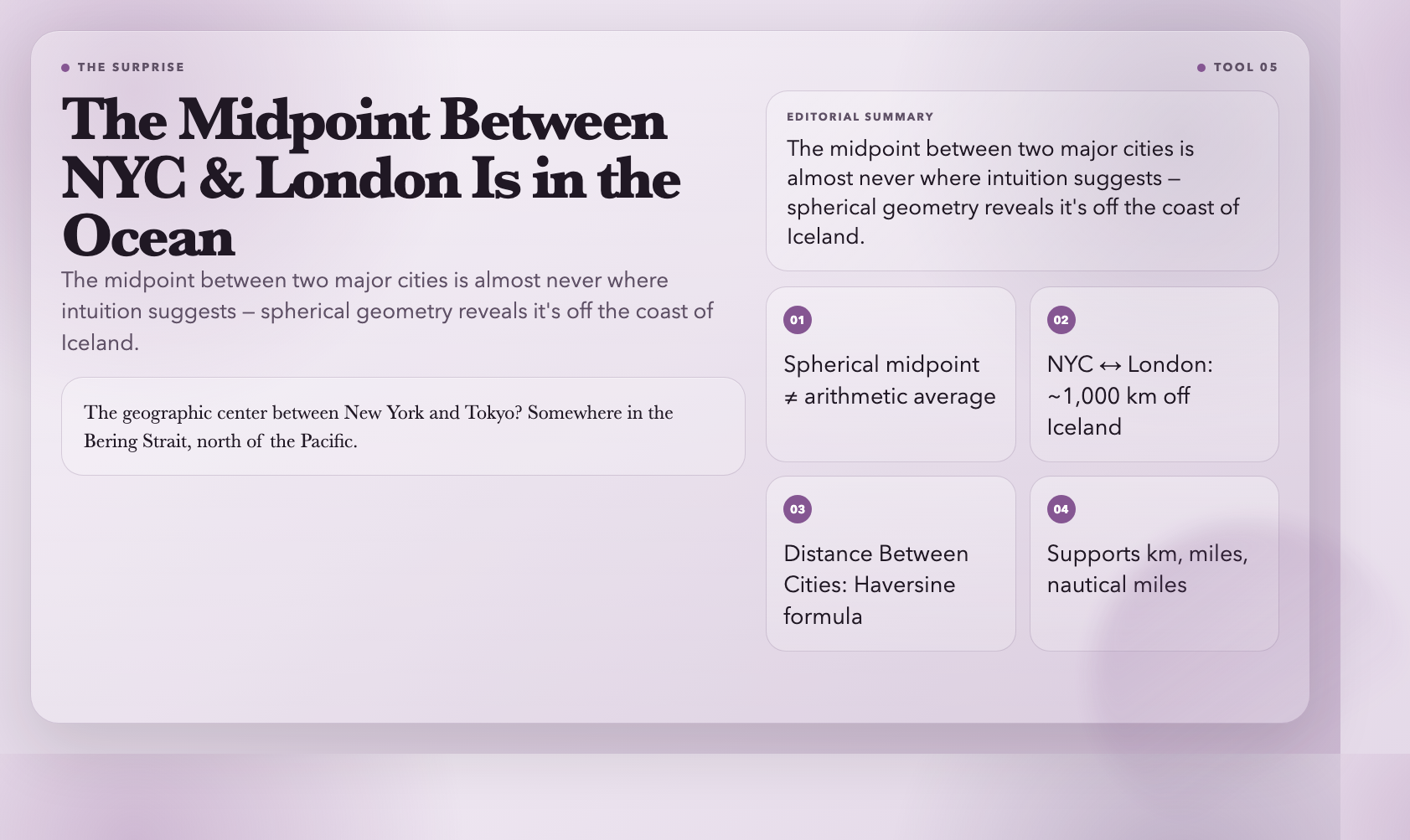
Where’s the exact halfway point between New York and London?
Intuition says somewhere in the Atlantic. That’s right — but the actual midpoint, calculated using spherical geometry, sits roughly 1,000 km off the coast of Iceland. Neither continent. The middle of the ocean.
The Midpoint Calculator computes this for any two coordinate pairs. It returns the result in decimal degrees, DMS format, or both, with configurable precision. The geographic center between New York and Tokyo? Somewhere in the Bering Strait, north of the Pacific.
This is the tool for trivia winners and geography enthusiasts. But it also demonstrates something genuinely useful: “halfway” on a sphere is almost never where you’d guess.
6. Area Calculator Map
Define a polygon with GPS coordinates. Get back its area and perimeter.
The Area Calculator Map accepts coordinate pairs in text or JSON format, then applies the Shoelace formula to compute area. Choose output in square meters, square kilometers, square feet, acres, or hectares. Perimeter comes back in meters, kilometers, feet, or miles.
A surveyor comparing three potential building sites. A farmer estimating fertilizer needs for a non-rectangular field. A city planner measuring park coverage for a grant proposal. You list the vertex coordinates, the tool does the math.
One practical note: for very large areas, planar approximations introduce meaningful error. The tool acknowledges this. For most real-world land areas — a property lot, a city park, a lake — the accuracy is fine.
7. Geohash Generator
GPS coordinates are precise but verbose. “40.7128, -74.0060” is hard to type, share, or fit into a short URL.
Geohash solves this by compressing coordinates into a short alphanumeric string. “ww8p1r4t” is roughly Central Park. “9q8yyk” is midtown Manhattan. The string length controls precision: 1 character gives ~±2,500 km, 12 characters gives ~±3.7 cm.
The Geohash Generator takes your coordinates, generates the hash, and shows you the bounding box it represents plus the error margin at that precision level. It’s also just satisfying to explore — type in your own coordinates and see what geohash the system assigns to your location.
Geohashes were invented for database indexing and geocaching. But once you understand them, you see spatial data differently — why systems use strings instead of coordinates, and what you sacrifice when you compress a point into a grid cell.
8. Geohash Decoder
The reverse. Paste any geohash, get back the decoded latitude, longitude, bounding box, and error margin.
This is the debugging tool. You see a geohash in a database field, an API response, or someone else’s code, and you want to understand what location it actually represents. Paste it in. It returns the center coordinates plus the bounding box — the area on the map that hash covers.
The error margin section is educational: shorter geohashes cover enormous areas. A 4-character geohash is accurate to roughly ±39 km. Whether that’s good enough depends entirely on your use case.
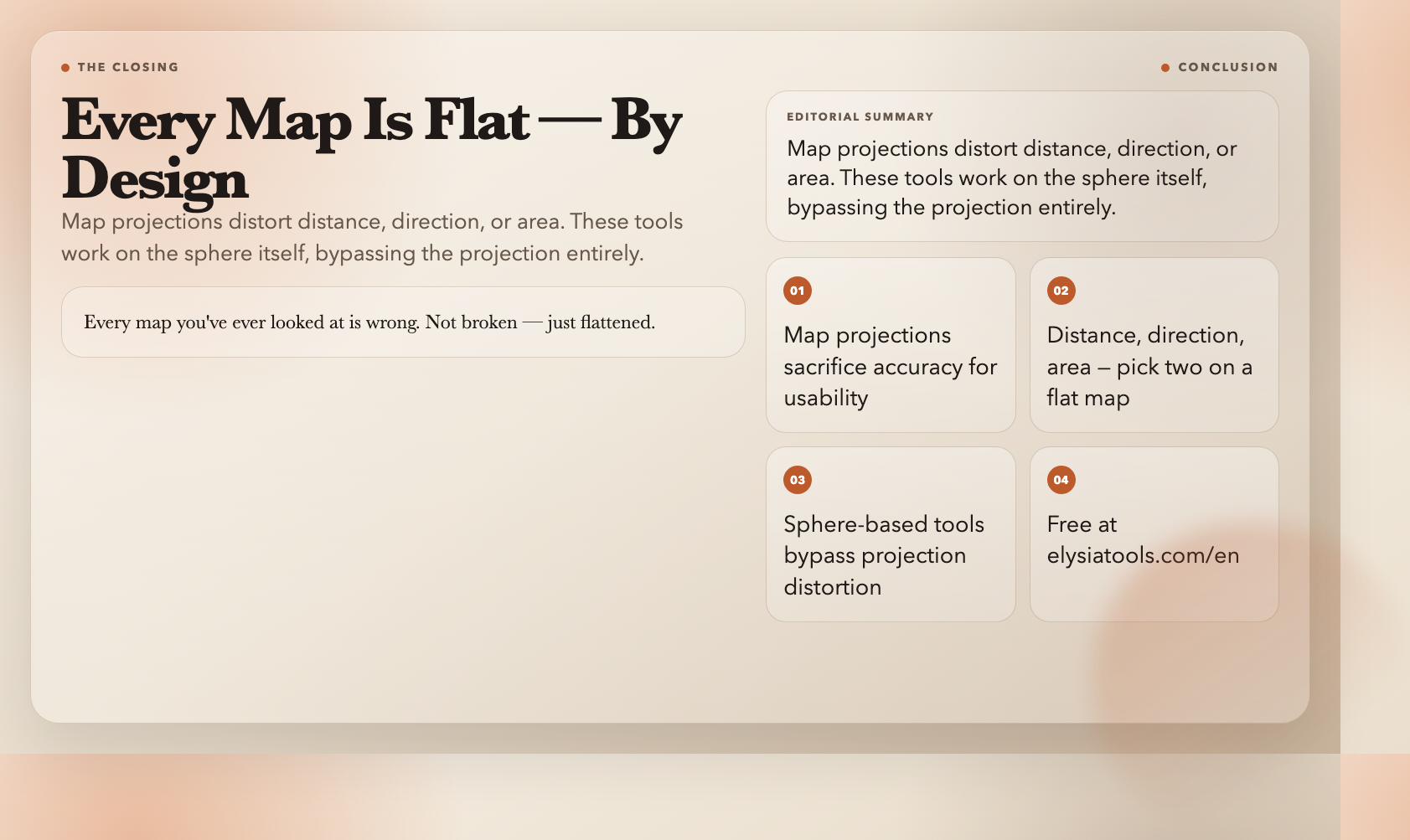
Here’s what these eight tools reveal if you use them long enough: every map you’ve ever looked at is wrong. Not broken — just flattened.
Map projections take a sphere and press it flat. Distance, direction, area — at least one of them gets distorted. The tools here work on the sphere itself, which means they bypass that distortion. That’s why the great circle route looks curved on your phone but is the actual shortest path.
This doesn’t make maps useless. It makes you smarter about what they’re showing you and what they’re hiding.
The full set is free at elysiatools.com/en.