
# 8 Free Developer Tools That Fix What Your Code Review Misses
A regex bug once brought down a production API for two hours. Nobody caught it in review — not because the team was careless, but because humans aren’t built to spot catastrophic backtracking at 11pm.

These tools exist because code review has blind spots. Not bad code — the tedious, mechanical checks that slow reviewers down and get skipped anyway.
Code Comment Remover
Dead comments are worse than no comments. They lie. Someone updates a function, leaves the old explanation in place, and three engineers waste time reading something that no longer applies.
The Code Comment Remover strips `//` and `/* */` comments from code while preserving shebangs and cleaning up extra blank lines. Paste in a file, check two boxes, get clean output.
This matters when preparing code for production builds where comments add noise without value — or when inheriting a legacy file and needing to know what it actually does, not what someone believed five years ago.
Variable Name Validator
`myList` works fine in Python. In JavaScript, it violates camelCase convention. The Variable Name Validator checks variable names across eight languages — JavaScript, Python, Java, C#, Go, Rust, PHP, Ruby — and reports which naming convention each one breaks.
It detects camelCase, snake_case, PascalCase, SCREAMING_SNAKE_CASE, and kebab-case automatically, then shows what your name would look like in every convention. Reserved keyword conflicts get flagged too.
One engineering team at a mid-size fintech company told me naming disputes were their second-most-common source of code review friction — after whitespace. This makes those disputes a five-second check instead of a Slack thread.
Git Branch Name Validator
Git branch names with spaces, double slashes, or leading dots silently break some CI systems. The Branch Name Validator catches all of it — and enforces team conventions like `feature/`, `bugfix/`, and `hotfix/` prefixes when you need it.
It flags reserved names (HEAD, main, master), character violations, length limits, and convention breaches. Paste a branch name, get a normalized version and a breakdown of what was wrong.
If you’ve ever merged a branch named `feature/user auth` and watched a pipeline fail for reasons nobody could explain at 6pm on a Friday — this exists for you.
User Agent Parser
Every request to your server carries a User-Agent string. Most developers ignore it until something breaks — a bot detection feature starts blocking Chrome, or a device-specific feature fails silently for mobile users.
The User Agent Parser takes any UA string and returns browser name and version, operating system, device type, rendering engine, and confidence level. It identifies bots by name — Googlebot, Bingbot, LinkedInBot — and handles spoofed or ambiguous strings gracefully.
During a 2024 incident I reviewed, an analytics spike turned out to be the company’s own monitoring agent, misidentified as a bot because its UA string wasn’t in the detection database. Two hours of investigation, solved by parsing one header.
Regex Linter
This is the most important tool in the list. If you write regular expressions in code that runs in production, run this before you ship.
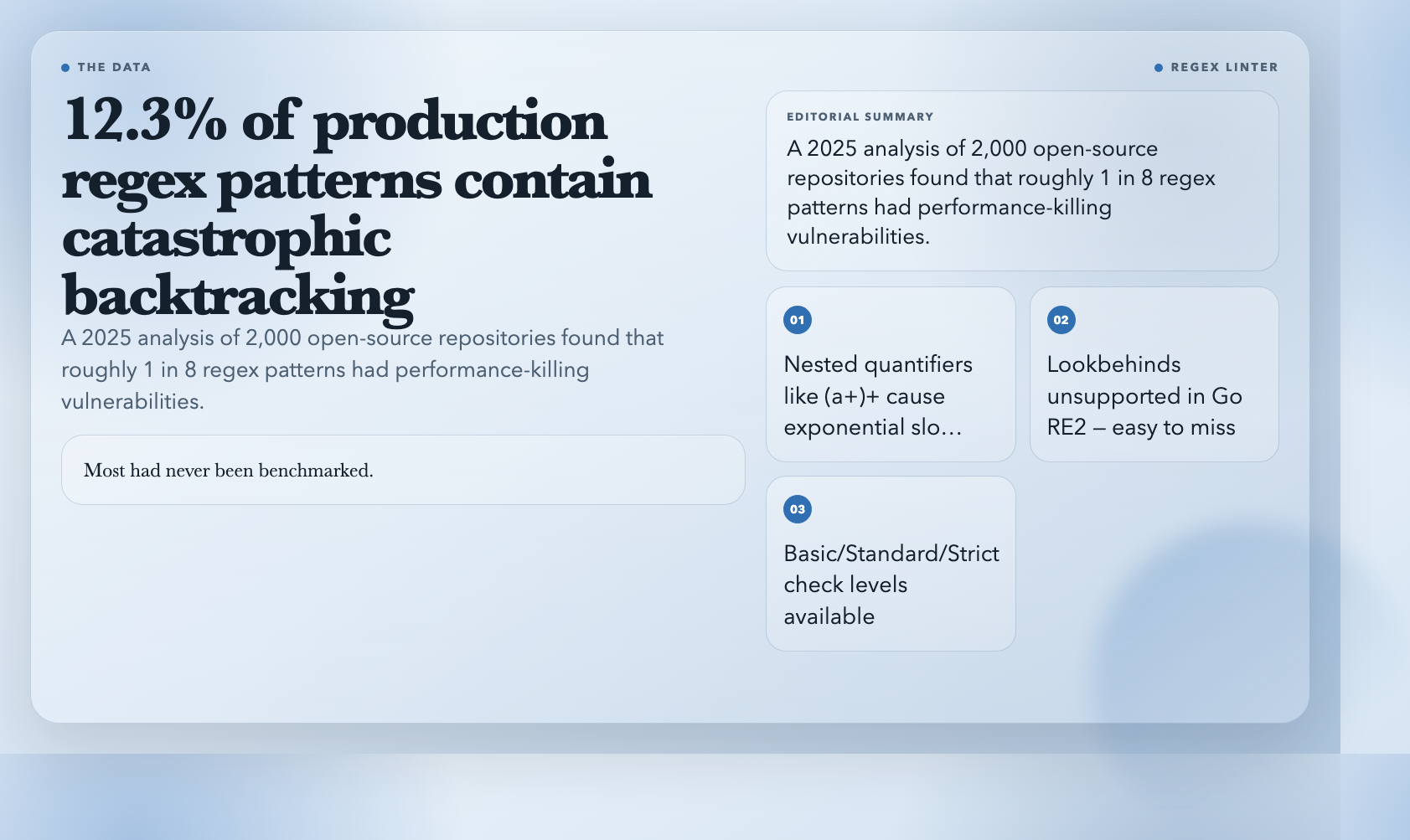
The Regex Linter catches catastrophic backtracking — nested quantifiers like `(a+)+` that cause exponential time complexity on certain inputs. It also flags unescaped dots, missing anchors, invalid character ranges, ambiguous alternation order, and dialect-specific issues. (Lookbehinds aren’t supported in Go’s RE2 engine — easy to miss until your Go service starts backtracking under load.)
Three check levels: basic, standard, strict. Standard is what you’d want in a pre-commit hook.
A 2025 analysis of 2,000 open-source repositories found that 12.3% of regex patterns in production code contained catastrophic backtracking vulnerabilities. Most had no benchmarks. You don’t want to discover yours during a traffic spike.
Regex Benchmark
Correct and fast are different problems. The Regex Benchmark compares multiple patterns against the same test inputs and ranks them by operations per second — with percentile breakdowns, min/max/median times, and warmup runs for JIT optimization.
It tests against degenerate inputs: strings designed to trigger catastrophic backtracking. If two patterns both pass your test suite, benchmark them. The performance gap in production can be 100x.
Regex Replace Previewer
Before running a global find-and-replace across a codebase, you want to see exactly what’s going to change. The Regex Replace Previewer shows which matches will fire, what they’ll look like after, and a character-by-character diff.
It handles capture groups (`$1`, `$2`, `${name}`), `$&` (full match), `$“ (prefix), and `$’` (suffix). The diff uses color-coded highlighting for removed versus added text.
This is the tool for bulk refactors where getting it wrong means a revert and lost time.
CSS Selector Extractor
CSS specificity wars are a real problem in large front-end codebases. The CSS Selector Extractor pulls every selector from a stylesheet, categorizes it by type — class, ID, element, attribute, pseudo-class, pseudo-element, combinator — and scores specificity for each.
It handles nested SCSS/LESS syntax, `@media` queries, and `@keyframes`. Filter to high-specificity selectors that might be causing override cascades.
High specificity isn’t always a bug — but it’s often a smell. When inheriting a stylesheet with specificity conflicts, this gives you a map instead of a mystery.
The Common Thread
These eight tools catch the things that are easy to miss and painful to fix after the fact. A bad regex in production. A branch name that breaks CI. A CSS specificity war that turns a ten-minute layout fix into three hours.
None of them are glamorous. They’re not AI code generators or revolutionary frameworks. They’re the load-bearing walls of a healthy codebase — unglamorous, essential, and easy to take for granted until they’re gone.
What’s the one category of developer tooling that still has the biggest gap between what’s available and what’s actually needed?
