# 4 Free Accessibility Tools Every Designer Needs Before Shipping
Here’s a number that stopped me mid-sprint: 1.3 billion people worldwide live with some form of disability. That’s roughly one in six people. If your last five shipped interfaces didn’t account for that, you’re gambling every single day—and most designers are, because checking accessibility manually is slow, tedious, and easy to skip.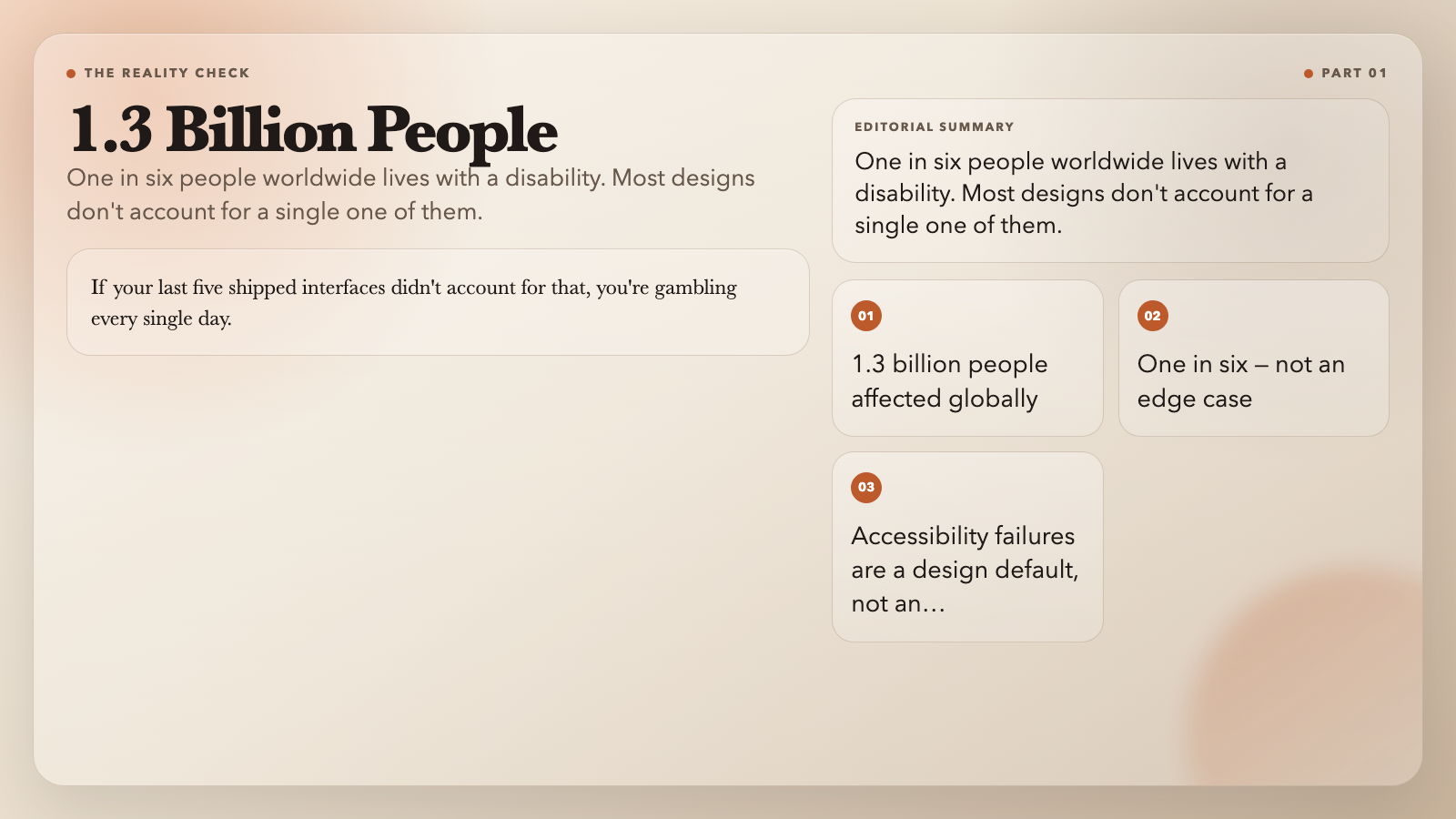
Four free browser-based tools take most of that friction away. Each one does one thing well: audit a palette, simulate how a color pair reads to someone with color-vision deficiency, generate a heatmap of low-contrast regions, or scan a page for common WCAG violations. Run them before your design ships, not after.
—
Accessible Color Palette Contrast Checker
What it does: Drop in your brand palette—hex codes or named values—and the tool checks every foreground/background combination against WCAG 2.1 thresholds (AA Normal 4.5:1, AA Large 3:1, AAA Normal 7:1). For any failing pair, it tells you exactly how much to darken or lighten the foreground to pass.
Why it matters: Design tokens live for months. A color that seemed fine on a white background becomes a liability when your marketing team slaps it on a photo. This tool runs the full combinatorial audit once and gives you a ranked list of adjustments—not just “fail” but “lighten foreground by 12%.”
Use case: You have a brand palette with four primary colors. You want to know which foreground/background combinations fail WCAG AA before developers build components around them. Paste the palette in, pick your target level, and get back a ranked list of failing pairs with specific patch instructions that a developer can apply directly.
Accessible Color Palette Contrast Checker →
—
Color Vision Accessibility Checker
What it does: Enter a foreground and background color, and the tool shows you how that pair looks under five vision modes: normal, protanopia (red-blind), deuteranopia (green-blind), tritanopia (blue-blind), and achromatopsia (total color blindness). The contrast ratio is recalculated after each simulation, so you know whether a pair that passes in normal vision fails for someone with color-vision deficiency.
Why it matters: Roughly 8% of men and 0.5% of women have some form of color-vision deficiency. A green “confirm” button on a red error state looks obviously distinct to most people—and is nearly invisible to someone with deuteranopia. This tool makes that discrepancy visible in under 30 seconds.
Use case: You’re designing form validation states—red for error, green for success. Before committing to that palette, run both through the checker. If the contrast drops below 4.5:1 under any simulation, adjust the colors before a single line of code is written.
Color Vision Accessibility Checker →
—
Accessibility Heatmap Generator
What it does: Upload a UI screenshot or paste HTML with inline colors. The tool samples local color tiles across the image (or parses inline styles) and generates a heatmap overlay that highlights regions falling below the WCAG threshold you select—red means risky, clear means compliant. It also suggests patch colors for each flagged region.
Why it matters: Layer-based contrast checkers in Figma and Sketch only evaluate individual layers. This tool sees the whole composition as a user would—context, adjacency, stacking included. Low contrast often hides *between* elements, not inside them. A dark gray label on a medium gray card background will pass a layer inspector and fail an actual readability check.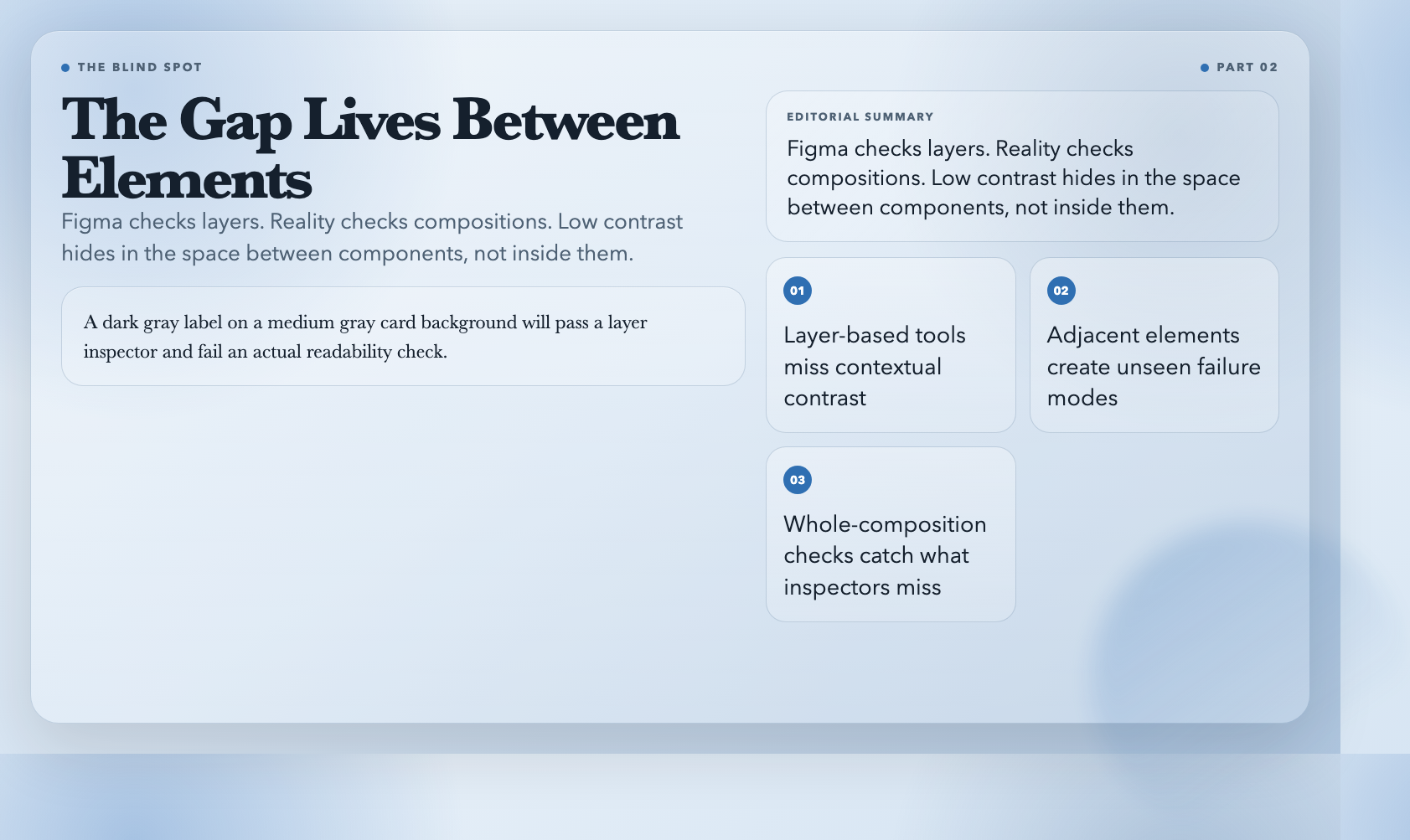
Use case: You finished a dashboard mockup. Before sending it to engineering, run the PNG through the generator. In under a minute you have a red-overlay heatmap that tells you exactly which regions need attention—and in HTML mode, suggested patch hex values you can paste directly into your stylesheet.
Accessibility Heatmap Generator →
—
Accessibility Checker
What it does: Paste HTML, enter a live URL, or upload a design image. The tool scans for five of the most common WCAG violations: missing alt text on images, links with no accessible name, buttons with no label, form fields without associated labels, and inline contrast violations. For images, it runs a palette-based heuristic to flag likely low-contrast color pairs before you’ve even written a line of code.
Why it matters: In 2019, a major airline was fined $150 million for a website that screen readers couldn’t navigate. In 2021, a major e-commerce platform settled a lawsuit over inaccessible checkout flows. Empty alt attributes, unlabeled icon buttons, and missing form labels aren’t edge cases—they’re the exact patterns courts and regulators target.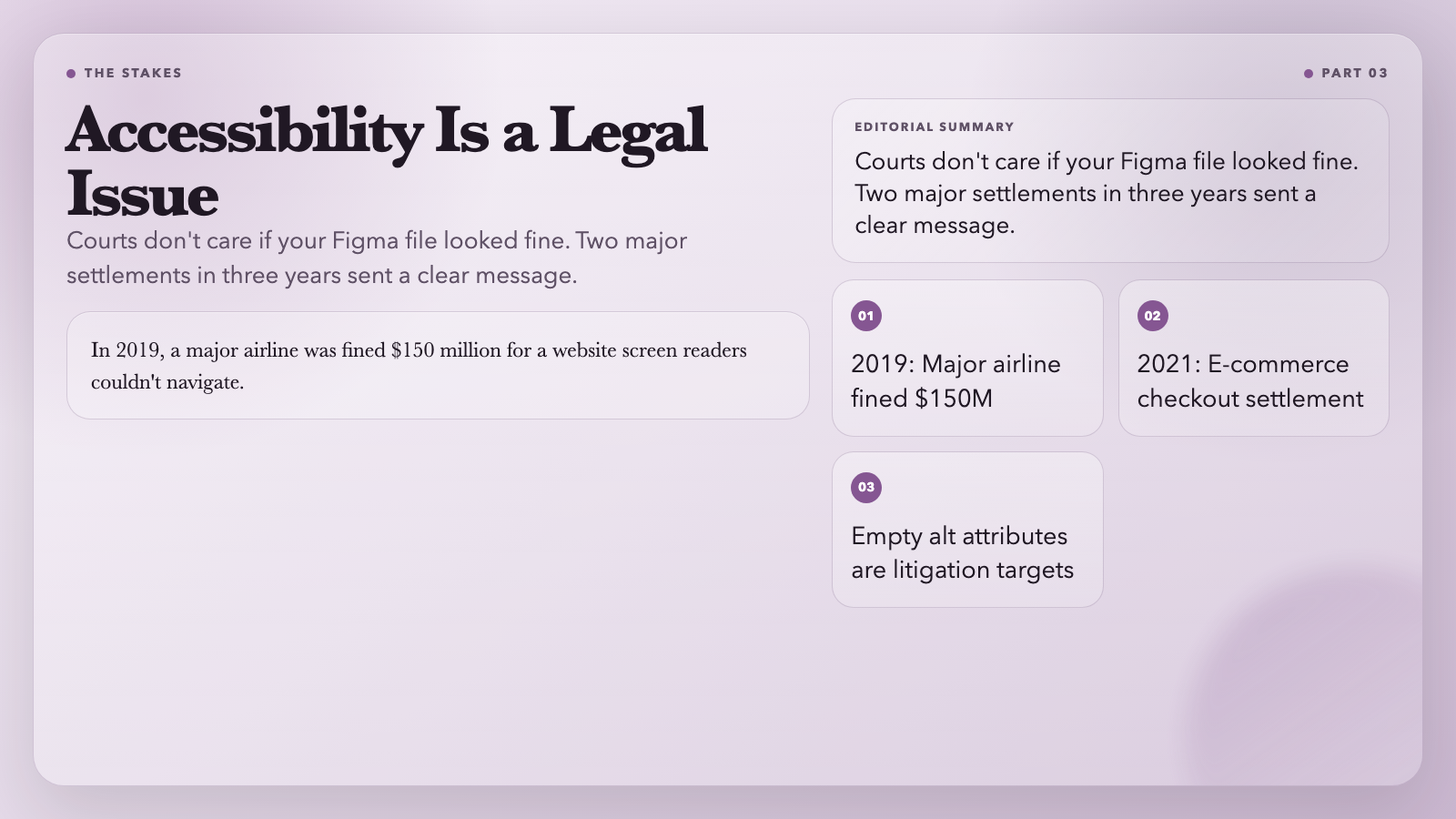
Use case: Before you write the PR description for that new landing page, paste the HTML into the checker. It takes two minutes and might save you a post-launch accessibility audit—or worse, a legal exposure report.
Accessibility Checker →
—
What These Tools Won’t Do
These four tools handle the measurement. What they can’t do is make the judgment call: *should this be a button or a link?* *Is this icon label redundant, or is it the only thing making this control readable?* The distinction between a `
What they *will* do is remove the excuse. If you’re shipping without running at least one of these, you’re making a choice—and now you know it. Run them before your design ships, not after. One in six of your users will notice the difference, even if they can’t explain why.