5 Free Tools to Find SQL Injection and XSS Before Hackers Do
A hacker once told me the easiest way into most web apps is the login form.
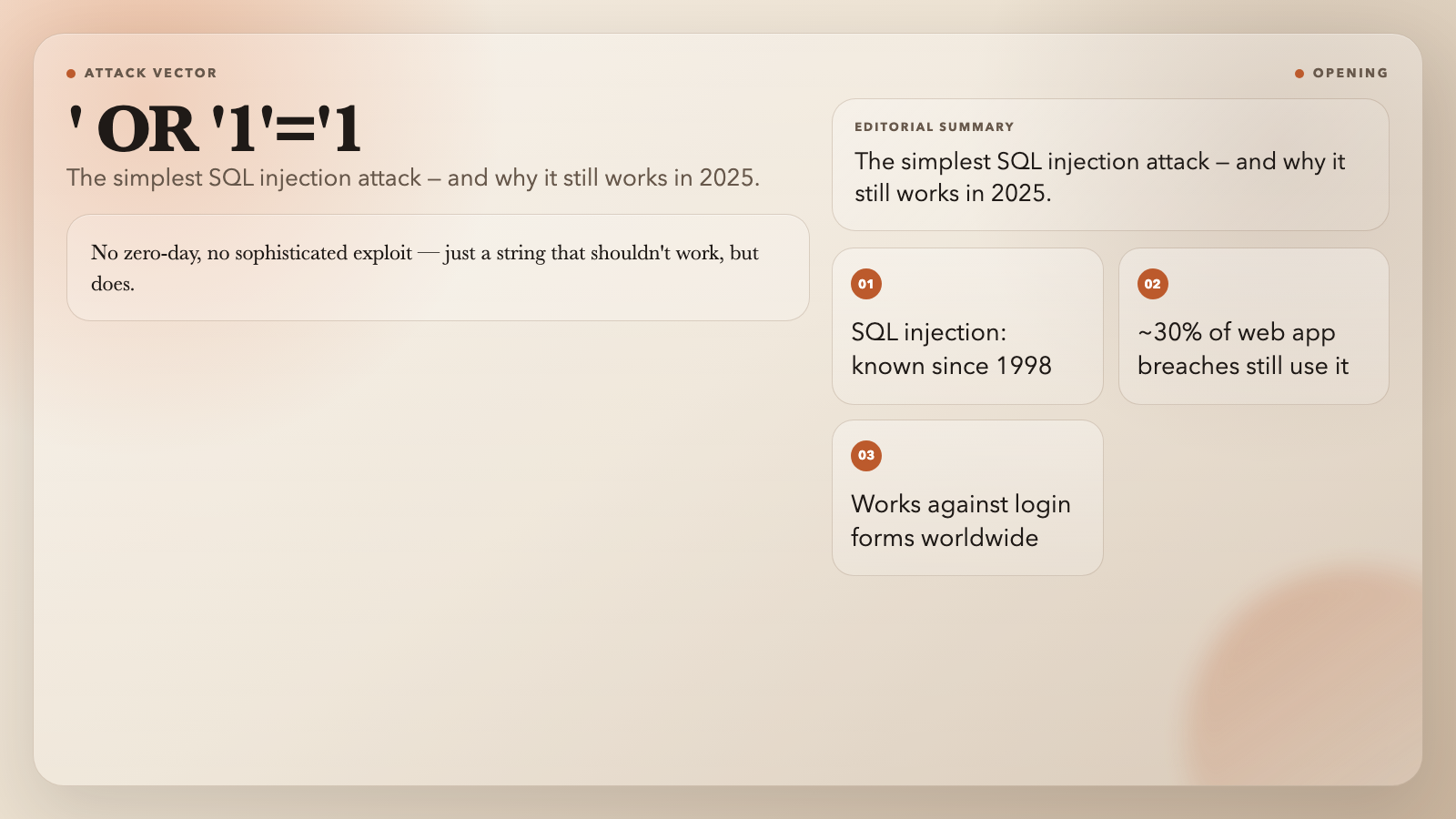
You type ' OR '1'='1 in the username field, hit Enter, and you’re in. No zero-day, no sophisticated exploit — just a string that shouldn’t work, but does. SQL injection has been a known vulnerability since 1998. It still shows up in breach reports in 2025, behind roughly 30% of web application attacks.
The same goes for cross-site scripting (XSS). It doesn’t need a sophisticated attack chain. Drop a tag in a comment field, and you can hijack any user who views the page.
These vulnerabilities hide in codebases everywhere — not because developers don’t care, but because they’re hard to spot by reading your own work. Here are 5 free tools that find them for you.
1. SQL Injection Detector
This tool scans text for over 40 known injection patterns. It catches OR-based attacks (' OR '1'='1), UNION SELECT statements, stacked queries that DROP tables, time-based blind injection using SLEEP() or WAITFOR DELAY, and hex-encoded payloads that slip past naive filters.
You feed it your input text, choose Quick Scan or Full Scan, and get a line-by-line breakdown of every suspicious pattern. Quick Scan handles the most common real-world payloads. Full Scan goes through the entire pattern library.
Security teams use it for penetration testing. Developers use it as a final check before deployment. You can also scan server logs for attempted attacks — if your logs are full of ' and UNION SELECT, you have a problem whether or not the attack succeeded.
Tool: SQL Injection Detector — Free, no signup required.
2. XSS Payload Detector
XSS doesn’t just break your app — it can steal cookies, redirect users, and rewrite your page from inside the browser.
The XSS Payload Detector finds these vectors across 10 categories. It catches script tags, event handlers (onerror, onload, onclick), dangerous protocols (javascript:, vbscript:), iframe injections, SVG payloads, and even encoded attacks that hide as URL encoding (%3Cscript%3E) or HTML entities (<script>).
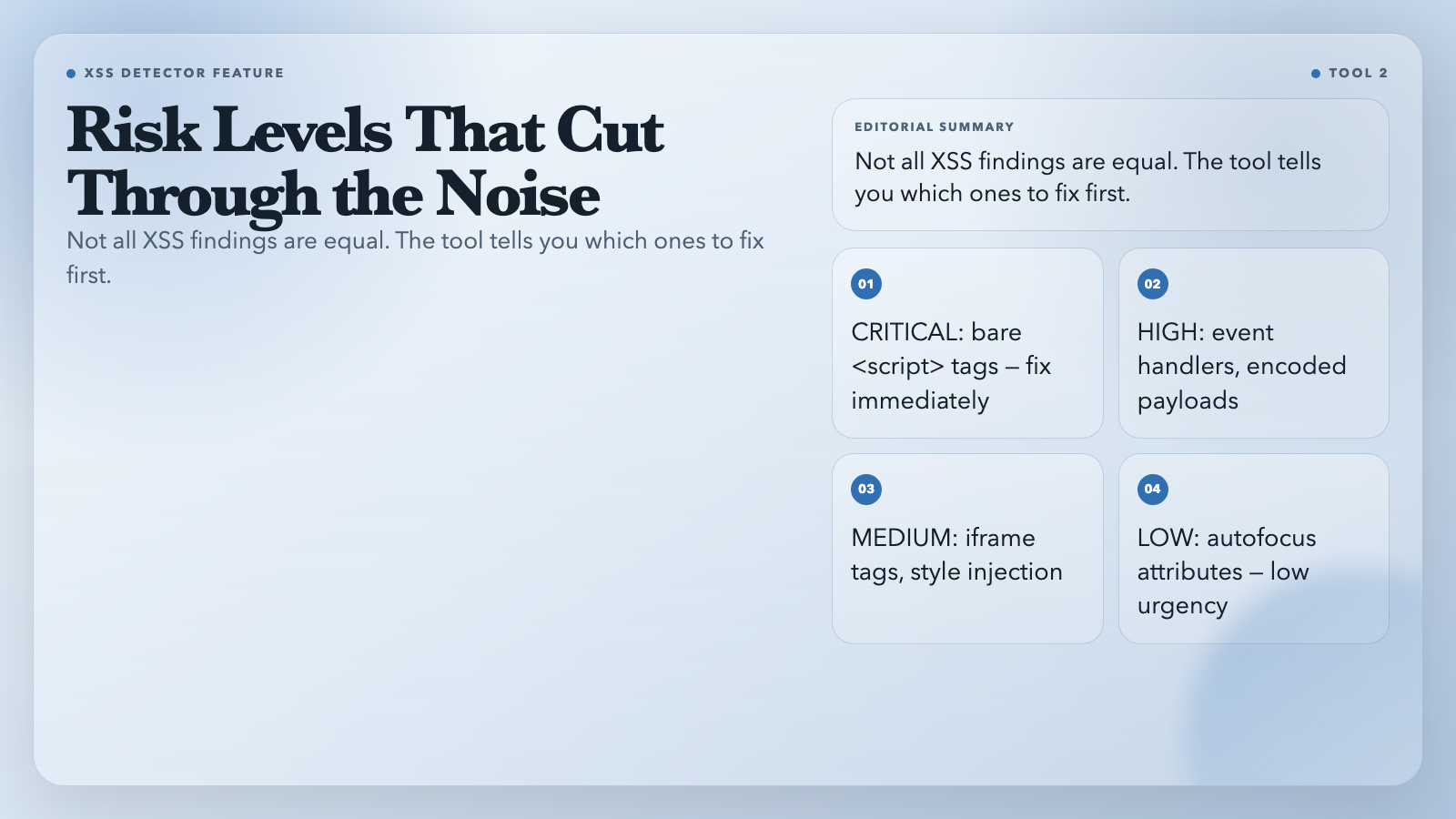
What makes it useful is risk-level classification. A bare tag gets flagged CRITICAL. An autofocus attribute gets flagged LOW. This means you fix the CRITICAL findings first, without wading through noise.
It also decodes obfuscated payloads before flagging them. If someone sends a payload that looks harmless in its encoded form, the tool decodes it and shows you what’s underneath.
You can scan user-generated content, chat logs, API payloads, or any text field that accepts untrusted input.
Tool: XSS Payload Detector — Free, multilingual support.
3. Regex Linter
Bad regex doesn’t just fail — it hangs. A poorly written pattern like (a+)+$ can trigger catastrophic backtracking, freezing the regex engine for seconds or minutes on certain inputs. An attacker who finds one of these in your app can crash it on demand.
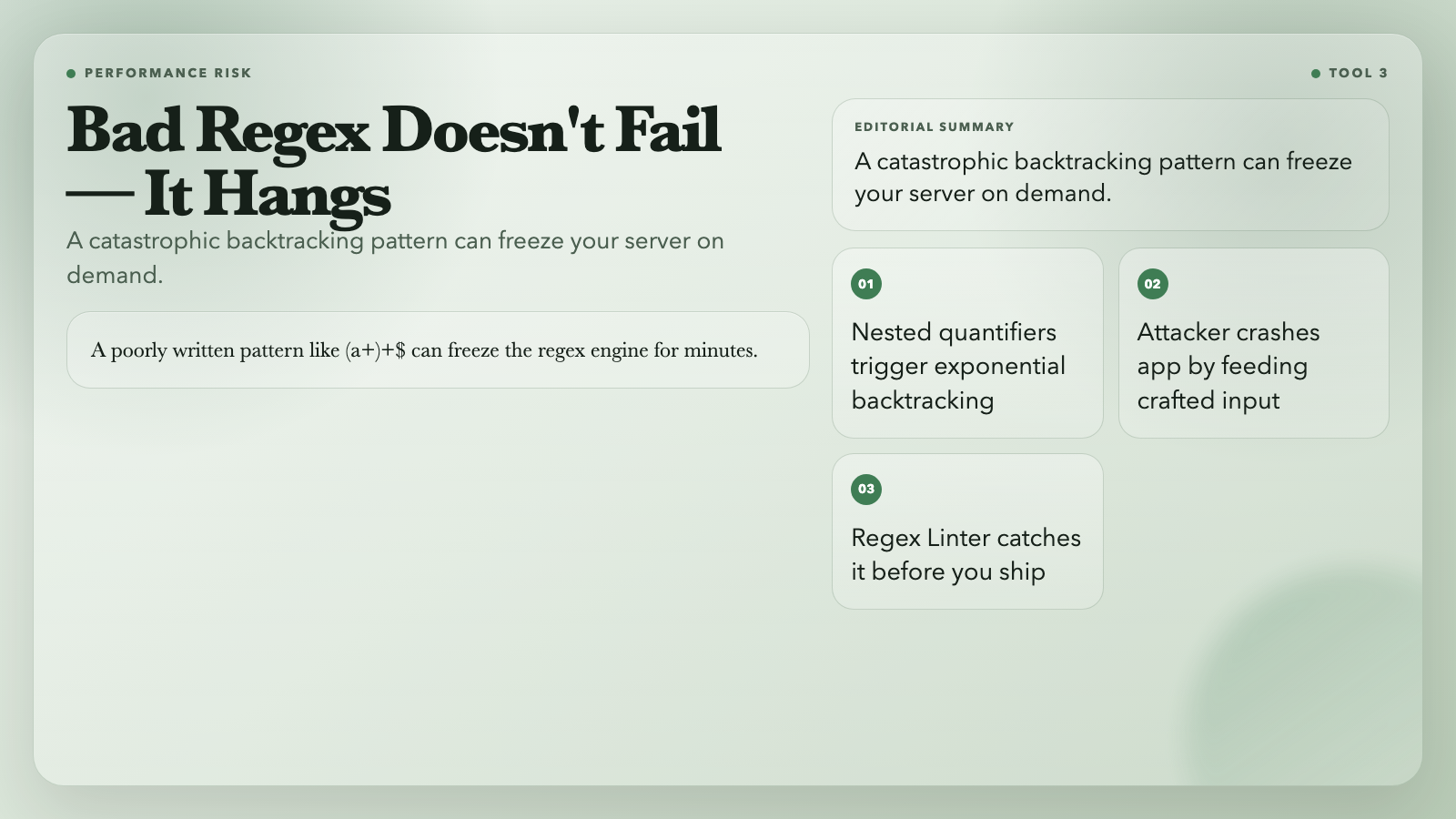
The Regex Linter catches these patterns before they ship. It detects nested quantifiers, unanchored patterns, catastrophic backtracking risks, and missing escape sequences. It flags the performance killers and tells you what to use instead.
You paste your pattern and get instant feedback. No false positives about patterns that are slow but fine — only patterns that genuinely cause problems.
This matters in any code that runs regex on untrusted input at scale: validators, parsers, routers, log processors.
Tool: Regex Linter — Free, JavaScript regex syntax.
4. Regex Benchmark
Sometimes you have two regex patterns that both work, but one is faster. Which one do you use?
Regex Benchmark answers that question precisely. You enter multiple patterns and a set of test inputs, then the tool runs each pattern through thousands of iterations with a warmup phase that accounts for JavaScript engine optimization.
It returns average time, min/max, median, and operations per second. It ranks patterns against each other — fast, medium, slow, or very slow. If one pattern is 50x slower than the alternative, you’ll see it immediately.
The tool also tests each pattern against known degenerate cases — inputs engineered to trigger exponential backtracking. A pattern that passes all functional tests might still collapse on a specific edge case. The benchmark surfaces this.
Tool: Regex Benchmark — Free, no signup.
5. PII Finder
Not all security failures come from hackers. Some come from a support ticket containing a customer’s credit card number, sitting in a plaintext log file that someone emails to a third party.
PII Finder scans text and logs for personally identifiable information — email addresses, phone numbers, national IDs, credit card numbers. It annotates each occurrence with its type and position in the text, so you know exactly what needs to be redacted.
This tool is for compliance audits, log reviews before sharing, and catching accidental data exposure in your codebase. It finds API keys and tokens too, which is useful before you commit code to a repository.
Tool: PII Finder — Free, multiple data types.
The Gap Between Knowing and Doing
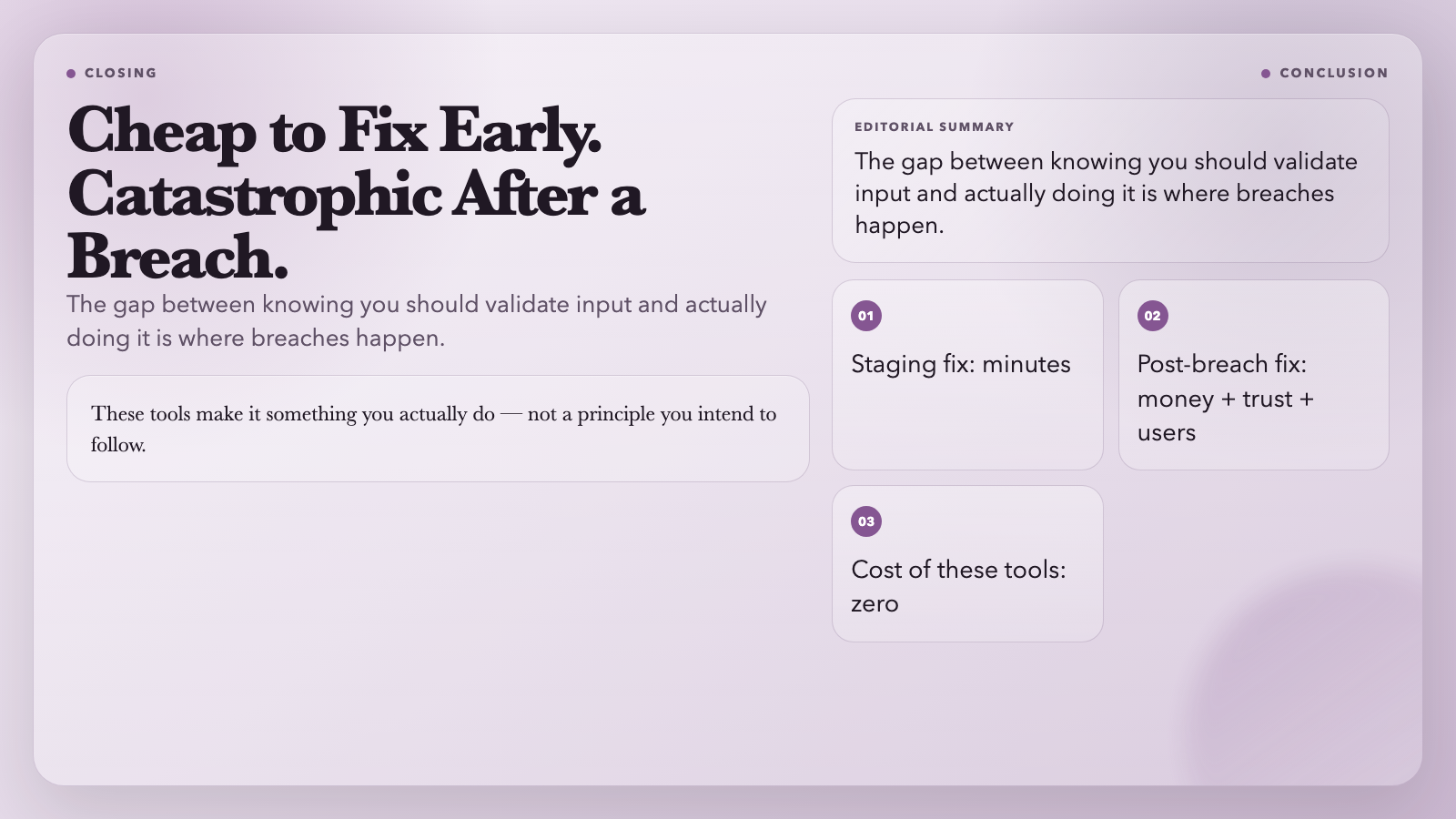
There’s a pattern in security: vulnerabilities are cheap to fix early, expensive to fix after a breach. A SQL injection caught in staging takes minutes. The same flaw found after it was exploited costs money, reputation, and user trust — often all three.
These tools won’t make your app impenetrable. They catch the obvious stuff: the payloads that anyone could find with a quick scan, the regex patterns that hang on certain inputs, the PII sitting in a log file. The boring, low-hanging vulnerabilities that still cause most real-world breaches.
Most developers already know they should validate input. These tools make it something you actually do — not a principle you intend to follow.
All tools listed are free to use at ElysiaTools. No account required.