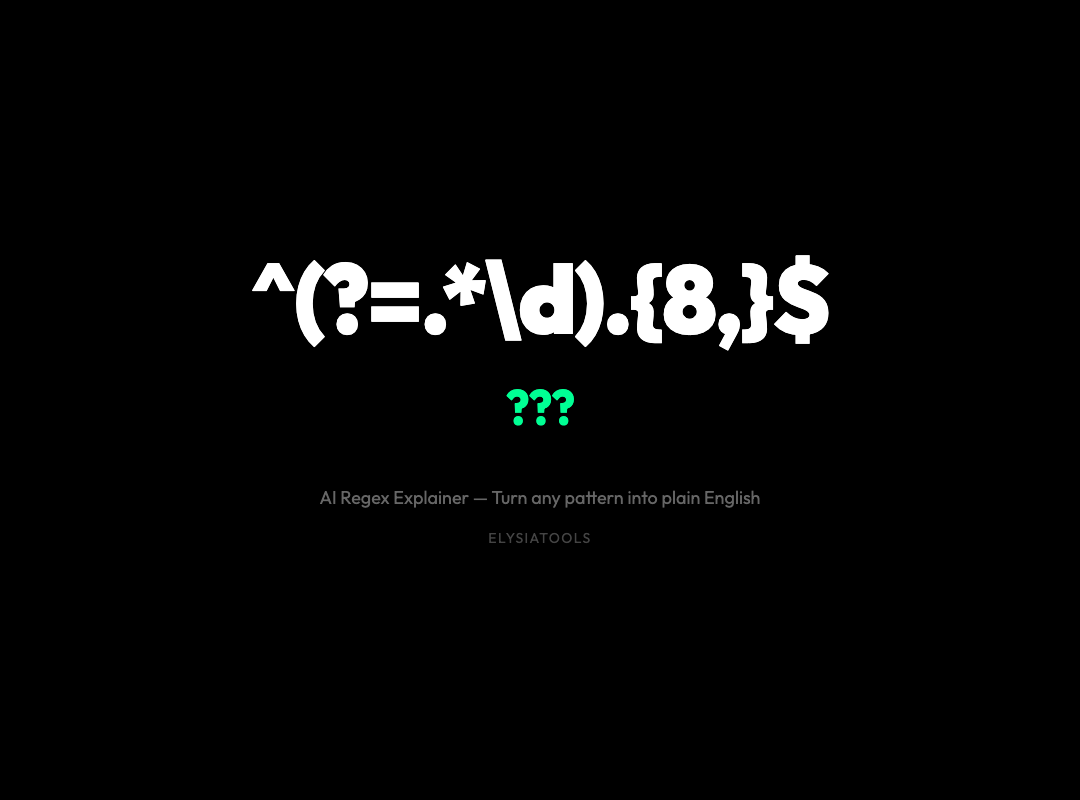
Why Your Regex Patterns Are a Mystery to Everyone — Including You
You’ve written it. That regex pattern you promised yourself you’d understand “later.” Six months later, it still looks like ancient Sanskrit. ^(?=.[A-Z])(?=.[!@#$&])(?=.[0-9].*[0-9]).{8,}$ — what dark sorcery is this?
The truth is, regular expressions are one of the most powerful tools in a developer’s arsenal, and simultaneously one of the least legible. They solve problems in a single line that would otherwise require pages of string-manipulation code. But that compactness comes at a cost: they become write-once, read-never artifacts.
The AI Regex Explainer on ElysiaTools changes that equation entirely.
What This Tool Actually Does
At its core, the AI Regex Explainer takes any regular expression and breaks it down into something a human being can actually reason about. You paste a pattern like ^(?=.[a-z])(?=.[A-Z])(?=.*d)[a-zA-Zd]{8,}$ — a common password validation rule — and the tool hands you back a structured explanation.
It tells you segment by segment: “This is an anchor at the start of the string. This is a positive lookahead checking for a lowercase letter. This is another lookahead checking for an uppercase letter. This quantifier requires at least 8 characters.” Every component, every assertion, every quantifier — explained with its exact character position in the pattern.
But the explanation goes deeper than just parsing. The tool evaluates complexity on a four-point scale: simple, moderate, complex, and very-complex. That rating alone tells you whether you’re dealing with a quick validator or a pattern that deserves extra scrutiny.
The Dialect Problem Nobody Warns You About
Here’s a fact that trips up experienced developers constantly: not all regex engines are created equal. A pattern that works perfectly in Python might silently fail in JavaScript. Features like lookbehind assertions, named capturing groups, and atomic groups behave differently across languages — or aren’t supported at all.

The AI Regex Explainer checks your pattern against five major regex dialects: JavaScript (ES2018+), Python (3.7+), PCRE (used in PHP and R), Go (RE2), and Java (java.util.regex). For each dialect, it tells you exactly which features will work, which require newer versions, and which are fundamentally unsupported.
Consider lookbehind assertions — the (?<=...) and (?<!...) patterns that let you assert something about the text before your match without including it in the match. In JavaScript, these require ES2018 or later. In Go’s RE2 engine, they’re not supported at all. The AI Regex Explainer catches these cross-dialect issues automatically, so you don’t discover them when your code fails in production.
Catastrophic Backtracking: The Silent Production Killer
Some regex patterns don’t just fail to match — they bring your server to its knees. Catastrophic backtracking occurs when a poorly constructed pattern causes the regex engine to explore an exponential number of paths through the input string. A pattern like (a+)+b matched against a string of a’s with no trailing b can hang a Node.js process indefinitely.

The AI Regex Explainer actively scans for these patterns. It flags nested quantifiers, backreferences combined with quantifiers, and other constructions known to cause pathological behavior. This isn’t just theoretical — catastrophic backtracking has been responsible for real-world outages at major companies. Getting this warning before deploying a pattern could save you from a 3 AM incident.
Real-World Example: Decoding a Common Email Validator
Let’s walk through a real pattern you might encounter in the wild:
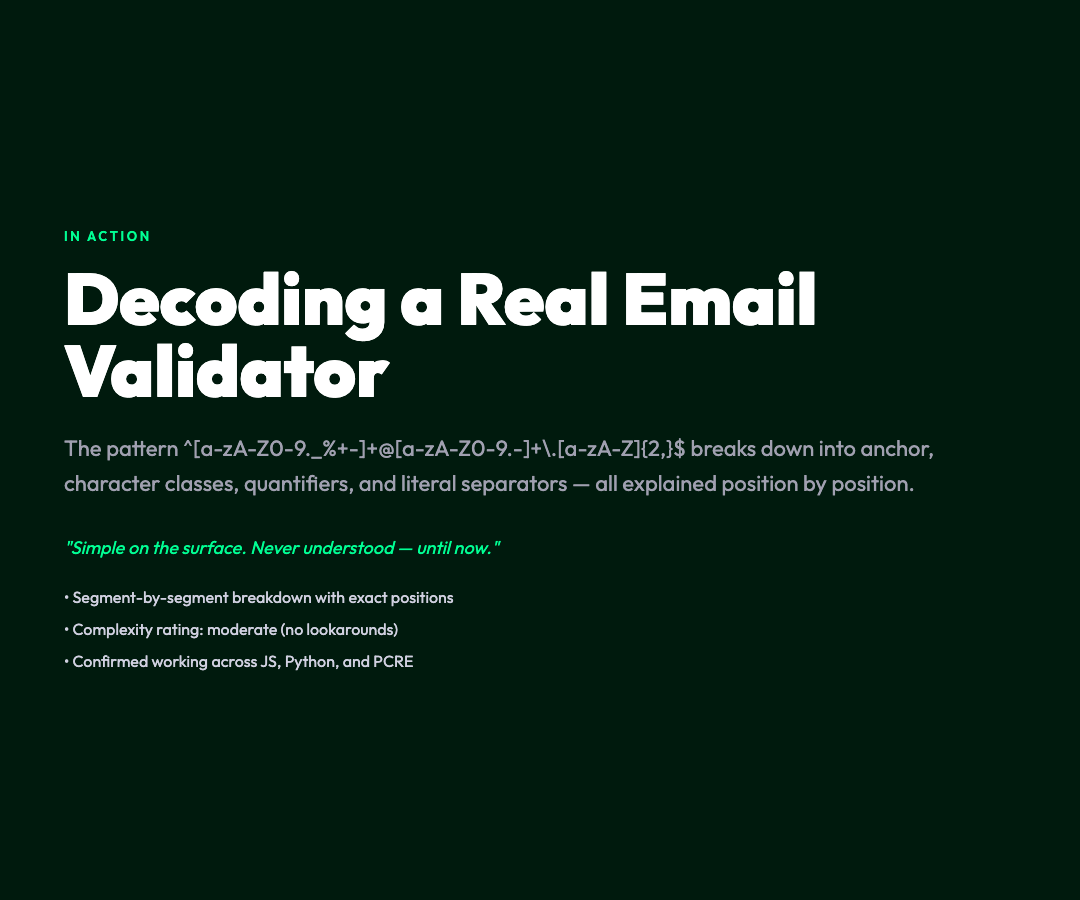
^[a-zA-Z0-9._%+-]+@[a-zA-Z0-9.-]+.[a-zA-Z]{2,}$
Paste this into the AI Regex Explainer and you get:
The first segment ^ means the match starts at the beginning of the string. Then [a-zA-Z0-9._%+-]+ captures one or more allowed characters in the local part of an email address — letters, numbers, dots, underscores, percent signs, plus signs, and hyphens. The @ symbol is a literal character separator. Next, [a-zA-Z0-9.-]+ captures the domain name’s allowed characters. Finally, .[a-zA-Z]{2,}$ matches a dot followed by a top-level domain of at least two letters, anchored to the end of the string.
The tool also tells you this is a “moderate” complexity pattern — no lookarounds, no backreferences, just straightforward character classes and quantifiers. And it confirms the pattern works consistently across JavaScript, Python, and PCRE.
When the AI Explanation Makes the Difference
For straightforward patterns, the structural breakdown is enough. But for complex expressions — especially those written by others, or by yourself more than a few months ago — the AI-powered explanation adds genuine value. When you enable the AI explanation option, DeepSeek V3.2 generates a natural-language description that goes beyond component identification into intent and behavior.
Imagine you’re debugging a legacy codebase and encounter a pattern like:
^(?!(?:admin|root|user)b)[a-zA-Z][a-zA-Z0-9_-]{2,15}$
The structural breakdown tells you it’s a negative lookahead preventing certain words, followed by a character class and quantifier. The AI explanation tells you this pattern is specifically designed to reject usernames “admin,” “root,” and “user” while allowing other valid usernames between 3 and 16 characters — and flags the lookahead as a “complex” feature that requires ES2018+ in JavaScript.
That’s the difference between understanding what a pattern does and understanding why it was written that way.
Using the Tool
The AI Regex Explainer is available free at ElysiaTools. No account required — just paste your pattern, choose your target dialect, and get your explanation.
The interface gives you full control: you can toggle example generation on or off, enable or disable dialect comparison, and choose whether to use AI-powered explanations. The defaults are sensible — most of the time, you just paste and read.
If you’re working with regex patterns in multiple languages, the multi-dialect view alone is worth bookmarking. Run the same pattern through JavaScript, Python, and Go targets in three tabs, and you’ll immediately see where your pattern’s portability breaks down.
The Takeaway
Regular expressions will never be truly easy to read. That compactness that makes them powerful is also what makes them opaque. But the tools that help us understand them have been primitive for too long — we deserve better than comment lines that say “// matches email addresses” above a pattern that actually validates something subtly different.
The AI Regex Explainer is what regex tooling should have been all along. It doesn’t just parse your pattern — it translates it. And for anyone who has ever stared at a regex written six months ago and felt genuine panic, that translation is invaluable.