The Hidden Dimension of Sound: What a Spectrogram Reveals That Your Ears Can’t Catch
Every sound you hear exists in two worlds at once. There’s the world you experience — the melody, the rhythm, the human voice — and there’s a parallel universe of frequency and time that your ears detect but your brain never consciously processes. A spectrogram is a window into that invisible dimension. And now, with a free browser-based tool, anyone can open it.
What Is a Spectrogram, Anyway?
Most people have seen a spectrogram without knowing what it was. It’s that colorful, wave-like image that appears in audio editors, music production software, and noise-canceling app interfaces — a horizontal rectangle filled with shifting colors, where the horizontal axis represents time, the vertical axis represents frequency, and color intensity represents volume.
The principle is elegant. When you record sound and run it through a Fourier transform — a mathematical operation that decomposes any complex waveform into its constituent frequencies — you get a snapshot of what frequencies are present at a single moment. Do this repeatedly across an entire audio file, stack the snapshots side by side, and you have a spectrogram: a complete picture of frequency content evolving over time.
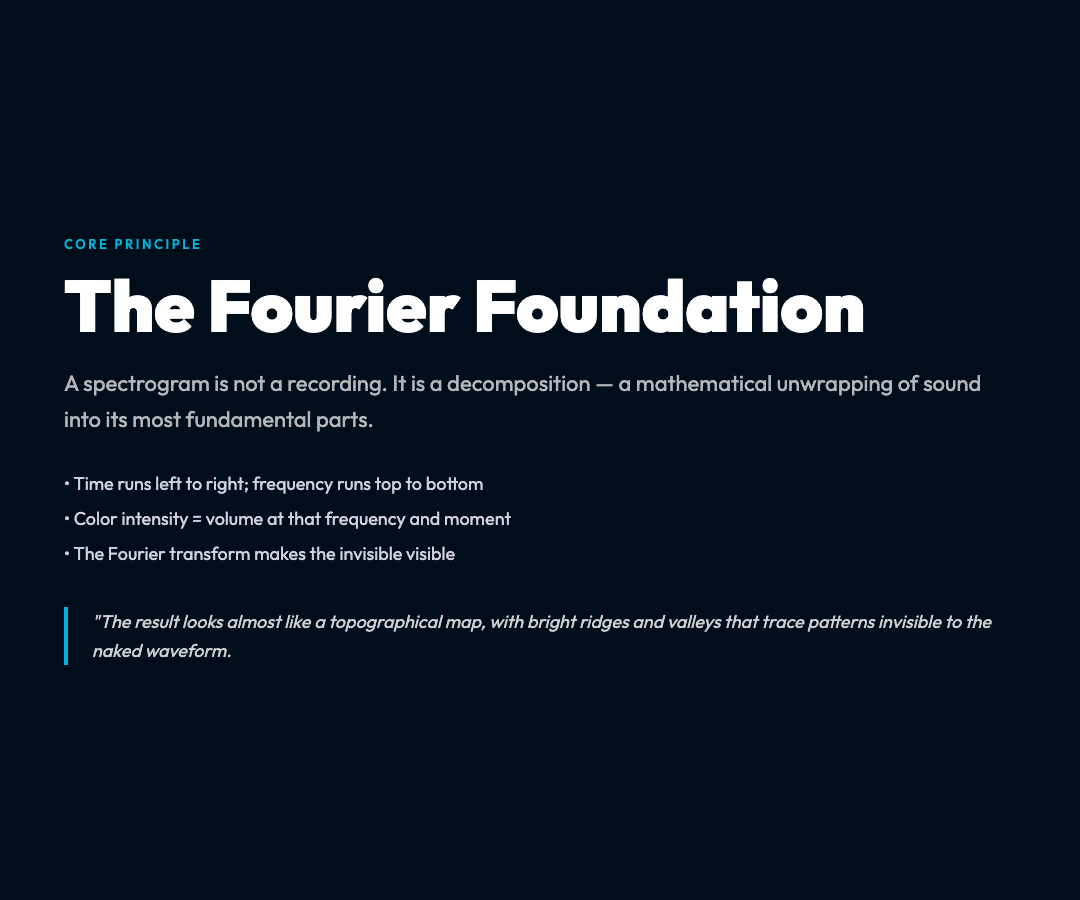
The result looks almost like a topographical map, with bright ridges and valleys that trace patterns invisible to the naked waveform. Transients appear as brief vertical bursts. Harmonics align in horizontal rows. Silence shows as empty black space. And noise — that chaotic, random energy that degrades audio quality — appears as a diffuse, shimmering texture filling the gaps between intentional sounds.
Why Visualizing Sound Changes Everything
For decades, spectrograms were the exclusive domain of acoustic engineers, researchers, and advanced audio professionals. The tools required specialized software, expensive equipment, and the technical knowledge to interpret the output. That gatekeeping had real consequences.
Consider what you miss when you can only listen to audio without seeing it. A recording engineer might spend hours trying to identify the source of an unwanted hum, scanning waveforms for visible distortion. With a spectrogram, the hum’s fundamental frequency appears instantly as a bright horizontal line, and its harmonics appear as equally spaced lines above it. The problem is localized in seconds.
Or consider music production. A spectrogram reveals the exact moment a consonant is pronounced in a vocal track, the precise frequency range where a guitar note decays, whether two instruments are competing for the same acoustic space. Professional mixers use these visualizations to make surgical EQ decisions — carving out frequency bands for one instrument so another can breathe — without ever touching a dial blind.
In scientific contexts, the applications are equally powerful. Researchers studying bird songs use spectrograms to distinguish between species based on call patterns invisible to the human ear. Linguists use them to analyze speech acoustics, separating the formant frequencies that encode meaning from the noise that obscures it. And in acoustics research, spectrograms serve as primary evidence for phenomena ranging from whale communication to structural vibrations in buildings.
The Audio Spectrogram Generator: A Tool for Everyone
The barrier to entry for spectrogram analysis has now effectively disappeared. The Audio Spectrogram Generator on ElysiaTools lets anyone upload an audio file and receive a full spectrogram image within seconds — no software installation, no technical expertise, no cost.
The tool is straightforward. Upload any common audio format — MP3, WAV, FLAC, OGG, or dozens of others — and the tool generates a PNG spectrogram using FFmpeg’s showspectrumpic filter, a engine trusted by professional audio workflows worldwide. You can customize the output dimensions and choose from eight distinct color schemes, each of which renders frequency data differently and serves different interpretive needs.
The magma palette, for instance, uses a dark-to-bright progression that makes it easy to identify peak frequencies at a glance. The viridis palette is designed for perceptual uniformity — meaning that equal differences in frequency intensity appear as equal perceptual differences in color, making it ideal for scientific analysis where quantitative accuracy matters. The fire palette provides a familiar heat-map visualization that aligns with how most audio editing software renders spectrograms.
This flexibility matters because different use cases demand different visual grammars. A musician debugging a recording wants fast, intuitive pattern recognition. A researcher documenting findings needs reproducible, calibrated output. A student learning about acoustic physics wants maximum legibility. The same underlying data can serve all three, with the right palette.
What You Can Discover With a Spectrogram
The most surprising thing about spectrograms is how much they reveal about sounds you thought you understood.
Take a piano chord. To the ear, it sounds like a single, rich, harmonious entity. A spectrogram shows something far more interesting: a precise constellation of horizontal lines at mathematically related frequencies, with the fundamental note at the bottom and a series of overtones ascending upward in diminishing brightness. The relative strength of these overtones is what gives a piano its characteristic timbre — why a piano sounds different from a guitar playing the same note, even though the fundamental frequency is identical.

Or consider the human voice. A spectrogram of speech reveals the formant structure — resonant frequency bands that the vocal tract shapes to produce different vowels. The letter “ee” produces a characteristic high-frequency formant; “ah” produces a lower one. This is how automatic speech recognition systems can transcribe audio without understanding language — they are, in effect, reading spectrograms.
Ambient sounds reveal their own hidden structures. The hum of electrical equipment appears as a sharp vertical line at 60Hz (or 50Hz in countries using that grid frequency) with harmonics at regular intervals. The roar of ocean waves produces a broad, diffuse texture spanning the full frequency spectrum. A mechanical failure in an engine might manifest as new, unexpected frequency components appearing where silence existed before — an early warning sign that a trained analyst could catch before catastrophic failure.
Even musical genres have characteristic spectrogram signatures. Hip-hop drum loops tend to show sharp, percussive transients with heavy bass content concentrated in the low-frequency band. Orchestral music displays the harmonic richness of sustained string and wind instruments, with slow-forming overtones that decay over seconds. Electronic music, particularly forms built from synthesized sounds, often shows precisely controlled frequency patterns with unnatural perfection that give it that distinctive “digital” quality compared to acoustic instruments.
How Spectrograms Connect to Broader Audio Literacy
Understanding spectrograms is, in a meaningful sense, understanding how audio actually works. It bridges the gap between passive listening and technical comprehension in a way that no amount of descriptive writing about sound can achieve.
Most people’s relationship with audio is fundamentally passive. They hear, they respond, they move on. But when you can see the frequencies that make up a sound, something shifts. You start asking questions: Why does this recording sound muddy? A spectrogram might show that multiple instruments are occupying the same frequency bands, creating constructive and destructive interference that muddies the mix. Why does this voice recording have a hollow, distant quality? A spectrogram might reveal that the high frequencies — the consonants and air sounds that give voice its presence and intimacy — are severely attenuated.
These questions have answers that are visible, not just audible. And that visibility is transformative.
The Audio Spectrogram Generator makes this kind of audio literacy accessible to anyone with a web browser and a file to analyze. It is, at its core, an educational tool as much as a practical utility. Students learning signal processing can generate spectrograms of sounds they record themselves, building intuition for how waveforms relate to frequency content. Podcasters can verify that their recordings are clean before publishing, catching frequency problems that would otherwise only become apparent after expensive post-production. And hobbyist musicians can use spectrograms to learn mixing fundamentals that previously required hundreds of dollars in software.

Practical Applications for Everyday Users
Beyond the educational value, there are concrete, practical reasons to use a spectrogram generator in daily workflows.
Audio restoration is one obvious use case. Old recordings — vinyl records, reel-to-reel tapes, even cassette tapes — often contain noise that manifests as a characteristic spectrogram pattern: a diffuse hash of random frequencies layered on top of the desired signal. By generating a spectrogram, you can identify exactly what kind of noise is present, at what frequencies, and make targeted decisions about which noise reduction tools to apply. Some advanced users even generate spectrograms before and after noise reduction to verify that the process worked without damaging the original signal.
For musicians learning music production, spectrograms provide objective feedback that ears alone cannot give. When you’re mixing a song, it’s remarkably easy to add too much bass or boost a frequency range that’s already saturated. A spectrogram makes these mistakes visible. If the low-frequency band is clipping — appearing as solid white or bright color with no dynamic range — you know immediately that your bass is too loud, even if it sounds acceptable in isolation. This kind of visual feedback accelerates the learning curve for anyone developing mixing skills.
In podcasting and voice recording, spectrograms help verify recording quality before editing. A common problem is proximity effect — the boost in low frequencies that occurs when a microphone is placed very close to a speaker’s mouth. This can make a voice sound boomy or muddy. A spectrogram reveals the bass boost immediately, allowing the speaker to adjust their microphone technique before the recording session ends, rather than discovering the problem later when it’s difficult to fix.
Even for pure curiosity, spectrograms are endlessly fascinating. There is something profoundly satisfying about seeing the structure of a sound you love — understanding, at a visual level, what your ears have been processing all along. The complexity that seems chaotic when heard becomes beautifully ordered when seen. It is, in a small way, the same satisfaction that scientists derive from seeing a formula that explains a natural phenomenon: the feeling that the world is more comprehensible than it appeared.
Get Started
The Audio Spectrogram Generator is free and requires no account or installation. Upload any audio file, choose your preferred dimensions and color scheme, and download a spectrogram image in seconds.
Whether you are an audio engineer debugging a mix, a student learning about signal processing, a musician developing mixing intuition, or simply a curious person who wants to see what your ears have been hearing, the tool is available now at ElysiaTools. Open the door to the hidden dimension of sound.