How to Validate 10,000 Emails Without Losing Your Mind
The dirty secret about email validation: most tools check syntax. This one checks quality.
Every developer eventually hits the same wall. You’ve got a CSV with 10,000 email addresses. Some are obviously wrong. Some look fine but bounce. Some are legitimate addresses at disposable email services that will never convert. And your ESP is screaming at you because you just sent 400 bounces in a single campaign.
You need more than a regex check. You need a full quality audit.
What the Batch Email Validator Actually Does
The Batch Email Validator (free, no signup) takes a list of emails in any format — comma, semicolon, newline, or custom delimiter — and runs each one through a multi-layer validation pipeline.
Layer 1: Format validation. It parses the local part and domain, checks length constraints (local part max 64 chars, domain max 255 chars), validates character sets, and ensures no malformed patterns like consecutive dots or leading dots in the local part.
Layer 2: Domain structural analysis. Beyond “does it look like an email,” it checks whether the domain itself is structurally valid — properly formed hostnames, valid TLD patterns.
Layer 3: Quality scoring. This is where it gets interesting. Each email gets assigned a quality rating:
- Good — looks like a real person’s address at a legitimate domain
- Fair — structurally valid but has red flags (role-based addresses like admin@, info@, or spam-like number patterns in the local part)
- Poor — disposable email domains (tempmail.org, 10minutemail.com, guerrillamail.com, mailinator.com, yopmail.com), or detected spam patterns
Why Syntax Validation Is Not Enough
Every programming tutorial shows you how to validate email format with a regex. And every tutorial is wrong about what that actually accomplishes.
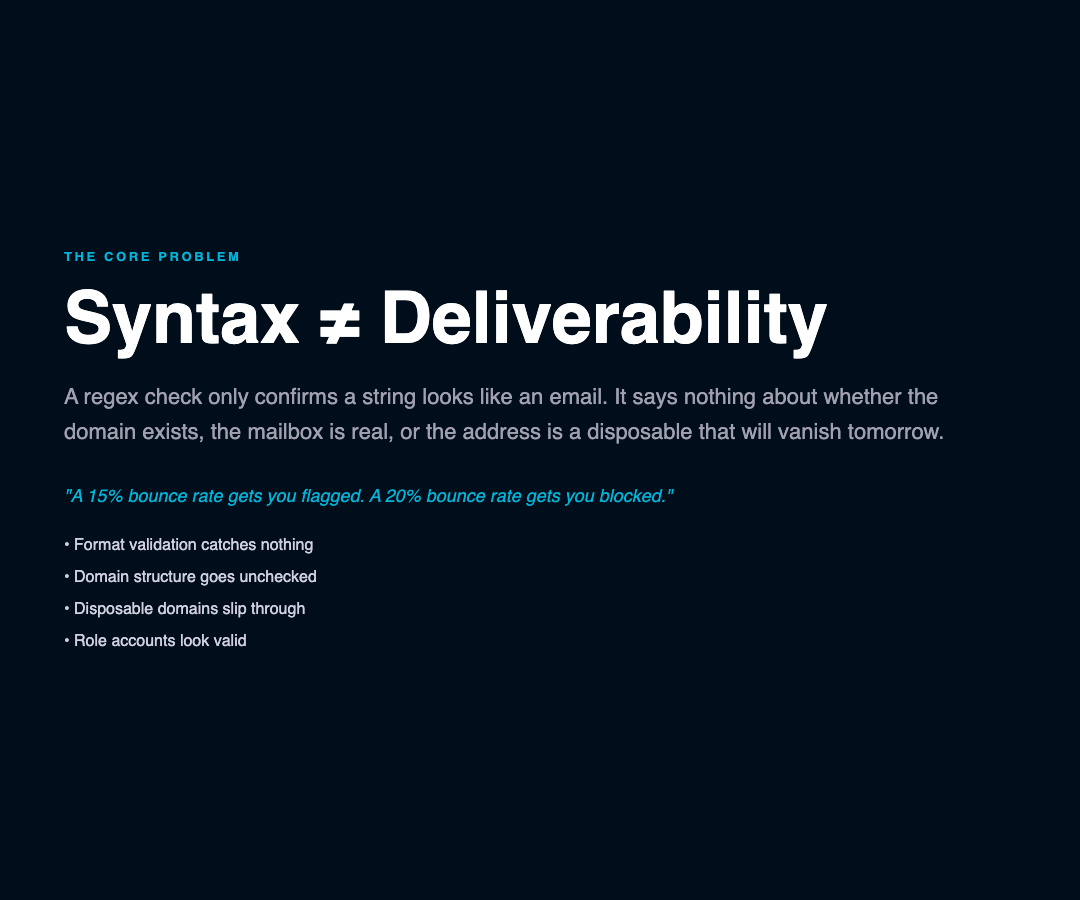
A regex like /^[^s@]+@[^s@]+.[^s@]+$/ tells you only one thing: whether a string conforms to the basic pattern of an email address. It tells you nothing about whether the domain actually exists, the mailbox is owned by a real person, the address belongs to a throwaway service, or the local part is a role account that is statistically unlikely to ever read your email.
The Batch Email Validator’s quality layer is what turns a list of 10,000 “valid format” addresses into an honest picture of maybe 6,800 addresses you’d actually want to send to.
Real Numbers From a Real Validation
Here’s what validation typically reveals on a moderately dirty list:
| Quality | Typical % | What It Means |
|---|---|---|
| Good | 60-70% | Real addresses at real domains |
| Fair | 15-25% | Valid format but role accounts or suspicious patterns |
| Poor | 10-20% | Disposable domains, spam patterns, or structural issues |
Those “Poor” addresses are the ones that kill your sender reputation. A 15% bounce rate gets you flagged. A 20% bounce rate gets you blocked.
The Disposable Email Problem
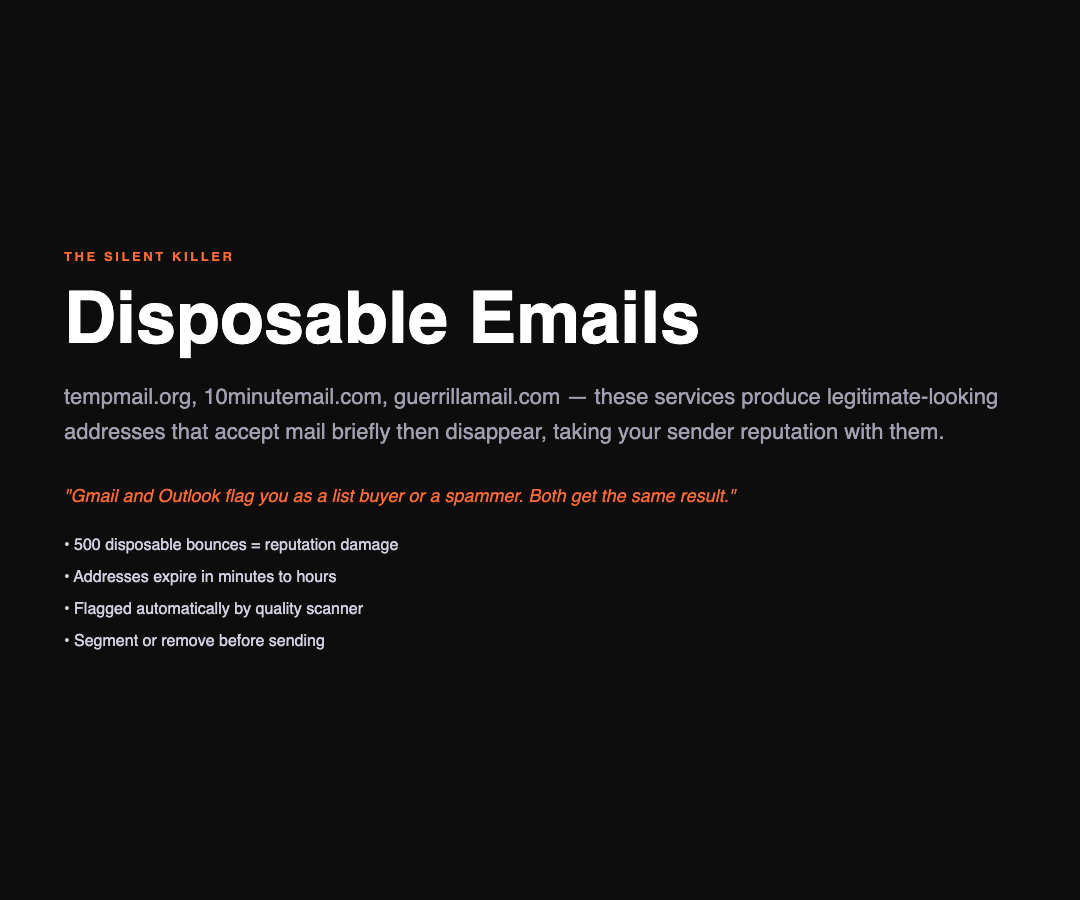
Disposable email addresses are a silent list killer. Services like tempmail.org, 10minutemail.com, and guerrillamail.com provide legitimate-looking email addresses that accept mail for anywhere from 10 minutes to a few hours, then disappear.
If your list has 500 addresses from disposable domains and you send to all of them, those 500 bounces tell Gmail and Outlook that you’re either buying lists or don’t know what you’re doing. Both conclusions trigger the same result: your next batch lands in spam or doesn’t land at all.
The Batch Email Validator flags these automatically. You can filter them out before you send, or at minimum, segment them into a lower-priority campaign where a 30% bounce rate is survivable.
How to Use the Results
After validation, you get three things: a summary with total count and quality distribution, per-email results with specific issues, and domain analysis showing which providers dominate your list.
The domain analysis is particularly useful for identifying whether your list skews toward business domains (gmail.com, outlook.com) or consumer addresses, which matters for content strategy — B2B campaigns and B2C campaigns have very different optimal send times.
Cleaning Your List Before Every Send
The workflow is simple: validate before every significant send, not just when you first import a list. Email addresses go stale. People leave companies, domains expire, disposable addresses die. A list that was 85% valid six months ago might be 70% valid today.
Running validation as a pre-send step takes 30 seconds and can prevent the kind of bounce spike that takes three weeks to recover from.
Beyond Validation: What Would Make It Better
A few enhancements that would push this tool from useful to essential:
MX lookup — verifying that the domain actually accepts mail by checking DNS MX records. Current validation catches structural issues but doesn’t confirm the mail server exists. A 250ms MX lookup per domain would eliminate another 5-10% of dead weight addresses.
SMTP verification — the gold standard of email validation. Actually connecting to the target mail server and asking “does this mailbox exist?” catches more than any pattern-based approach. Most free tools don’t offer this because it requires holding open TCP connections to potentially hostile mail servers.
Catch-all domain detection — some mail servers accept everything sent to any address at their domain (a “catch-all”). These look valid but bounce at the mailbox level.

The Bottom Line
If you’re sending email to more than 100 addresses and you’re not running them through some form of validation first, you’re burning sender reputation on every send. The Batch Email Validator at ElysiaTools is a zero-friction starting point — paste your list, choose your delimiter, get your quality breakdown in seconds.
The only thing it won’t do is tell you which of those “Good” quality addresses actually want your email. That’s a whole different problem.