Why Data Visualization Matters More Than Ever
In an era where we generate over 2.5 quintillion bytes of data every single day, the ability to transform raw numbers into meaningful visual stories has become a critical professional skill. Whether you’re tracking quarterly revenue trends, analyzing user behavior patterns, or presenting research findings to stakeholders, the right visualization tool can mean the difference between an insight that lands and one that gets lost in a spreadsheet.
The good news? You no longer need expensive software licenses or advanced coding skills to create publication-quality charts. ElysiaTools has assembled a powerful suite of free, production-ready data visualization generators that work directly in your browser—no installation, no learning curve, no cost.
The Essential Data Visualization Toolkit
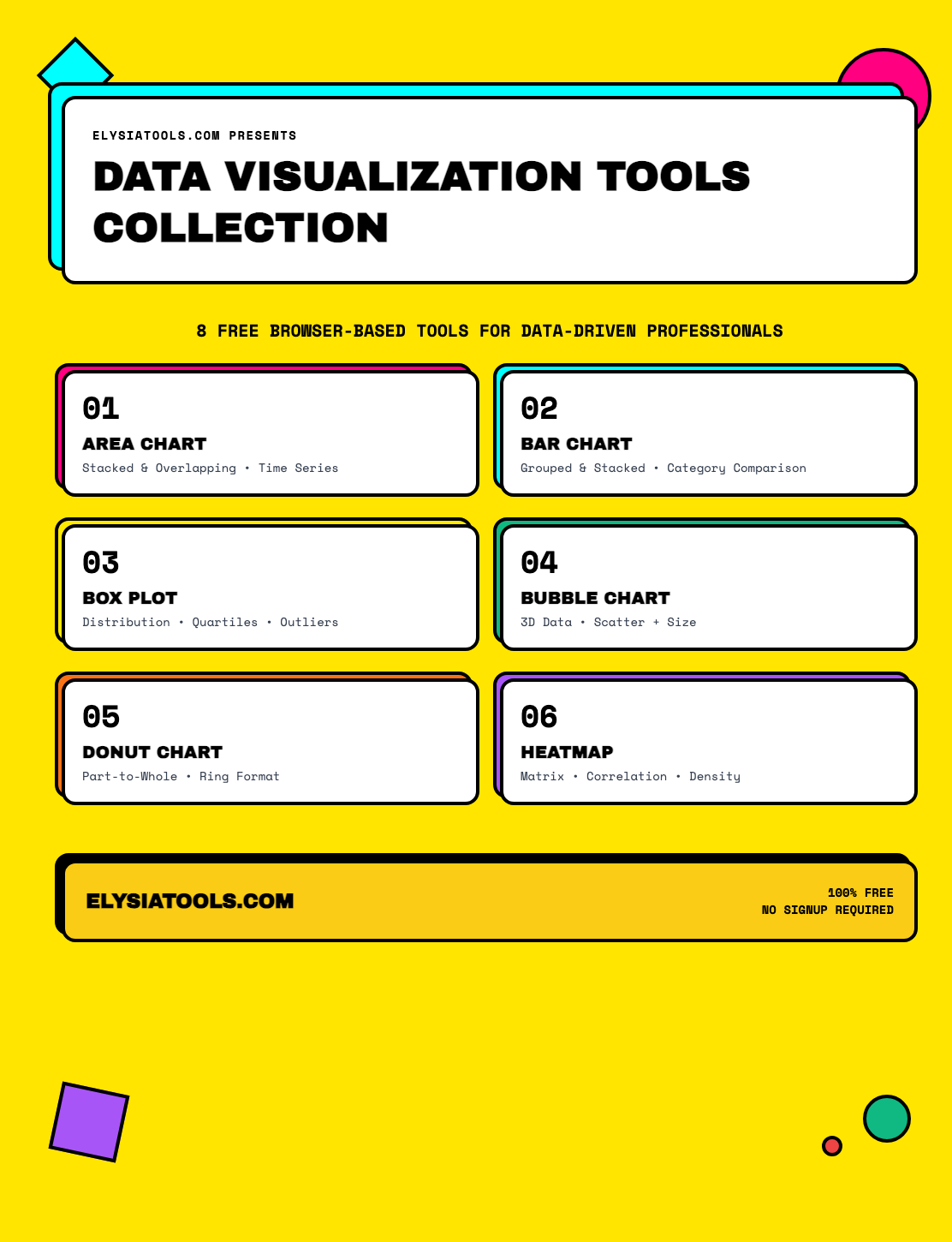
1. Area Chart Generator
Area charts are the workhorses of time-series visualization. They’re particularly effective when you need to show how different components contribute to a whole over time—think revenue streams stacking up, market share evolving, or population distributions shifting across regions.
The ElysiaTools Area Chart Generator goes beyond basic stacked areas. It supports:
- Stacked and overlapping modes for comparing cumulative vs. individual trends
- Multi-axis support for correlating disparate data series
- Smooth curve interpolation for polished, presentation-ready output
- Gradient fills that make your charts visually pop
- JSON, CSV, and TSV input formats for maximum flexibility
The tool automatically calculates cumulative values and handles edge cases like missing data points. Paste in your dataset, customize colors and labels, and export as SVG or PNG—ready for your report, dashboard, or slide deck.
2. Bar Chart Generator
Sometimes the simplest chart is exactly what the data demands. Bar charts remain the gold standard for comparing discrete categories—something the Area Chart Generator isn’t optimized for. A well-designed bar chart lets readers instantly compare values across categories without the cognitive load of interpreting curves or gradients.
The Bar Chart Generator offers horizontal and vertical orientations, grouped and stacked configurations, and a comprehensive set of styling controls. It handles both positive and negative values, which makes it suitable for financial data (profits vs. losses) and scientific results (experimental vs. control groups).
One feature I find particularly useful: the automatic label truncation for long category names. Rather than rendering unreadable overlapping text, the tool intelligently shortens labels with ellipsis while maintaining a clean, professional appearance.
3. Box Plot Generator
Box plots (also called box-and-whisker plots) are the unsung heroes of statistical visualization. While line charts show trends and bar charts compare totals, box plots reveal the distribution of your data—showing not just the average, but the spread, quartiles, and outliers that tell the real story.
Imagine you’re comparing response times across three different server configurations. A bar chart might show all three have the same average response time. But a box plot would immediately reveal that Server A has a tight, consistent distribution while Server B has a long tail of occasional slow responses—critical information for anyone making infrastructure decisions.
The Box Plot Generator supports:
- Multiple orientation options (vertical and horizontal)
- Outlier detection and visualization with configurable threshold parameters
- Mean markers alongside the median for complete distribution picture
- Statistical summary tables including sample size, mean, standard deviation, Q1, Q3, min, and max
- Interactive tooltips that let readers hover for precise values
For researchers, analysts, and anyone working with experimental data, this tool transforms raw statistical output into visuals that communicate the full picture.
4. Bubble Chart Generator
A bubble chart extends the familiar scatter plot by adding a third dimension: size. Each point on the chart represents not just an X and Y value, but also a magnitude—making bubble charts ideal for visualizing three variables simultaneously.
Classic use cases include:
- Market analysis: X-axis = market growth rate, Y-axis = market share, bubble size = revenue
- Sports analytics: X-axis = minutes played, Y-axis = points per game, bubble size = salary
- Risk assessment: X-axis = probability of failure, Y-axis = impact severity, bubble size = cost
The Bubble Chart Generator supports multiple color schemes for multi-category data, custom bubble opacity for handling overlapping points, and auto-scaling algorithms that ensure bubble sizes are perceptually accurate—not just mathematically proportional.
5. Donut Chart Generator
Donut charts (ring charts) are excellent for showing part-to-whole relationships when you have 5-8 categories. The hollow center provides a natural space for displaying totals or key metrics, which gives them an advantage over traditional pie charts when you want to combine a visual overview with specific numerical context.
The Donut Chart Generator includes several features that elevate it above basic doughnut chart tools:
- Explode mode for highlighting specific segments
- Percentage labels that automatically adjust based on segment size
- Custom inner radius for varying the ring thickness
- Interactive hover effects that highlight individual segments
- Multiple color scheme options including warm, cool, pastel, and business-appropriate palettes
The tool automatically filters out zero or negative values to prevent rendering artifacts, and handles edge cases like very small segments (<5%) by grouping them into an “Other” category for cleaner visuals.
6. Heatmap Generator
Heatmaps use color intensity to represent values across a matrix, making them uniquely suited for visualizing correlations, density patterns, and multidimensional data at a glance. A glance at a heatmap can reveal clusters, anomalies, and trends that would take dozens of individual charts to communicate.
Professional applications include:
- Correlation matrices in statistical analysis and feature selection
- Calendar heatmaps for visualizing activity patterns over time
- User behavior analysis: rows as user segments, columns as feature categories, colors as engagement scores
- Sports analytics: basketball shot charts, soccer heat maps, etc.
The Heatmap Generator supports custom color schemes (including viridis, plasma, and grayscale), configurable cell sizing, value labels that auto-adjust for contrast, and CSV import for straightforward data loading.
How These Tools Work Together
The real power emerges when you combine these visualization types strategically:
Start broad, then drill down. Use an Area Chart to show an overall trend in your quarterly revenue. When stakeholders ask why Q3 dipped, switch to a Donut Chart showing revenue by product category for that quarter. If they want to understand the variance within the underperforming category, deploy a Box Plot comparing individual product lines.
Use complementary charts to tell a complete story. A Bubble Chart might show the relationship between marketing spend, customer acquisition, and revenue. A Heatmap could then visualize customer engagement across different touchpoints—revealing which interactions correlate most strongly with the high-value acquisitions you’ve identified.
Getting Started
All six tools are available immediately at ElysiaTools.com—completely free, with no account required. Simply visit the tool page, paste or input your data, customize the styling options, and export your visualization.
The tools accept multiple data formats (JSON, CSV, TSV) and export to web-native formats (SVG, HTML) that scale perfectly to any resolution. Whether you’re embedding charts in a web application, adding them to a presentation, or including them in a research paper, you’ll get crisp, professional results.
Conclusion
Data visualization isn’t just about making data look pretty—it’s about accelerating comprehension and enabling better decisions. These six tools from ElysiaTools cover the most common visualization needs while remaining accessible to anyone with a browser and a dataset.
Whether you’re a seasoned data scientist who needs a quick way to generate exploratory visualizations, a business analyst creating weekly reports, or a student working on a research project, these tools deliver production-quality output without the overhead of specialized software. Bookmark ElysiaTools.com and make it your go-to resource for data visualization needs.