Your pricing page is probably unreadable to a quarter of the humans on Earth. The World Health Organization counts 2.2 billion people living with some form of significant visual impairment, and at least 1.3 billion of those cases could have been prevented or have not yet been addressed. They are not a fringe group, and they are reading your site right now. So why is your CTA button still 3.2:1 against its background?
It is not a designer’s opinion. Color contrast is a piecewise-linear formula published by the W3C in 1994 and re-affirmed in 2008, 2018, and 2023. Every legal accessibility case your company has ever worried about traces back to it. Every “AA” badge on a SaaS landing page is a promise measured against it. And, for reasons that are about as fair as any piece of physics we have on the web, it is also something you can check yourself in 30 seconds. That last part matters most.
What “Contrast” Actually Means in Vision
Human vision is, at the level that matters for reading, a contrast detector. The cones in the fovea — the densely packed photoreceptors in the center of your retina that handle fine detail — do not see color in the way your camera does. They see three overlapping channels of light: long, medium, and short wavelengths. They compare the photon counts across those channels to infer hue. But before any of that happens, every photoreceptor in your retina is doing a much older trick: it is asking, for every spot in the image, “is this spot brighter or dimmer than its neighbor?” That is contrast. The signal the brain uses to resolve the shape of a letter on a page is not the absolute color of the letter, it is the difference in brightness between the letter and the background it sits on.
This is why a dark green button on a slightly less dark green background is unreadable, even when both colors are perfectly normal-looking. The brightness difference is too small. It is also why light gray text on a white background is a usability problem for almost everyone over 50 — the contrast ratio is fine for the cones, but the rods, which handle low-light peripheral vision, give up before they finish the word. A 70-year-old reading your 404 page at noon in a sunny kitchen is not failing to read it because of any disability. According to research published in Optometry and Vision Science, the average 70-year-old requires roughly twice the contrast of a 20-year-old to read at the same speed. They are failing because the photon difference between #999 and #fff is below the threshold their eyes can resolve.
The WCAG Relative Luminance Formula
The W3C’s Working Group on Accessibility, which is where the Web Content Accessibility Guidelines (WCAG) live, formalized the contrast measurement in a 1994 standard that has barely changed since. The first half of the formula is relative luminance, and it is more interesting than most people expect. The W3C did not invent a new way to measure brightness. They took the existing sRGB color space, which every monitor on the planet agrees to use, and they extracted just the lightness from it, discarding the hue. The sRGB standard already defines, for each of the red, green, and blue channels, a piecewise-linear function: for channel values above 0.03928, you take the value to the 2.4 power. For values below that threshold, you divide by 12.92. The reason the exponent is 2.4, and not 2.2 (the actual gamma of a typical monitor), is that the W3C picked a curve that closely matched human perception, not a curve that matched a piece of glass.
Once you have the relative luminance of two colors, the contrast ratio is (L1 + 0.05) / (L2 + 0.05), where L1 is the lighter of the two and L2 is the darker. The 0.05 in the denominator is there because pure black still reflects a tiny amount of light off the page surface — you cannot make the contrast ratio infinite in the real world, so the formula acknowledges that floor. The result is a number between 1 and 21. A ratio of 1 means the two colors are identical. A ratio of 21 means you are comparing pure white against pure black.
The 4.5:1 Rule, and Why the Thresholds Are Where They Are
The most-cited threshold in WCAG 2.1 is 4.5:1. This is the minimum contrast ratio for body text — paragraphs, list items, table cells — to pass AA conformance, which is the level most legal frameworks in the United States and the European Union hold websites to. The threshold for large text (18 point, or 14 point bold) is 3:1. For UI components and graphical objects, the threshold is 3:1 against the adjacent color. The AAA level, which is the strictest and is the one most agencies aim for if they can, is 7:1 for body text and 4.5:1 for large text.
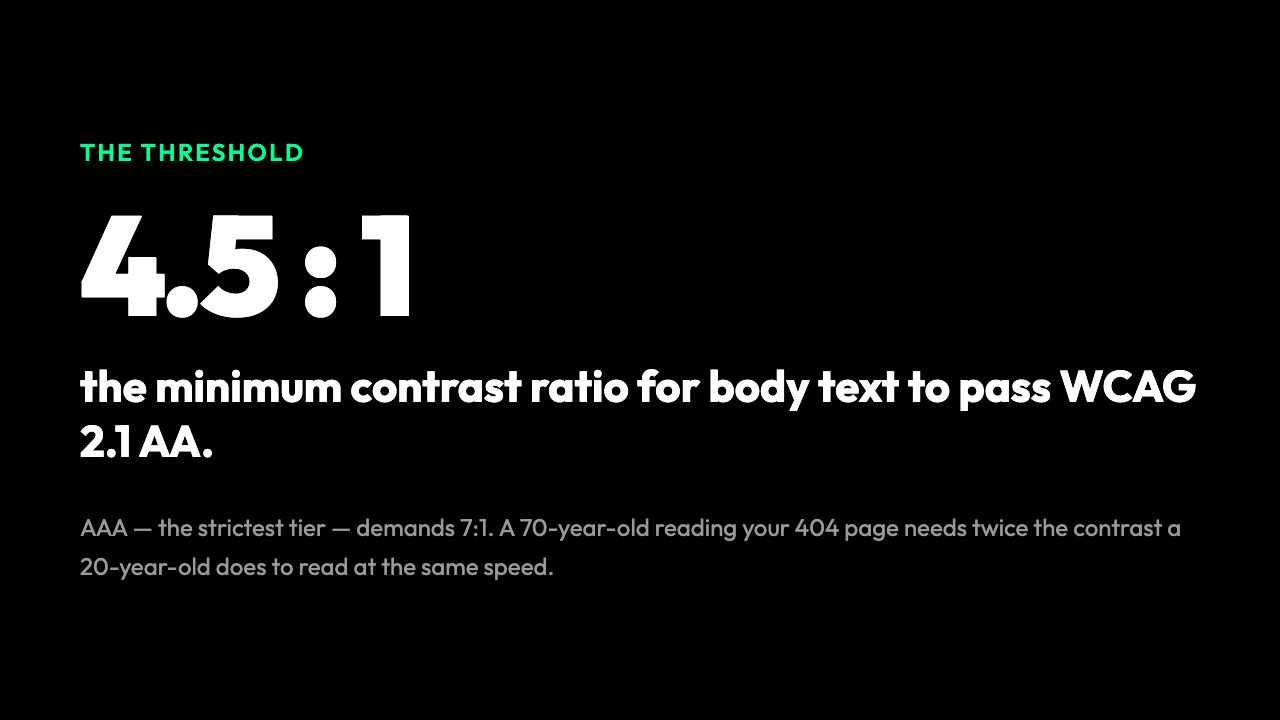
These are not aesthetic choices. They were chosen because the W3C’s research, combined with work from the ANSI and ISO standards bodies on visual ergonomics, found that a contrast ratio below 4.5:1 is the point at which the loss of visual acuity in the general population starts to actively interfere with reading speed. By age 60, the average reader’s acuity has dropped to roughly the level of a 20-year-old reading at 4.5:1. By age 75, they need 7:1 to read at the same speed a 20-year-old does at 4.5:1. The thresholds are calibrated to the median older adult, not the median adult. They are a public health floor, not a design opinion.
The “Every Pair” Problem
A design system is rarely a single text color on a single background. A modern product uses a primary, a secondary, a neutral scale with 8 to 12 steps, a success color, a warning color, an error color, and a handful of brand accents. That is 20+ colors before you have even considered the component states. A 20-color palette has, by the rule of combinations, 20 × 19 = 380 ordered pairs. Most of those pairs are not used in the actual product — for example, you do not render error text on a success background — but the question “could this pair ever appear in the user interface?” is exactly the one that determines whether a low-vision reader is going to be stuck. A 380-pair audit by hand, with a calculator, takes longer than a sprint. It also tends to miss pairs that are technically in the design system but not yet in any production component — the kind of pair that ships in the next release and breaks accessibility for the first person who tries to read it.
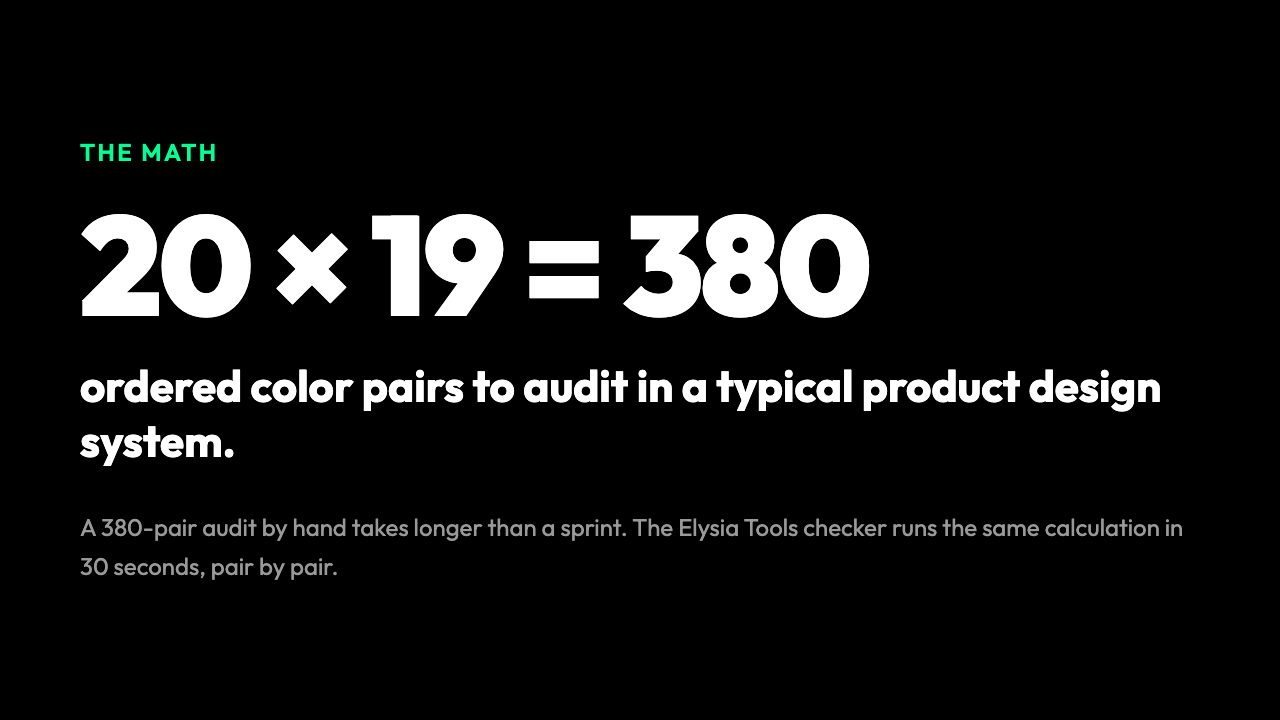
This is the part the Accessible Color Palette Contrast Checker at Elysia Tools actually solves. You paste the hex codes of your design tokens into the tool, and it walks every pair, computes the contrast ratio for each, and shows you, side by side, which combinations clear AA, which clear AAA, and which fail. It is the same calculation you would do by hand, but it runs in 30 seconds and does not lose its place. For instance, the audit also flags pairs that are technically above the threshold for body text but fall below the stricter 3:1 ratio required for UI components like button borders and icon strokes — a distinction most manual audits miss.
What a Real Audit Catches
A real audit catches the things that designers with normal vision do not see. The most common failure pattern is not a brand color on white — most teams catch that. The most common failure is a secondary text color, used for captions, helper text, or placeholder text, that is barely light enough on a light background to look fine in Figma but fails under the formula. The second most common is the disabled state of a button, which is usually defined as a desaturated version of the primary color and almost always falls below 3:1 against the disabled background. The third is a hover or focus state, where a designer lightens a background to indicate interactivity, only to push the text below the threshold they were comfortably passing on the resting state. None of these are exotic bugs. They are the everyday shape of a design system that has never been audited as a system.
A good contrast checker will not only show you the pass/fail. It will suggest the next color up or down in the luminance scale that would push the pair over the threshold you care about. This is the piece that turns an audit from a compliance chore into a design tool — you stop being told what is broken and start being shown what to change.
The 30-Second Check
If you have not audited your palette yet, the workflow is shorter than you think. Open the Accessible Color Palette Contrast Checker at Elysia Tools, paste in your design tokens (most teams can dump the contents of their colors.ts or tokens.json file directly), and read the table. Sort by contrast ratio. The bottom of the table is where the bugs live. Fix the lowest-ratio pairs first — usually a handful of secondary text colors and disabled states — and re-run. You will find that the median pair in a typical product palette is comfortably above 4.5:1, and the long tail of failures is short and fixable. Total time investment for the first audit: under an hour. Total time investment for keeping it clean: ten minutes per design-system change.
What a Design System That Actually Works Looks Like
The Accessible Color Palette Contrast Checker at Elysia Tools walks every color pair in your palette against WCAG 2.1 AA and AAA thresholds. It shows you, in a single table, which pairings will fail for a low-vision reader on a sunny phone screen. You paste hex codes in, you get back a matrix with pass/fail markers for body text, large text, and UI components. It is not glamorous work, but it is the kind of work that decides whether 253 million people — the WHO’s most recent estimate of people living with visual impairment — can read your site, or close it.
The math behind WCAG contrast is older than the web. The relative luminance formula was first published in 1994, four years before Google was incorporated. The reason the rule is still in force thirty years later is that the underlying visual science has not changed: human eyes separate the rods and cones into two channels, and the loss of contrast is the loss of information. The Elysia Tools checker is the practical front end for that science. It does not argue with the formula. It does not offer a creative reinterpretation. It does not let you design your way out of a 3.2:1 ratio.
The next time you ship a design system update, ask: does every pair in this change still clear 4.5:1? If the answer is no, the Elysia Tools checker will show you exactly where, and exactly what to fix. This is what good accessibility tooling looks like — invisible, immediate, and quietly correct.