Most anomaly tools chase the same problem: distinguish a real signal from the noise floor of an ordinary metric. The trick isn’t a fancier algorithm — it’s refusing to let a threshold become a habit. Anomaly detection is what you do with the result, not the score.
The number that wakes someone up
A monitoring dashboard earns its keep the moment something goes wrong. A spike, a dip, a flatline where there shouldn’t be one. The hard part isn’t drawing the chart. It’s deciding which deviation is worth paging a human at 3 a.m., and which one is just the natural pulse of a working system.
Most teams settle on a fixed threshold: “alert if latency exceeds 500 ms.” Then Black Friday happens. Or a single user runs a long export. Or the metric just drifts. Within a month, the threshold is wrong, and the on-call engineer has stopped trusting it.
The cleaner approach is statistical: compare each new data point to the recent history of that same metric. If it sits far enough from the central tendency, flag it. If it sits comfortably inside the spread, let it pass. This is what the Time Series Anomaly Detector on Elysia Tools implements — a browser-based tool that accepts a CSV or JSON time series and returns a chart-backed report with anomaly markers, trend slope, and contiguous anomaly segments.
The two methods that cover 90% of practical cases
The tool exposes three detection methods, but two of them do almost all the work: Z-Score and IQR. Each one answers the same question — “how far is this point from normal?” — but in different units.
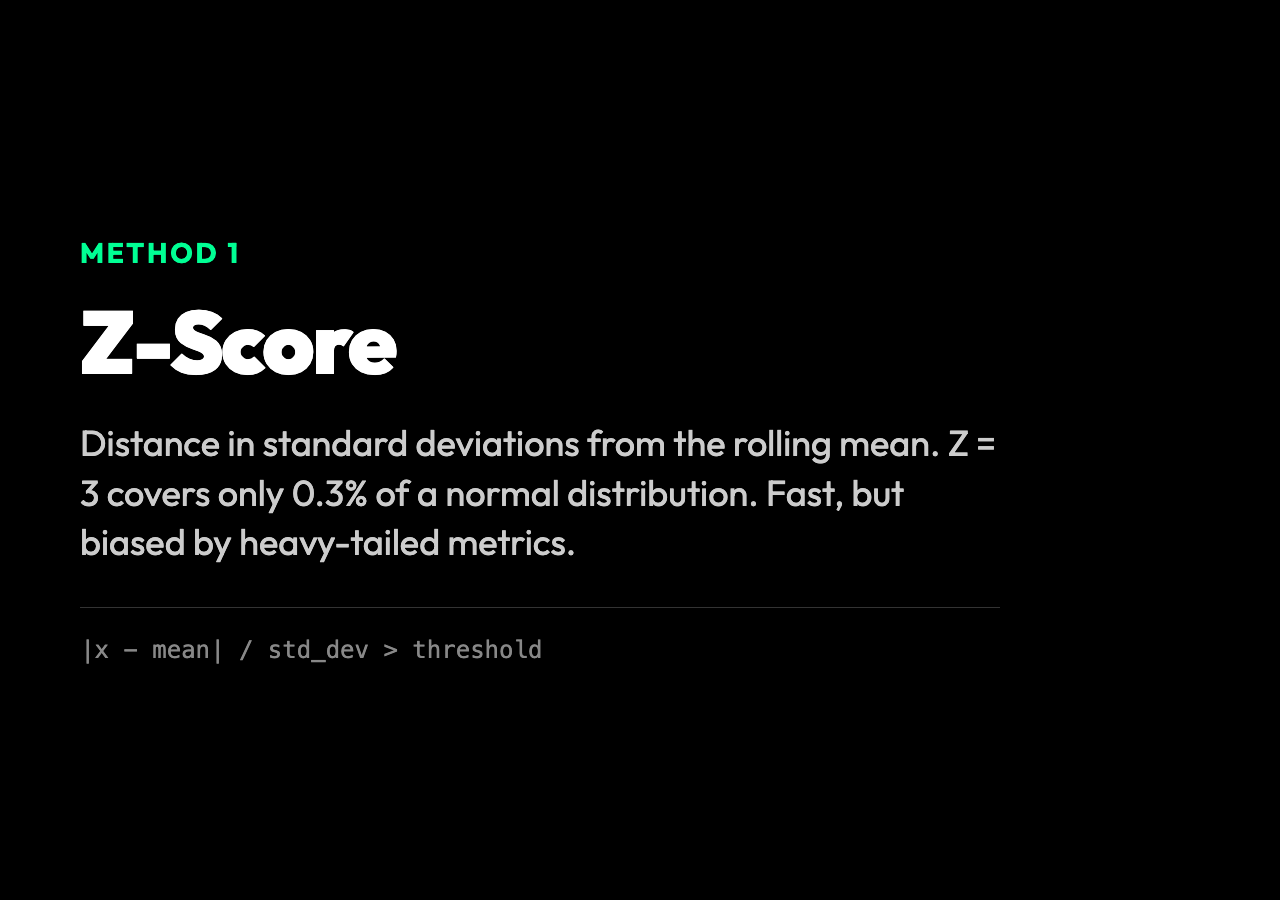
Z-Score measures distance in standard deviations from the mean. A Z-Score of 3 means “this point is three standard deviations above the rolling average.” For a roughly normal distribution, anything beyond ±3 covers only 0.3% of the data. The default threshold of 3 is conservative — it ignores most noise — but it fails badly on heavy-tailed metrics like page load time, where a few huge values inflate the standard deviation and hide real outliers. The IQR method was built for exactly that case.
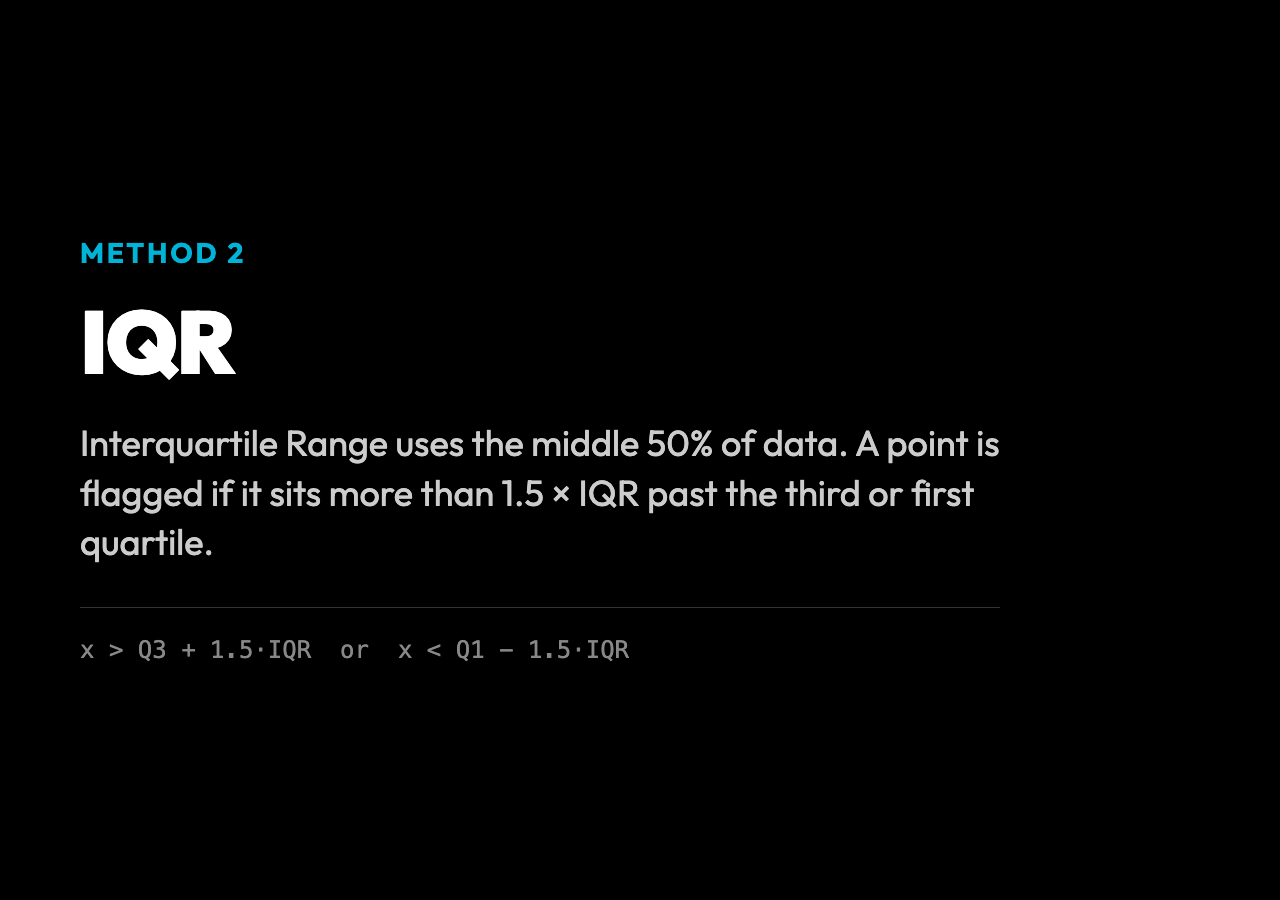
IQR (Interquartile Range) measures spread using the middle 50% of the data. A point is flagged when it sits more than 1.5 × IQR above the third quartile or below the first quartile — the same rule that drives a box plot’s whiskers. It ignores extreme values when computing the spread, so a single 10-second latency spike in a week of 200 ms requests doesn’t move the goalposts. The trade-off is that IQR is slower to react to slow drifts, because the middle 50% moves more slowly than the mean.
Z-Score + IQR, the default, flags a point only when both methods agree. This is the conservative choice. It catches the clear, unambiguous outliers and passes the ambiguous ones through. For production monitoring, this is usually the right call — you want the alert to mean something.
What the report actually shows
Upload a CSV with two columns — timestamp and value — and the tool returns a JSON report with three useful structures: the per-point anomalies (each flagged timestamp with its score), the contiguous segments (groups of consecutive flagged points, which usually point to a real incident rather than a single random blip), and a trend slope. The trend line matters more than it looks. A metric that drifts upward by 1% a day for two weeks won’t trigger any threshold, but the cumulative drift can be a leading indicator of a real problem. The chart, the markers, and the slope are all in the same view — you can see the anomaly, the segment it belongs to, and the direction the metric was already moving.
A second seasonal mode handles periodic data: a metric that spikes every Monday at 9 a.m. isn’t an anomaly, it’s a heartbeat. The seasonality window tells the detector to expect a recurring pattern and to compare new values against the expected position in that cycle, not against a flat mean.
Why this beats a fixed threshold
A static threshold has a single tuning knob: the number. Every team that has ever maintained one knows the result — a stream of false positives during normal load, then a quiet week, then the one outage that the threshold would have caught if it had been set just 50 ms lower. The threshold becomes a source of distrust, not a source of signal.
Statistical anomaly detection reframes the question. Instead of “is the latency above 500 ms?”, it asks “is the latency unusual given the recent history of this metric?” The 500 ms alert doesn’t know that yesterday’s average was 180 ms and today’s average is 210 ms. The Z-Score does. It adapts to the metric’s natural range, scales with its volatility, and stays useful as the system evolves. The only maintenance is choosing a sensitivity (the threshold value) and a window (how much history to compare against), and the defaults are reasonable for most metrics.
Where the gaps still are
Statistical methods are not a substitute for understanding the system. A Z-Score won’t catch a slowly-growing leak in a memory metric, because the mean is growing with it. An IQR won’t catch a Monday that happens to fall on the first of the month. The methods are blind to known business events — a planned deploy, a marketing campaign, a holiday — and they’ll happily flag the spike they cause. The right pattern is to use statistical detection to narrow the haystack, then have a human (or a more sophisticated model) confirm the needle.
This is also why the Time Series Anomaly Detector returns the score alongside the flag, not just a yes-or-no. A Z-Score of 3.1 is very different from a Z-Score of 9.2, even though both pass the threshold. Surfacing the score lets the downstream alert system tier the response — a page for the 9.2, a Slack message for the 3.1 — instead of treating every flagged point the same.
The deeper question — is this spike a real problem or a natural fluctuation? — is one the algorithm cannot answer. It can only tell you, with calibrated uncertainty, that the point is unusual. The judgment call still belongs to a person who knows what the system is supposed to do.