The build broke at 4:47 PM on a Friday. A junior engineer had shipped a 3-line patch to our internal CLI and bumped the version from 1.4.2 to 1.4.3. A customer’s package.json pinned us at ^1.4.0 — a clean patch upgrade under the Semantic Versioning spec. Their build script parsed --version, then called a new --json flag the engineer had also added in the same patch. Nobody had violated SemVer. The version string told the truth — it just told it in a way the customer’s parser couldn’t handle.
That is what a version string is. It is not a number. It is a contract: a tiny, signed promise that the author has made a backward-compatible bug fix, added a feature without breaking anything, or changed something you will need to read about. Every ^1.4.0 and ~2.1.0 in your manifest is depending on that promise. When the promise is kept, dependency resolution is invisible. When it is broken, you find out at 4:47 PM on a Friday.
The SemVer Validator implements the Semantic Versioning 2.0.0 grammar — a spec published in August 2013 by Tom Preston-Werner and co-authors, now nine rules, a few hundred words, the connective tissue of every modern package manager. They look trivial. They are not.
The 9 Rules, in Plain English
A SemVer 2.0.0 version string is MAJOR.MINOR.PATCH, optionally followed by -PRERELEASE and +BUILD. The full grammar fits on a Post-it:
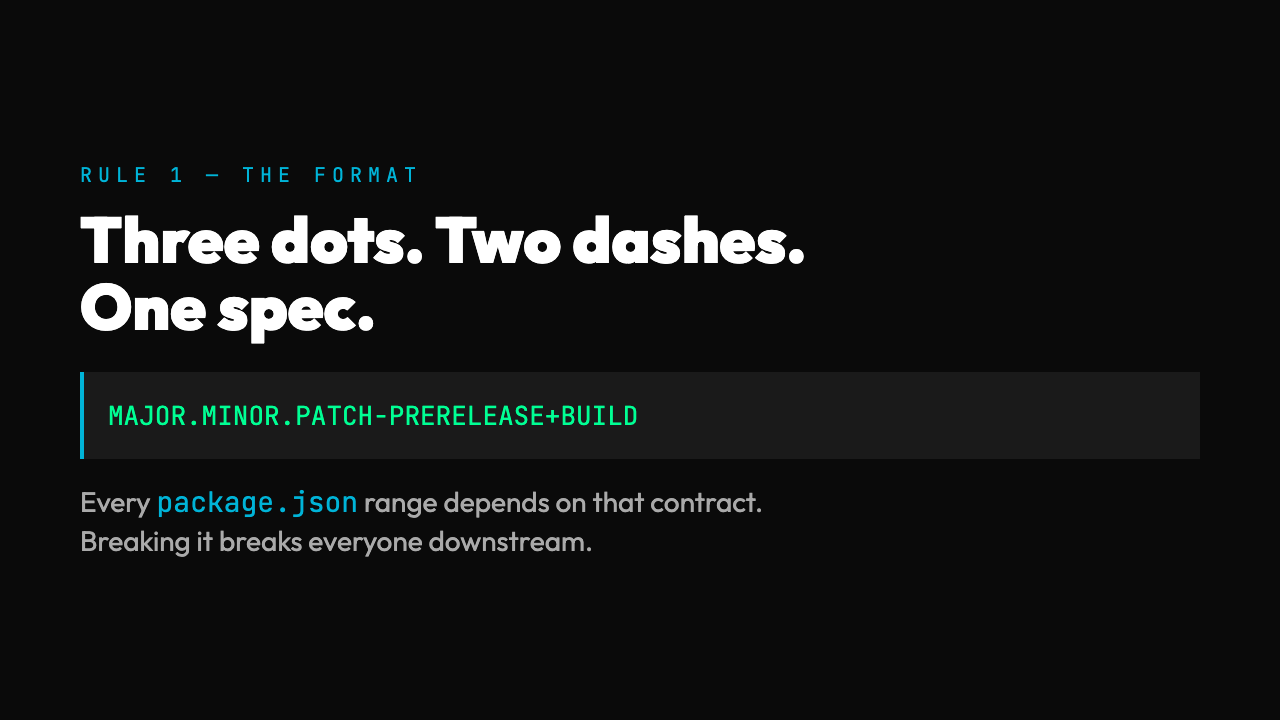
1. MAJOR, MINOR, PATCH are non-negative integers with no leading zeros (1.0.0 is fine, 01.0.0 is not). 2. Once a version is released, its contents are frozen. You do not edit 1.0.0 after the fact. 3. MAJOR is zero (0.y.z) while the API is in initial development; anything may change at any time. 4. 1.0.0 defines the public API. From that point on, version bumps are governed by API change. 5. PATCH is incremented for backward-compatible bug fixes. 6. MINOR is incremented for new backward-compatible features; PATCH resets to zero. 7. MAJOR is incremented for incompatible API changes; MINOR and PATCH reset to zero. 8. A pre-release identifier (-alpha.1, -rc.2, -x.7.z.92) may follow the patch. It carries lower precedence than the same version without it. 9. Build metadata (+20130313144700, +exp.sha.5114f85) may follow. It is ignored when determining version precedence.
Most developers internalize rules 1, 5, 6, and 7 in their first year on the job. The first four are easy to skim. Rules 8 and 9 are where validators either quietly agree with anything or do the work.
Why Leading Zeros Are Not Cosmetic
The leading-zero rule (01.0.0 is invalid) is a real one. Several older systems, including some CSV exports and date-based version schemes, naturally produce zero-padded values: 01.05.2023 instead of 1.5.2023. If you treat those as SemVer, your comparator will sometimes order them lexicographically and sometimes numerically, and your ^1.5.0 constraint will silently match something it should not. A SemVer 2.0.0 validator rejects them outright, which forces the issue to surface at parse time rather than at npm install time. The difference between those two moments is the difference between a clear error message and a Friday afternoon.
Pre-Release Ordering Is Where Most Validators Cheat
Pre-release identifiers are the most-mishandled part of the spec. The ordering is not alphabetical across the whole pre-release string. It is grouped by dot-separated identifiers, and within each identifier, numeric identifiers always rank lower than alphanumeric ones. So:
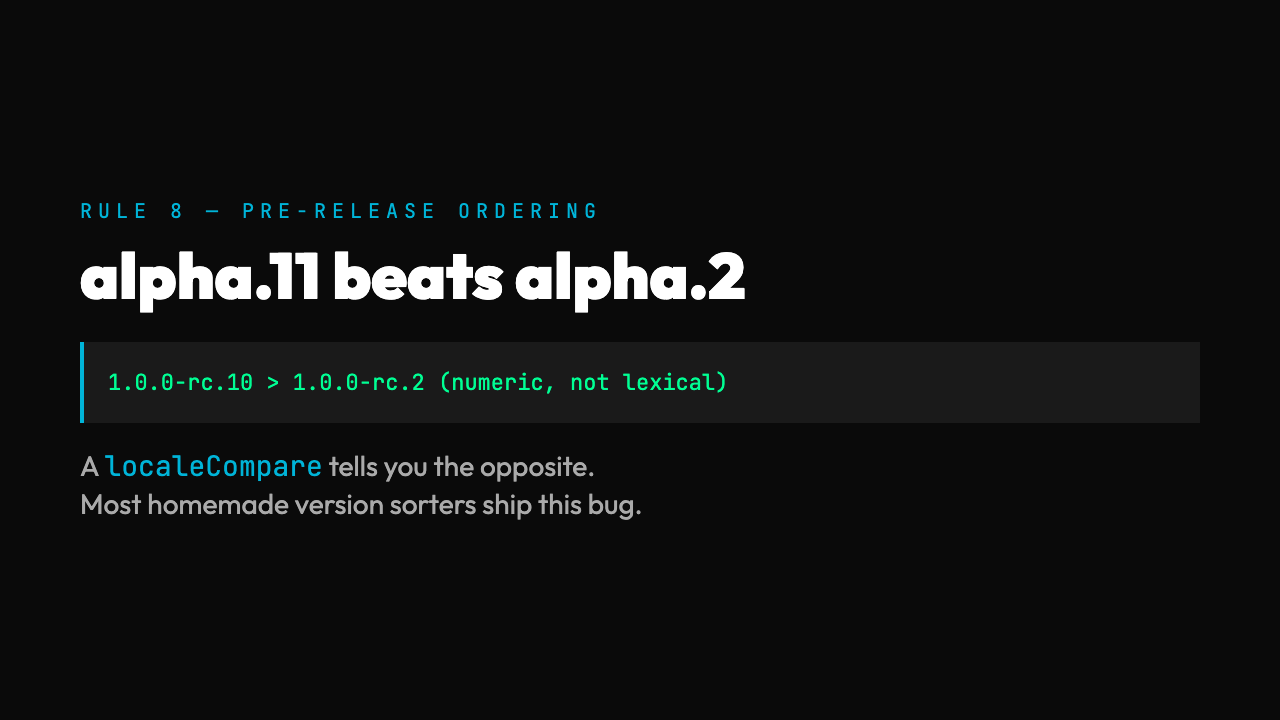
– 1.0.0-alpha < 1.0.0-alpha.1 < 1.0.0-alpha.beta < 1.0.0-beta < 1.0.0-beta.2 < 1.0.0-beta.11 < 1.0.0-rc.1 < 1.0.0
A naive string.localeCompare will tell you 1.0.0-beta.11 < 1.0.0-beta.2 because 1 comes before 2. The actual ordering has beta.11 > beta.2 because both are numeric identifiers and the spec says to compare them as integers. This bug is endemic in homemade version sorters. A correct SemVer validator implements the full precedence table from Appendix B of the spec — which is to say, it follows the dot boundaries, splits numeric from alphanumeric identifiers, and falls back to the right comparison at each level. Try the validator on 1.0.0-rc.10 versus 1.0.0-rc.2. If it says rc.2 comes first, it is wrong.
Build Metadata Is Ignored on Purpose
The +BUILD suffix is a place to put things like commit hashes, build timestamps, and CI run numbers without changing the version’s meaning. 1.0.0+exp.sha.5114f85 and 1.0.0+local are the same version for the purposes of dependency resolution. They sort equal, they satisfy the same constraints, and ^1.0.0 matches both.
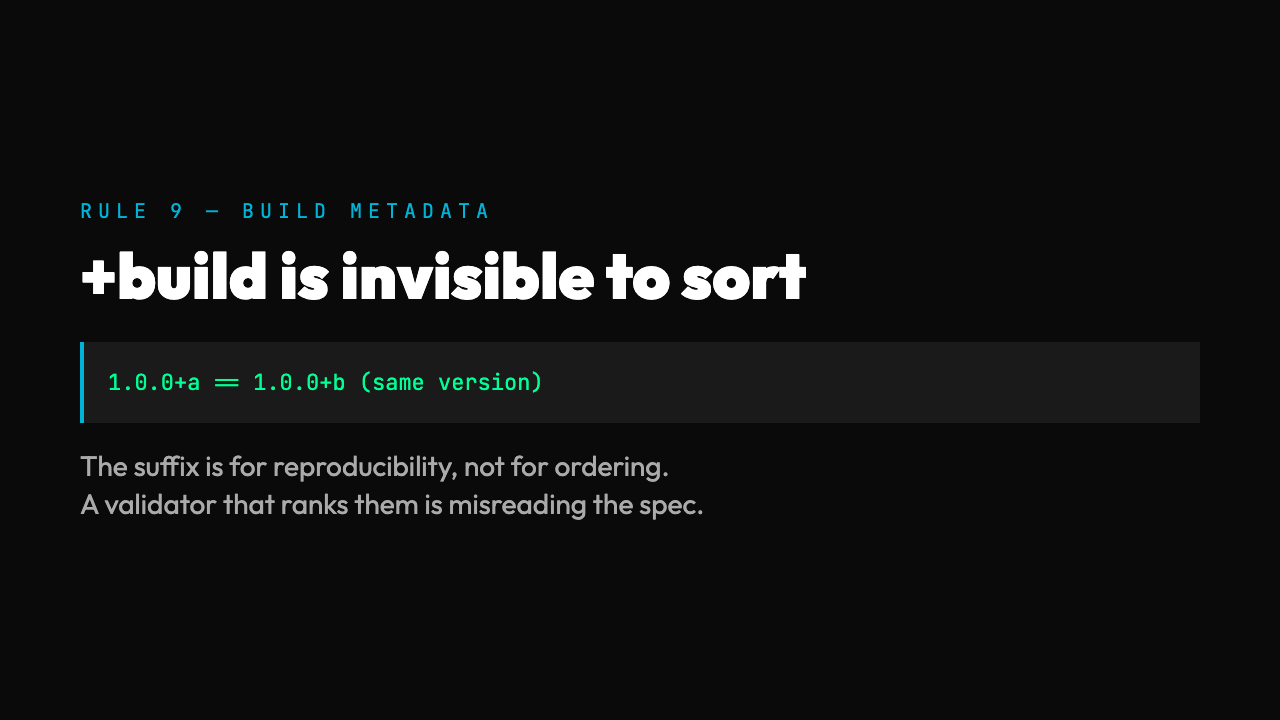
The reason this rule exists is reproducibility. The same source code, built twice, can produce two different artifacts; the build metadata distinguishes them without confusing the package manager. A SemVer 2.0.0 validator should never say 1.0.0+a is “less than” or “greater than” 1.0.0+b. If it does, the validator is reading metadata as semantics, which is a category error. (You can verify the difference by parsing the metadata in the validator’s structural view — it is there, but it is not part of the ordering key.)
The Compatibility Check That Isn’t a Check
Here is the uncomfortable truth that no validator will tell you, because the spec itself does not say so: SemVer does not check compatibility. It is a promise format, not a verifier. Nothing about 1.4.3 tells you whether the maintainer obeyed the contract. The contract is enforced socially (you read the changelog, you trust the author, you review the diff) and operationally (your CI runs the upgrade before it ships). The version string is a signal, not a guarantee.
This is why ^1.4.0 and ~2.1.0 work as well as they do: they constrain by the intent the author signaled, not by the outcome the author delivered. Most of the time the intent matches the outcome. The Friday-afternoon stories you remember are the exceptions.
What the validator gives you is the floor: it tells you the string is well-formed, so any downstream tool — npm, pip, cargo, gem — can do its job without ambiguity. Without that floor, every tool in the chain has to invent its own parser, and the chain of parsers is where the real bugs live.
What 99% of “SemVer Validators” Miss
A quick survey of online version checkers shows four common shortcuts:
– They accept v1.0.0 (with a leading v). Some ecosystems prepend it by convention; the spec does not allow it. – They allow 1.0 (two-segment versions). This is the npm convention, not the SemVer 2.0.0 spec. – They treat +BUILD as part of the version for ordering purposes. – They sort pre-release identifiers lexicographically instead of by the spec’s numeric/alphanumeric precedence.
If the validator you are using accepts any of these as “valid SemVer 2.0.0,” it is implementing a superset of the spec — fine for a particular package manager, misleading for cross-ecosystem use. The Elysia Tools SemVer Validator is strict. Paste in v1.0.0 or 1.0 and it will flag them. Paste in 1.0.0-beta.11 next to 1.0.0-beta.2 and it will tell you which one comes first under the spec. That stringency is what makes the answer portable.
The Practical Workflow
If you are releasing a library, the workflow is: pick a version, run it through the validator, and confirm the structural breakdown matches your intent. If the validator says your pre-release identifiers sort the way you expect, your npm publish and your customers’ lockfiles will agree. If the validator says no, fix the string before you ship — not after the support ticket arrives. The validator is a 30-second check that prevents a class of bugs you cannot otherwise write a unit test for, because the bug is in someone else’s parser.
If you are consuming a library, run the same check on the constraint you are about to write into your manifest. A constraint like >=1.0.0 is technically valid SemVer 2.0.0 but operationally loose; ^1.0.0 is the same in intent and shorter to read; ~1.0.0 is tighter. The validator’s structural view tells you what each part of the string means, so the constraint you write is the constraint you meant.
The SemVer Validator is small, but the spec it implements is the connective tissue of every modern package manager. Nine rules. A few hundred words. You can read the whole spec in the time it takes for a npm install to fail — and the only question left after you read it is whether the version strings you have shipped, and the version constraints you are about to pin, say what you mean.