It was 11:47 PM on a Tuesday when a customer support email landed in the queue. A user had paid for a subscription twelve hours earlier. Their dashboard still said trial. The payment provider’s dashboard said settled. In between was a webhook that, according to every log the team could reach, had never been sent.
The bug report was not wrong. It was also not useful. A webhook that never arrives is indistinguishable from a webhook that was never sent, from a webhook that was rejected by the firewall, from a webhook that the receiver responded to with a 500 and the provider quietly stopped retrying. The support team had four dashboards open and none of them said anything different from the others: we don’t know.
That is the moment every engineer eventually reaches when working with asynchronous payment systems, identity providers, or Git platform hooks. The receiver is correct, the sender is correct, and the request is missing. The only way to find what actually happened is to put something in the middle that does nothing but watch.
That something is a webhook capture bin. And the Elysia Tools Webhook Debugger and Relay is the most useful one this blog has found, because it does the three things a debugging bin has to do and skips the one thing most request bins get wrong.
What a Capture-First Pattern Actually Looks Like
The idea is older than webhook debugging itself: stand up a URL whose only job is to receive the request, log it intact, and let a human look at it later. Services like RequestBin, Beeceptor, and the many open source alternatives all live here.
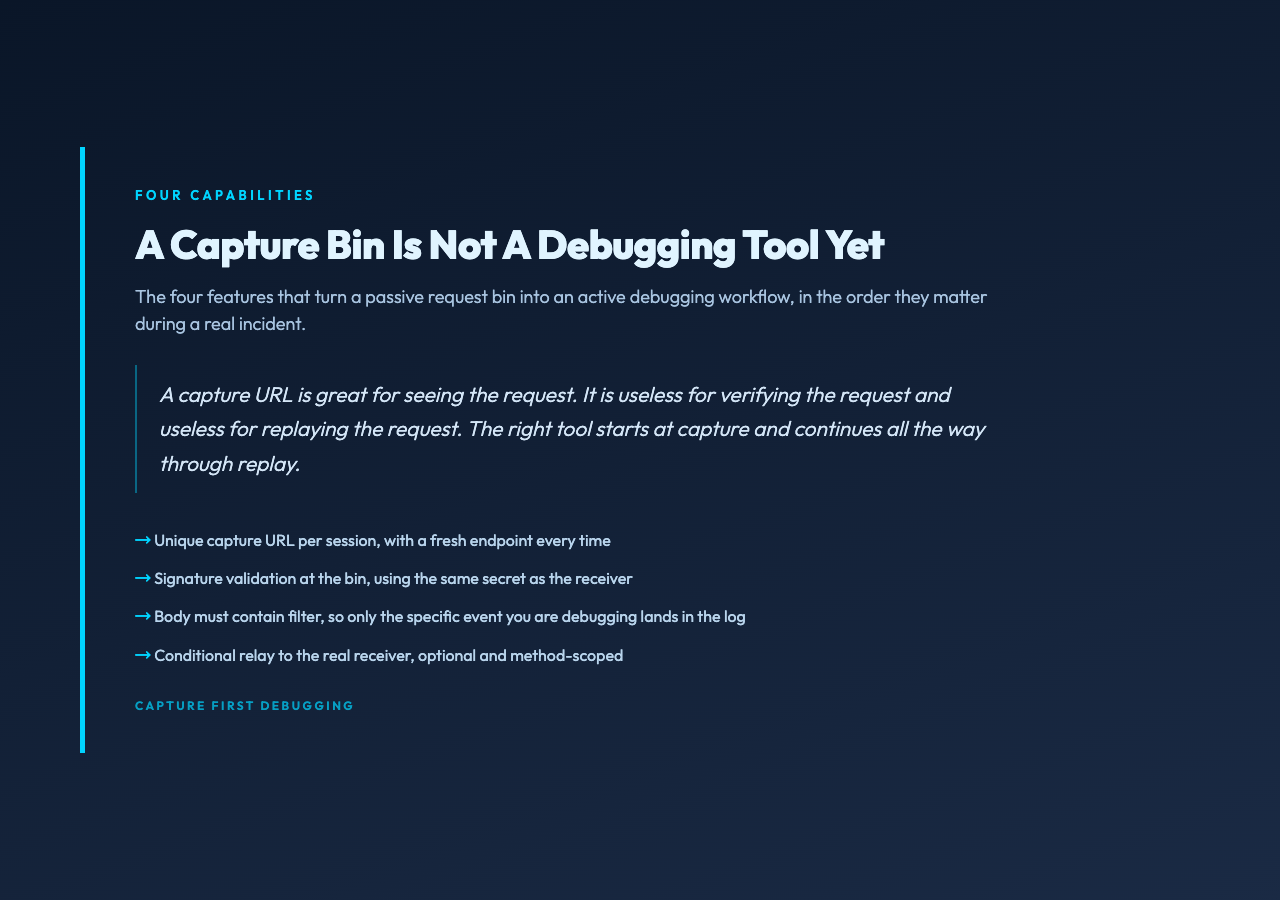
What those tools do not do well is the second half of the job, which is what you actually need when the bug is in production. A capture URL is great for seeing the request. It is useless for verifying the request and useless for replaying the request. The Elysia tool starts at capture and continues all the way through replay, which is the workflow that turns a debugging bin into a debugging tool.
The four features, in the order they matter during a real incident:
1. A unique capture URL per session. Every time you open the tool, it gives you a fresh endpoint. You plug that endpoint into the third party’s webhook configuration, point it at your real receiver, and from that point on every request the third party sends goes through this bin first. Nothing changes about the third party except the destination. Nothing changes about your receiver except it is no longer the destination. The bin is the destination now.
2. Signature validation at the bin. Every reasonable webhook provider signs the request. Stripe sends a stripe-signature header. GitHub sends x-hub-signature-256. Shopify uses x-shopify-hmac-sha256. The receiver’s job is to verify that signature using a shared secret. The bin’s job, when you are debugging, is to verify it too, and tell you whether the request would have been accepted. If the signature does not validate, the receiver was never going to accept it, and the bug is on the provider side, not yours.
3. A body-must-contain filter. This is the feature nobody thinks to ask for until they need it. When you are debugging a real production webhook flow, you do not want to capture every test event the dashboard UI fires while a teammate is poking at settings. You want the specific event that triggers the production bug. The bin lets you set a string the body must contain, and silently drops everything else. Point the bin at "type":"invoice.paid" and you will only see invoice.paid events, no matter how many unrelated test calls the provider makes.
4. Conditional relay to your real receiver. This is the feature that closes the loop. Once the bin has confirmed the signature and filtered the body, it forwards the request to your actual production endpoint, optionally only if it matches the filter, optionally only for a specific HTTP method. You can debug and ship at the same time: a real customer payment still reaches your real receiver, the bin logs a copy for you to inspect, and the moment you are done debugging you delete the bin and the system goes back to direct delivery.
Why a Capture URL Beats Reading Your Receiver’s Logs
The first instinct during a webhook incident is to read your own logs. The second instinct is to read the provider’s logs. Neither is enough, and that is not a tooling complaint, it is a structural problem with how webhooks work.
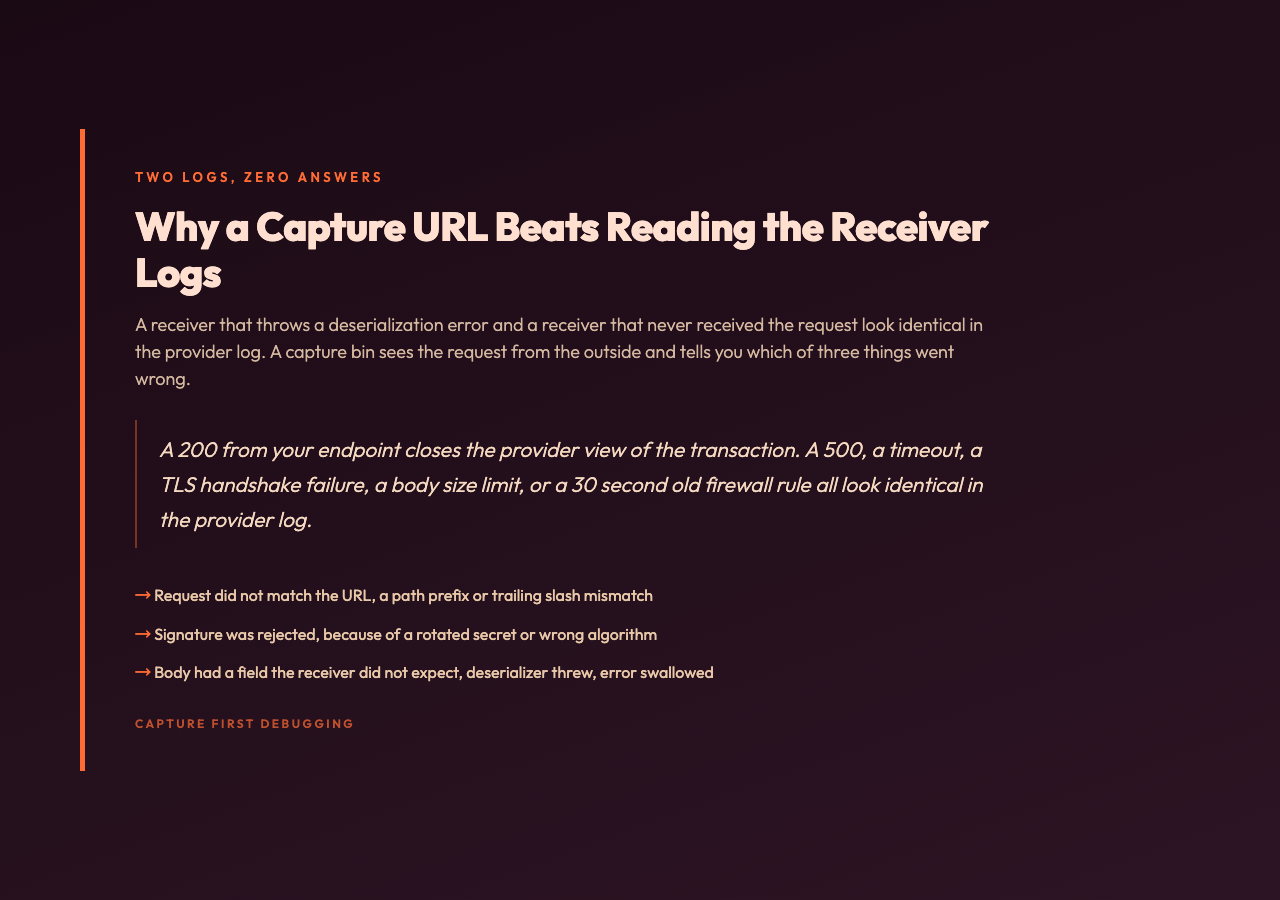
Your receiver logs what your code did with the request. If the request did not arrive, your code had nothing to do, and the logs say nothing. The provider logs what they sent, but the provider’s sent is their last-mile view: it means the request left their server, not that the request reached yours, and not that your server accepted it. A 200 from your endpoint closes the provider’s view of the transaction. A 500, a timeout, a TLS handshake failure, a body-size limit, or a 30-second-ago firewall rule all look identical in the provider’s log: request sent, no 200, will retry per policy.
The capture bin sees the request from the outside. It cannot tell you why your receiver rejected the request, but it can tell you three things your receiver’s logs cannot, and those three things are the most common cause of webhook that never arrived reports:
– The request did not match the URL. Maybe a path prefix, maybe a trailing slash, maybe a port. The provider sent it. Your receiver expected it elsewhere. The bin saw it land in a URL no one is monitoring.
– The signature was rejected. The receiver’s verification logic was the source of truth for this request would have been accepted. If the receiver rejects, the bin is the only place where you can compare what the provider sent against what your code expected and see the gap.
– The body had a field you did not expect. Maybe the provider added a new field, maybe they renamed one, maybe they wrapped the whole payload in a new envelope. Your receiver’s deserializer threw, your error handler swallowed the exception, and the request is now invisible. The bin shows you the raw bytes your code never got to.
Once the bin has told you which of those three it is, the rest of the debugging is in your codebase and is not a webhook problem anymore. The webhook problem is solved at the bin.
Working Through a Real Example: Stripe’s Test Webhook
Imagine a small SaaS billing system that listens for Stripe events. A real production scenario: a customer’s subscription was canceled in the Stripe dashboard, but the customer’s account in the SaaS dashboard still shows the subscription as active. The Stripe dashboard says the cancellation event was delivered successfully. The SaaS logs say no cancellation event was processed.
Step one is to put a capture bin between Stripe and the SaaS receiver. In the Webhook Debugger and Relay, set the relay target to the real SaaS receiver URL, paste the webhook signing secret from the Stripe dashboard, set the signature header to stripe-signature, leave auto-replay off, set the method filter to POST, and set body-must-contain to "type":"customer.subscription.deleted". Now trigger the cancellation from the Stripe test event panel.
The bin receives the event. The signature validates. The body matches the filter. The event sits in the bin, waiting for a human to decide what to do with it. At this point the operator can do three things in any combination: read the raw JSON to see whether the payload matches what the receiver’s deserializer expects, replay the event to the real receiver to see whether the receiver processes it correctly, or replay it to a different target to isolate the receiver from the rest of the system.
For the production bug, the operator now has a copy of the event the SaaS receiver was supposed to process. The fastest path forward is to replay that exact event to a staging receiver and see what happens. If the staging receiver processes it, the production receiver is broken in a way that the staging receiver is not, and the operator has narrowed the bug to a configuration difference. If the staging receiver also fails, the bug is in the code, and the operator has a known-bad payload in hand to feed into a local debugger.
For the Stripe test webhook example, the bin is even more useful as a regression check during development. Any time someone changes the webhook receiver, they can replay an old captured event and confirm the new code still handles it.
Conditional Relay and the Method Filter
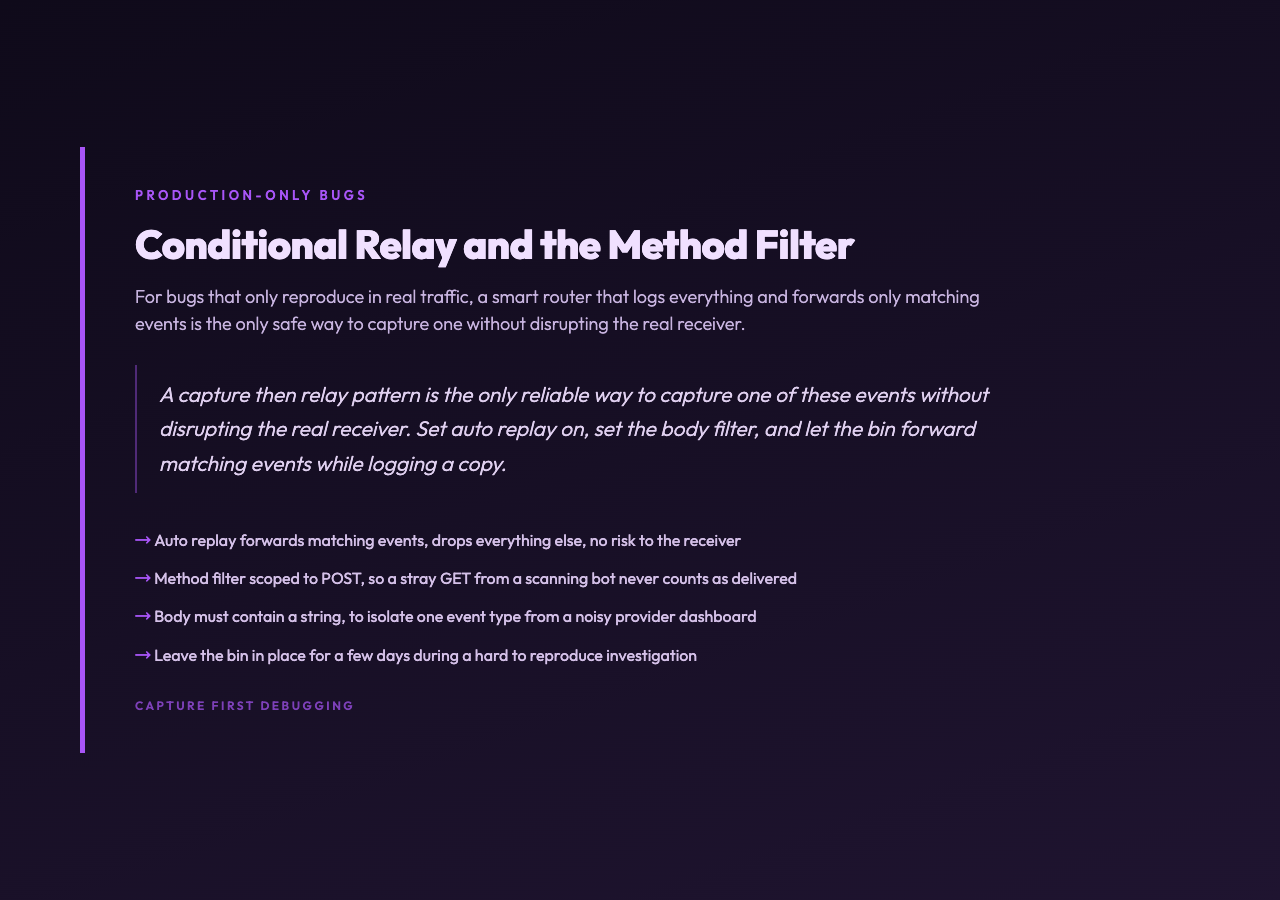
There is a class of webhook bugs that only happens in production and only happens to events that occur during traffic. A test event sent manually from the provider’s dashboard often does not reproduce them. The capture-then-relay pattern is the only reliable way to capture one of these events without disrupting the real receiver.
Set auto-replay on, set the body-must-contain to the event type you care about, set the method filter to the method your receiver actually handles, and let the bin forward matching events. Everything else still gets logged, but only the matching events get through. The bin becomes a smart router that you can leave in place for a few days during a hard-to-reproduce bug investigation, with zero risk of forwarding a malformed request to your real receiver.
The method filter is a small detail with large consequences. Most webhook receivers only accept POST. If your firewall or your reverse proxy is responding to a stray GET from a curious scanning bot with a 200, the provider might count that as a successful delivery and stop retrying. The bin, configured for POST only, makes that misrouting impossible. Every event the bin forwards is the same method your receiver would have accepted.
Signature Validation at the Bin: A Two-View Defense
Most teams validate the webhook signature once, in the receiver. Validating it again at the bin is not paranoid, it is two views of the same data. The bin tells you the signature as the provider wrote it, your receiver tells you the signature as your code interpreted it. If the two disagree, the disagreement is the bug.
The disagreement usually has one of three causes. The secret the provider uses is different from the secret your receiver has on file, because someone rotated the secret in the provider dashboard and did not update the receiver. The receiver is using a different algorithm than the provider, for example SHA-256 instead of SHA-1, or comparing the raw body instead of the timestamped body. The receiver is reading the wrong header, because the provider sends two signature headers and the receiver is verifying the empty one.
None of those three bugs is visible in either the provider’s logs or the receiver’s logs alone. The provider’s log says request signed and sent. The receiver’s log says signature mismatch, request rejected. A bin that validates signatures and logs the result gives you the middle view that says here is the signature, here is the algorithm, here is the timestamp, here is the comparison you would have to do to accept this request. That is the data that turns a one-day investigation into a fifteen-minute fix.
What Goes Wrong When You Don’t Use a Bin
The most common alternative is to read the request in the receiver and add logging. That works until the bug is in a part of the receiver that the request never reaches, which is exactly the case the capture bin exists to solve. A request that the receiver’s load balancer rejected, or that the receiver’s TLS terminator dropped, or that the receiver’s WAF blocked, never reaches the logging code in the receiver. The bin, sitting at the edge, sees the request before any of those middleboxes do.
The second most common alternative is to read the provider’s logs. That works until the provider’s logs say what the provider did, which is send the request, receive a non-200 response, retry per policy, eventually give up. The provider’s log is not lying. The provider’s log is also not telling you why the receiver responded with a non-200. A receiver that responds with a non-200 because its own code threw an exception looks identical in the provider’s log to a receiver that never received the request at all.
The third alternative is to write a one-off test sender. That works for a one-time investigation, falls apart the moment a teammate needs to debug a different webhook event at the same time, and has to be rewritten every time the provider’s payload format changes. The bin is the one-time setup that you never have to write again.
Putting the Pattern Together
The capture-first pattern is the same for every provider. Open the Webhook Debugger and Relay, generate a unique capture URL, point the provider at it instead of at your real receiver, set the body-must-contain filter to the event you are debugging, paste the signing secret, and either inspect the events as they land or let the bin forward them to your real receiver while it logs a copy.
For a Stripe payment bug, the body filter is the event type, the signature header is stripe-signature, and the relay target is the staging receiver. For a GitHub push bug, the body filter is the ref, the signature header is x-hub-signature-256, and the relay target is the CI webhook. For a Shopify order bug, the body filter is the order id, the signature header is x-shopify-hmac-sha256, and the relay target is the order processing service. The provider changes, the pattern does not.
Once you have the pattern, the work that used to take a day of guessing at logs takes an hour of reading what actually happened. The webhook debugging problem is not a code problem. It is an observability problem, and the bin is the observability tool that the receiver’s logs and the provider’s logs together cannot replace.
More debugging patterns and request inspection tools live at elysiatools.com. The capture-first workflow is the one that has saved the most time across this blog’s debugging history, and it is the one worth reaching for the next time a support email says the webhook never arrived.