The 12-Digit Number That Quietly Runs Your Warehouse
If you have ever pulled a printed shipping label off a box and watched a small red line sweep across it, you have watched CODE128 do its job. The barcode generator on Elysia Tools turns any plain text string into that exact symbology at fixed pixel dimensions, which sounds like a tiny convenience until you realize how many supply chains still rely on a font of bars to decide whether a parcel reaches the right loading dock.
Most barcode libraries give you a knob for every parameter. The fixed-dimension design of this one is the opposite philosophy: input a string, get back a scan-ready image. There is no “set the X dimension,” no “choose quiet zone size,” no “toggle checksum.” The tool has decided those for you, and that decision is the whole point.

What CODE128 Actually Encodes
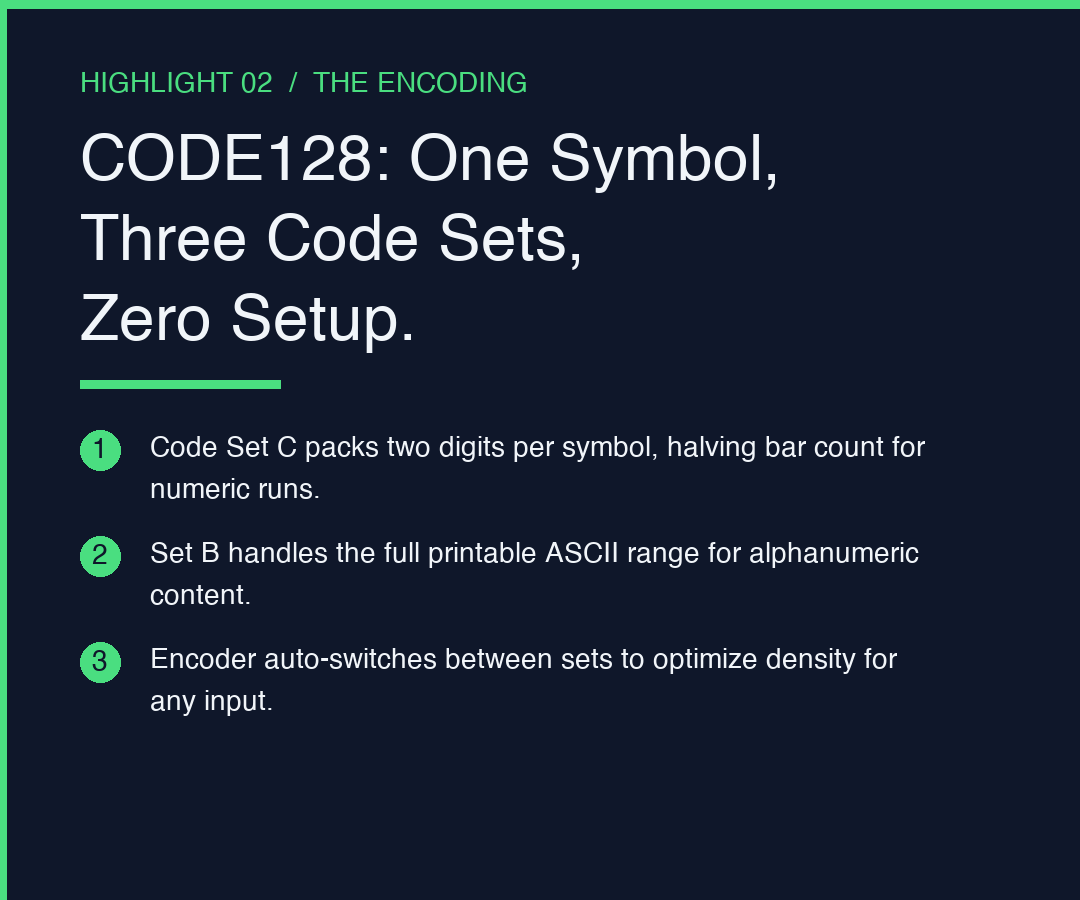
CODE128 is one of the few linear symbologies that covers the entire printable ASCII range (0 through 127) in a single, compact pattern. Where CODE39 forces you to pick from a narrower alphabet and CODE93 compromises on density, CODE128 packs 106 different bar-and-space widths per character position, switching between code sets A, B, and C on the fly to optimize density.
Set C is the part most people miss. It encodes numeric pairs two digits at a time, so the string 12345678 takes four bar groups instead of eight. That is why a UPC on a cereal box and the tracking number on a courier waybill can both fit in roughly the same horizontal real estate. The generator on Elysia Tools inherits this encoding automatically; you do not pick the code set, the encoder picks it for you.
The Three Bugs Fixed-Dimension Output Quietly Eliminates
The first time you integrate a barcode library into a print pipeline, you usually hit three bugs in sequence. Fixed-dimension output flattens all three at once.
1. The scanner-refuses bug. Mobile scanners fail on barcodes whose bar widths are sub-pixel at the rendering resolution. A 300dpi printer rasterizes a 0.25mm bar as 3 pixels wide, which works. A 96dpi browser canvas rasterizes the same bar as roughly 1 pixel wide, and the scanner reads it as noise. Fixed dimensions sidestep the calculation entirely by locking bar width to a pixel count that has been tested against consumer hardware.
2. The quiet-zone bug. The empty white margin on either side of the bars is not decoration. ISO/IEC 15420 mandates a quiet zone of at least 10X (ten times the X dimension) or the scanner will simply decline to fire. Hand-tuned libraries often default to 0 because the parameter feels optional, and the barcode looks fine on screen until a real scanner refuses it. Fixed-dimension output guarantees the zone by construction.
3. The check-digit drift bug.
Some CODE128 implementations compute the modulo-103 checksum only for code set C, or only for code set B, or skip it when input length is odd. The result is the same visual barcode scanning correctly on one reader and not another. Fixed-dimension output computes the checksum once, the same way, for every string.
What You Cannot Skip
There are exactly two things the generator will not do for you, and you should know them up front rather than discover them at 11pm the night before a launch.
Character set. CODE128 covers ASCII 0 through 127. If you paste in a Unicode em-dash, a smart quote, or an emoji, the encoder will reject or mis-translate it. ASCII-only inputs are the contract. If your product names contain non-ASCII glyphs, transliterate first, then encode.
Length budget. Practically, anything under about 24 characters fits comfortably inside a 2-inch label at standard print density. Past 30 characters, the bars get tall enough that the fixed dimensions start looking cramped on the label. Long inputs are valid, just plan for a wider label stock.
If you want to see real inputs flowing through the encoder before you commit, the Elysia Tools samples library has worked examples you can step through.
When a Fixed-Dimension Generator Is the Wrong Tool
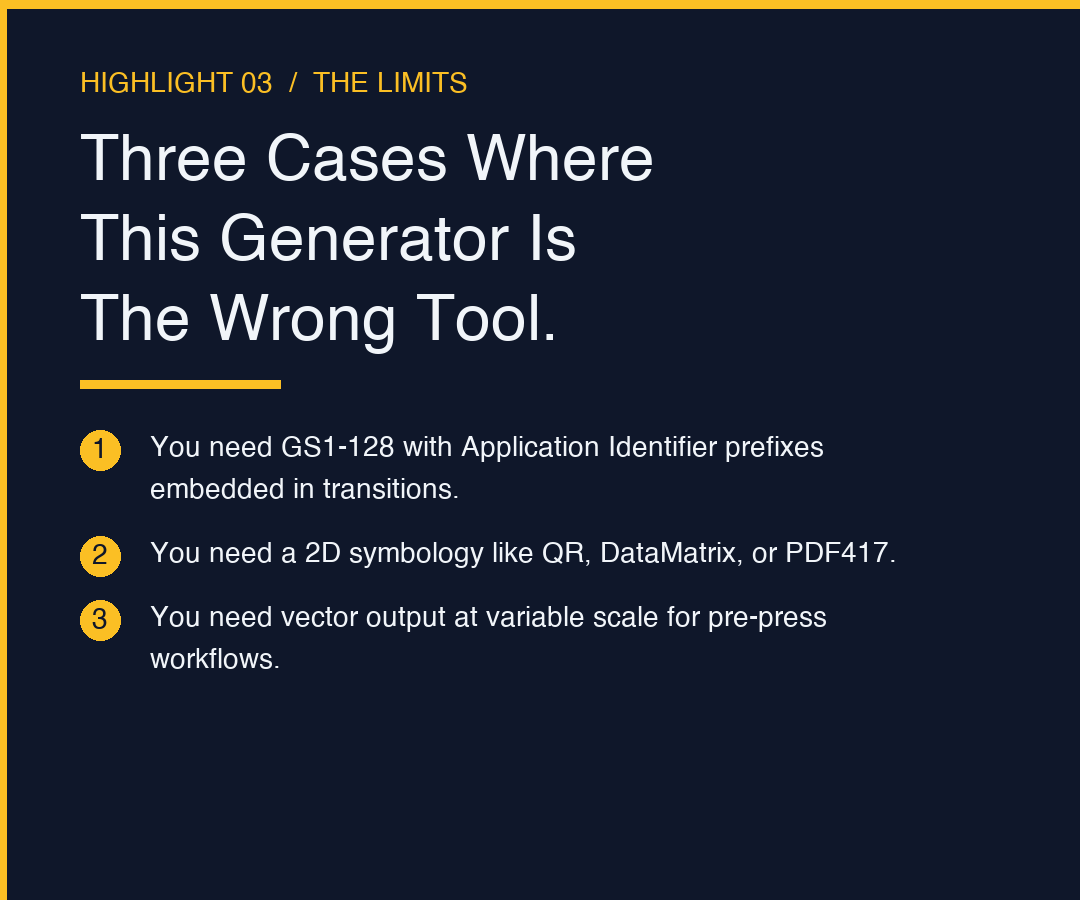
The moment your use case needs any of the following, this generator is the wrong tool and you should reach for something with full parameter exposure.
You need GS1-128 (the Application Identifier standard that prefixes data with (01), (10), and so on). GS1-128 is a usage convention layered on CODE128, not a different symbology, but the AI prefixes need to be embedded in the right code-set transitions to stay compact. You can do it with the basic generator, but you have to construct the input string yourself.
You need a 2D symbology. QR, DataMatrix, PDF417 — all useful, all completely different encoding schemes. None of them live inside CODE128.
You need the output in vector form (SVG, EPS, PDF) at variable scale. This generator emits a fixed raster. For label-shop workflows where the printer driver rescales the image anyway, that is fine. For pre-press where the bar width must hit 0.25mm exactly, use a vector-output library.
A Walkthrough With a Tracking Number
Suppose you operate a small fulfillment operation and you want to print a courier waybill on a 4×6 thermal label. The waybill number from your carrier looks like 1Z999AA10123456784. The steps below produce a print-ready file from that single string.
Paste 1Z999AA10123456784 into the generator on Elysia Tools. The encoder detects that the leading 1Z forces code set B, then switches to set C for the long numeric run, then back to set B for the trailing 4. The output renders a single image at the locked dimensions.
Download the image. Drop it into your label template positioned at the scan-line area. Send the template to the printer. The carrier’s handheld scanner should read it on the first sweep.
If the scanner does not read it, the failure is almost never the generator. It is the quiet zone being clipped by another element on the label, or the print resolution being too low for the X dimension to land at a whole pixel boundary. Both are layout problems, not encoding problems.
Closing Thought
A barcode is one of the few computer-readable artifacts that gets printed on paper, passed through a warehouse, scanned by a tired person holding a wand at the wrong angle, and used to commit a real-world shipment. The encoding scheme is half a century old and the encoders are mature. What still fails is the boring, unglamorous work of getting bar width, quiet zone, and checksum right at the same time, every time. A fixed-dimension generator that has already made those decisions for you is a quiet piece of operational insurance, and it is worth the 10 seconds it takes to explore more tools at elysiatools.com.