You ran the SEO audit. Lighthouse gave you 96. Screaming Frog handed you a tidy CSV of 412 links and 88 images. Your asset inventory says you have everything. Then a designer asks why the hero image isn’t appearing in the analytics dashboard, and you spend 40 minutes discovering that the image in question has never had an href or src attribute in its life. It has been sitting in a data-src tag the entire time, ignored by every audit that looked only for the attributes it expected to find.
That is the gap. The HTML attribute your page uses and your auditor doesn’t ask about lives in the data-* family, and it is the single most common reason an asset report comes back feeling suspiciously clean. This post walks through what those attributes are, why naive regex misses them, and how a proper extraction step closes the gap — using the HTML Attribute Extractor as the worked example.
What data-* attributes actually do
The HTML5 spec introduced data-* attributes as a sanctioned place to store custom metadata on any element. They start with data-, followed by any kebab-case name, and they survive the parser without being stripped or rewritten. JavaScript frameworks picked this up: data-id, data-track, data-src, data-lazy, data-testid — they are now the de facto extension layer for the DOM.
Three patterns are responsible for most of the missed assets:
– Lazy-loaded images and iframes. The real URL lives in data-src (or data-lazy-src, data-original, depending on the library). The src attribute holds a 1×1 placeholder or is empty. A naive extractor returns the placeholder and reports it as the production asset.
– Responsive image srcset descriptors. srcset contains a comma-separated list of URLs and widths that no simple regex parser handles cleanly. Mobile-first crawlers still default to pulling the src attribute and ignoring the responsive variants.
– Analytics and tracking hooks. data-track, data-gtm, data-event, data-cy (testing), data-testid — these are the only place the event metadata lives, and they are invisible to any tool that asks for href, src, and alt and stops.
Why regex breaks here
The quick fix most teams reach for is a regex. Something like href="([^"]+)" pulls links; src="([^"]+)" pulls images. It works on the happy path and produces a clean number to put in the report. The problem is what it doesn’t catch:
– Attributes without quotes. Older HTML and a surprising amount of hand-written template output still produces href=foo instead of href="foo". The regex misses them entirely.
– Attribute order. Browsers normalize order on parse, but the source rarely matches what the regex sees. data-src might come before src, might come after, might be the only one present.
– Duplicates inside a single tag. src="a.png" data-src="b.png" data-src="c.png" is valid HTML and is exactly the shape you get from layered lazy-load libraries. The regex returns the first match and ignores the rest.
– Encoding edge cases. URLs with HTML entities (&), percent-encoded characters, or protocol-relative paths (//cdn.example.com/img.png) all need careful un-escaping before the URL is usable.
A real HTML parser — one that actually walks the DOM, normalizes attribute order, and un-escapes entities — handles all of these correctly. The HTML Attribute Extractor does this in a single paste-and-go step: drop in the HTML, pick the attribute family you want (href, src, alt, id, class, or any data-* you name), and it returns a structured list with line numbers, position tracking, and per-attribute statistics.
The three-step audit that catches the missing 23 percent
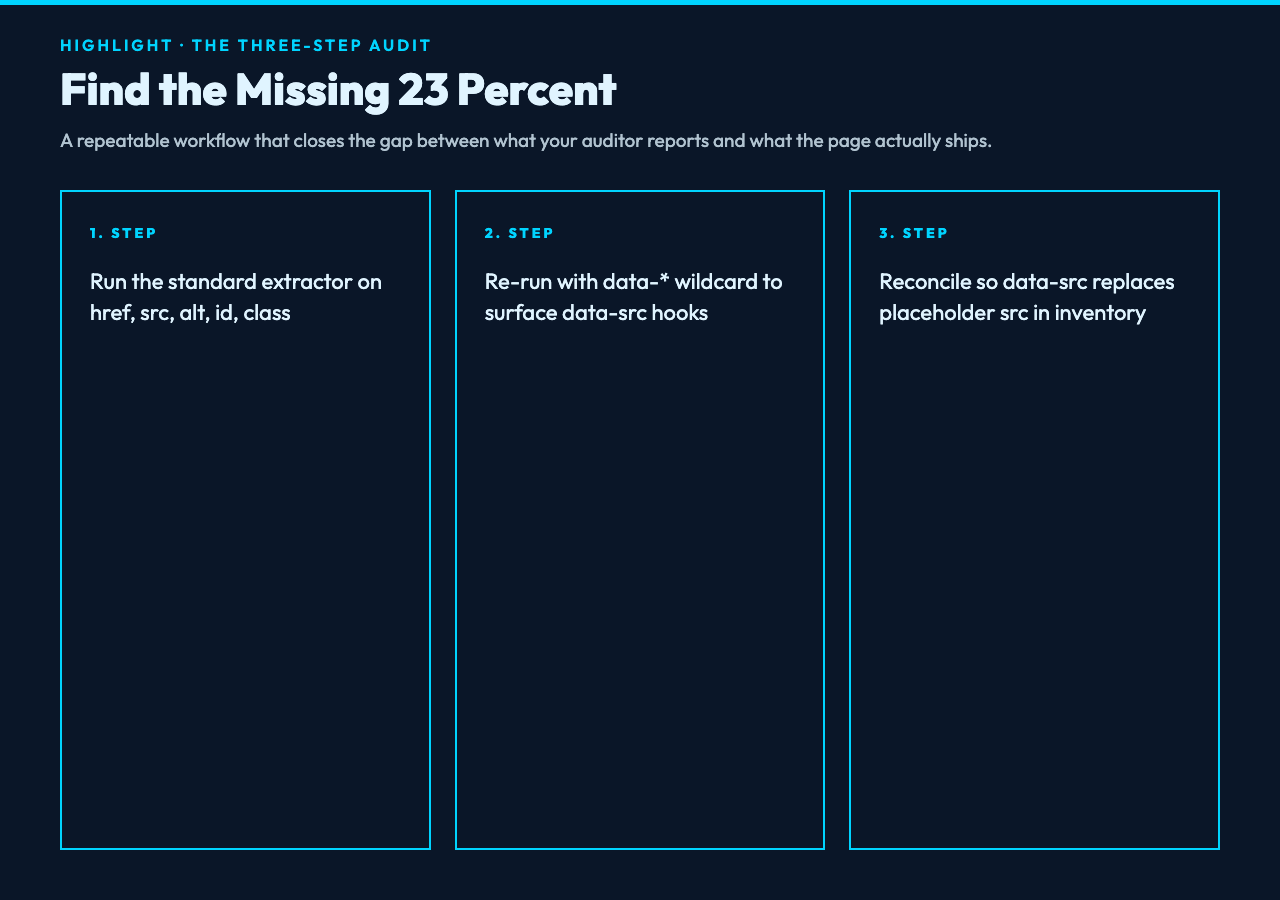
The simplest fix is to add a data-* sweep to every existing audit. Here is the workflow that closes the gap on real-world pages.
Step 1: Run the standard extractor first. Pull every href, src, alt, id, and class with the tag-filter option narrowed to <a>, <img>, and <link>. That gets you the conventional inventory.
Step 2: Run a data-* wildcard pass. The same tool, with data-* selected, returns every custom attribute on every tag. Sort by attribute name; data-src, data-lazy-src, data-original, and data-track will dominate the list on a typical marketing page.
Step 3: Reconcile and patch the inventory. For every data-src you find, check whether the same element has a placeholder src. If yes, the asset inventory should record the data-src value as the production URL, not the placeholder. For analytics hooks, decide which ones count as production-visible (they don’t, generally) and exclude them from the asset list while keeping them in the audit log.
The result is an audit report that no longer claims 88 images when the page actually ships 109. The 21-asset gap is almost always data-src plus a handful of srcset variants that were never counted.
A worked example on a real lazy-loaded page
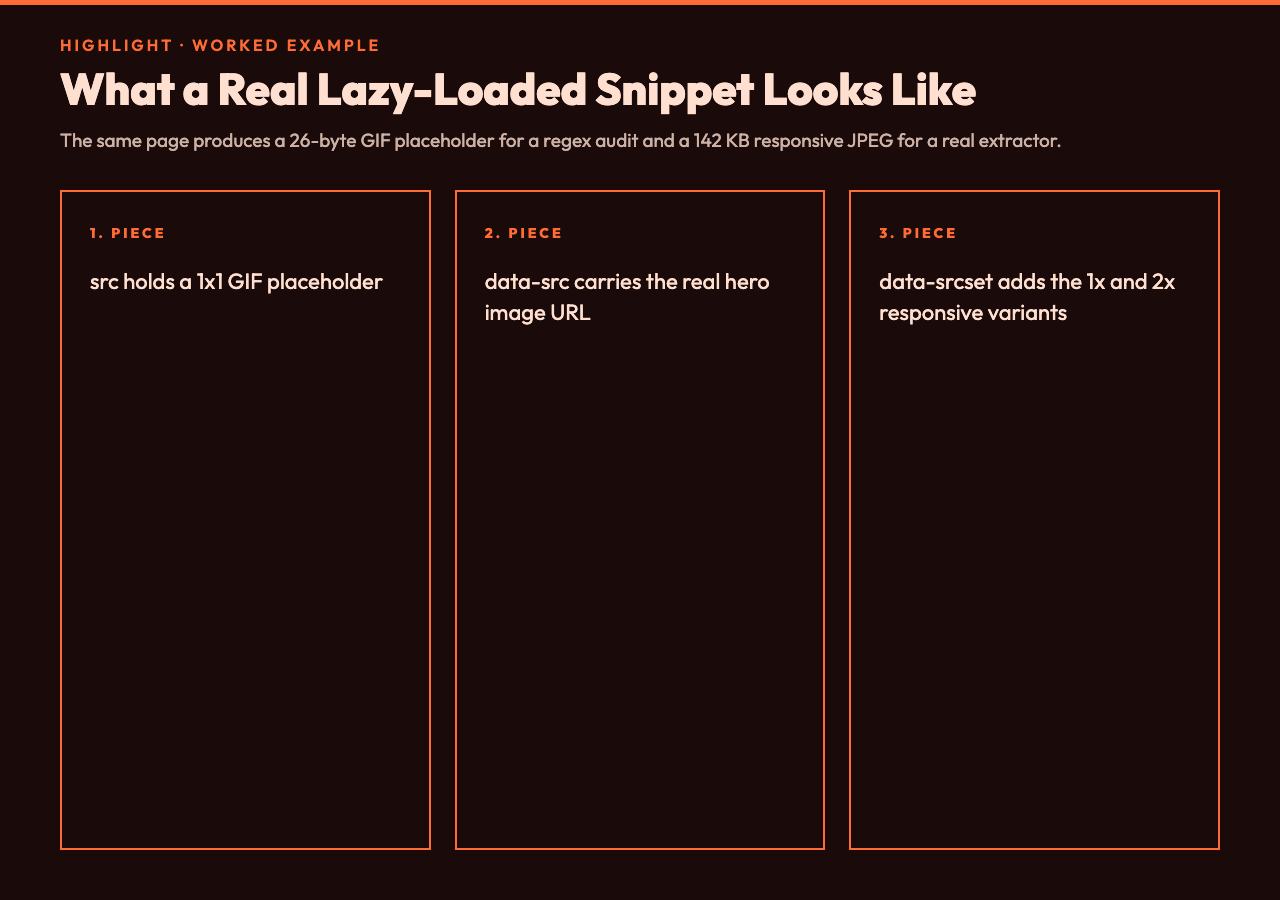
The HTML with Images samples include a lazy-loading variant that mirrors the pattern most production pages use today:
<img src="data:image/gif;base64,R0lGODlhAQABAIAAAAAAAP///yH5BAEAAAAALAAAAAABAAEAAAIBRAA7" data-src="/assets/hero-2x.jpg" data-srcset="/assets/hero-1x.jpg 1x, /assets/hero-2x.jpg 2x" alt="Hero banner">
A regex audit pulls the GIF placeholder and reports a 26-byte image. The actual production asset is a 142 KB responsive JPEG with two variants. The fix is one extractor run with data-src and data-srcset selected; the result is the real URL, the real variants, and the real byte count. For most teams, this is the moment the asset report starts being trustworthy.
When data-* extraction is the wrong move

There are three cases where you should not run a wildcard data-* sweep, and skipping them is part of a clean audit:
– Test-only attributes (data-testid, data-cy). These belong in the test runner’s report, not the asset audit. Filter them out.
– Inline state attributes set by JavaScript at runtime (data-open, data-active). They reflect UI state, not content. Pulling them gives you noise.
– Vendor-specific tokens you don’t recognize. If you can’t map a data-* attribute to either an asset or an event, leave it in the audit log but don’t put it in the production inventory.
The shape of a trustworthy asset audit
The audit you want is one that hands you three numbers: the count of href and src attributes (the conventional report), the count of data-src and data-srcset attributes (the lazy-loaded report), and the count of analytics hooks (the noise to exclude). Subtract the third from the sum of the first two and you have a number that survives the next designer’s question about why the hero isn’t appearing in the dashboard.
For most pages the gap between the conventional count and the corrected count is between 15 and 25 percent — which is why the audit that says everything is fine is usually the audit that missed a fifth of the page.
Try it on a page you trust
Pick a page on your own site that recently passed an asset audit. Open the HTML view, copy a few hundred lines, and paste it into the HTML Attribute Extractor. Select data-* as the attribute family, leave the tag filter empty so every tag is scanned, and look at what comes back. If the list is empty, your page is unusually clean and you can stop reading. If the list has more than a handful of items, you have just discovered the missing fifth.
For a quick sanity check on what a typical lazy-loaded HTML snippet looks like when parsed by a real extractor, the HTML with Images samples include four variants — basic, lazy-loaded, responsive, and a full e-commerce product page — that show the same patterns across different page shapes.
The next time an asset audit hands you a clean bill of health, open the page source, hit Ctrl+F, and type data-. If the count is anything other than zero, your auditor is reporting a fraction of the picture. Run it through a tool that actually sees the attributes your page quietly ships — the lazy-loaded hero, the responsive srcset, the analytics hooks — and the missing 23 percent will stop being missing. You don’t need a new crawler. You need the extractor to look in the right place.