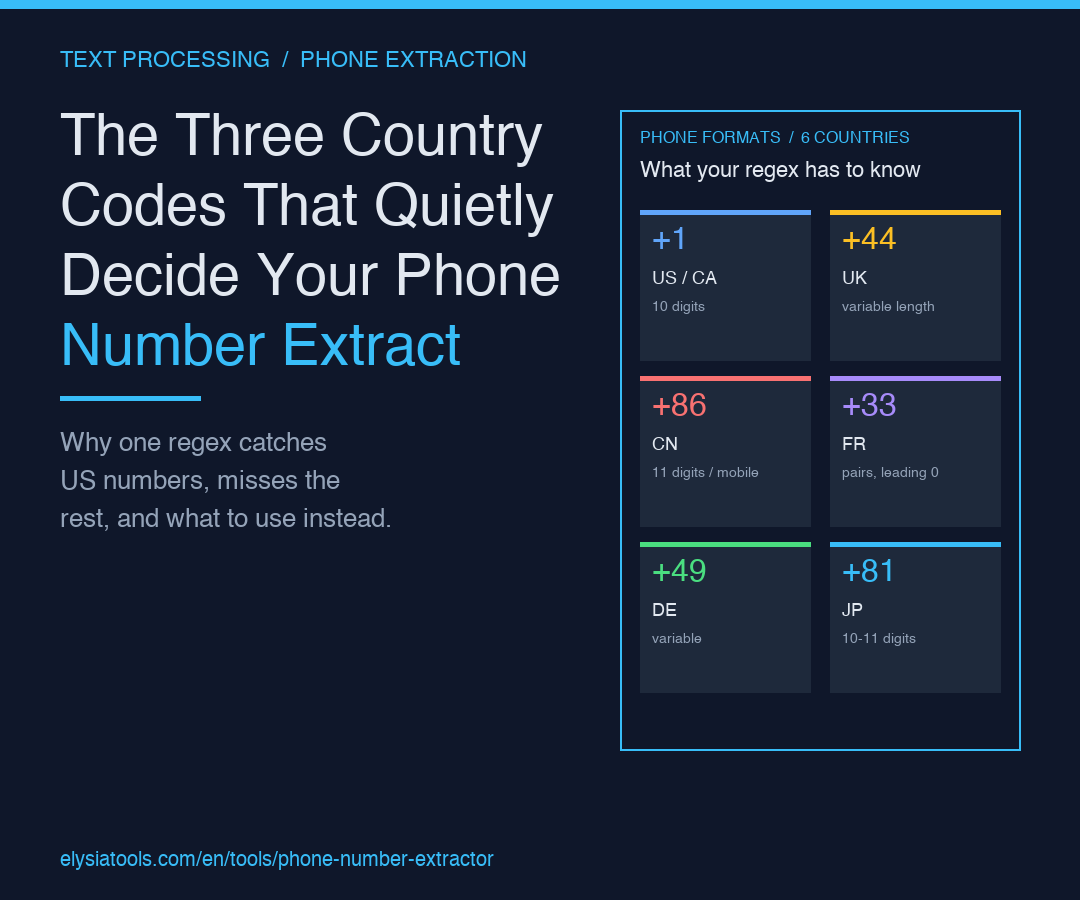
The Three Country Codes That Quietly Decide Your Phone Number Extract
A paste of customer notes, a transcript dump, a CSV column you imported from a third-party form — somewhere in the middle of all that, a phone number is hiding. Not the obvious one. The second one. The one with the country code you forgot was even possible. Every regex you have ever written for phone numbers has missed at least three formats. The most useful thing you can do is give up on writing that regex and use a tool that already knows the difference between +86 and +1 and +44, and knows it well enough to find them in the middle of a paragraph about Tuesday's meeting.
The Phone Number Extractor is a small, focused tool that does exactly this. It scans mixed text, finds every plausible phone number across dozens of country formats, and returns a clean list you can copy straight into a spreadsheet or a CRM import. The reason it works — and the reason it is worth your time instead of yet another Stack Overflow regex — comes down to three specific country-code decisions that quietly decide whether your extract is honest or quietly wrong.
What “extracting” actually means (and why your regex can’t)
When you say you want to “extract phone numbers from text,” what you mean is: scan a chunk of prose, find the substrings that look like phone numbers, and hand them back. The naive version of this is a regex like \(\d{3}\)\s*\d{3}-\d{4} and a prayer. That regex works on exactly one country, and only when the format is exactly the way you remember it. Real text is not like that.
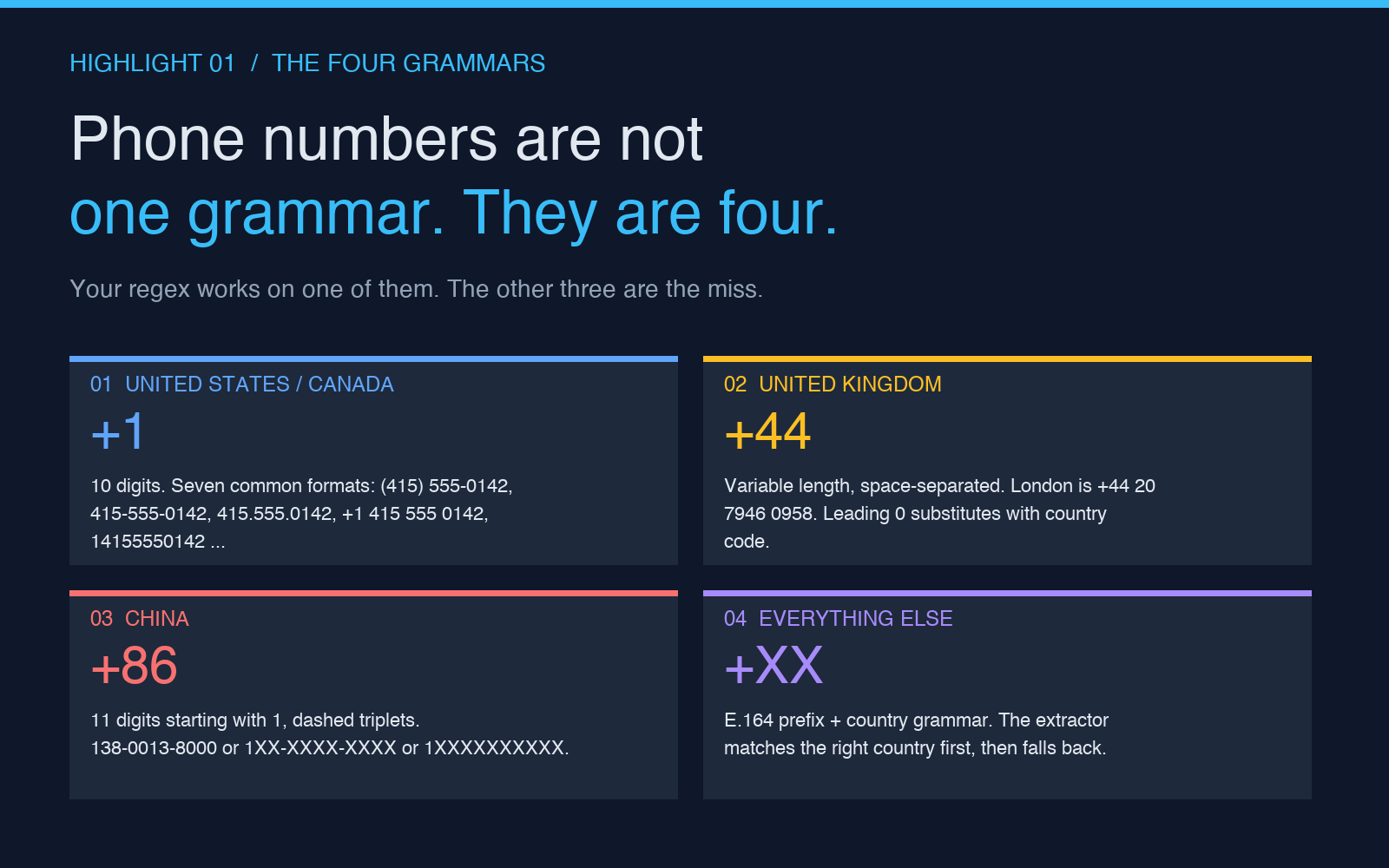
Real text is: “Call Sarah at (415) 555-0142 or her cell +1 415-555-0143, or the Beijing office at 138-0013-8000, or our London line +44 20 7946 0958.” That single sentence has at least four different phone formats: US with parentheses, US with country code and dashes, Chinese mobile with leading 1 and dashed triplets, UK with country code and space-separated groups. The first one your regex catches. The second one it might catch. The third and fourth it will not catch, no matter how many hours you spend tweaking character classes.
The reason is structural. Phone formats are not a single grammar — they are at least sixty grammars, one per country, with optional country codes, optional area codes, optional extensions, optional formatting characters, and a long list of ways each country allows itself to be written. China writes mobile numbers as 1XX-XXXX-XXXX (eleven digits starting with 1). The UK writes London as +44 20 XXXX XXXX (four-digit groups, area code starts with 2). France writes Paris as 01 23 45 67 89 (pairs, starting with 0). E.164 — the international standard — collapses all of this to +, but the text you actually receive is rarely in E.164. The text is in whatever the writer thought looked right at the time.
The Phone Number Extractor ships with built-in knowledge of these formats and applies them in order. It does not pattern-match your text against one big regex. It pattern-matches your text against the right regex for the right country, using the country code as a hint when one is present and a fallback grammar when one is not. The result is the list you actually wanted.
The three country codes that decide whether your extract is honest
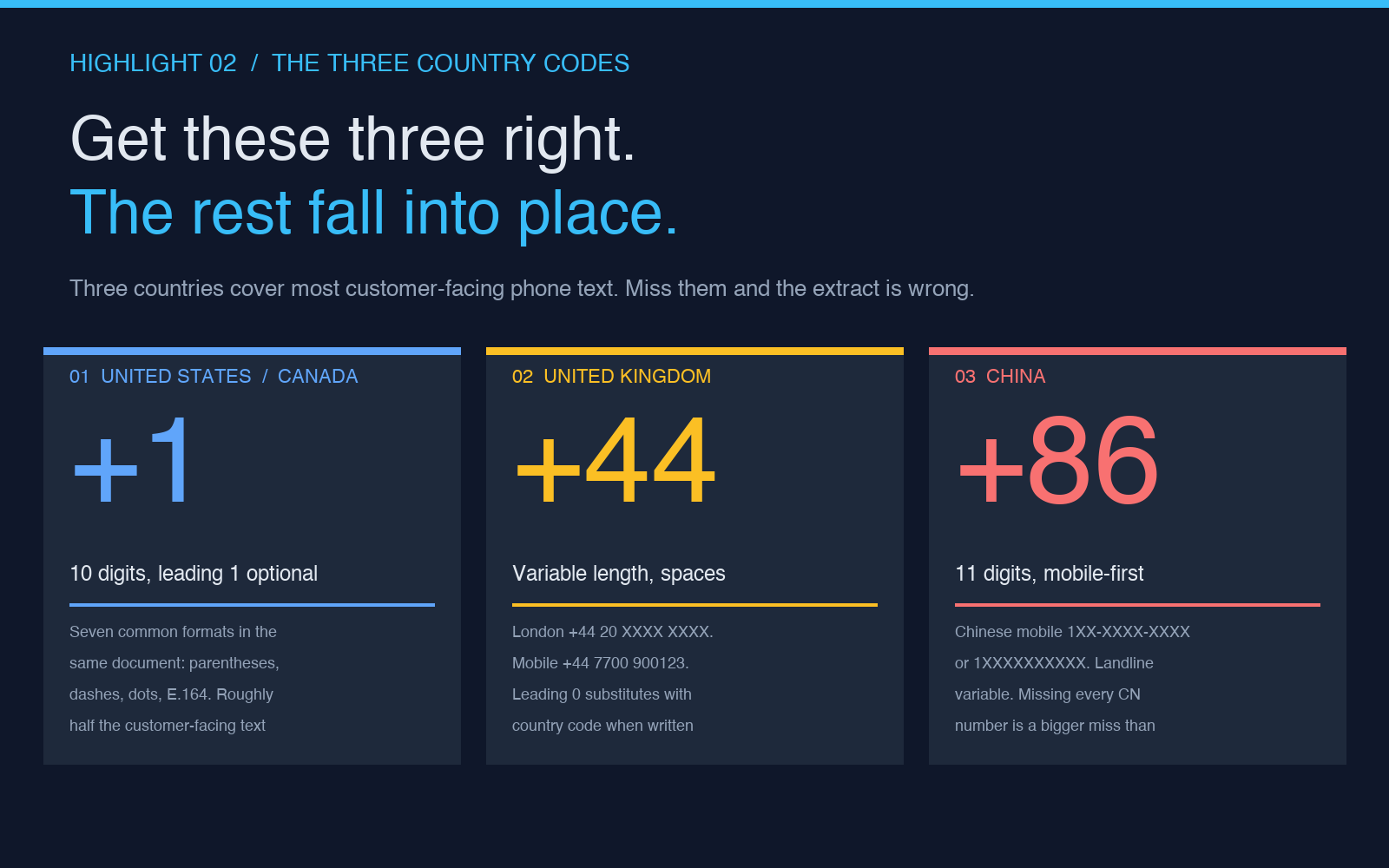
There are dozens of country codes in the active rotation, but three of them quietly decide whether your phone extraction works on the text you actually receive. Get these three right, and the long tail of other countries falls into place. Get them wrong, and the extract is missing the numbers that matter most.
United States and Canada (+1). The +1 country is the easiest to underestimate. Most people write a US phone number three different ways in the same document: (415) 555-0142, 415-555-0142, and 415.555.0142. The phone extractor has to recognize all three. It also has to recognize the 1-prefix variants: 1-415-555-0142, +1 415 555 0142, and the increasingly common 14155550142 (no separators at all, E.164 form). The 10-digit North American Numbering Plan, with or without the leading 1, is what you will see in roughly half the customer-facing text in the world. If your tool cannot handle the seven common US formats, you will miss half your numbers.
United Kingdom (+44). The UK is where the naive regex starts to break. UK numbers have variable length, area codes that start with 0 or 1 or 2 depending on the city, and a writing style that defaults to space separation rather than dashes. London is +44 20 7946 0958. Edinburgh is +44 131 555 0142. A mobile is +44 7700 900123. The leading 0 in the domestic form is replaced by the country code in the international form — 020 7946 0958 becomes +44 20 7946 0958. The extractor has to know to substitute. A regex that just looks for \+44 followed by digits will over-match numbers with too many trailing digits and miss numbers that include the leading 0.
China (+86). China is the third country that decides whether the extract is useful. Chinese mobile numbers are 11 digits starting with 1, formatted as 1XX-XXXX-XXXX or 1XXXXXXXXXX or +86 1XX XXXX XXXX. Chinese landlines are variable length and depend on the city. If your business talks to customers in mainland China — and a lot of consumer-facing businesses do — missing every Chinese number in the paste is a bigger miss than missing every UK number. The Phone Number Extractor has a dedicated Chinese branch for exactly this reason.
Together, these three countries cover most of the text most people are actually trying to extract from. The remaining 190+ countries are handled by the same engine with country-specific grammars, and any number with a + prefix and a recognized country code is identified without ambiguity.
Why you should still keep the text around the number
The most common mistake with phone number extraction is to throw away everything except the number itself. The number is not the whole story. A line that says “Sarah's cell: (415) 555-0142” carries information the number alone does not — that it is Sarah's cell, not her office line. A line that says “if you have issues, call 1-800-555-0199” tells you that 1-800 number is a support line, not a sales line.
The extractor returns the numbers, but the text around them is the metadata that turns a list of digits into a useful dataset. The right workflow is to extract, then keep the source text side by side, then look up each number in context. If you are doing this at scale, paste the original text into one column and the extracted number into the next. The context is what makes the extract actionable.
The Phone Number Extractor samples page is built around this idea. It includes a few paragraphs of mixed customer notes — calls, emails, sign-up form text — with phone numbers in a half-dozen different formats. Paste one in, run the extractor, and you see exactly which formats it catches and which it does not. The global phone samples do the same thing at a larger scale, with numbers from thirty-plus countries in a single block of text.
When not to bother extracting
Phone extraction is not always the right move. If you have a single number you can see and copy, just copy it. The extractor is for the cases where the numbers are buried in text and you have a lot of them to find at once. The break-even is somewhere around five numbers in a single block of prose. Below that, eyeballing is faster. Above that, the tool is faster and more accurate than a hand scan, especially when the text includes international numbers or numbers in multiple formats in the same paragraph.
The other case where extraction is overkill is when the text is already structured. If your input is a CSV with one column labeled “phone” and the values are mostly clean, the extractor is not going to add much. The value shows up when the source is unstructured — a transcript, a notes document, a CRM free-text field, an email body, a chat log. Those are the cases where the format variance kills the naive approach, and a tool that knows the difference between +1, +44, and +86 pays for itself the first time you run it.
Where the tool fits in your text-cleanup workflow
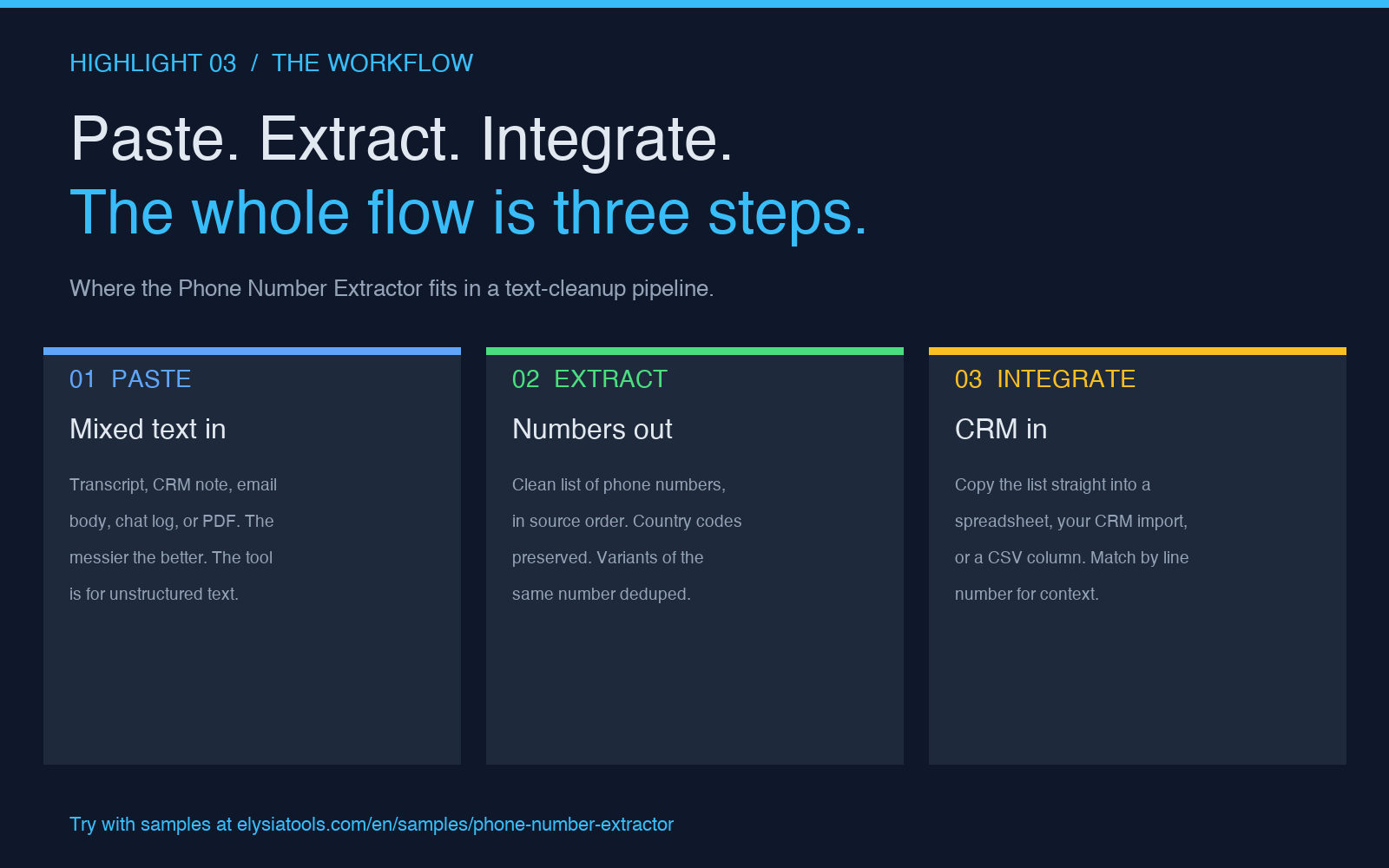
The Phone Number Extractor is one piece of a larger text-cleanup pipeline, and the right way to use it depends on what you are doing upstream. If you are pulling text out of a PDF or a scanned document, the upstream is OCR, and the phone numbers will be high-confidence but possibly mis-formatted — a 0 read as an O, a 1 read as an l. The extractor will still find them, but you may want to run a normalization pass after. If you are pulling text out of a web form, the upstream is whatever JavaScript collected, and the numbers will be cleaner but the surrounding text will be messier. Run the extractor on the text directly, then join the results back to the form fields by line number.
The most common workflow is: paste a block of mixed text into the Phone Number Extractor, get back a clean list of numbers, copy the list into your CRM or your spreadsheet. That is the whole flow. The tool is not a platform. It is a single function that does one thing well, and the one thing it does well is the thing your regex keeps getting wrong.
Explore more tools at elysiatools.com.