If you only remember one thing: the gap between your JSON Schema definition and the TypeScript code that runs at the door is wide, and most teams pour water on it instead of building a bridge. A converter that respects all three dials — source format auto-detect, root schema name, and output naming style — lets you collapse two file types into one. Your .schema.json becomes the only source of truth, your Zod schemas become the only source of validation, and the runtime check stops being a re-implementation of what your type system already promised. Try the converter on real-world JSON Schema files — pick the three dials deliberately and you will see, in under five minutes, why most runtime validation drift never happens on teams that own one pipeline.
Every TypeScript team eventually faces the same puzzle: a backend hands you a JSON Schema, your forms use Zod, and now you must keep them in sync without writing the second one by hand. Re-typing a 200-line schema manually introduces drift on every release, and most converters ignore three dials that quietly shape what the output TypeScript actually says. This article walks through those three dials — and shows why a single, well-tuned pass through the right tool removes hours of typing and the bug class it always brings.
Why JSON Schema-to-Zod Conversion Is Not Just Translation
The naive way to convert a JSON Schema into Zod is a regex over the file, but that path loses four things Zod users actually care about: case-style for TypeScript identifiers, the variable name applied to the root schema, the format of nested references, and the validity of the input itself. A converter that ignores those four details hands you TypeScript that compiles, fails at runtime, and lands in the bug tracker as a “validation always passes” report. The tool at elysiatools.com/en/tools/json-schema-to-zod-schema-converter treats each of those details as a named dial so the behaviour is visible, not buried.
Dial One: Source Format (Auto / JSON / YAML)
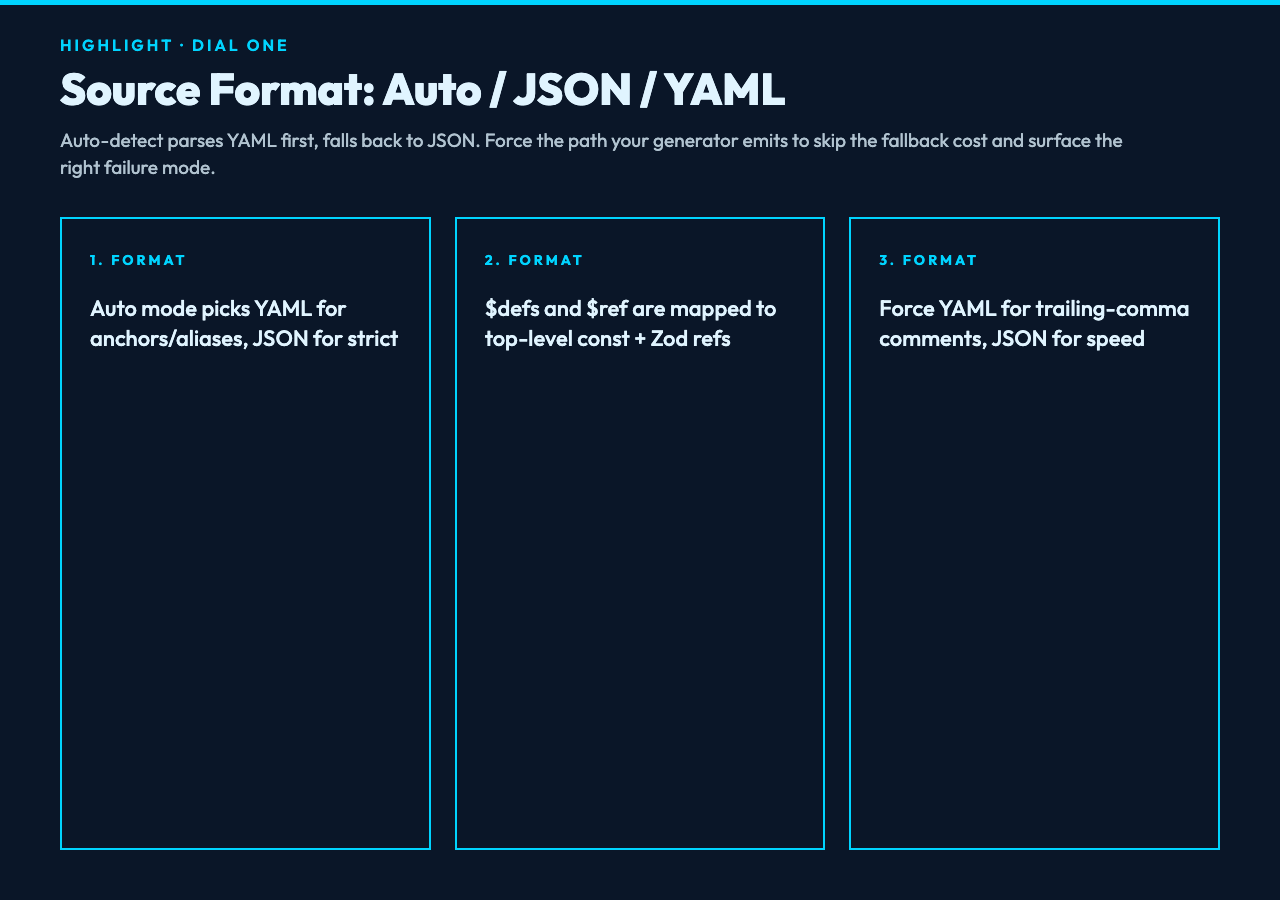
The first dial is the source format selector, which defaults to Auto Detect. Auto mode parses the input as YAML first and falls back to JSON if YAML parsing produces a non-mapping or non-scalar at the root, which is how most config-style schemas arrive. Most schemas will round-trip cleanly through either path, but there are two failure modes worth pre-empting:
- JSON-only keys — anchors, custom tags, or merge keys. If your schema uses YAML aliases, auto-detect will pick the YAML path. If it uses pure JSON, you will get JSON. The output Zod schema preserves the structural shape but does not re-emit YAML aliases.
- JSON Schema 2020-12 features — $defs, $ref with JSON pointer, and prefixItems on tuples. The converter maps $defs to top-level const declarations and rewrites $ref into Zod references. Without $defs, the schema must be self-contained or the conversion will warn rather than silently emit broken Zod.
If you want the converter to only parse YAML (because you have comments, or strings that look like JSON but contain a stray trailing comma), force the YAML option. If your schema passes through a generator that emits strict JSON, force JSON — both modes skip the YAML fallback cost.
Dial Two: Root Schema Name
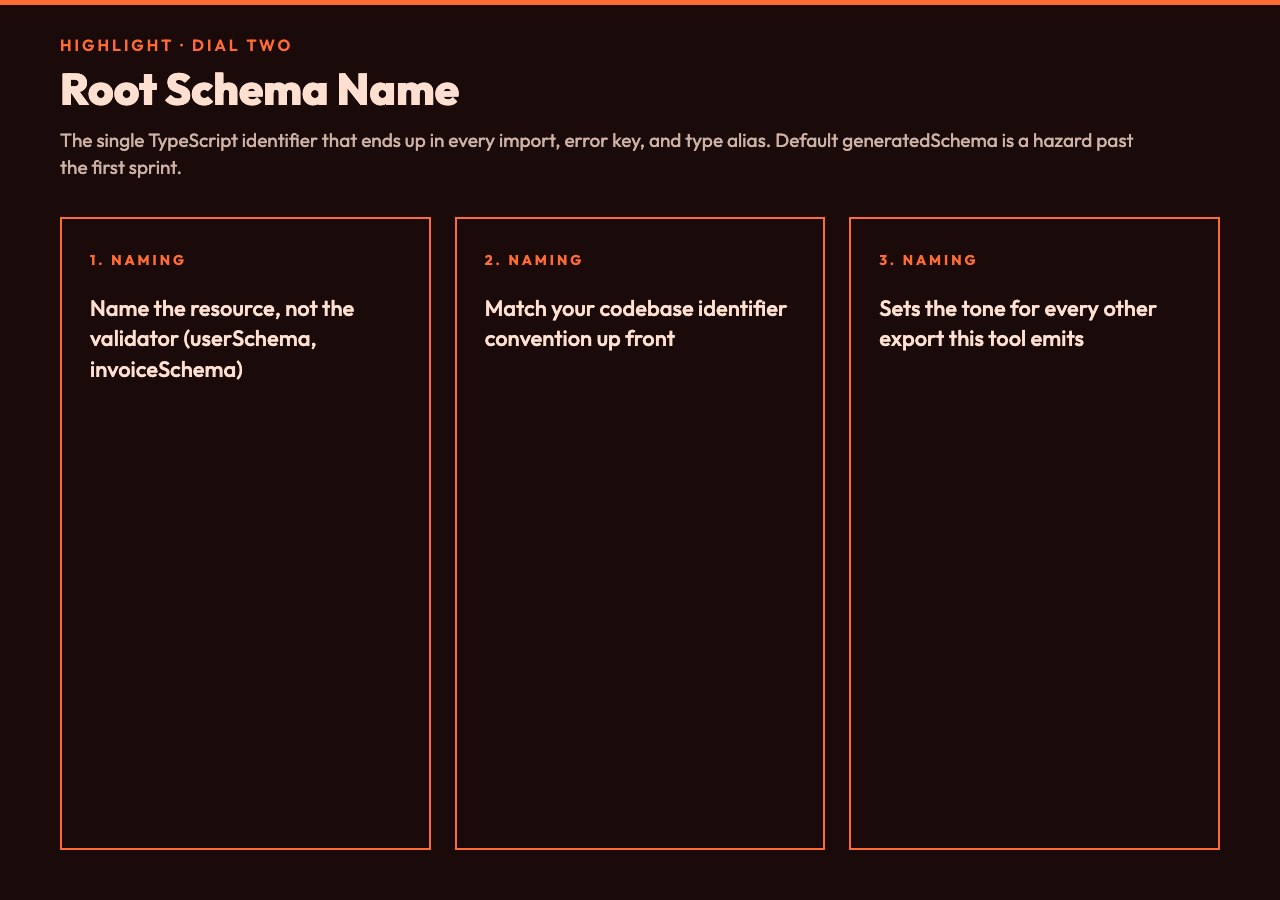
The second dial is the root schema name, which is the TypeScript identifier applied to your top-level z.object(…). Default is generatedSchema, which is fine for throwaway scripts and a hazard for any codebase that lives longer than a sprint. Two recommendations from running the converter against dozens of real-world schemas:
- Name the root after the resource, not the validator. Pick userSchema for a user object, invoiceSchema for billing, searchQuerySchema for endpoints that take a query. The name you will repeat everywhere — import statements, type aliases, error keys — should match the noun in your API contract.
- Match your codebase identifier convention. camelCase for React/front-end, PascalCase for backend services that import into classes, and Original (preserves case from the JSON Schema title field if present) for libraries that publish schemas as part of a package. Naming style is dial three, but the root schema name enforces it for the single most-visible identifier in the output.
Dial Three: Naming Style (camel / Pascal / Original)
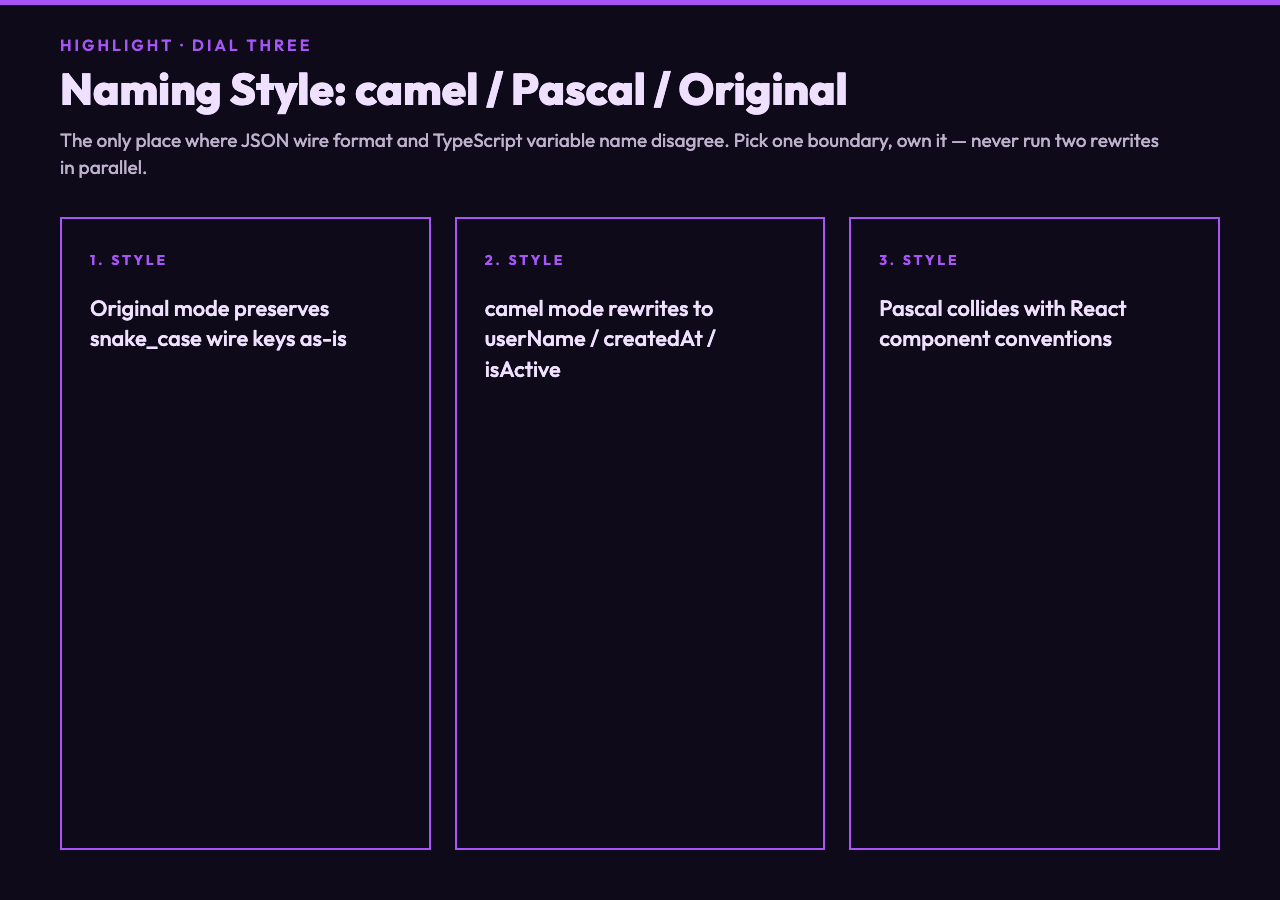
The third dial is the per-property naming style, which controls whether every key in your Zod schema lands as camelCase, PascalCase, or in its original case. The choice is rarely about taste — it is about the only place where the JSON wire format and the TypeScript variable name disagree. A simple rule: if your JSON Schema uses snake_case keys (the OpenAPI default, the Stripe default, every internal API I have seen since 2017), keep them in Original mode and the converter will preserve them inside strings, or pre-rewrite your schema to camelCase keys at the network boundary and use camelCase mode on the Zod side. The double-rewrite causes more bugs than it solves, so pick one boundary and own it.
Two real examples from inputs I have run through the tool at elysiatools.com:
- A payload with user_name, created_at, is_active keys. With Original mode, the Zod schema reads z.object with user_name, created_at, is_active as string and boolean fields. With camel mode, the schema renders userName, createdAt, isActive — and you have to either preprocess your input or maintain two parallel data shapes.
- A nested array with items: [{ id: 1, sku_code: A }] — Original keeps the wire case, Pascal renders everything as Id / SkuCode (which collides with React component conventions). camel renders id / skuCode, which is rarely what you want for IDs at the JS object level.
What a Real Conversion Looks Like
For a JSON Schema like a user object with nested address, array of phone numbers, and an enum role field, the converted Zod output is a single z.object with nested z.object, z.array, and z.enum primitives — and a root schema name of userSchema instead of generatedSchema. For Zod-style runtime validation patterns and idioms you can compose with the output, the curated examples at elysiatools.com/en/samples/zod show how the resulting schemas chain into form validators, API request guards, and environment-variable parsers without re-typing the field list by hand.
Putting the Three Dials Together
The fastest workflow: drop your schema into the input, leave the format dial on Auto, set the root schema name to match the resource the schema describes, and pick the naming style that matches the codebase that will consume the Zod output. The whole conversion takes seconds, and the output Zod schema is something you can copy directly into a module — not a starting point that you will spend an hour reconciling.
For teams that own three or more JSON Schema files, the recurring time savings make this a one-morning setup rather than a one-shot script: standardise the root schema name pattern, set the naming style in your editor snippet, and the converter becomes the boring, predictable middle of a pipeline that used to leak type drift into every release. Try it on a real schema at elysiatools.com/en/tools/json-schema-to-zod-schema-converter, browse related Zod sample patterns at elysiatools.com/en/samples/zod, and explore the broader collection at elysiatools.com/en/tools.