A 200-line README can render perfectly while its link structure is already failing. In one common edit, a reference label is renamed, the definition stays behind, and a bare URL is pasted beside an older inline link to the same destination. The page still looks plausible. Yet the source now carries three maintenance problems that a visual skim is likely to miss.
Link work should begin with an inventory, not a crawl. A crawler asks whether a destination responds over the network. An extractor asks an earlier question: what destinations does this Markdown document claim to contain, how are they expressed, and where does the syntax stop making sense?
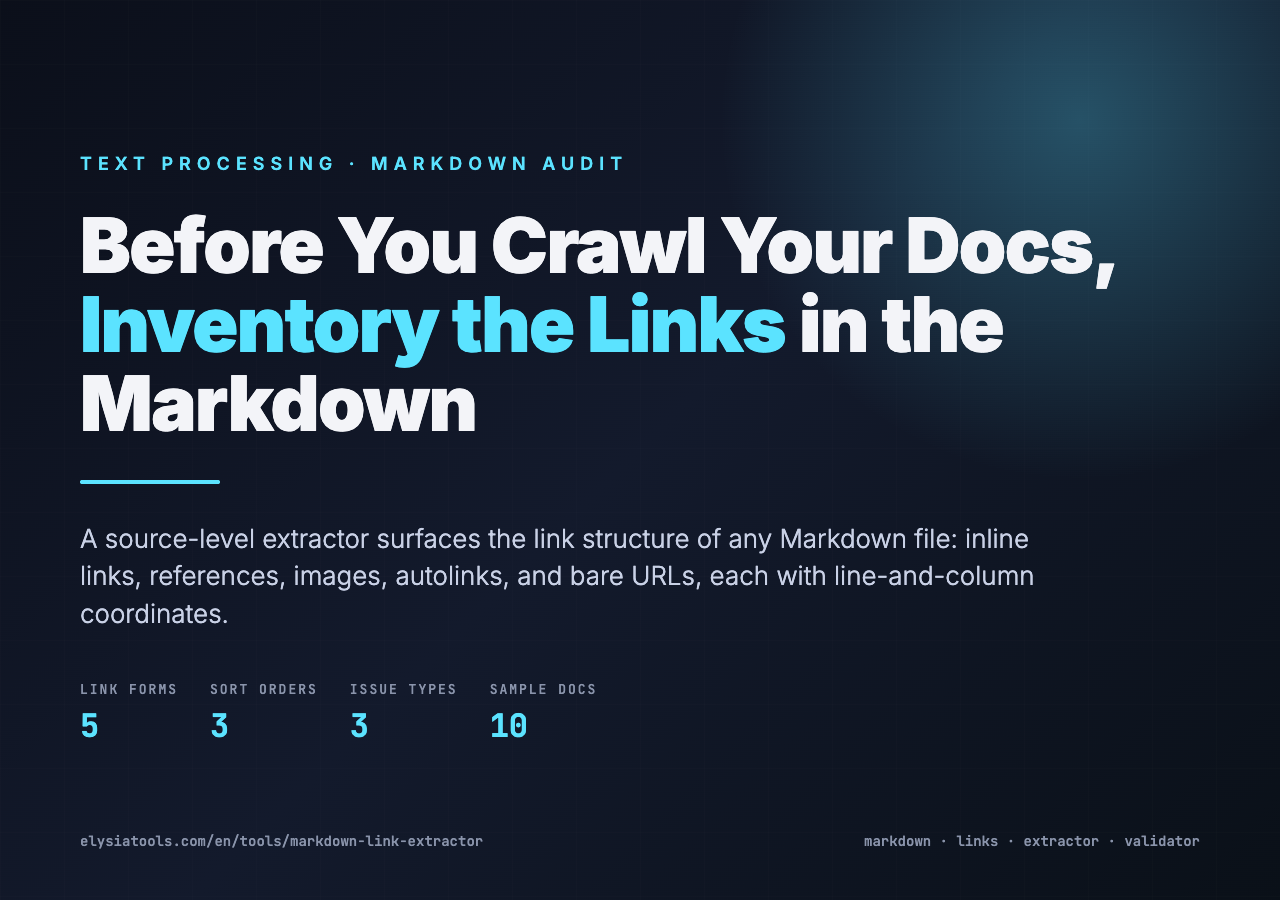
According to the tool’s source configuration, the Markdown Link Extractor on Elysia Tools is built for that source-level pass. It reads inline links, reference links, images, autolinks, and bare URLs; reports line and column positions; and can flag malformed URLs, repeated destinations, broken references, and unused definitions. Its job is not to prove that the web is healthy. Its job is to make the document’s intent inspectable.
Rendering hides the evidence you need
A browser collapses several Markdown forms into the same clickable element. `[API guide](https://example.com/api)` and `[API guide][api]` may produce identical anchors after rendering, even though the second form depends on a separate `[api]: …` definition elsewhere in the file. If that definition is missing, misspelled, or unused, the source problem can be difficult to diagnose from the finished page.
The same loss of detail happens with images, angle-bracket autolinks, and raw `https://` text. A rendered preview tells you what a reader sees. It does not necessarily tell you which syntax created it, which definition supplied the URL, or whether the same destination appears five times under different labels.
This is the mental shift: rendering answers a presentation question; extraction answers a structure question. The two checks complement each other, but they are not interchangeable. If you need realistic input before applying that distinction to a production README, the Markdown Link Extractor sample set includes basic links, reference-style links, images, mixed content, broken references, duplicates, internal documentation paths, and more involved technical documents.
Five link forms need one common inventory
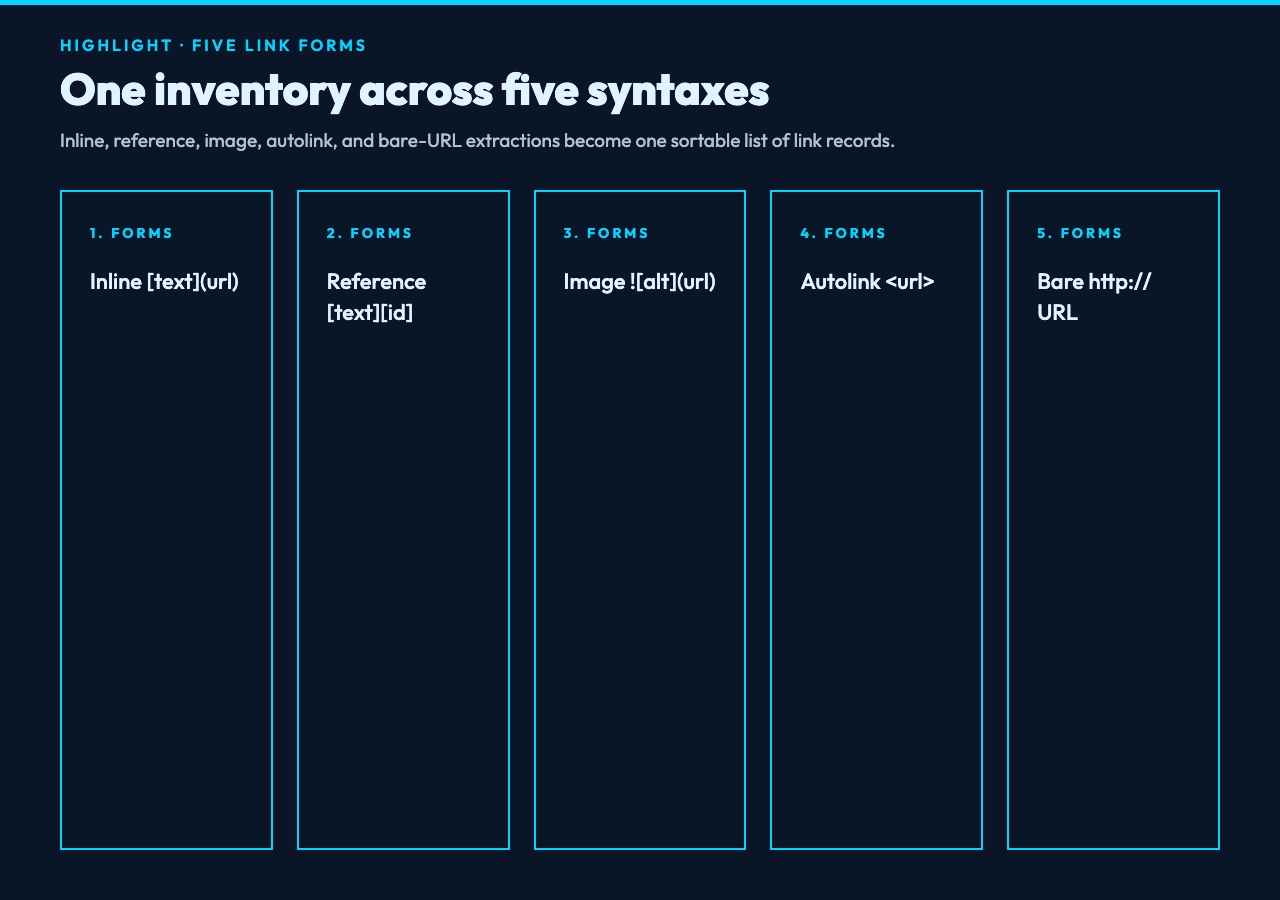
Markdown links are not one syntax. They are a family of syntaxes that happen to converge on similar output. The extractor can include five categories in a run:
- Inline links pair visible text and a destination in one expression.
- Reference links separate the visible label from a reusable definition.
- Image links use image syntax but still introduce a URL dependency.
- Autolinks place a URL or supported scheme inside angle brackets.
- Bare URLs appear without explicit Markdown link syntax.
The default selection covers three categories: inline, reference, and bare links. Two optional categories—images and autolinks—can be included when the audit needs them. That distinction matters in documentation repositories: an asset migration may care more about image targets, while an editorial audit may focus on text links and references.
The output normalizes these forms into records with five practical fields: type, URL, source position, validity state, and duplicate state. According to the source implementation, the three available sort orders are position, type, and URL. Reference records can also carry the reference identifier and the position of its definition. Instead of asking reviewers to remember five syntax rules while scanning hundreds of lines, the tool gives them one sortable inventory.
For a broader corpus test, general Markdown samples provide documents ranging from simple formatting to more complex structures. They are useful for checking whether link extraction still behaves sensibly when links sit beside headings, lists, emphasis, and other markup rather than inside a deliberately tidy fixture.
Reference links require two passes
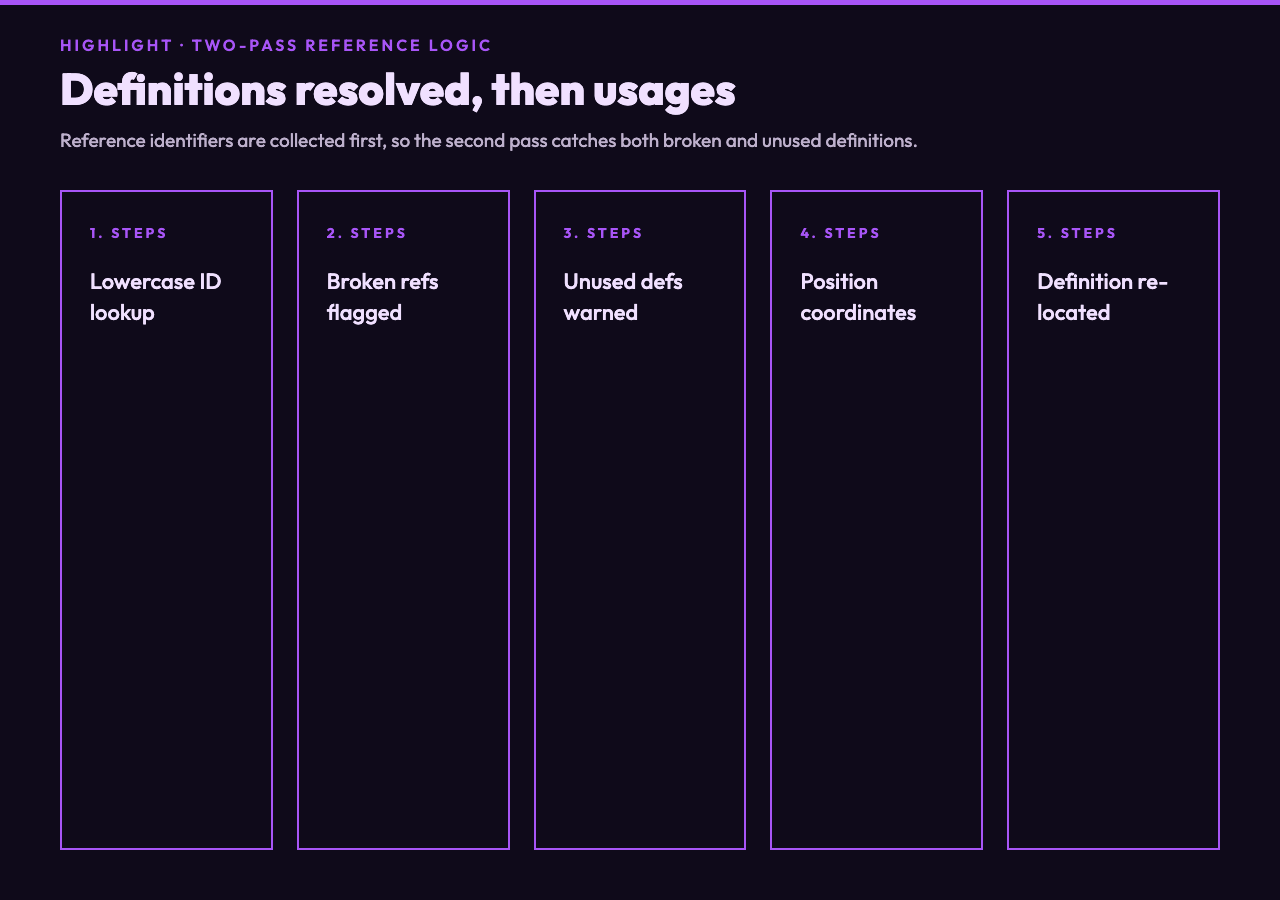
Reference links are where a one-pass regular-expression sweep tends to become unreliable. The visible usage may appear near the top of a document, while its definition sits at the bottom. A reviewer has to connect `[deployment guide][deploy]` with `[deploy]: /ops/deploy.md`, remember whether identifiers are case-sensitive, and notice definitions that have no remaining usages.
The implementation handles this as a two-pass problem. In the first pass, the observed code lowercases each definition identifier before storing it; in the second, it lowercases each usage before lookup. It first collects reference definitions and records their positions. It then walks the document’s link usages, resolves identifiers against that definition map, counts how often each definition is used, and reports a broken reference when a usage has no definition. Definitions that were collected but never used become warnings.
As a result, one run produces two different repair lists. Broken references are errors in the document’s stated relationships: the text points to a label that cannot resolve. Unused definitions are maintenance warnings: they may be harmless, but they often reveal links removed during an edit while the supporting definition was left behind. For example, deleting the final `[install]` usage without removing its definition leaves an orphan that the rendered page never explains.
This is where extraction becomes more than URL harvesting. A flat list of destinations cannot tell you that a named reference is broken, because the missing destination never made it into the list. Structure-aware extraction can.
Syntax validation is not a network check
The phrase “link validation” is easy to overread. For example, source validation and network reachability measure different failure modes. In this tool, URL validation checks whether a destination has acceptable URL syntax. According to the implementation, that test uses the platform URL constructor rather than an HTTP request. It does not send an HTTP request, follow redirects, inspect certificates, or confirm that a server returns a successful status. For example, a syntactically clean `https://example.com/retired-page` can still be a 404.
That boundary is a feature when you want a fast, local source pass. It avoids turning a document audit into a slow network operation, and it keeps the first stage deterministic. It also means the workflow needs a second stage when reachability matters. Export the destinations from the inventory, then run a network-aware check across those URLs in bulk.
Relative paths deserve particular care. For instance, a path can be well formed but wrong for its repository location. The extractor separately counts internal links and relative paths, including destinations beginning with `/`, `./`, or `../`. Those paths are meaningful only in the context of the repository or deployed site. A generic URL parser cannot prove that `../images/diagram.svg` exists; a repository check or rendered-site crawl must supply that context.
The rule is simple: syntax can reject malformed intent, but only the target environment can confirm existence. Keep those claims separate and the audit stays honest.
Duplicates are evidence, not automatically defects
Repeated destinations are not always mistakes. In one guide, the same API reference may serve an introduction, tutorial, and troubleshooting section. A long guide may link to the same API reference from its introduction, tutorial, and troubleshooting section. A navigation block may intentionally repeat a canonical URL. Duplicate detection should therefore start a review, not automatically delete content.
What it does reveal is concentration. The observed implementation lowercases destination keys before counting occurrences, so case-only URL variants fall into the same duplicate analysis. The extractor tracks URL occurrences case-insensitively and summarizes total links, unique URLs, and duplicates. Sorting by URL brings repeated destinations together; sorting by type exposes whether the same target appears as an inline link, a bare URL, and an image source; sorting by position preserves the document’s reading order.
Those three views support different questions. For example, URL order is useful for consolidation while position order is better for line-by-line repair. URL order is useful for consolidation. Type order is useful during syntax cleanup. Position order is best when a reviewer plans to edit the file from top to bottom. The Markdown Link Checker is a natural sibling for the next source-level pass when you want static checks for format errors, broken anchors, and undefined references without making network requests.
A duplicate becomes actionable when context gives it meaning: inconsistent labels for one destination, mixed secure and insecure schemes, tracking parameters on only one occurrence, or a copied link that should have become a local reference. The inventory supplies the evidence; editorial judgment supplies the verdict.
Positions turn statistics into a repair queue
Counts are useful for triage, but repairs happen at locations. Each extracted link includes two one-based coordinates: line and column. According to the source types, a reference result can also include its identifier and a second position for the matching definition. Reference definitions have their own positions, so a reviewer can move between a usage and the declaration that resolves it. Issues can point to the malformed URL or undefined identifier that produced them.
That positional data changes the output from a dashboard into a work queue. “Three broken references” is a status. “Broken reference `deploy` at line 18, column 12” is an edit. The distinction matters when the document is generated, reviewed in a pull request, or owned by several teams.
For rendering-oriented fixtures, Markdown Viewer Samples add README previews and richer documentation cases. Run extraction before the preview, then use a Markdown Previewer after source repairs. The first pass checks structure; the second verifies that the reader-facing result still looks right.
In practice, this staged workflow also reduces false confidence. A green preview does not erase an unused definition. A clean source inventory does not guarantee that CSS, routing, or deployment preserves the final link. Each tool gets one clear responsibility.
A practical pre-publish sequence
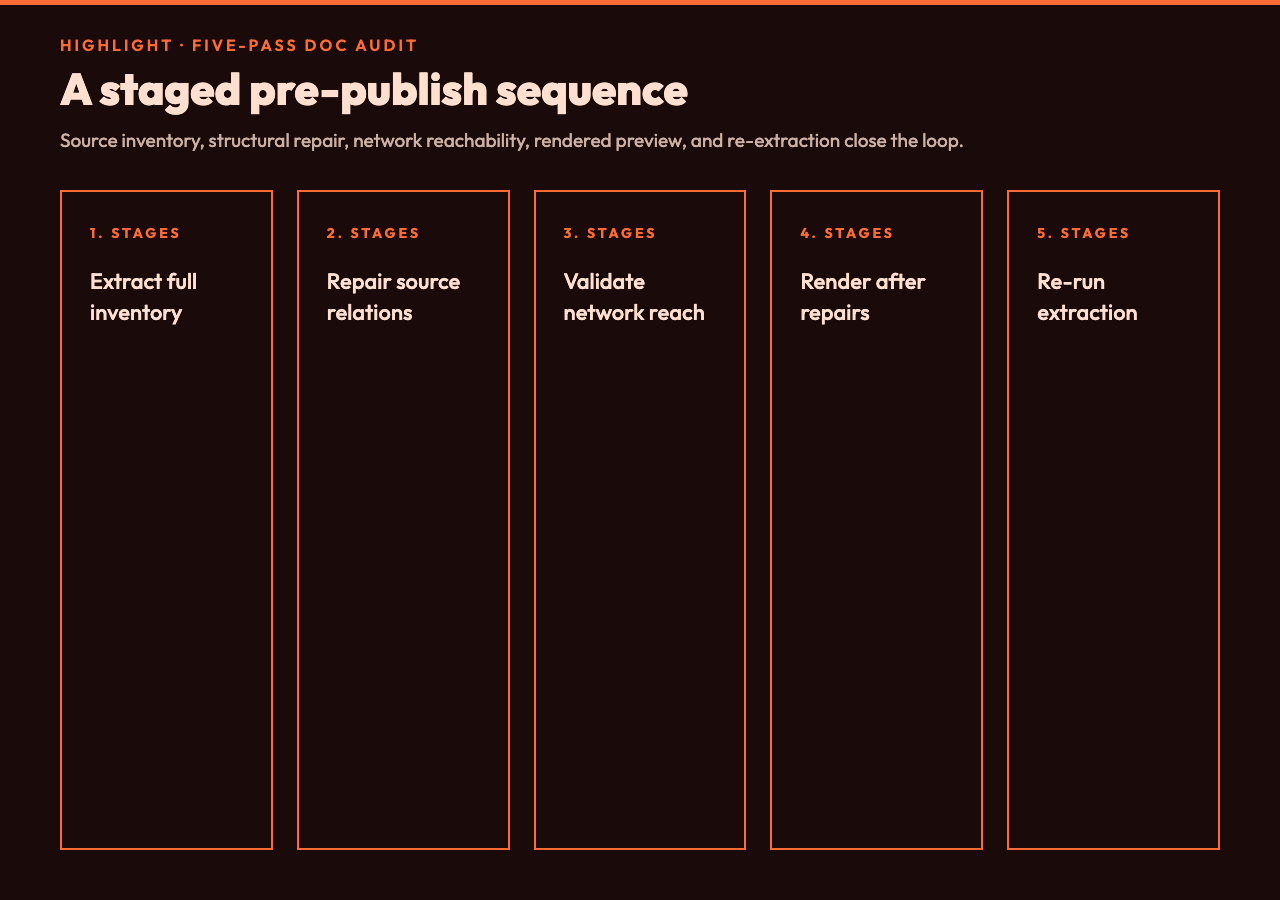
A reliable documentation check can be kept to five passes. In practice, each pass answers a different question and produces evidence for the next one:
- Extract the full inventory. Include the link types that matter for this document, enable duplicate detection, and keep position order for the first review.
- Repair source relationships. Resolve broken references, inspect unused definitions, and decide whether repeated destinations are intentional.
- Separate local and external targets. Review relative paths and fragments in repository context; send absolute external URLs to a network-aware batch check.
- Render after repair. Confirm that labels, images, lists, and surrounding prose still present correctly.
- Re-run extraction. The second inventory proves that edits removed the intended issues without silently introducing new ones.
You can try the Markdown Link Extractor with a small README first, then widen the input to a release note or an API guide. The next source-level pass can rely on the Markdown Link Checker for static format checks. More focused utilities are available across Elysia Tools, but the order of operations matters more than the size of the toolkit.
A Markdown link inventory is not a substitute for a network crawler, and that is precisely why it belongs earlier in the workflow. It gives you a fast, local answer to a narrower question: what links does this document claim to contain, where are they, and does the syntax hold together? Run that check before rendering, crawling, or publishing. The cheapest broken link is the one you find while it is still a line-and-column coordinate in a draft—not a customer-facing dead end.