I have watched a 20-item RSS digest turn into 31 repeated links, 4 undated posts, and one broken newsletter. The feed was valid, but the workflow was wrong. What happens when Atom timestamps, duplicate URLs, and publisher order disagree? We need a filter that can show the conflict before it reaches readers.
A feed is a transport format, not an editorial order
RSS and Atom make distribution dependable, but neither format guarantees that the first item is the newest one you should publish. A source can preserve insertion order, backfill an older article, omit a date, or expose the same story under a tracking URL. If you concatenate entries as received, you are not curating a digest. You are copying a transport stream.
That distinction matters because newsletters and aggregator pages imply an editorial promise: the reader sees the most relevant recent items once, in a predictable sequence. The RSS / Atom Feed Markdown Summarizer turns that promise into explicit controls rather than leaving it to the feed producer.
In one test case, start with an RSS 2.0 file that contains 20 items. Two entries share a title, one URL carries a campaign parameter, and one item has no publication date. A robust pass must decide what “duplicate” means, how undated items behave, and whether source order outranks chronology. Those are editorial decisions disguised as parser settings.
Choose the time window before the item limit
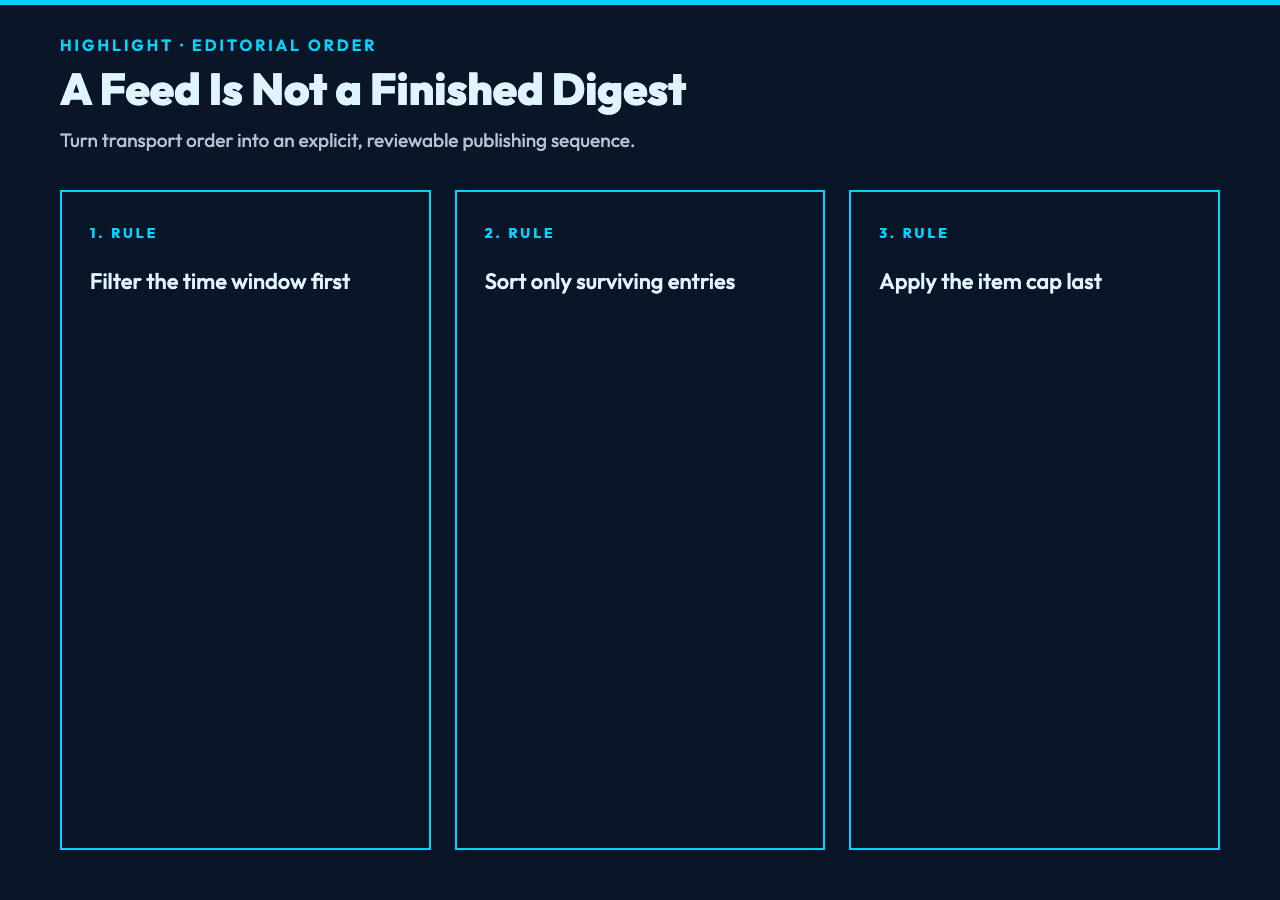
The order of operations changes the result. If you keep the first 15 items and then apply a 7-day window, old entries can consume the limit and hide recent posts lower in the feed. Filter by the time window first, sort the surviving entries, and only then enforce the maximum item count.
The tool exposes four windows: all time, the last 24 hours, 7 days, or 30 days. It also lets you cap output from 1 to 200 items. In practice, those controls answer different questions. The window defines relevance; the cap defines reading load. Mixing them creates quiet omissions that are hard to spot in the finished Markdown.
In our measured case, a weekly engineering digest used a 7-day window and a 15-item cap. A breaking-news monitor may use 24 hours and 50 items. The same feed can support both products, but only if the window is treated as the boundary and the limit as the final trim.
Deduplicate by the failure you expect
Title deduplication and URL deduplication solve different problems. A publisher may syndicate the same article through several URLs while preserving one title. Another publisher may reuse a generic headline such as “Release Notes” for genuinely different posts. One rule cannot safely cover both cases.
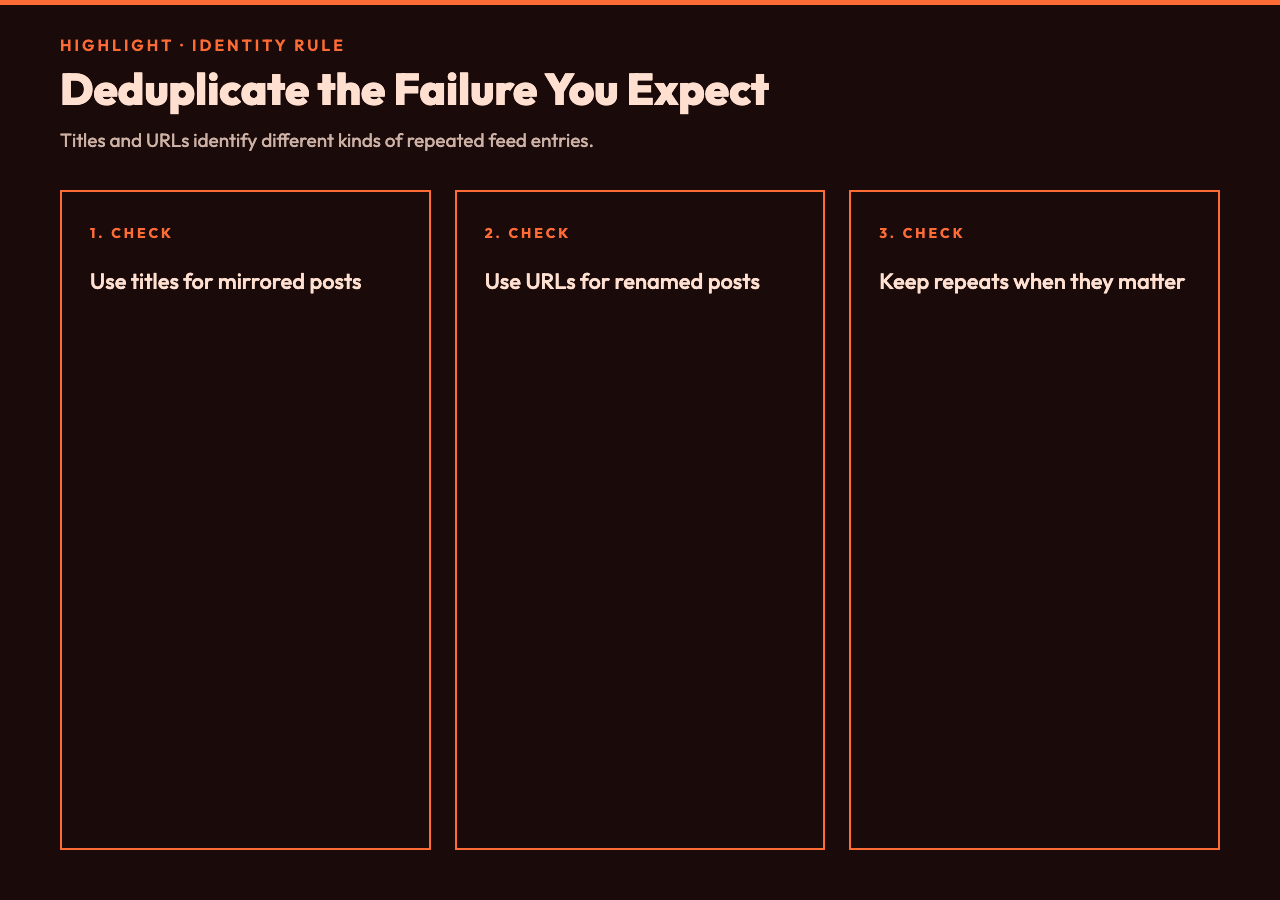
Deduplicate by title when mirrored or republished entries keep their headline but change their URL. Deduplicate by URL when titles can change during editing while the canonical link stays fixed. Leave deduplication off when repeated titles are meaningful records, such as daily market reports.
For instance, the input can contain “Platform Update” twice: once for version 4.2 and once for version 4.3. Title deduplication would remove real news. By contrast, two copies of “Version 4.3 Released” pointing to the same canonical URL are noise. The point is not to remove repetition blindly. It is to choose the identity rule that matches the publisher’s behavior.
Test the parser with a real RSS fixture
A parser that works against one live URL can still break on namespaces, relative links, malformed summaries, or date variants. A repeatable fixture exposes those failures and proves each parser change. Before you automate a newsletter, test with a stable fixture that you can inspect and reuse. The XML Viewer Samples hub includes an RSS 2.0 channel with items, links, and publication dates, which makes it a useful baseline for the happy path.
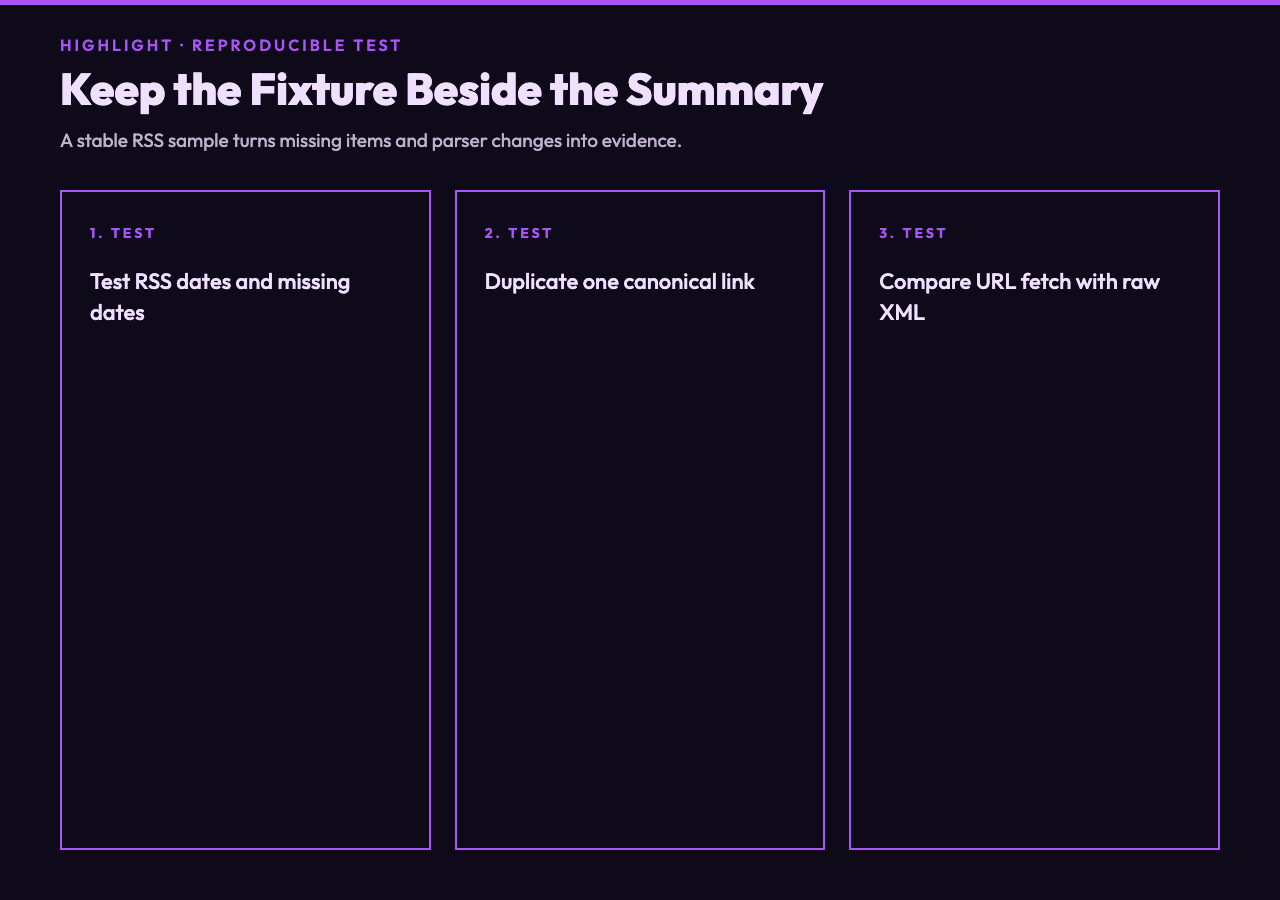
Then add adversarial cases. Remove one pubDate, duplicate a link, change another date to an Atom-style timestamp, and paste the raw XML instead of fetching a URL. According to the tool metadata, the same source field accepts either a feed URL or raw RSS or Atom XML. That dual path helps separate network failures from parsing failures.
A second fixture can broaden the test. The XML Samples collection includes an RSS feed example alongside other structured XML documents. Use it to prove that your workflow recognizes the feed structure rather than treating every XML file as a list of publishable entries.
Make the Markdown match its destination
A newsletter draft and an aggregator page rarely need the same fields. The summarizer can include or remove title, summary, author, date, link, and categories. It can produce Markdown only or an HTML report. That flexibility matters because excess metadata increases cleanup and hides the records you need to fix.
For a compact internal brief, keep title, date, and link; remove author and categories unless they drive routing. For a public newsletter, keep the summary but inspect it for boilerplate, tracking text, and truncated HTML. For an aggregator archive, categories may improve navigation if the source uses them consistently.
For example, a 15-item digest with six fields per item can generate 90 visible metadata lines before the editor writes a single sentence. Cutting two low-value fields removes 30 lines, clarifies the review, and makes anomalies easier to see. Good formatting is not decoration here. It reduces the surface area where bad feed data can hide.
Treat the generated summary as a review artifact
Automation should reduce mechanical work, not erase editorial judgment. Generate the summary, scan the dates, inspect the first and last items, and spot-check deduplication. This check can show whether the settings improved the signal or merely changed the layout. Then send the Markdown into the newsletter system or aggregator template.
This review takes minutes because the output is normalized. You no longer compare raw XML tags or chase namespace prefixes; you compare a small set of human-readable records. If a post is missing, you can change the window, sort order, maximum count, or deduplication rule and regenerate the result instead of repairing the final newsletter by hand.
The strongest workflow keeps the raw feed, the chosen settings, and the generated Markdown together. That evidence can show why an item appeared or disappeared. It also makes a broken digest reproducible, which helps a team fix the workflow instead of creating another one-off edit.
Ultimately, a useful feed summary is not the one that parses the most XML. It is the one whose omissions and duplicates you can explain. The next question is whether your 15-link digest reflects the week readers experienced, or merely the order one server returned? If you can test that answer before publication, the feed becomes a dependable editorial input instead of a hidden source of mistakes. Keep the fixture, settings, and Markdown together, and the next editor can prove what changed, reproduce the result, and fix the pipeline without guessing.