
A JSONPath expression can return the right records and still leave you with a broken workflow. What happens when query 2 receives an array instead of the object you pictured? We often debug that failure by rewriting the final expression, but the real mistake is usually one step earlier. A visible 2-step pipeline changes the job: it shows where shape, count, and path first diverge.
The JSONPath REPL Playground turns that hidden handoff into an inspectable sequence. Paste JSON, put one expression on each line, and the output of one line becomes the input to the next. Each stage reports its expression, match count, paths, and values. That is a small interface decision, but it can remove the guesswork from API-response debugging.
The final query is rarely the first failure
Imagine an API response with a store.book array. You want the titles of books priced below 10. A compact expression might be possible, yet splitting the task creates a better diagnostic:
$..book[?(@.price < 10)]
$[*].title
The first line finds 2 objects in the tool’s built-in example: “Sayings of the Century” and “Moby Dick.” The second line projects their titles. If the second line returns no matches, you already know the price filter worked. You can stop blaming comparison syntax and inspect the intermediate array instead.
That separation matters when payloads drift. An endpoint may wrap book under data, change one object into a list, or return null for a field that used to exist. A single opaque query tells you only that the result is wrong. A pipeline shows the first stage whose match count changed.
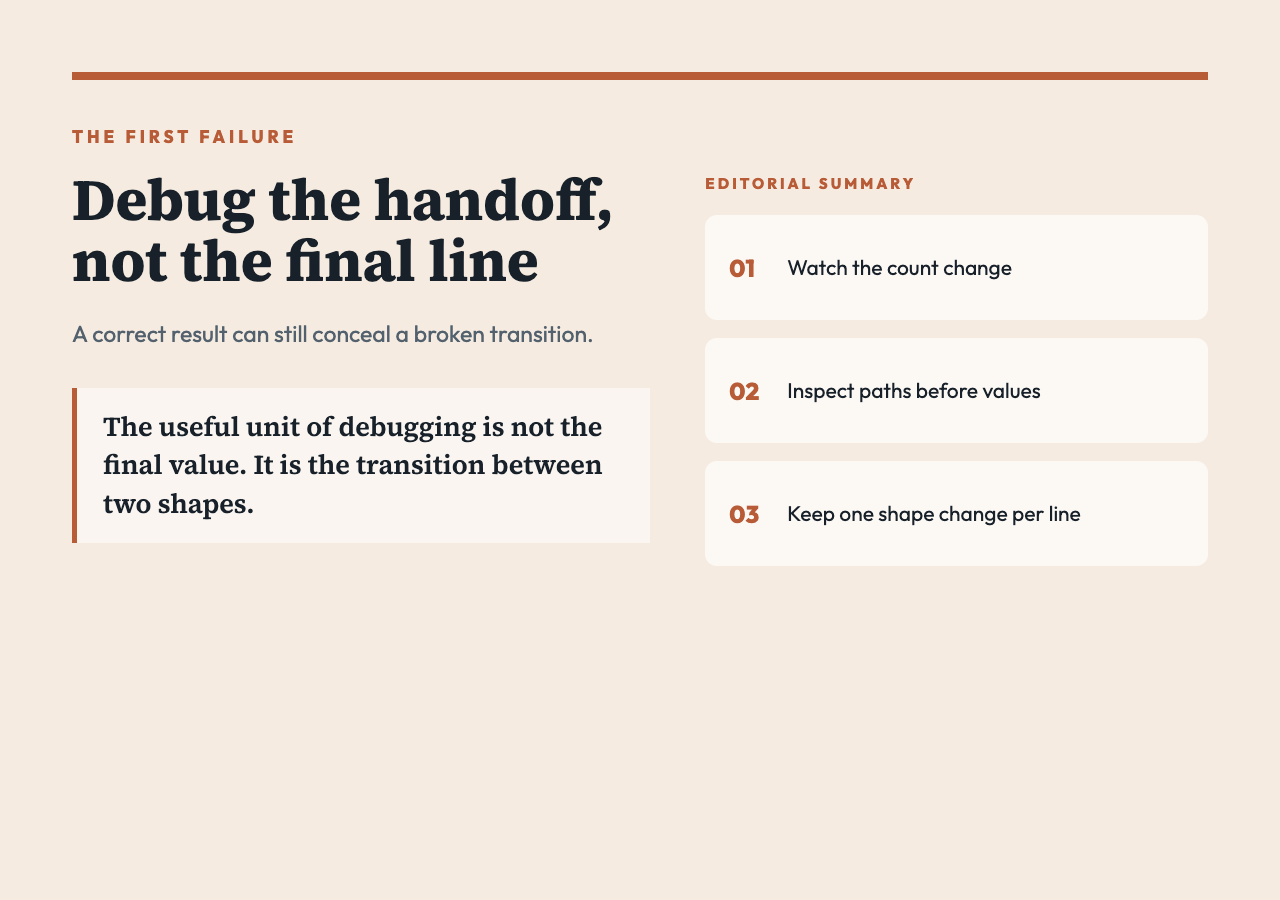
The useful unit of debugging is not the final value. It is the transition between two shapes.
A REPL for structure, not just syntax
The playground supports root selection with $, dot and quoted-key access, recursive descent with $.., wildcards, numeric and negative indices, slices, and filters. Its filters cover equality and inequality, numeric comparisons, regular-expression matching, and field truthiness. That is enough for focused exploration, but it is not a claim of complete compatibility with each JSONPath dialect.
The engine is implemented inside the tool rather than delegated to an external JSONPath package. This has two consequences. First, the documented subset is predictable inside this page. Second, an expression accepted by a different library may need adjustment here. Use the playground to understand data flow, then confirm production syntax against the exact JSONPath implementation in your application.
Render mode also changes what you can diagnose. “Values only” gives clean JSON for quick inspection. “Paths + values” preserves locations such as $[0] and $[1], which helps when duplicate values hide their origin. “Raw” is useful when the final stage should collapse to one value. Pick the mode that exposes the uncertainty you are testing.
Filter first, then slice on purpose
A second built-in example filters fiction books and then takes the first 2:
$.store.book[?(@.category == "fiction")]
$[0:2]
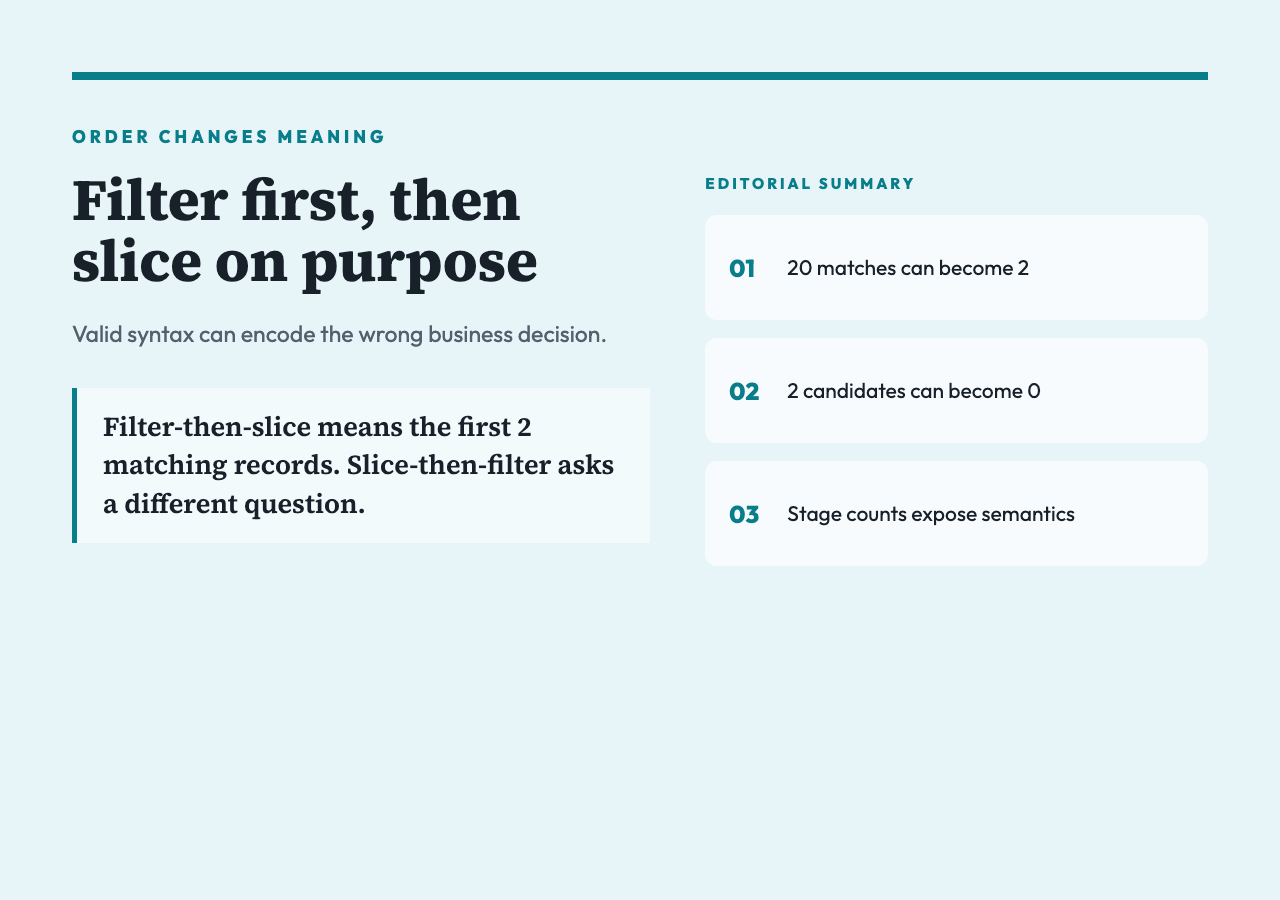
That order encodes a decision. Filtering before slicing means “the first 2 fiction records.” Reversing the operations means “fiction records among the first 2 books,” which can produce a different answer without producing an error. The syntax stays valid while the business meaning changes.
For example, suppose the source array begins with 8 reference books and then 20 fiction books. Filter-then-slice returns 2 fiction books. Slice-then-filter returns none. A stage-by-stage count makes this semantic difference visible: one pipeline moves from 20 matches to 2, while the other moves from 2 candidates to 0.
This is why the interactive tool labels each step and displays its own result card. It does not merely prove that an expression parses. It shows what collection the next expression will receive.
Recursive descent trades precision for reach
Recursive descent is convenient when you know a field name but not its exact nesting. $..author can locate author fields across a document, and $..book can find arrays below changing wrapper objects. That reach helps during discovery, especially with unfamiliar API responses.
But broad descent can also merge records from unrelated branches. If a response contains catalog.book, recommendations.book, and archive.book, $..book may produce more than the collection you intended. The match count is your first warning. Paths are the second. Switch to “Paths + values,” inspect where the nodes originated, then replace the broad descent with a more explicit path once you understand the structure.
A practical sequence is to explore broadly, observe paths, and narrow deliberately. Recursive descent should help you discover the route, not become a permanent substitute for knowing it.
Result limits are a debugging control
The tool lets you cap displayed results from 1 to 10,000, with 100 as the default. The source JSON input is limited to 200,000 characters, and the pipeline input to 20,000. Those limits make the playground suitable for samples and targeted payloads, not for treating a browser tab as a data warehouse.
A low result cap improves attention. If a recursive query finds 6,000 nodes, rendering all of them rarely clarifies the bug. Start with 20 or 100, inspect paths and shapes, then tighten the expression. Remember that the stage’s match count can exceed the displayed preview because the preview is sliced to the configured maximum.
This distinction can prevent a false conclusion. Seeing 100 rows does not necessarily mean the query found 100 rows. Read the match badge before interpreting the preview.
Share the failing state, with one privacy caveat
The playground produces a shareable token that encodes both the JSON data and pipeline. That can replace a vague message like “this query returns nothing” with a reproducible case that a colleague can open and inspect. A history title can also label the query with a short description such as “Cheap books – titles.”
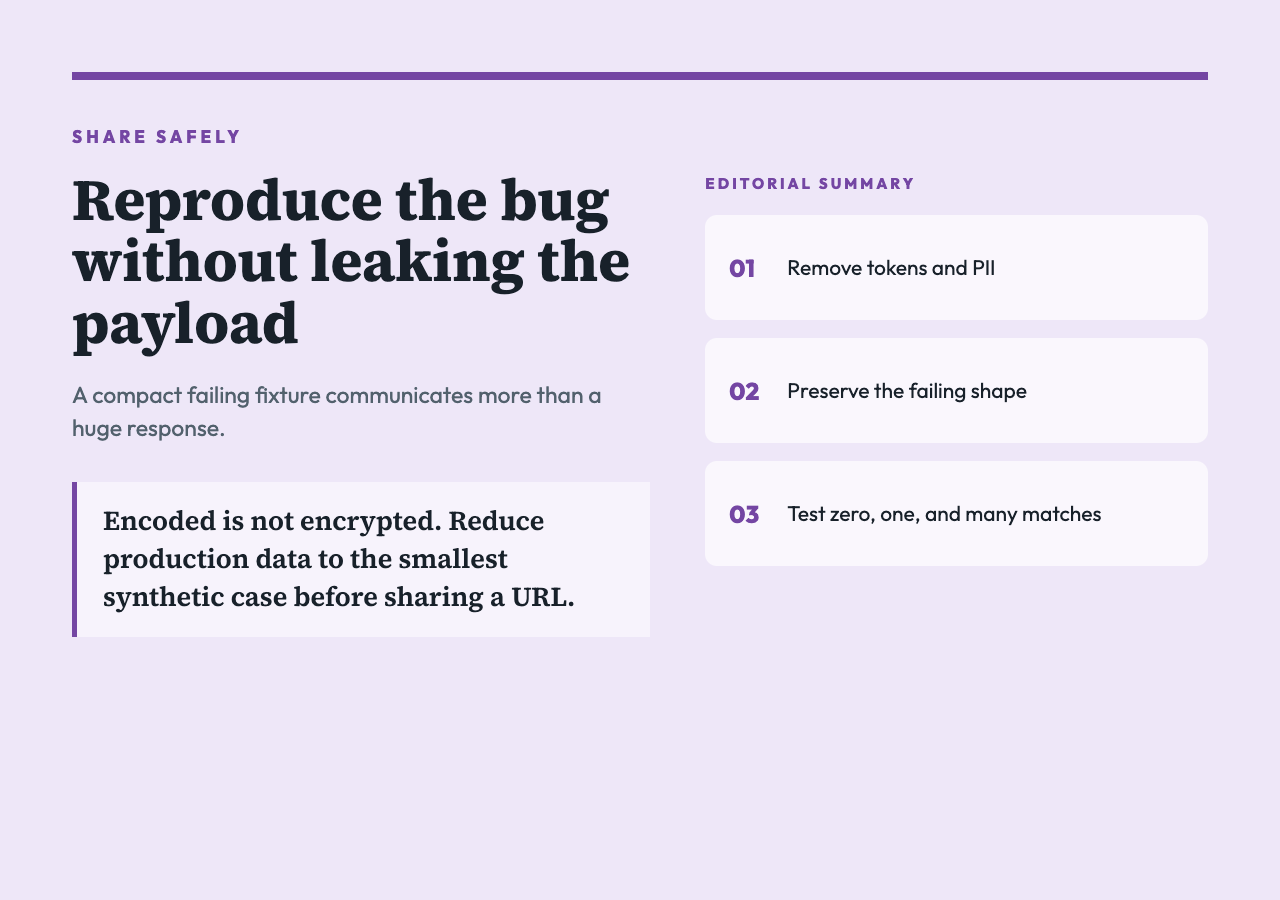
The convenience has a boundary: encoded is not encrypted. The generated state is placed into a URL-safe token. Do not share production payloads containing access tokens, customer records, private URLs, or other secrets. Reduce the data to the smallest failing fixture first. A 6-record synthetic payload is usually more useful than a 6-megabyte response because it isolates the shape that matters.
The tool runs its query engine locally, but a copied URL can travel through chat history, browser history, screenshots, analytics, or ticket systems. Offline execution does not make a share link private.
A 5-minute debugging routine
Start by pasting a reduced JSON fixture, not the full production response. Confirm that it parses before writing a query. Then add one pipeline line that selects the broad collection you care about. Record the match count and switch to paths when the collection is larger than expected.
Add the filter as a separate line. If the count falls to zero, test one comparison at a time and inspect whether the field is numeric, textual, missing, or nested. After the filter works, add projection, indexing, or slicing. Keep each line responsible for one shape change.
For instance, a useful pipeline may move through these states:
1. Select 47 records from an API envelope. 2. Filter to 9 records with an active status. 3. Project 9 identifiers. 4. Slice the first 5 for a downstream test.
Those counts become a compact contract. If tomorrow’s payload produces 47, then 0, the failure belongs to the status assumption. If it produces 1 at the first stage, the envelope changed. This routine cuts investigation time because it replaces a single wrong output with a sequence of testable claims.
Know what this playground does not promise
The implementation intentionally covers a practical subset. Filter field access is shaped around direct fields such as @.price; complex nested predicates, script expressions, or dialect-specific functions may not behave like they do in another engine. Comma-separated bracket entries are parsed as repeated path steps, so do not assume full union semantics without testing your case. Regular-expression filters build a JavaScript RegExp from the supplied pattern, which also means you should verify flags and escaping rather than infer compatibility.
There is another implementation detail worth noticing: each stage passes either the single matched value or an array of matched values into the next line. A stage with exactly 1 match therefore changes the next input shape differently from a stage with 2 matches. That behavior is useful, but it can explain why a pipeline works on one fixture and fails on another. Test the zero-, one-, and many-match cases before treating the pipeline as stable.
These limits do not weaken the debugging method. They clarify it. The playground is best used to expose assumptions, build a minimal fixture, and communicate a failing transition. Production validation still belongs in tests against your application’s chosen library.
Debug the handoff, not the last line
The next question is whether your query is wrong or whether the data changed before the query ran. A visible pipeline gives you evidence: counts reveal loss, paths reveal origin, and intermediate values reveal shape. Use the playground to reduce a failure to the smallest transition, then carry that fixture into a real test. Ultimately, the point is not to write a clever JSONPath expression. It is to make the handoff between 2 expressions clear enough that the next broken payload cannot hide.
