
A CSV file can look perfectly tidy and still be rejected by the next system because its first row is not data. Some database loaders expect raw records. Some APIs want a header-less payload. A machine-learning pipeline may need values only, while a human export begins with two lines of report metadata before the actual column names.
Header Remover is built for that narrow but common handoff: paste CSV content, choose how many leading rows to remove, and inspect the result before you pass it downstream.
Why removing a header is a data-contract problem
In a spreadsheet, the first row is visually obvious. In a pipeline, the same row is simply the first record in a byte stream. If a loader expects 42,Ada,active but receives id,name,status, the failure can be loud, subtle, or delayed until a later validation step.
The practical question is not only “remove row one.” It is “which rows are metadata, and what must remain unchanged?” That is why the tool supports a first-row mode, a fixed-count mode, and an auto-detect mode rather than forcing every file into the same assumption.
Three removal modes for three kinds of exports
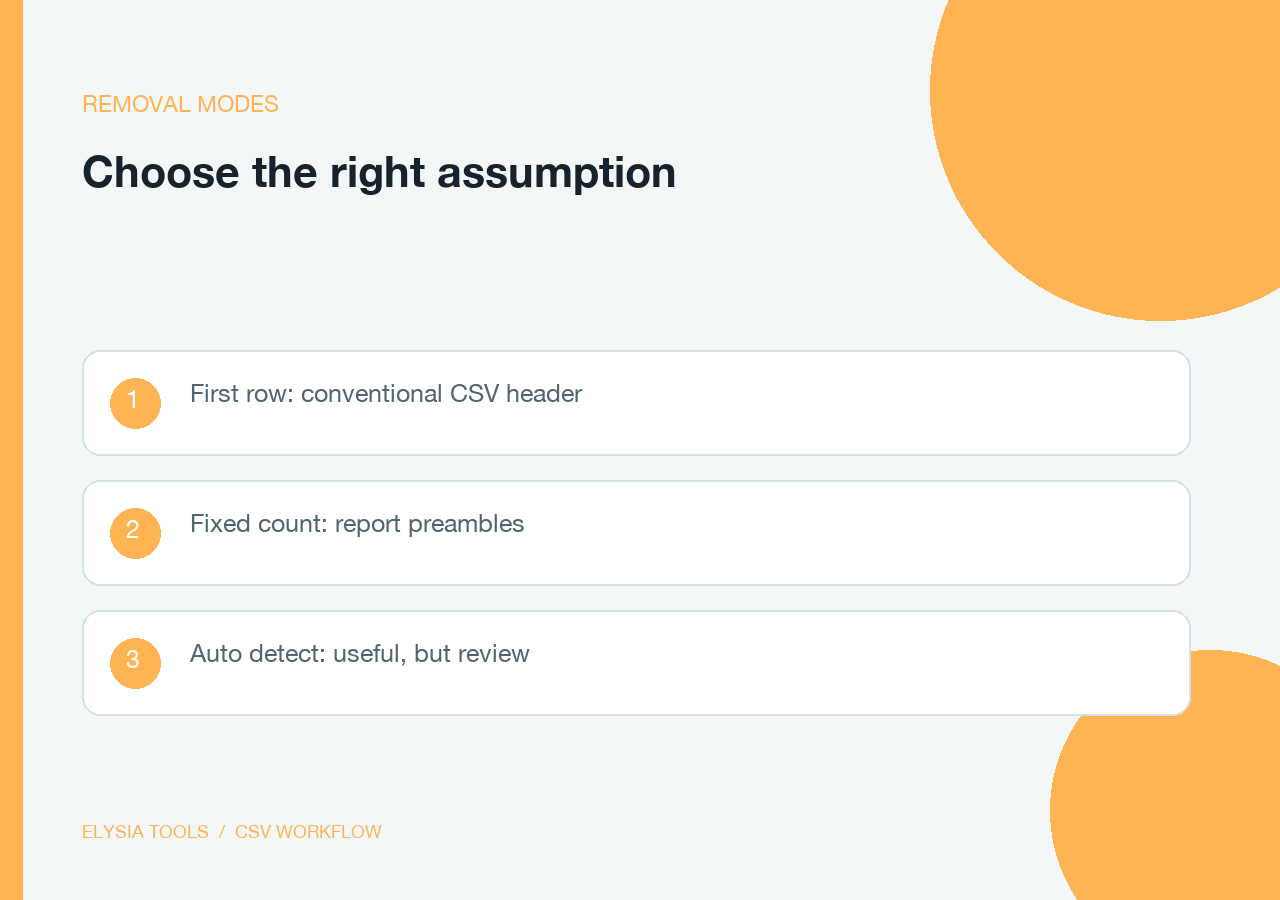
Remove First Row is the clean choice for a conventional CSV with one header line such as Name,Age,City. The tool stores that row as removed metadata and returns the remaining records.
Remove Specific Number of Rows handles exports with a report title, a generated-at line, and then a column header. Set the number from 1 through 100. For example, removing three rows from a 1,000-row export leaves 997 data rows without asking the destination system to understand the report wrapper.
Auto-Detect Headers applies a simple structural heuristic: a text-heavy first row followed by a row with numeric content is treated as a header. It is useful for exploration, but a fixed count is safer when the source format is contractual or when the first data row is also text-heavy.
Separator choice changes what counts as a column
Comma is the default, but real exports also use semicolons, tabs, spaces, or pipes. A semicolon-delimited file like sku;price;region must be parsed with the semicolon setting; otherwise the whole line can be interpreted as one field. The separator setting is therefore part of the input contract, not a cosmetic preference.
The parser also respects quoted separators and escaped quotes. That matters for a value such as "New York, NY": the comma inside the quotes should remain part of one field. After removal, the tool can return ordinary CSV, a detailed report, or JSON metadata describing the operation.
Preview first when the source is unfamiliar
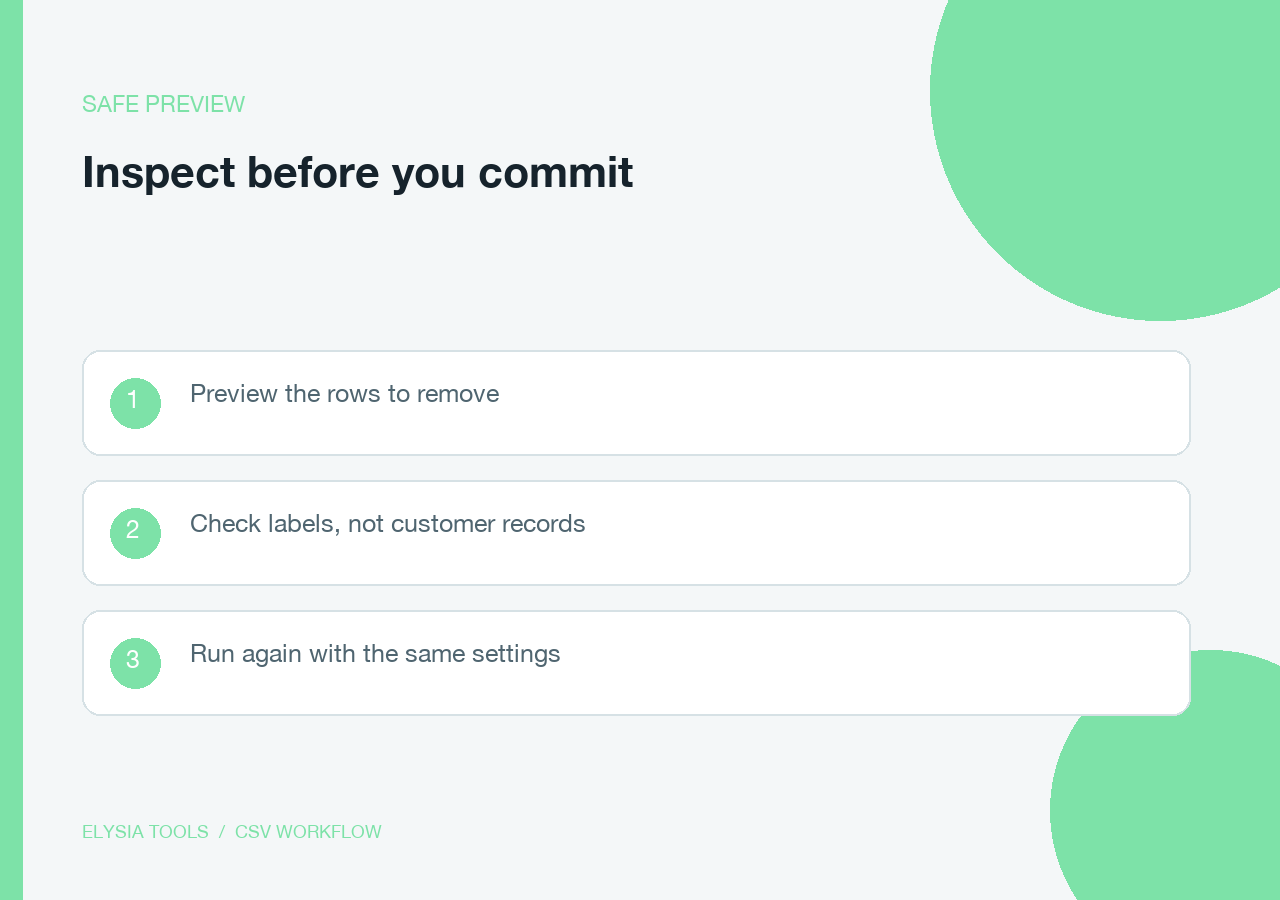
Preview mode reports the rows that would be removed without committing to the final output. It is a small safety valve for files that came from a vendor, an old reporting job, or an export with undocumented preamble lines.
A useful review loop is concrete: paste the file, choose preview, check that the proposed header contains labels rather than customer records, then run the same settings without preview. Test the same settings against a few small files before sending a large export downstream.
Validation catches damage after the header is gone
Header removal is only useful if the remaining rows still line up. With validation enabled, the tool compares each row with the expected column count and reports inconsistent rows. A file whose first data row has four fields and whose next row has five is not ready for a database import, even if the header was removed correctly.
For example, a clean three-column result might be:
101,North,active
102,West,paused
103,South,active
If one row contains an unquoted comma in an address, the validation report gives you a concrete place to investigate instead of letting a shifted column quietly enter the next system.
Where the tool fits in a larger pipeline
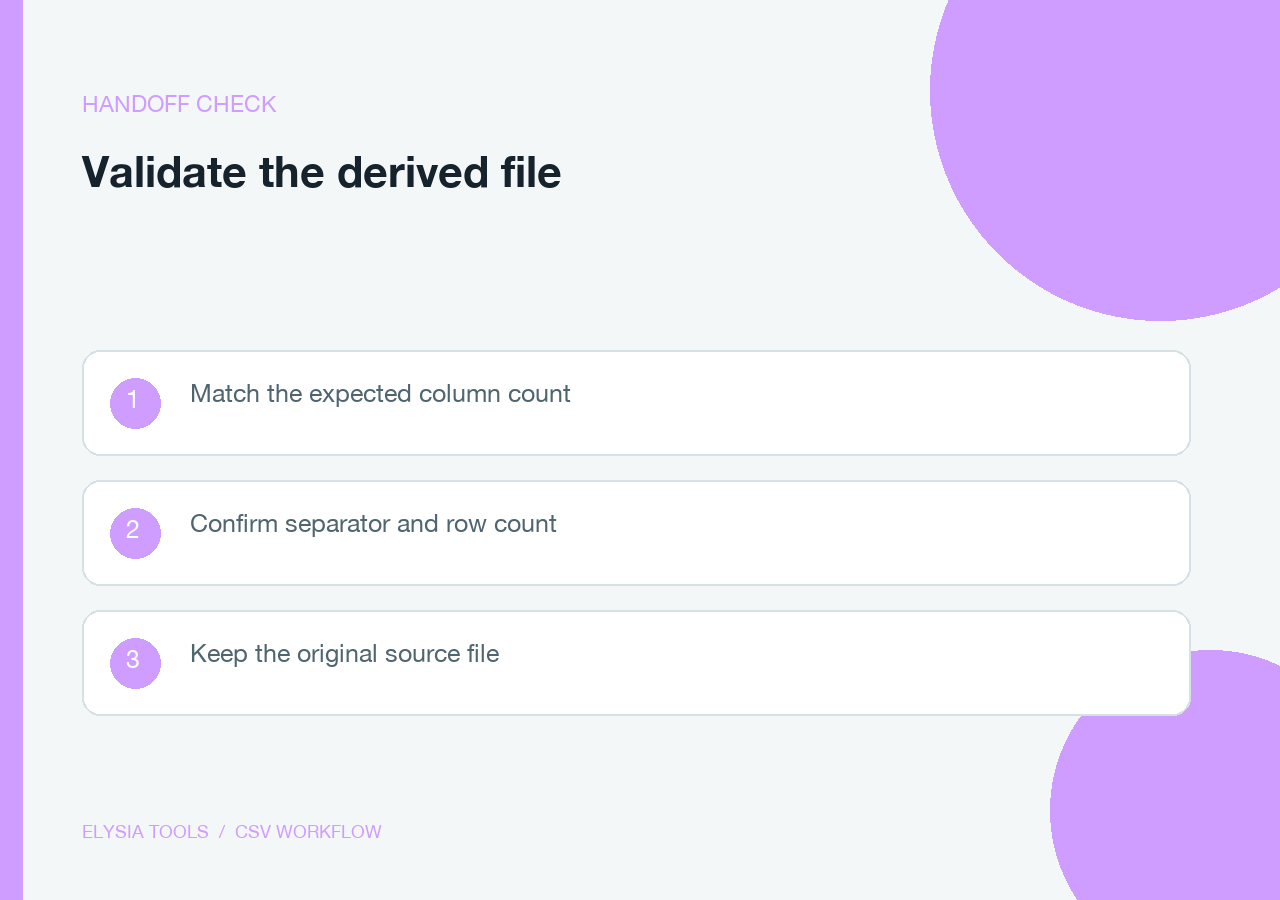
Use Header Remover at the boundary where a human-readable export becomes machine-readable input: before a bulk database load, before an API request, or before a batch transform that expects values only. Keep the original CSV, record the selected mode and separator, and treat the output as a derived artifact.
It complements related transformations rather than replacing them. A header remover should not be used to split a large file, rename columns, or repair malformed quoting. For those jobs, start from the CSV Splitter or another focused tool and keep each transformation easy to inspect.
A small checklist before you hand off the output
– Confirm the row count — original rows minus intentionally removed rows should equal the result count.
– Confirm the separator — commas, semicolons, tabs, spaces, and pipes produce different field boundaries.
– Run validation — inconsistent column counts are a data-quality issue, not a header issue.
– Keep a sample — inspect the first few output rows before an irreversible import.
– Keep the source — the derived, header-less file should never be the only copy.
The reliable handoff is the point
The right CSV shape is often a small contract: field order, separator, row count, and whether the first line is data or metadata. Header Remover makes that contract visible before an import fails. Use preview mode when the source is unfamiliar, validate the remaining rows when consistency matters, and keep the original file untouched until the output passes a quick sample check. That discipline turns a one-line deletion into a dependable handoff between people, scripts, and databases.
Explore more focused data tools at elysiatools.com.
