
The fastest way to ruin a dataset is to clean it without reading it first. The second fastest is to ask an AI to clean it without giving it ground rules. Both produce a file that looks tidy and behaves unpredictably downstream — the date column that quietly shifted from MM/DD/YYYY to ISO, the currency that rounded itself to zero, the address field that suddenly uses a different casing convention than the rest of your pipeline. That is the failure mode the AI Data Normalizer was built to avoid. It runs an LLM, but it constrains the model with four orthogonal options — input format, output format, normalization type, and processing level — so the cleanup is steered rather than freelanced. The result is data that stays in the shape you chose and only the shape you chose.
The four axes that control the cleanup
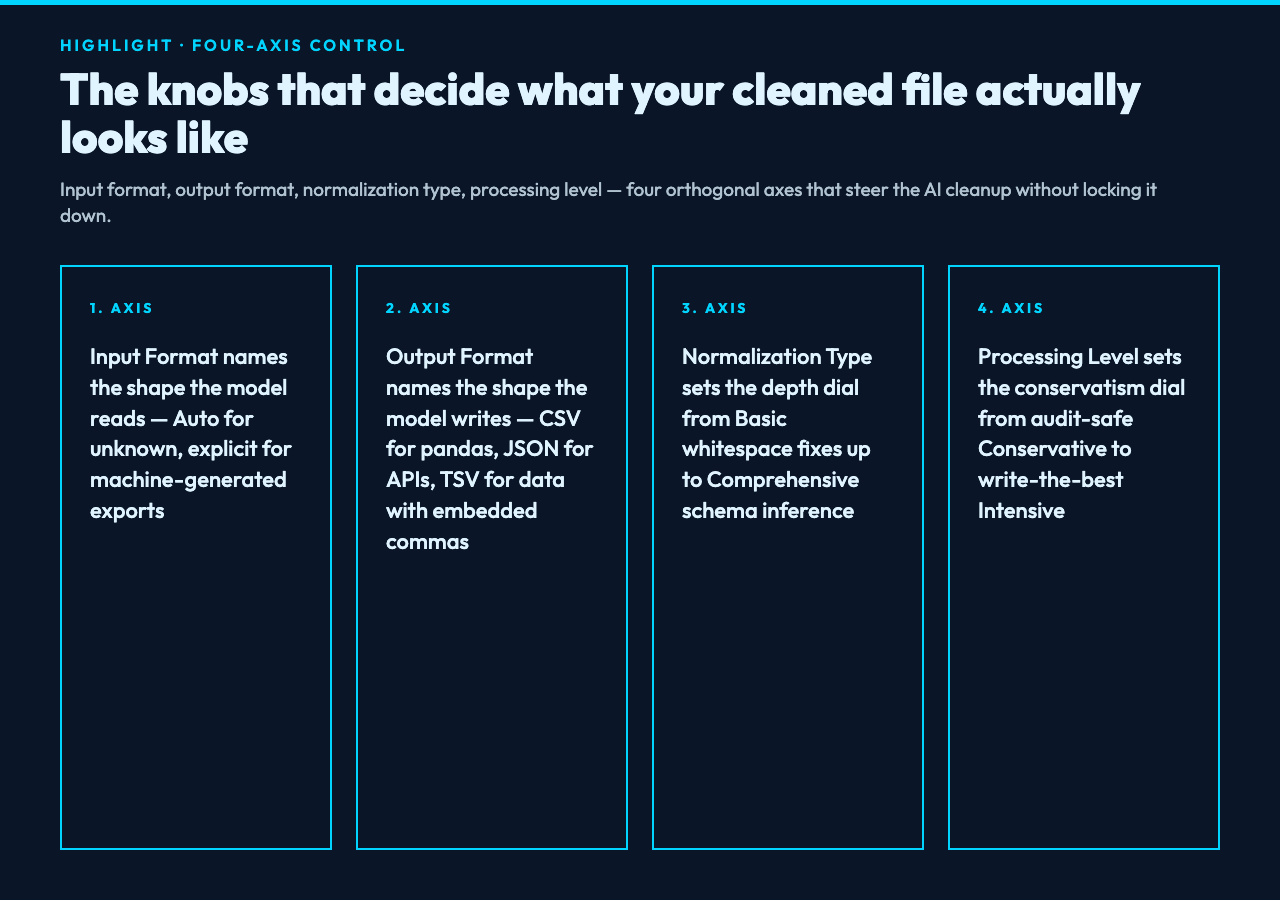
Every invocation of the tool asks the model to commit to four decisions before it touches a single row. They are visible in the form, and they are visible in the prompt the tool sends. Knowing what they mean is the difference between getting the file you wanted and getting a confidently rewritten mess.
Input format. Set this if you already know what you have. CSV (comma-separated), JSON (JavaScript Object Notation), Excel-compatible, XML (Extensible Markup Language), and TSV (tab-separated) are all explicit. The fifth option, Auto Detection, lets the model decide. Auto is convenient and statistically fine for cleanly delimited files, but it is the option most likely to surprise you on a real-world export that mixes quoted commas with embedded newlines, or a JSON file that uses single quotes because somebody copy-pasted it out of a console. Pick the format explicitly whenever the source file is machine-generated; reserve auto for human-typed data that you cannot trust the format of.
Output format. CSV is the default, and CSV is what most downstream tools will read first. JSON keeps the type information that CSV loses (is 123 a number or a string?), so it is the right target when the next step is an API or a NoSQL store. Excel-compatible and XML are convenient when the file is going to a stakeholder rather than a script. TSV is the format to pick when your data contains commas inside fields and you do not want to spend the afternoon arguing about quote escaping. The output format is a promise: the file you download will be parseable by the tool named on the label, no preprocessor required.
Normalization type. This is the depth dial. Basic Cleaning fixes whitespace and missing values — the safe choice when the data is mostly fine and you just want it tidy. Standard Normalization standardizes formats and resolves the common quality issues (mixed date formats, inconsistent casing, stray unicode). Comprehensive Cleaning rewrites more aggressively — it will infer and apply rules across columns. Intelligent Enhancement is the AI-powered option that goes beyond cleanup into reconstruction. Start at Basic for unfamiliar data and only step up if the output still has obvious gaps you cannot otherwise explain.
Processing level. This is the conservatism dial. Conservative preserves the original data and only makes minimal changes — safe for legal or compliance data where every edit must be auditable. Moderate balances cleanup with integrity and is the right default for most analytics pipelines. Intensive cleans for best quality and is the right choice when the dataset is going to a model, an embedding index, or a public dashboard where ugly inputs compound into ugly outputs.
The four axes are independent. You can request Comprehensive Cleaning at Conservative processing — that combination means thoroughly detect every issue, but only fix the ones that are clearly bugs. You can request Basic Cleaning at Intensive processing — minimal rule set, but apply them ruthlessly. Reading the four options as four dials rather than one big “how aggressive” knob is what makes the tool behave predictably.
A worked example: an export from three systems
Imagine a single CSV that came from three different CRMs concatenated by a junior analyst. The header row is consistent, but the rows contain:
– Dates in YYYY-MM-DD, MM/DD/YYYY, and Mar 14, 2025 – US states as full names, two-letter codes, and a stray abbreviation (Calif.) – Phone numbers in (415) 555-1234, +1 415 555 1234, and 415.555.1234 – Two empty rows that look blank but actually contain a single space – One row that is missing the entire email column
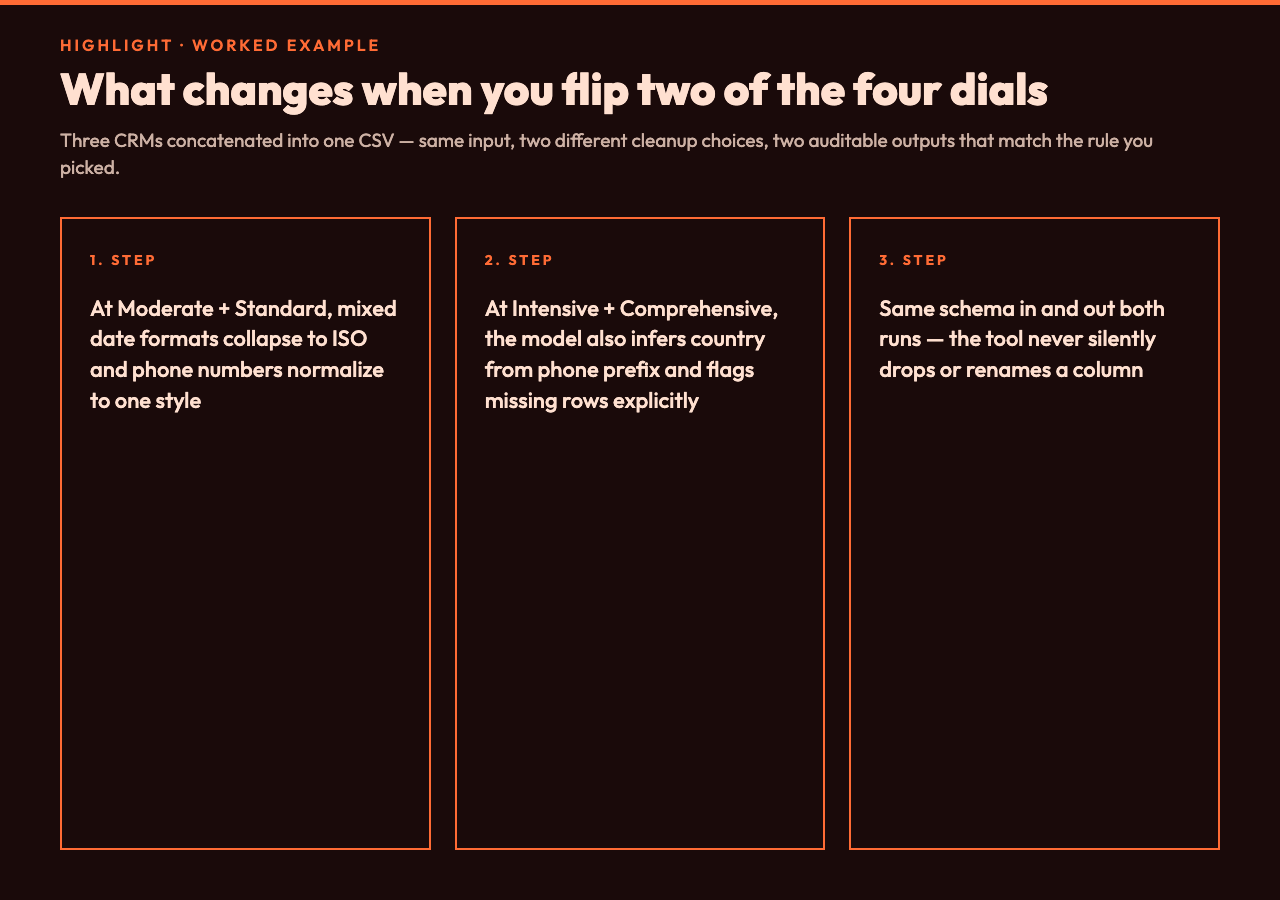
Run it through with Input Format: CSV, Output Format: CSV, Normalization Type: Standard, Processing Level: Moderate. The tool will:
1. Normalize every date to a single ISO format and flag the rows where the original format was ambiguous. 2. Resolve state names to two-letter codes, including converting Calif. to CA. 3. Pick one phone number format and apply it to every row. 4. Surface the empty rows and the missing-email row instead of silently filling them. 5. Preserve the row order so the audit trail is intact.
Now flip to Comprehensive Cleaning with Intensive processing. Same input, same axes — only the depth and the conservatism changed. The tool will additionally infer relationships (if a country column exists, infer the state from the phone prefix and confirm against the existing column), and it will rewrite the empty rows as flagged MISSING_DATA tokens so downstream GROUP BY queries do not silently drop them.
Same input, different cleanup, both produced by the same tool. The four-axis contract is what makes that possible.
Where the AI actually helps
The four axes describe the shape of the cleanup. The AI does the judgment. Three places where the model earns its keep:
Schema inference. Given a CSV whose header is name, contact, loc, since, the model maps contact to email_or_phone, loc to city_or_region, and since to signup_date, then applies type-appropriate cleaning to each column. A purely rule-based cleaner would treat all four as opaque strings.
Imputation decisions. When a row is missing a value, the rule-based answer is always NULL or 0 or unknown. The model can choose between those based on the column’s role — 0 is wrong for an email column, unknown is wrong for a quantity column. The tool surfaces the choice rather than applying it silently; you see the decision and you can override it on the next run.
Edge case handling. The cases that break naive cleaners — leading and trailing whitespace inside a quoted field, a Unicode minus sign that looks like a hyphen, a column that switched meaning halfway down the file — are exactly the cases the model has seen in training data. It is not infallible, but it catches a wider class of issues than a regex ever will.
Where the AI stays out of the way
Two things the tool deliberately does not do:
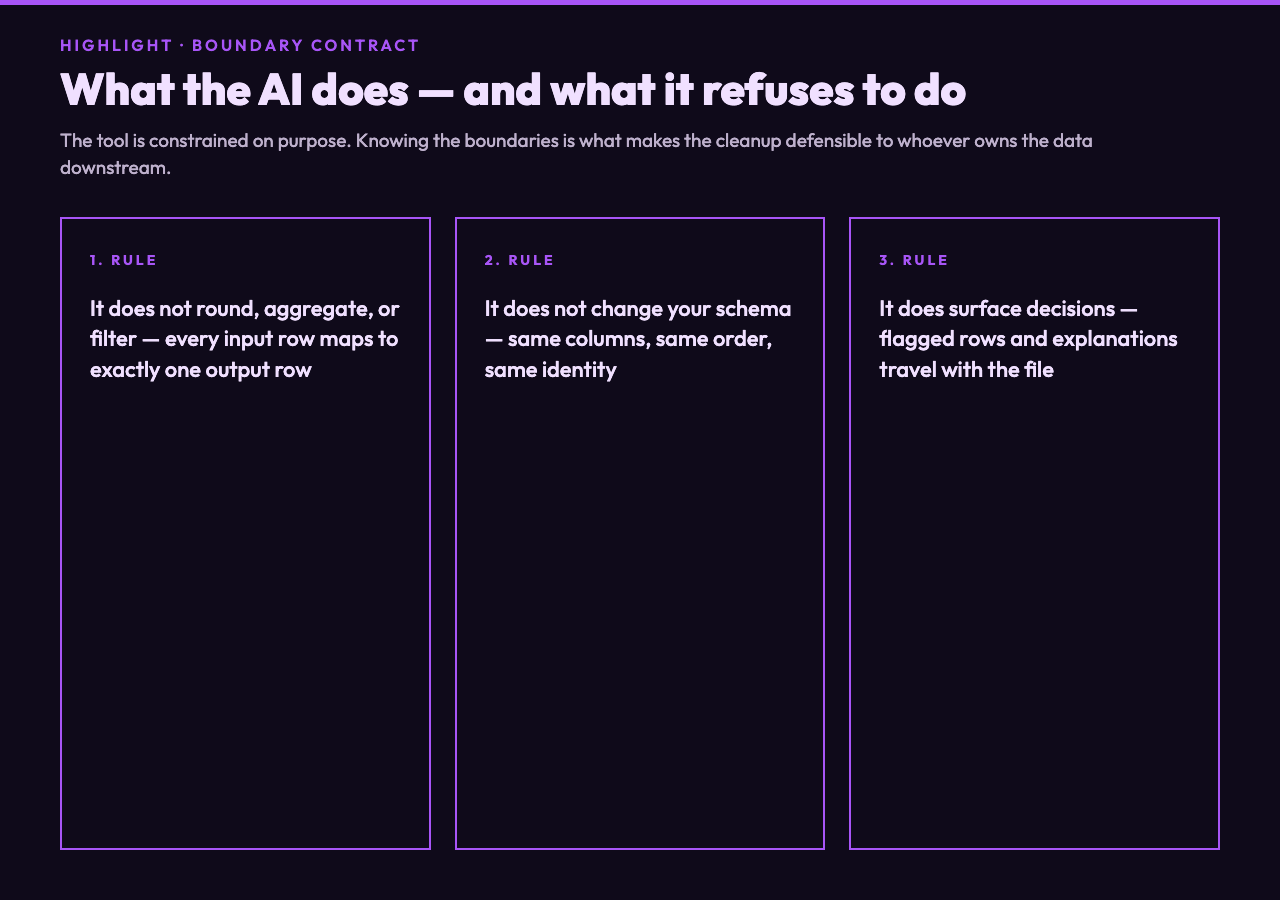
It does not change your schema without telling you. If the input has 17 columns, the output has 17 columns. New columns are appended, never silently inserted into the middle of the file. The header row is rewritten only to fix casing or whitespace, never to rename fields.
It does not round, aggregate, or filter. Every input row becomes an output row, in the same order, with the same identity. If a row should have been dropped, that decision is yours, not the model’s. This is what makes the cleanup auditable — you can diff the input and output and see exactly what changed, row by row.
How to choose when you only have a minute
If the dataset is small (under a few thousand rows) and you are about to look at it yourself, pick Basic Cleaning at Conservative processing. The model will tidy whitespace and surface obvious errors, and you will be able to read the result without having to second-guess what the AI decided.
If the dataset is going straight into a pipeline you trust — a database load, a model training run, a dashboard refresh — pick Standard Normalization at Moderate processing. That is the safe default and the right answer for most production data.
If the dataset has been mangled by a chain of exports and you cannot trace where the formatting broke, pick Comprehensive Cleaning at Intensive processing. That is the aggressive end of the dial and the right answer when the alternative is another human spending an afternoon in a spreadsheet.
The four axes are the steering wheel; the AI is the engine. Knowing how to hold the wheel is the whole skill.
Picking output format when you have a downstream consumer in mind
The output format choice is downstream-coupled, not upstream-coupled. Pick it based on what reads the file next, not on what produced it.
– CSV for pandas, R, SQL bulk loads, anything that expects a flat table.
– JSON for REST APIs, document stores (MongoDB, Elasticsearch), and any consumer that needs to preserve types.
– Excel-compatible for human review, especially when the recipient will sort or filter the file in Excel itself.
– XML for SOAP-era APIs, enterprise integration buses, and the occasional legacy system that still requires it.
– TSV when your data contains commas and you do not want to think about quote escaping.
If you are not sure, CSV is the right default. It is the format every tool reads and the format every human can open in a text editor to debug.
What the audit trail looks like
Every run produces a downloadable output and an inline explanation of what changed. The explanation names the columns the model rewrote, the rules it applied to each, and the rows where it chose to flag a value rather than rewrite it. That is the receipt you need to defend the cleanup to whoever owns the data downstream — the analyst, the legal team, the model trainer.
If you cannot reproduce a run from the explanation alone, the run was not clean enough. The tool’s job is to make the cleanup legible, not to make it opaque.
A closing note on what AI cleanup is and is not
AI cleanup is not magic. It is a constrained LLM pass with four user-chosen knobs that determine the shape of the output, the depth of the cleanup, the conservatism of the edits, and the format of the file. The model does the judgment, the knobs do the steering, and the audit trail does the trust.
If your dataset is small enough to clean by hand, clean it by hand — the AI is faster but the human is more accountable. If your dataset is large enough that cleaning by hand is no longer feasible, the four-axis approach is the next best thing to having a senior analyst review every row. It is not perfect, but it is auditable, and auditable is the property that matters.
Explore the AI Data Normalizer for a free, browser-based run on a dataset you trust enough to share with an LLM, and see how the four axes change the output before you commit a pipeline to the choice.
