
Convert only when the target format matches the real job. The 7Z to GZ Converter is useful when a compact 7Z bundle must become a gzip-compatible artifact for a Unix pipeline, transfer system, or downstream service. The important caveat is structural: 7Z is a multi-file archive format, while GZ normally compresses a single byte stream. Inspect the archive first, decide what should survive the conversion, and verify the result before deleting the source.
What the 7Z to GZ Converter actually does
The 7Z to GZ Converter accepts a 7Z archive and produces a GZ-format output. Its manifest description is precise: “Convert 7Z archive to GZ format,” and the implementation requires the 7zip command. That requirement matters because archive conversion is not a filename rename. The input must be decoded according to the 7Z container, then the relevant stream must be encoded with gzip.
The tool exposes one primary option: a required 7Z archive file. Accepted input types include the standard 7Z MIME types, generic binary input, and the .7z extension, with a 100 MB file limit. That makes it well suited to deliberate, one-off conversions rather than unattended bulk migration.
Why 7Z and GZ are not interchangeable
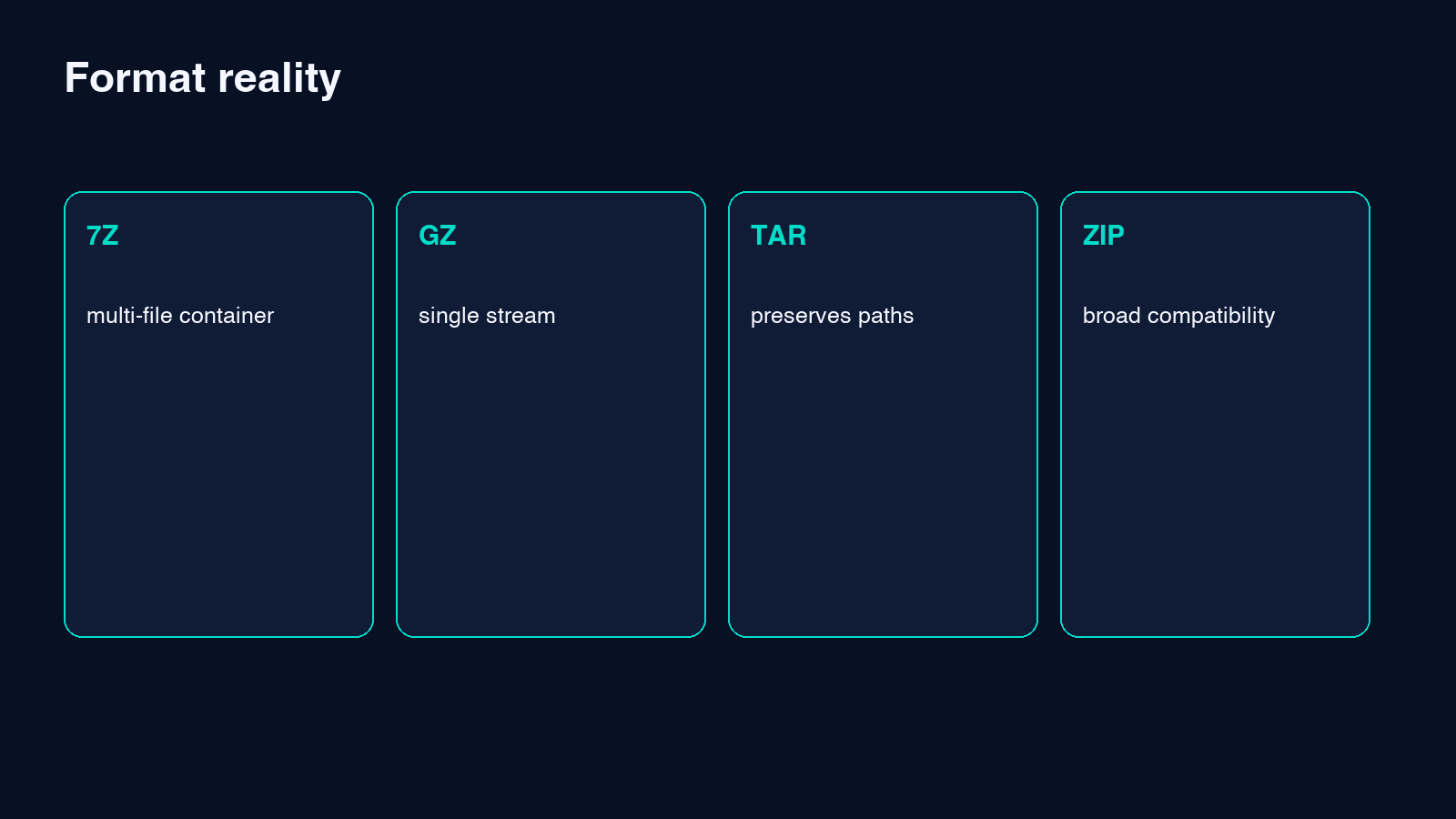
7Z is a container that can hold multiple files, directories, names, timestamps, and other archive metadata. GZ is usually a compression wrapper around one stream. This difference explains why converting a directory-shaped archive to gzip needs an explicit policy. A common Unix pattern is to package a directory as TAR and then gzip the TAR stream, producing .tar.gz. A plain .gz file does not independently provide TAR’s directory structure.
Before converting, ask whether the consumer expects one decompressed file, a TAR archive inside gzip, or merely a gzip-compatible stream. If it expects a directory tree, use a TAR-based workflow instead of assuming GZ will preserve the original 7Z hierarchy.
Inspect the archive before conversion
Previewing the input is the safest first step. Use the 7Z Archive Preview to review member paths without extracting everything. Look for multiple top-level files, nested directories, duplicate basenames, unexpectedly large members, and filenames that may not travel cleanly across operating systems.
This inspection prevents the most expensive class of mistake: a technically successful conversion that silently keeps the wrong stream or loses the archive structure the recipient needed. Record the original file count and expected payload name so the output can be checked against a concrete baseline.
A reliable conversion workflow
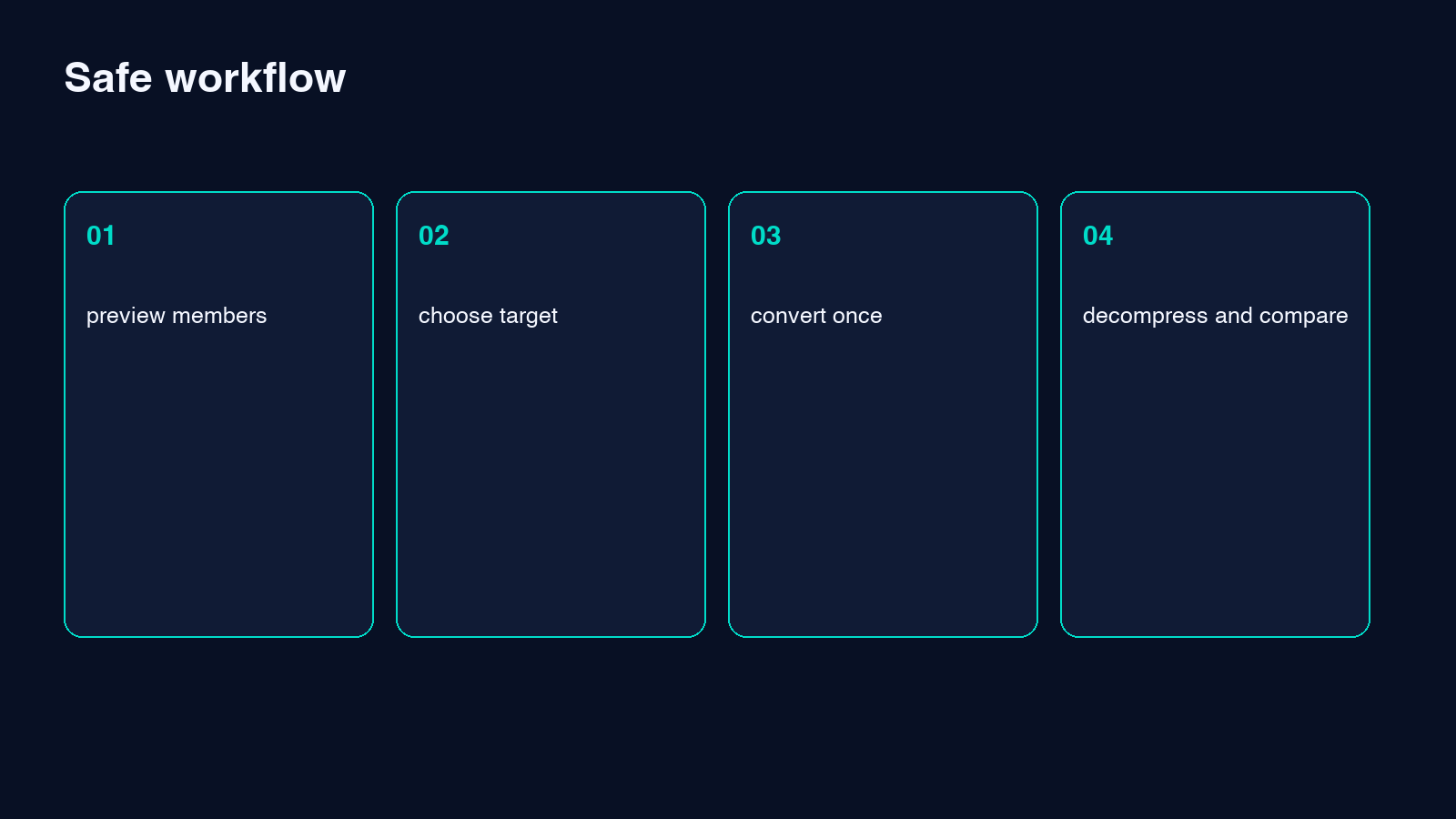
Start with an untouched copy of the 7Z source. Inspect it, identify the intended payload, and confirm that plain gzip is the correct destination. Then upload the archive to the converter and run the operation once. Save the returned file under a descriptive name rather than overwriting the source.
Afterward, decompress the GZ output in a separate test location. Compare the resulting byte count or checksum with the expected file. If the original 7Z contained several files, confirm exactly how the converter represented them. Keep the source until the recipient or downstream process has accepted the output.
When TAR is the better destination
If the source contains directories or several related files, a TAR container is usually a better semantic match. The 7Z to TAR Converter preserves the idea of an archive while changing the container format. You can then gzip that TAR file if the consuming workflow specifically requires a compressed tarball.
Choose plain GZ for a single logical file or stream. Choose TAR when names, paths, and multiple members matter. Choose .tar.gz when both archive structure and gzip transport compatibility matter. Treat these as different output contracts, not cosmetic filename choices.
Validation checks that catch real failures
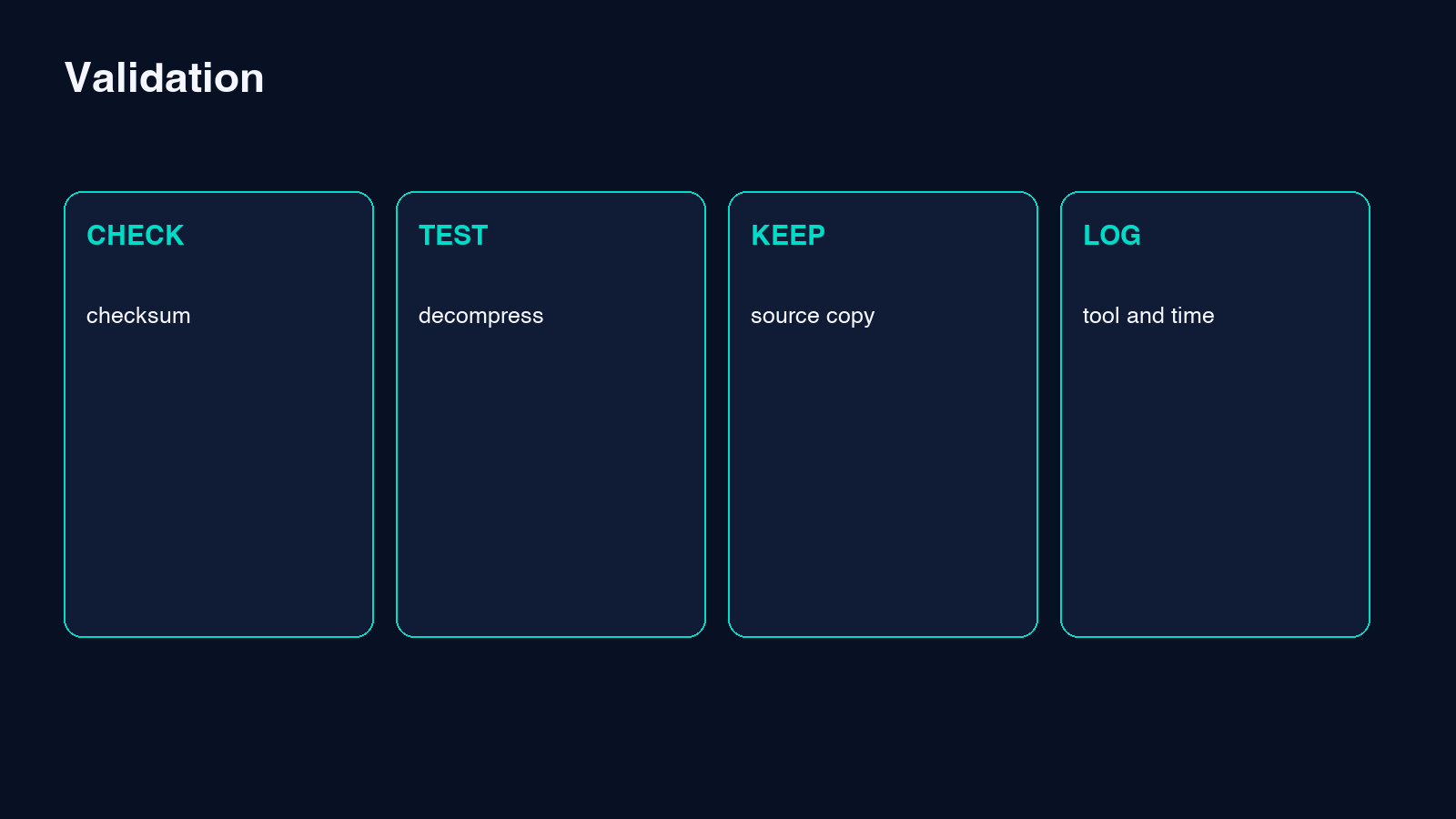
A green success message is only the beginning. Verify that the output can be decompressed by a second implementation, such as the target server’s gzip utility. Compare checksums when a single file is expected. Confirm that text encoding, line endings, and executable permissions are acceptable to the destination workflow.
Also compare compressed and uncompressed sizes. A larger GZ file is not automatically wrong: 7Z may use a stronger compression method than gzip. The key test is recoverability and semantic equality, not whether the new file is smaller.
Security and operational considerations
Treat archives as untrusted input. Preview member names for path traversal patterns, avoid extracting into sensitive directories, and scan the decompressed payload when it crosses a trust boundary. Conversion does not neutralize malicious content; it merely changes its packaging.
For production workflows, log the source checksum, output checksum, tool version, conversion time, and validation result. Do not include secrets in filenames. If an archive contains confidential data, confirm where processing occurs and whether organizational policy permits uploading it to an online tool.
Common mistakes and how to avoid them
The most common mistake is renaming .7z to .gz; that changes no bytes and fools no real decompressor. Another is assuming GZ preserves a folder tree. A third is deleting the source immediately after download, before the destination has tested the output.
Avoid chaining conversions without understanding the intermediate representation. Repeated decode-and-encode cycles add failure points and may discard metadata. If the real requirement is ZIP compatibility, use the 7Z to ZIP Converter directly rather than passing through GZ.
Choosing the right output with confidence
Use the 7Z to GZ Converter when you have a known single-stream target and a consumer that explicitly accepts gzip. Inspect first, convert once, decompress independently, and compare against a recorded expectation. For multi-file archives, prefer TAR or ZIP according to the destination’s needs.
That small decision tree turns archive conversion from a hopeful click into a repeatable workflow. Explore more format and archive tools at elysiatools.com, and keep the original 7Z until every downstream check has passed.
