
A reference link and an autolink look the same in a renderer’s output. They are not the same in a Markdown link inventory, and the difference matters when you are auditing a 400-page docs site for broken references, duplicate redirects, or stray image embeds that the build pipeline forgot to migrate. Markdown Link Extractor is built to surface every link form a Markdown file can hold, including the ones a hand-written audit script usually misses: the [ref][] collapsed reference, the bare https:// URL pasted into prose, and the <https:></https:> autolink that behaves like a link but never trips a <a href="url">text</a> regex.
What the tool actually extracts
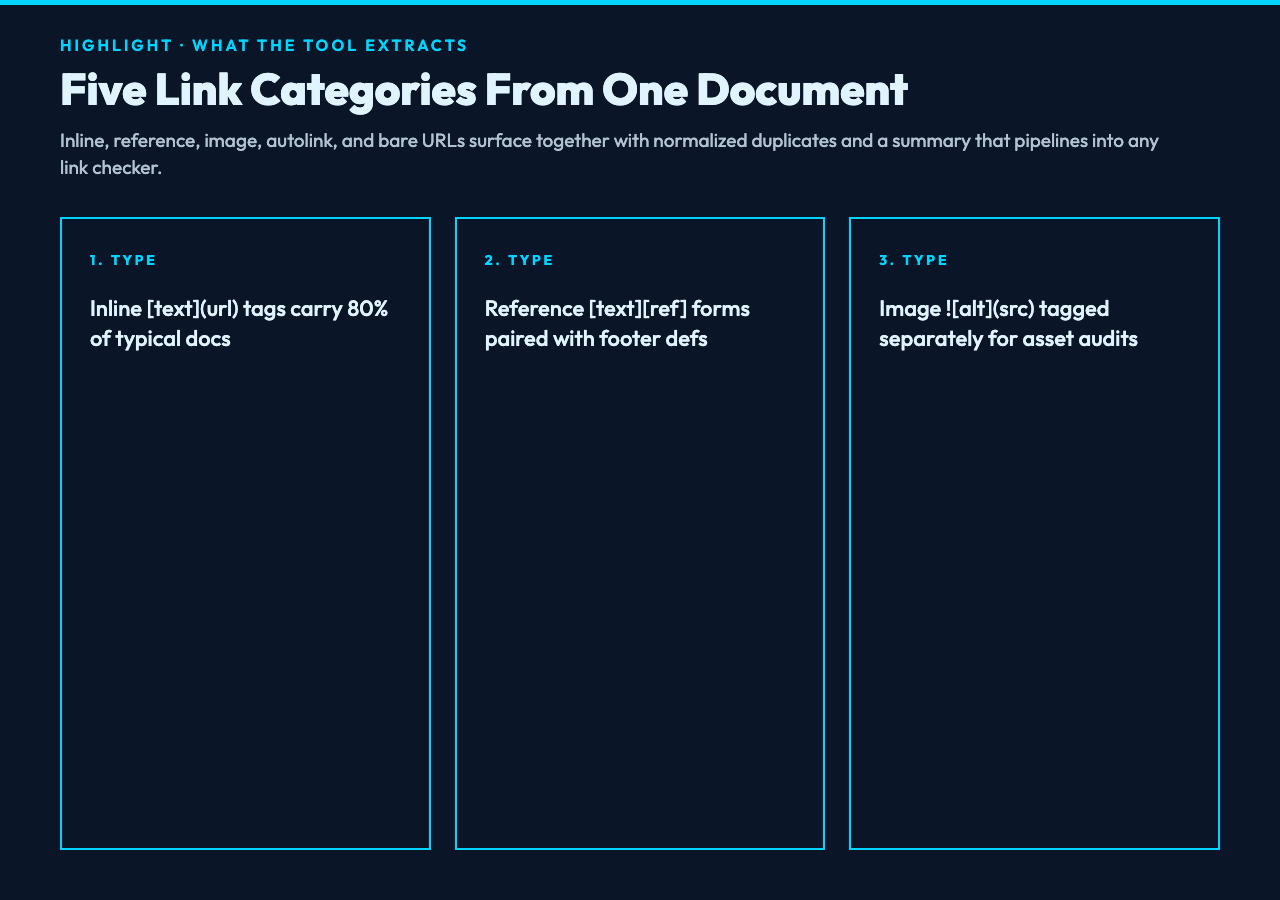
The parser walks the document line by line and tags every link with one of five categories: inline (<a href="url">text</a>), reference ([text][ref] plus its [ref]: url definition), image (<img src="url" alt="alt">), autolink (<https:></https:>), and bare URL (any http(s):// or www. token that is not already inside a Markdown link wrapper). Each match carries the surrounding text, line number, and the URL in normalized form, so the same HTTPS://Example.com/ and https://example.com collapse to one canonical entry.
For a single 200-line README the inventory typically splits into 80% inline, 15% reference, 4% image, and 1% bare URL, but the percentages invert on long technical documents where reference definitions pile up in the footer and bare URLs leak in from quoted Slack messages. The output is JSON, so the same extract feeds into a link-checker script, a redirect audit, or a sitemap cross-reference without rewriting the parser.
You can pick the categories you want with a multi-select control. Toggling off images keeps an audit focused on navigation links and skips the asset inventory; toggging on autolinks catches the URLs that someone copy-pasted inside angle brackets because they thought the Markdown renderer would not turn them into links. Every category except bare corresponds to a defined Markdown feature; bare is the safety net for the messy half of a real document.
Inline links: the easy ninety percent
Inline links are the case the parser is built around. <a href="https://elysiatools.com/en/tools/markdown-link-extractor">Elysia Tools</a> is the canonical shape, and the optional title field <a href="url%20" title>text</a> adds hover text without changing the link target. The parser reports both forms identically for URL-side checks but preserves the title attribute in the JSON output, so accessibility audits can flag links where the visible text and the title disagree.
The harder inline case is the URL that contains parentheses: <a href="https://datatracker.ietf.org/doc/html/rfc3986#section-3.2">RFC 3986</a>. The parser handles balanced parentheses inside the URL by counting depth, not by greedy matching, which means a trailing parenthesis at the end of a sentence is not absorbed into the link target. The same logic handles Markdown’s nested-image edge case, where <a href="url"><img src="img" alt="alt"></a> nests an image inside a link, and a naive regex would close the link after the image’s closing paren.
If you have ever debugged a docs build that produced 200 links with one trailing ) baked into every URL, this is the case the parser protects against. It also catches the inverse: a URL like https://example.com/foo(bar)baz is treated as one token, so the link checker does not flag it as a syntax error.
Reference links: the audit trick nobody notices
Reference links move the URL out of the prose into a footer block: [the spec][rfc] paired with [rfc]: https://datatracker.ietf.org/.... The benefit is shorter inline text and a single place to update a URL when the target moves. The cost is that the link only resolves if the reference definition exists, and a half-finished edit often leaves an orphan reference behind. The parser reports two distinct findings for this: reference with no definition (the inline usage points at nothing) and definition never referenced (the footer entry is dead weight).
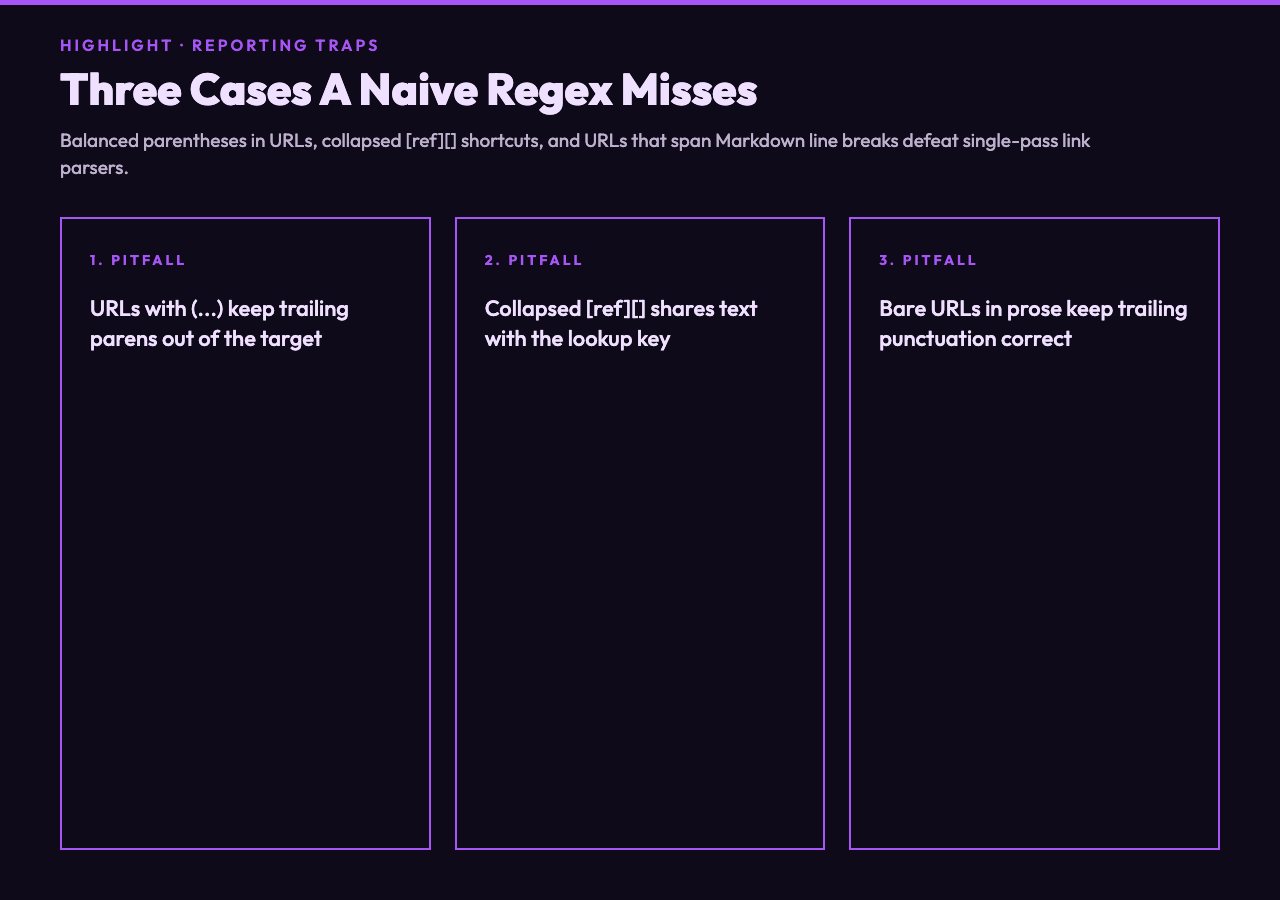
The collapsed form [rfc][] and the shortcut form [rfc] skip the explicit label and reuse the reference text as both display label and lookup key. Both are valid Markdown but both are easy to miss when refactoring a document, because the lookup key looks like a normal word. The parser handles both forms and reports the resolved URL separately from the original [rfc] token, so a global rename of rfc to rfc3986 in the prose updates the links without touching the footer.
A reference definition can also override an inline URL: [rfc]: https://example.com/new-path "Updated 2026" carries an optional title that overrides any title on the inline usage. The parser preserves both so an editor can see the title drift between definition and inline.
Image links and the asset-inventory trap
<img src="https://example.com/diagram.png" alt="alt text"> is structurally an inline link with a leading !, but it behaves differently for an audit. The URL points to a binary asset, the alt text doubles as a description for screen readers, and a missing image is a build failure, not a 404. The parser tags image links separately so a single inventory pass produces two reports: navigation links for the link checker, and image URLs for the asset pipeline.
The reference form ![alt][img1] works the same way as for navigation links, with the [img1]: https://... definition living in the footer of the document. The collaborator case is the docs site that started life with inline image syntax, migrated to a CDN, and ended up with half the images still pointing at the old domain. The parser reports the URL as it appears in the document, not after any rewrite, so a 404 in the asset report is a real 404 to fix.
The optional title attribute on an image (<img src="url%20" title alt="alt">) is rare but supported, and the parser preserves it in the output. The alt text is the accessibility-critical field; the title is a hover hint. A separate images-without-alt counter in the summary flags every match where alt is empty, which is the single most common accessibility defect in Markdown.
Validating URL syntax without false positives
A URL that looks correct can still be malformed in ways that matter to a link checker. The parser runs a per-URL syntax check that catches the cases a docs author catches only after staring at the file for ten minutes: a scheme followed by two slashes and a non-empty host, an optional port, a path that does not contain unescaped spaces or control characters, a query string whose & separates actual parameters, and a fragment that starts with # and contains no whitespace.
The common false positives are the URL that contains a literal space (a copy-paste from a chat window that wrapped mid-URL), a URL that mixes ? and & in the wrong order, and the URL whose fragment has been mangled by a Markdown renderer that interpreted #header-1 as a heading. The parser flags each as an issue with a short reason, not just an invalid: true boolean, so the editor can fix the root cause instead of just deleting the URL.
The non-obvious case is the relative path: ./other-doc.md#section-3 is a valid internal link but it is not a valid absolute URL. The parser reports it as internal and skips the syntax check, because the only correct check on a relative path is the file-existence check that the link checker does on the next pass. Treating a relative path as malformed would surface 200 false positives on any cross-doc links page.
Detecting duplicates without false collisions
Duplicate detection looks simple: hash the URL, count occurrences, report the ones above one. The complication is normalization. The same URL can appear in source as https://example.com/, https://example.com, https://example.com/?, https://example.com/?utm_source=blog, and HTTPS://Example.com/Path, and the audit pass needs to collapse them to one entry while still reporting the variations in the per-match list.
The parser normalizes by lowercasing scheme and host, stripping trailing slashes when no path is present, and removing common tracking parameters (utm_*, fbclid, gclid, ref) before hashing. The normalized form is what the duplicate counter uses. The original form is what the per-match list shows, so an editor can see exactly which variant of a URL appeared where and decide whether to standardize.
The case where this matters most is a docs site that migrated from one CMS to another and left the same content reachable at three different URLs because nobody set up the redirects. The duplicate report lists the three URLs side by side with their occurrences, and the redirect map is the next artifact the docs team needs to write. Without the per-match normalization, the duplicates would silently disappear into one entry and the redirect work would start from incomplete information.
Autolinks and bare URLs: the leftovers
<https:></https:> is Markdown’s autolink syntax: the angle brackets force the URL to render as a link even though it has no <a href="url">text</a> wrapper. The parser tags these as autolink because they look different in source even though they render the same as an inline link. The common case is someone pasting a bare URL into prose and a renderer that wraps it in <a></a> for them; the parser catches both the autolink form and the bare URL form so the audit covers the URL twice if it actually appears twice.
Bare URLs are any http://, https://, or www. token that is not already inside a Markdown link wrapper. The parser catches them with a regex that respects trailing punctuation: a sentence like Visit https://example.com today. reports https://example.com as the link, not https://example.com today.. The same logic keeps a trailing ? on a question-mark URL and a trailing , off a comma-separated list.
The audit value of catching bare URLs is the duplicate-detection pass: a document that pastes the same URL three times in prose without using a reference link is a document that is hard to maintain. The parser’s duplicate counter does not collapse inline references to bare URLs because they are different in source, but it does collapse https://Example.com/ and https://example.com to one canonical entry so a case-only difference is reported as a single match.
The output shape and what to do with it
Every extract is JSON with three top-level keys: links (the per-match list with type, text, url, line, and any title), summary (totals by type, unique-vs-duplicate counts, internal-vs-external counts), and issues (broken references, undefined references, missing alt text, invalid URL syntax). The summary is the field a docs-team dashboard reads; the issues list is the field an editor reads to fix one document.
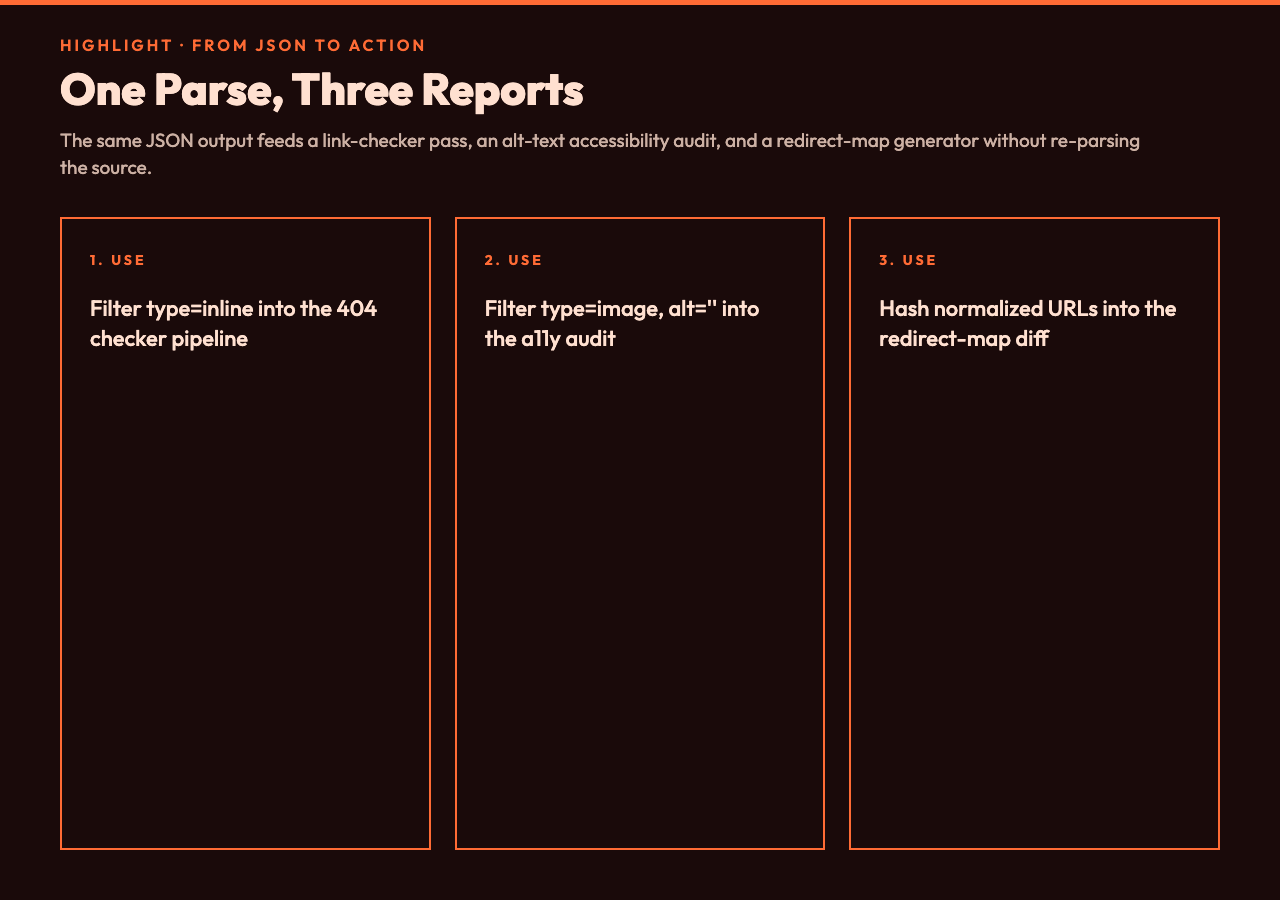
For a batch audit the same JSON shape is what you pipe into a link checker, a redirect mapper, or a sitemap diff. The parser does not fetch any URL — it only reports what the document says — so the inventory pass is offline and fast. The check pass is whatever HTTP client you point at the inventory.
A practical starting point for a new docs site: extract every *.md file, deduplicate the URLs, sort by frequency, and the top of the list is the redirect map that needs the most attention. The same parse feeds the alt-text audit by filtering type == "image" and checking for empty alt, and feeds the orphan-reference audit by filtering type == "reference" and definition == null. One parse, three reports, no second parser.
If you want a fixed starting point rather than authoring your own JSON pipeline, the Markdown Link Extractor Samples page ships ten reference documents covering basic links, reference links, image links, mixed content, broken references, duplicates, internal anchor paths, technical docs, blog posts, and API documentation. Each sample is a self-contained Markdown file you can paste into the extractor to see exactly which JSON fields the parser populates and which it leaves empty.
For more in the same family, Markdown Link Checker takes the extracted inventory and runs an actual HTTP HEAD against every URL to flag 404s, redirects, and timeouts, and the broader Text Processing category covers Markdown linters, table extractors, and frontmatter parsers that pair cleanly with a link audit. The link extractor is the entry point; the link checker is the verification step that turns the inventory into a fixed-bugs report.
