
The RFC 6238 test seed is JBSWY3DPEHPK3PXP and the code your phone shows at this second is deterministic and reproducible by anyone with the same algorithm — so when a 2FA prompt pops up exactly when you’re locked out of the device, the TOTP / HOTP Offline Code Generator on Elysia Tools is the one tool you actually want open in another tab. Paste the secret, get the code, configure your own backup before the phone dies.
That last paragraph is the only opening that matters. Everything below is the why-and-how that justifies it.
Why the offline tool exists at all
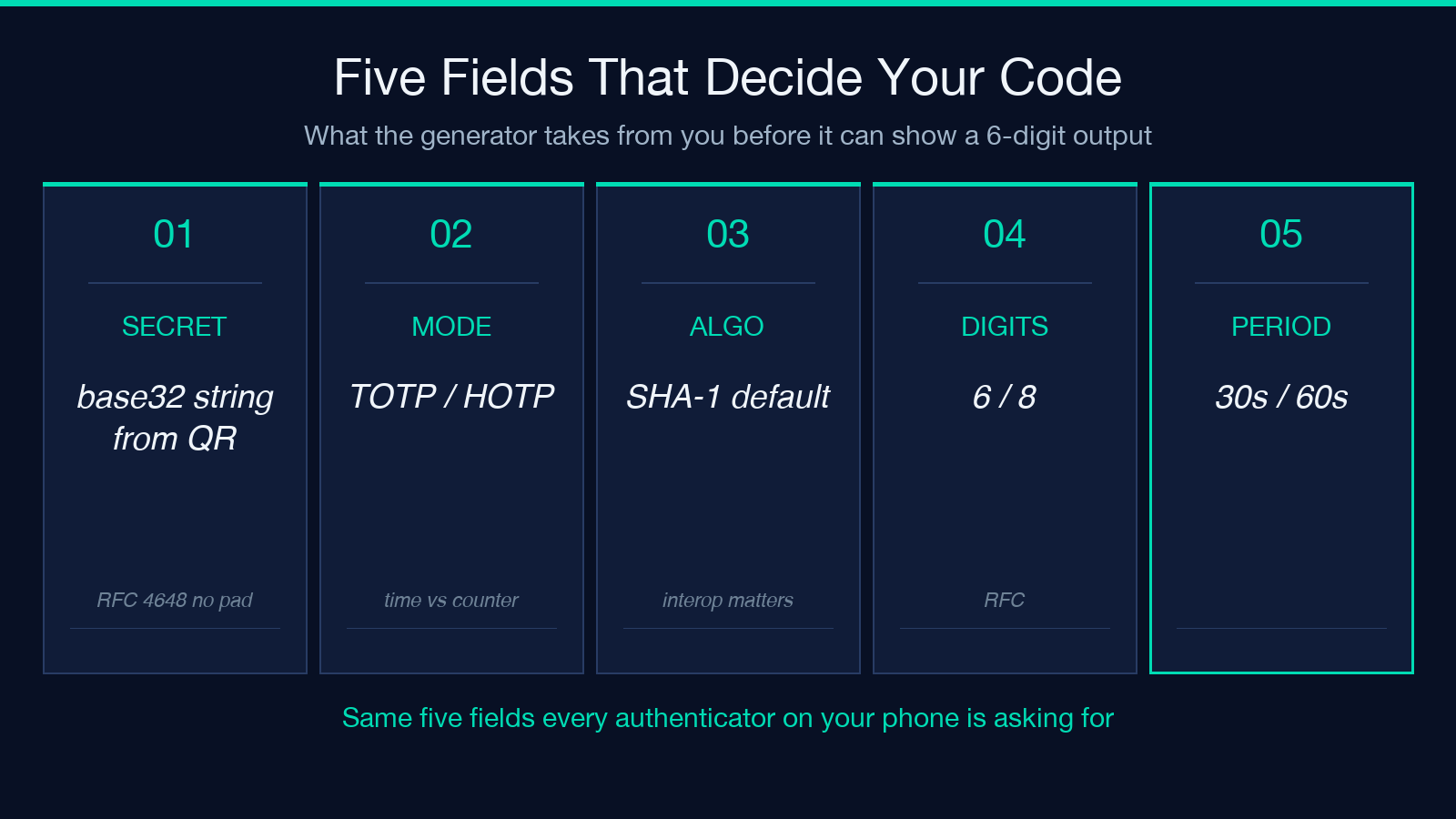
Authenticator apps are clients, not the algorithm. The algorithm is the HMAC-SHA1 truncated dynamic, standardized as RFC 6238 (TOTP) and RFC 4226 (HOTP). The phone cannot lose the secret if you also have the secret on paper, in a password vault, or in your head — and the only thing the phone does that you cannot do by hand is the per-second counter derivation from the current UNIX time. Any pure-JavaScript implementation of RFC 6238 produces the same six digits as the app, every step, on every device. That is what makes the offline generator interesting: it is the same math, with no network involved.
The catch is the secret itself. RFC 6238 deliberately keeps the algorithm public so anyone can implement it; the security lives in the 16-byte (typically base32) seed that the issuer hands you when you enable 2FA. That seed is what you cannot recover if you lose both the phone and the paper. Any authenticator, including this offline one, is only as strong as your secret-storage discipline.
TOTP versus HOTP — what you are actually computing
The two algorithms differ in one place: where the counter comes from. In TOTP (time-based), the counter is floor(unixTime / step), with step usually 30 seconds. In HOTP (counter-based), the counter is an explicit integer you provide and that the server bumps every time a code is consumed.
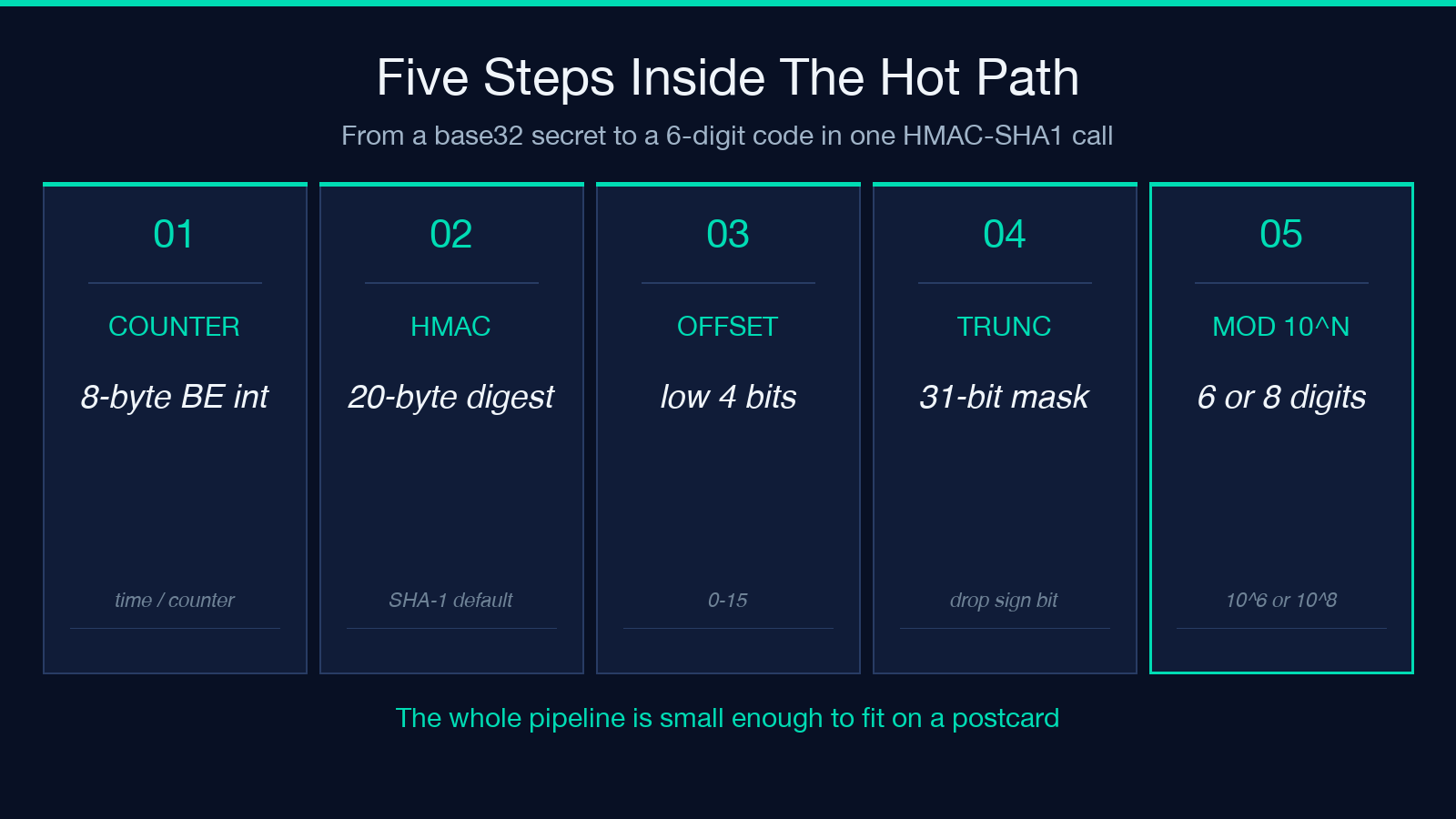
The hot-path computation is the same in both cases:
1. Decode the base32 secret to raw bytes. 2. Build an 8-byte big-endian counter (the time-derived or user-provided integer). 3. Compute HMAC-SHA1(secret, counter), producing 20 bytes. 4. Take the low 4 bits of the last byte as an offset (0-15). 5. Read 4 bytes at offset as a big-endian integer. 6. Mask to 31 bits, then take mod 10^digits (10^6 by default, 10^8 if 8 digits).
That 6-digit (or 8-digit) integer is the code. The whole pipeline is small enough to fit on a postcard and large enough that every authenticator app on the market is just a UI wrapping it.
The RFC test seed and why it matters
The most famous base32 secret is JBSWY3DPEHPK3PXP. It is the seed used in the RFC 6238 reference appendix and in the Google Authenticator sample flow, and it has the convenient property of decoding to ASCII Hello!\xDE\xAD\xBE\xEF — every documented authenticator that uses this seed shows the same six digits at the same second.
The point of pasting that exact seed into the offline generator is not to log in. The point is to confirm that the implementation is correct: if your offline tool produces the same six digits as your phone for JBSWY3DPEHPK3PXP at step=30 and digits=6 and SHA-1, then for any other seed the same code will be produced everywhere. This is the offline equivalent of a smoke detector.
HMAC variants — why SHA-1 is still the default
The RFC requires SHA-1. SHA-256 and SHA-512 are allowed by the spec but rejected by virtually every consumer authenticator app, including Google Authenticator and Authy. The reason is not that SHA-1 is cryptographically weak for this purpose — for a 6-digit code with a 30-second window, brute force is infeasible against any HMAC variant — but that interoperability is more valuable than marginal cryptographic hardening. If you choose SHA-256 in the offline tool, you will not be able to import the resulting otpauth URI into the phone app and have the same code appear.
For teaching and testing, HMAC-SHA-256 and HMAC-SHA-512 are useful because the resulting code will differ from the SHA-1 code, which forces you to check that the field is set. They are also useful for documenting what happens if you accidentally set algorithm=sha512 on a live account and then cannot recover the original phone-configured code.
Drift, period, and the second between the steps
The single most-asked question about TOTP is what happens at the boundary between two 30-second windows. The answer is: the next code is computed at step * (floor(t/step) + 1), and most authenticators display both the current code and a countdown ring showing time remaining. Phones with very small drift (sub-second) will produce the same code as the server for the entire window. Phones with significant clock drift (an un-synced laptop, an old phone) will start producing the next code slightly early or slightly late.
The offline generator solves this by exposing the “Show next N codes” feature: the next five windows are computed and shown in order, so you can identify which one your phone is about to roll over to. This is the only reliable way to debug a drift problem without disabling them.
The otpauth:// URI — the only interop format that matters
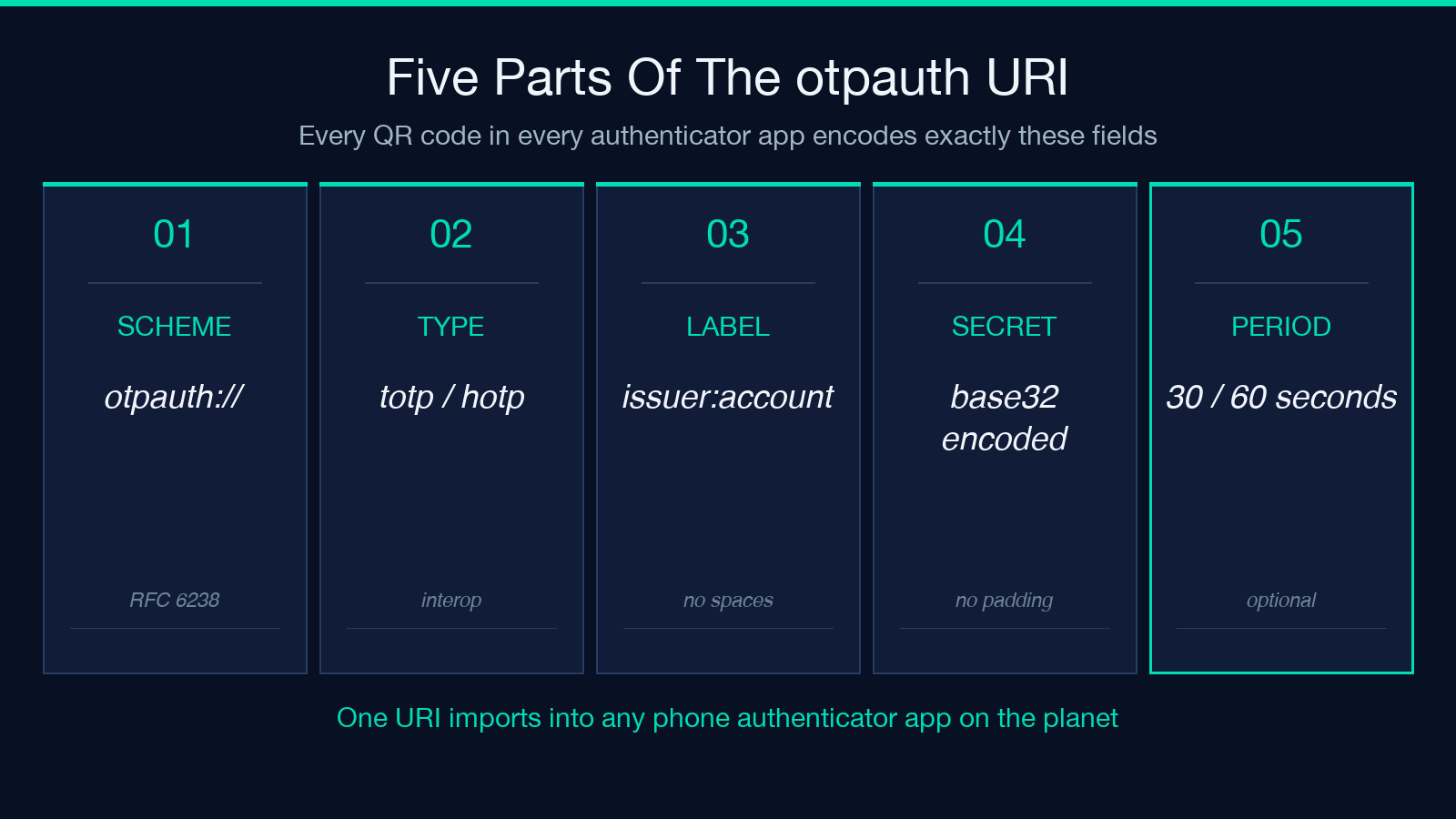
Every modern authenticator accepts the same import format: an otpauth:// URI with the algorithm, secret, digits, period, issuer, and account label encoded as URL parameters. The URI looks like otpauth://totp/Acme:[email protected]?secret=JBSWY3DPEHPK3PXP&issuer=Acme&algorithm=SHA1&digits=6&period=30. Any QR code shown by any enrollment flow is just this URI rendered as a QR.
The offline generator exports this URI in copy-paste form, which means you can paste it into any second authenticator app (or a CLI tool like oathtool) to recover the account on a new device. The issuer and account label fields are purely organizational — they do not change the code, but they make the credential recognizable in the app’s list.
What the offline tool deliberately does not do
It does not store the secret. It does not sync. It does not encrypt. It does not back up. Every secret the user pastes into the form stays in the page memory and is not written to local storage or sent to any server — this is the fully offline guarantee, and it is the property that makes the tool safe to use for verifying a live account. You can paste a real secret, see the code, and close the tab; the secret is gone when the tab closes.
The counter argument is that a network-connected tool could do the same — and many do. But the threat model for secret-recovery is specifically: the moment the network is not available. The phone is dead, the laptop is on a plane, the data center is unreachable. The offline tool is the answer to that exact scenario, and the only offline guarantee is the absence of a network call.
Closing — when to actually paste your real secret
The offline generator earns its place on the bookshelf for one reason: it lets you verify, before you need it, that you can recover your 2FA account without the phone. The recommended workflow is: pick one low-value account, enable 2FA, paste the secret into the offline tool, confirm the codes match, write the secret to a password manager, then re-test every six months. The moment you do not need the tool is the moment to confirm it works.
For the complete pipeline, see the live tool at Elysia Tools TOTP / HOTP Offline Code Generator, and explore related entries in Security tools. For RFC-level reading, the RFC 6238 specification and RFC 4226 specification are the canonical references.
