
A paste of ten Jira rows tells you nothing about flow on its own. The Kanban Cycle Time & Throughput Coach turns Created, Started, and Resolved timestamps into the five numbers an agile coach actually argues with on Monday morning: lead-time and cycle-time percentiles (50 / 85 / 95), work-in-progress age, daily / weekly / monthly throughput counts, a cumulative flow diagram with the WIP and approximate-cycle-time reading rules, and a Little’s Law consistency check that tells you whether the inputs are internally coherent or somebody typo’d a date. Run it at Kanban Cycle Time & Throughput Coach on Elysia Tools.
The five metrics the Coach surfaces on every paste
The Coach assumes the simplest Jira-style schema: one row per ticket, a Created column (date or ISO timestamp), a Started column (date or empty for not-yet-started), and a Resolved column (date or empty for still-in-progress). On a clean paste it computes:
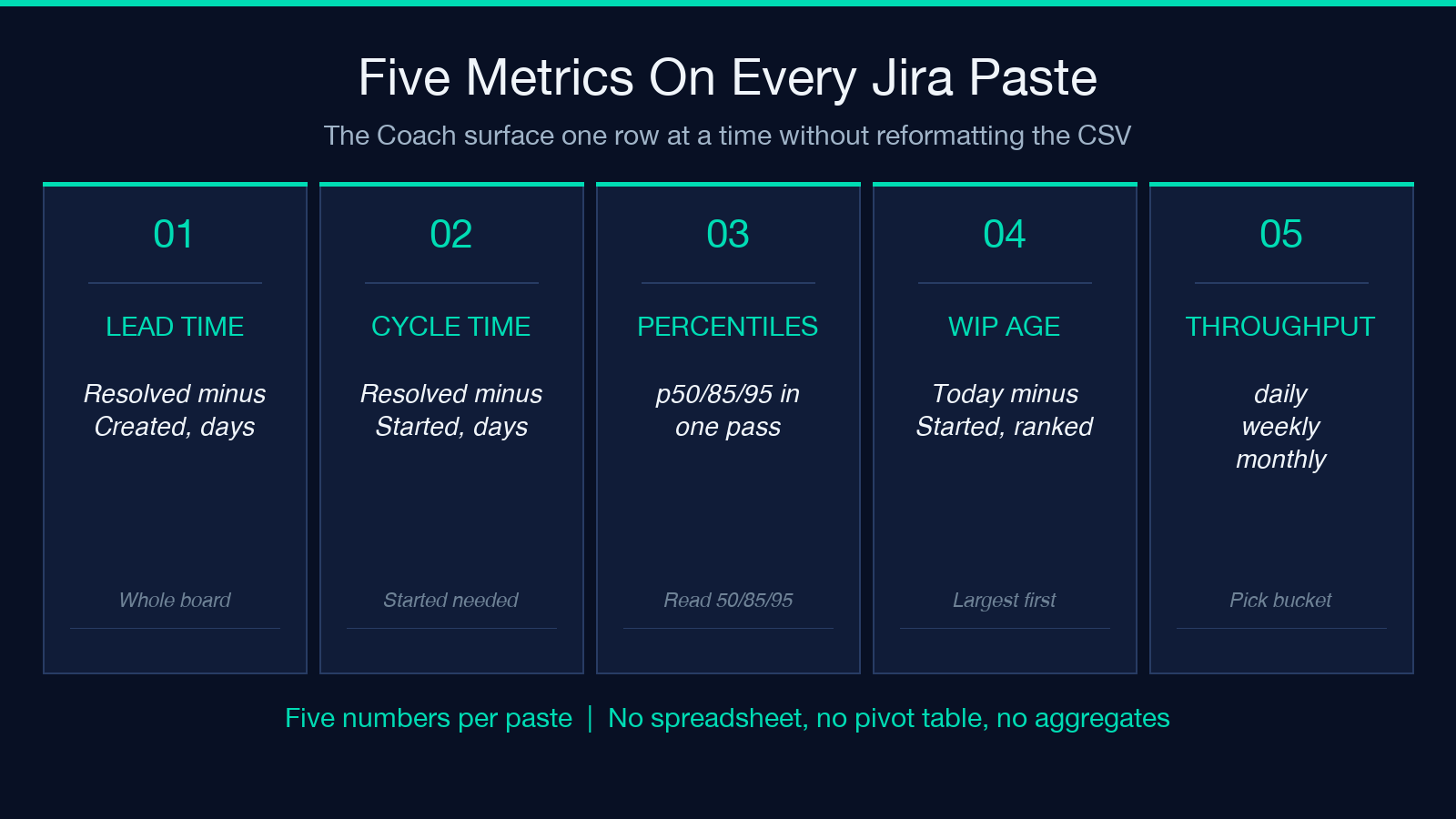
- Lead time =
Resolved - Created, in days, for every completed ticket. - Cycle time =
Resolved - Started, in days, for every ticket whoseStartedis non-empty. - Lead and cycle time percentiles 50 / 85 / 95, computed separately.
- WIP age =
today - Startedfor every ticket whoseResolvedis empty, ranked largest first. - Throughput counts bucketed per day, per week, or per month (user-selectable).
- A cumulative flow diagram (CFD) SVG with WIP and approximate-cycle-time reading annotations.
- A Little’s Law consistency check:
WIP approx Throughput x Cycle Time.
You can try the running tool at the Elysia Tools data analysis catalog, where flow / workload / throughput instruments live side by side.
Why percentile 85 is the number that survives contact with stakeholders
Average cycle time is a trap. One two-week outlier moves a 3-day mean to 4.5 days and triggers a “the team’s slowing down” Slack thread. The Coach reports three percentiles because each one answers a different question:
- p50 (median) tells you what a typical ticket takes when nothing goes wrong.
- p85 tells you what 85 percent of tickets finish inside; it is the number senior engineers and PMs negotiate against for sprint commitments.
- p95 is the tail; if p95 is more than 3x p50, an outlier class is dragging the board — usually dependency-wait, code-review stall, or a deploy queue that nobody owns.
The Coach pins the analysis clock to a date you supply (asOf) so today’s open WIP items are aged against your chosen snapshot, not against the wall clock. That is what makes a retrospective number reproducible next quarter.
A worked example: ten Jira rows across three weekly buckets
Paste the small July 2026 sample CSV from the tool catalog, with Started and Resolved columns populated and two tickets still in progress (PROJ-109 and PROJ-110, Resolved empty). The Coach returns:
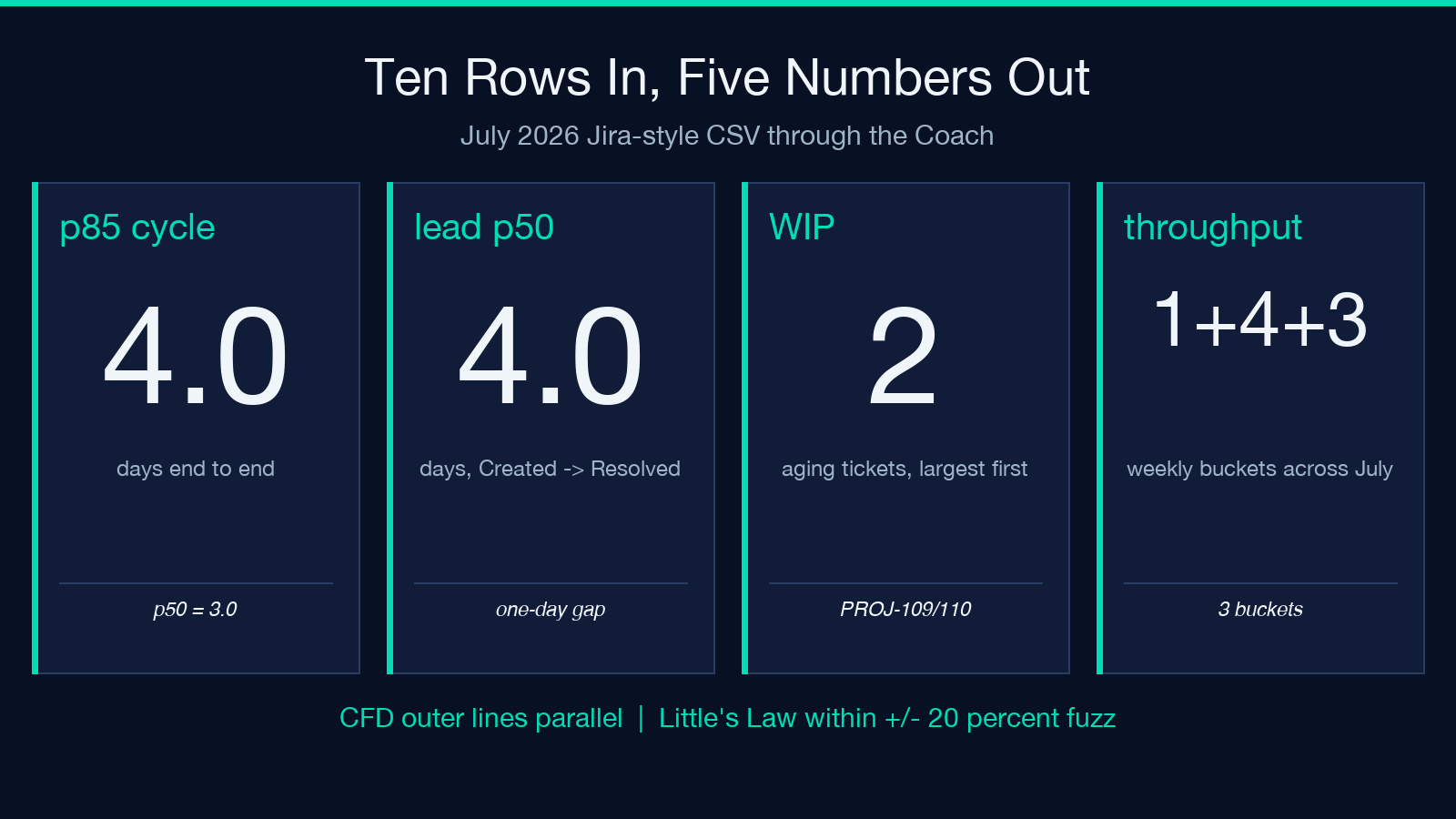
- Cycle time percentiles: p50 3.0 d / p85 4.0 d / p95 4.0 d.
- Lead time: p50 4.0 d — the one-day gap between
CreatedandStartedon most rows. - WIP panel: 2 aging items, ranked largest first.
- Weekly throughput: 1 / 4 / 3 across three buckets (mid-sprint startup, mid-sprint burst, week-3 taper).
- CFD: outer lines stay nearly parallel, no fanning — the healthy-flow signature.
- Little’s Law:
WIP = 2againstThroughput(4 / wk) x Cycle(3 d) approx 1.7, within the +/- 20 percent fuzz factor.
You can run this exact sample at the Coach, then re-paste your own board to compare percentile ratios. The tool survives a five-row or a five-hundred-row paste without complaint.
The CFD’s two reading rules: WIP band and approximate cycle time
The cumulative flow diagram is the only chart on the board that needs no axis label to read. Two vertical distances encode two different numbers:
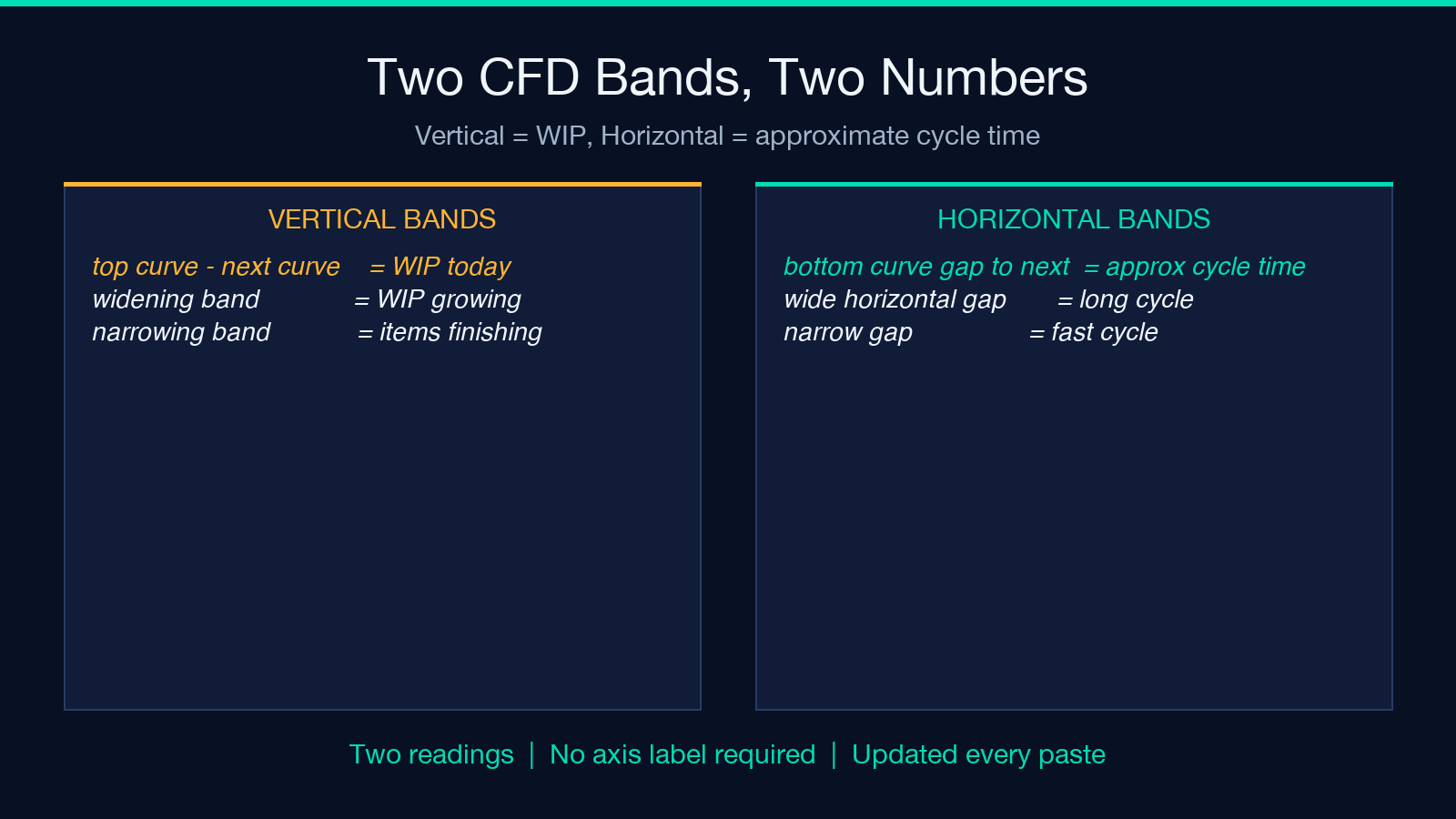
- Vertical distance between the top two curves = WIP today. Track this band over time: a widening band means more work is sitting in
In Progress+Code Reviewthan the team is finishing. A narrowing band means items are completing faster than new ones are starting. - Horizontal distance between the bottom two curves = approximate cycle time, in days. This is the chart’s “how long do things take?” reading, and it is robust to one missing
Starteddate because it derives from cumulative counts rather than from per-ticket math.
These two readings are why CFDs survive questions of “but what about average?” — the bands answer directly to flow-efficiency discussions without any aggregation. The Coach draws the bands explicitly and labels them. A board with a flat CFD but a widening WIP band is a warning, not a stable state.
Little’s Law: the consistency check that catches bad inputs
The Coach applies WIP approx Throughput x Cycle Time to every paste, then computes a consistency percentage. A result within +/- 20 percent is flagged “consistent”; a result outside the band is flagged with the offending number so you can spot which input is wrong.
Three real failure modes the consistency check catches:
- The
Createdcolumn is a string, not a date. Cycle time comes out as zero for every row; Little’s Law wildly disagrees. - Half the
Resolveddates are missing because the export cut off mid-status. Throughput drops but WIP does not, so the product is way below WIP. - The
Startedcolumn is empty for every row (the team skipped the workflow step). Cycle time is undefined; the Coach falls back to lead-time percentiles and reports the substitution.
For a comparative read on a different domain that uses a similar 5-band fan-out at low C*, the Heat Exchanger NTU Calculator shares the same structural pattern: four arrangement curves fanning out as a dimensionless parameter approaches zero.
Pitfalls the calculator prevents by construction
Three anti-patterns show up in every retrospective regardless of team:
- Committing on a moving average. The Coach’s p85 is a quantile, not a mean, so an outlier cannot corrupt next sprint’s commitment.
- Forgetting work in progress. Every empty
Resolvedbecomes a WIP aging row, ranked largest first, so the next standup surfaces it instead of letting it age quietly. - Reading a flat CFD as healthy. The Coach draws the WIP and cycle-time bands; a flat CFD with a widening WIP band is a warning, not a stable state.
Reading the Coach’s verdict panel teaches the team what each metric actually means, instead of training them to chase whichever number moved last week.
What the Coach deliberately does NOT compute
A short list of common asks the Coach refuses by design, and the equivalent you should reach for instead:
- Monte Carlo sprint forecast. The Coach reports percentiles from the pasted data only; it does not run a forward simulation against the throughput history. Reach for a discrete-event simulator if you need that.
- Per-assignee decomposition. Cycle-time percentiles are computed over the whole paste. If you need a per-engineer breakdown, split the CSV yourself first and re-paste.
- Story-point normalization. The Coach does not know your points scale; lead and cycle time are reported in calendar days.
This is on purpose — the Coach’s job is to be the fastest paste-and-read answer on the board, and that means staying out of the layers where each team has its own conventions.
Putting the metrics together for sprint planning
A practical one-line summary is enough: read p85 as the upper bound for a one-sprint commitment, treat any p95 > 3x p50 as a tail-class trigger, and let the CFD’s cycle-time band be your story when somebody asks “what’s our typical cycle time?”
The Coach is built for the realistic case — a CSV paste of last sprint’s tickets — and the output is the kind of thing you can paste into your retro deck without reformatting. You can find it on the Elysia Tools data analysis catalog alongside the calculators that share its workflow theme, and it is one of many flow / metrics / workload instruments at Elysia Tools.
