# Your Audio Sounds Flat. These Free Tools Fix It.
In 1958, Les Paul ran his wife’s voice through a flanger and created one of the most recognizable sounds in pop music — a liquid, metallic shimmer no acoustic instrument had ever produced. He had a studio full of tape machines. You have a browser tab.
The barrier to professional-quality audio effects has effectively disappeared. Here are eight free tools that prove it.
—
Audio Reverb — Give Your Sound a Room
Reverb simulates how sound behaves in physical spaces. A cathedral sounds nothing like a bathroom. The difference is entirely reverb.
The Audio Reverb tool offers five presets: Small Room, Medium Room, Large Room, Concert Hall, and Custom. Each preset scales delay times and decay curves to match that space. Three sliders give precise control on top of the presets.
Pre-delay (0–500ms) sets the gap between the dry attack and the reverb tail. Use 50ms on a snare and the hit stays punchy while the room fills the space after. Damping (0.1–1.0) controls high-frequency absorption. High damping darkens the tail; low damping keeps it bright and shimmery. Wet level (0–1.0) balances reverb against the dry signal. Vocals sit at 0.2–0.4. Past 0.8 and you’re making ambient drone music.
The engine uses FFmpeg’s aecho filter with six independently tuned delay lines. Each decays at a different rate, so the tail changes timbre as it fades. That’s why it sounds like a real room instead of a digital effect.
Best for: Vocals, snare, acoustic guitar, anything that sounds too close-miked or clinical.
—
Audio Echo — The Canyon Effect
Echo is not reverb. Reverb is thousands of overlapping reflections that create a sense of space. Echo is discrete, clean repetitions — your sound bouncing off a surface and returning.
The Audio Echo tool controls three parameters: Delay (50–2000ms) sets time between repeats. At 300ms you have the classic slapback vocal used by Eddie Cochran on “Summertime Blues.” At 1000ms you sound like you’re standing in a canyon. Feedback (0.1–0.9) controls how much each echo feeds into the next. Above 0.6 and you get a long, cascading decay. Below 0.3 and it’s one or two clean repeats. Echo count (1–10) sets how many distinct echoes to generate.
Best for: Rock vocals, call-and-response sections, ambient textures, video sound design.
—
Audio Chorus — Thicken Without Distortion
Chorus plays a slightly delayed, slightly pitch-modulated copy of your audio alongside the original. One instrument sounds like two playing in near-unison. That’s how Les Paul made Mary Ford’s voice sound like a choir on “How High the Moon.”
The Audio Chorus tool lets you configure multiple independent “voices,” each with its own delay time, decay, speed, and depth of pitch modulation. The default setup (two voices at 40ms and 50ms, low decay, moderate speed) is the classic “wide and warm” setting. Push depth and speed higher and the sound shifts toward a detuned wobble. Pull everything back and a solo instrument sounds like a section.
The definitive rock example is The Edge from U2. The shimmering guitar that defines their sound is chorus running into delay. Listen to “Where the Streets Have No Name” once you know what to listen for.
Best for: Electric guitar, synth pads, any recording that sounds too thin or too centered.
—
Audio Flanger — The Jet Engine Sweep
Flanging creates a sweeping, metallic “whoosh” by mixing your audio with a delay line whose time is modulated by an LFO. The result is a comb filter sweeping through the frequency spectrum.
The Audio Flanger tool exposes every parameter: Delay (0–30ms) and Depth (0–30ms) set the notch frequency. Smaller values produce thinner, more metallic results. Regen (-95 to +95) is feedback into the delay line. Positive regen builds resonance and can push the effect into self-oscillation — a rising drone tone. Negative regen flattens the sound. Speed (0.01–10 Hz) controls the sweep rate. At 0.5 Hz the sweep is slow and dramatic. At 5 Hz it’s fast and frantic. Phase (0–180°) determines stereo behavior.
Van Halen’s “Unchained” intro is the most recognizable flanger in rock history. Once you hear it in isolation, you’ll catch it everywhere.
Best for: Electric guitar (used heavily in rock and metal), drums for unusual textures, sci-fi sound design.
—
Audio Phaser — Space in Motion
A phaser uses all-pass filters instead of a delay to create moving notches in the frequency spectrum. The sound appears to rotate around your head as the effect sweeps. No room required.
The Audio Phaser tool offers two waveforms: Triangle (smooth, classic sweep) and Sine (more abrupt, mechanical). Speed (0.01–10 Hz) controls the sweep rate. Low speeds give slow, subtle rotation. High speeds create the rapid swirl of a leslie cabinet at full speed.
Remember this distinction: reverb tells the listener “this was recorded in a room.” Phaser says “this is alive and moving.” Different tools, different impressions.
Best for: Electric guitar, synth leads, instruments that need depth without reverb’s washy tails.
—
Audio Tremolo — Volume as Rhythm
Tremolo modulates volume. Vibrato modulates pitch. Tremolo is simpler than it sounds: the loudness goes up and down at a regular rate.
The Audio Tremolo tool gives you Rate (0.5–20 Hz — how fast the volume oscillates) and Depth (0–1.0 — how extreme the swing is). At 1 Hz with depth at 0.7 you get a slow, deep throb. At 10 Hz with depth at 1.0 you get a buzz that drops to silence on each cycle.
The surf rock genre was built on tremolo — The Ventures’ “Wipe Out” is essentially a drum kit and a heavily tremolo’d guitar. The same effect applied to a flat synth pad creates movement where there was none.
Best for: Surf rock guitar, synth pads, adding rhythmic life to recordings that feel too static.
—
Audio Vibrato — Pitch in Motion
Tremolo modulates volume. Vibrato modulates pitch. The confusion between them is understandable, but the audible difference is immediate once you hear both.
The Audio Vibrato tool controls Rate (oscillation speed) and Depth (how far the pitch swings from center).
Vibrato is integral to most human singing — the natural pitch waver that makes a sustained note sound alive instead of mechanical. Apply it subtly to a digital instrument and it becomes human. Apply it heavily and it becomes a psychedelic wobble. The difference lives in the depth knob.
Best for: Vocals, orchestral strings, warming up cold digital instruments.
—
Audio Delay — The Foundation Everything Else Is Built On
The Audio Delay tool is a clean, tunable delay — the foundation of almost every other time-based effect. Delay + high feedback = echo. Delay + multiple modulated voices = chorus. Delay + short modulated times = flanging. Delay + long times + multiple repeats = ambience.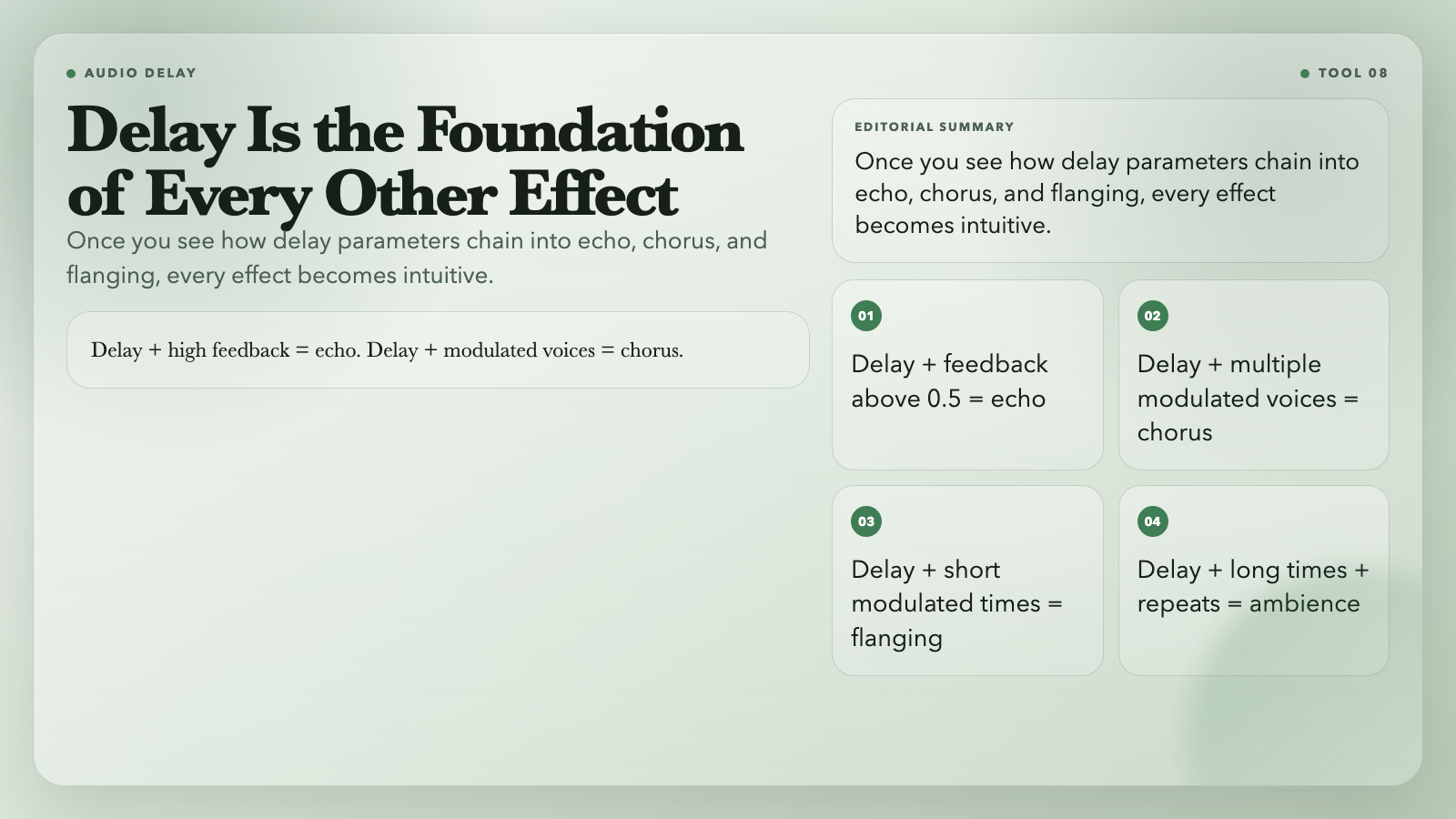
Once you see these relationships, every other effect in this list becomes more intuitive. At 250ms with 40% feedback you have a slapback. At 1000ms with 70% feedback you’re in ambient echo territory.
Best for: Everything once you understand how delay parameters chain into other effects.
—
The Engine Underneath
All eight tools run on FFmpeg — the open-source framework inside professional DAWs, video editors, and streaming infrastructure worldwide. The filters (`aecho`, `chorus`, `flanger`, `aphaser`, `tremolo`, `vibrato`, `adelay`) are the same ones running in the software you already use. They’re free, accessible in a browser, and require no account.
—
The Moment You Start Hearing It
Once you learn what these effects sound like, you start hearing them everywhere. That shimmering guitar texture on a U2 track? Chorus. The vocal reverb that makes a singer sound like they’re standing in a cathedral? Reverb. The jet-engine sweep in a Van Halen solo? Flanger.
The production vocabulary of every song you’ve ever loved starts revealing itself. And now, so does the ability to use it yourself.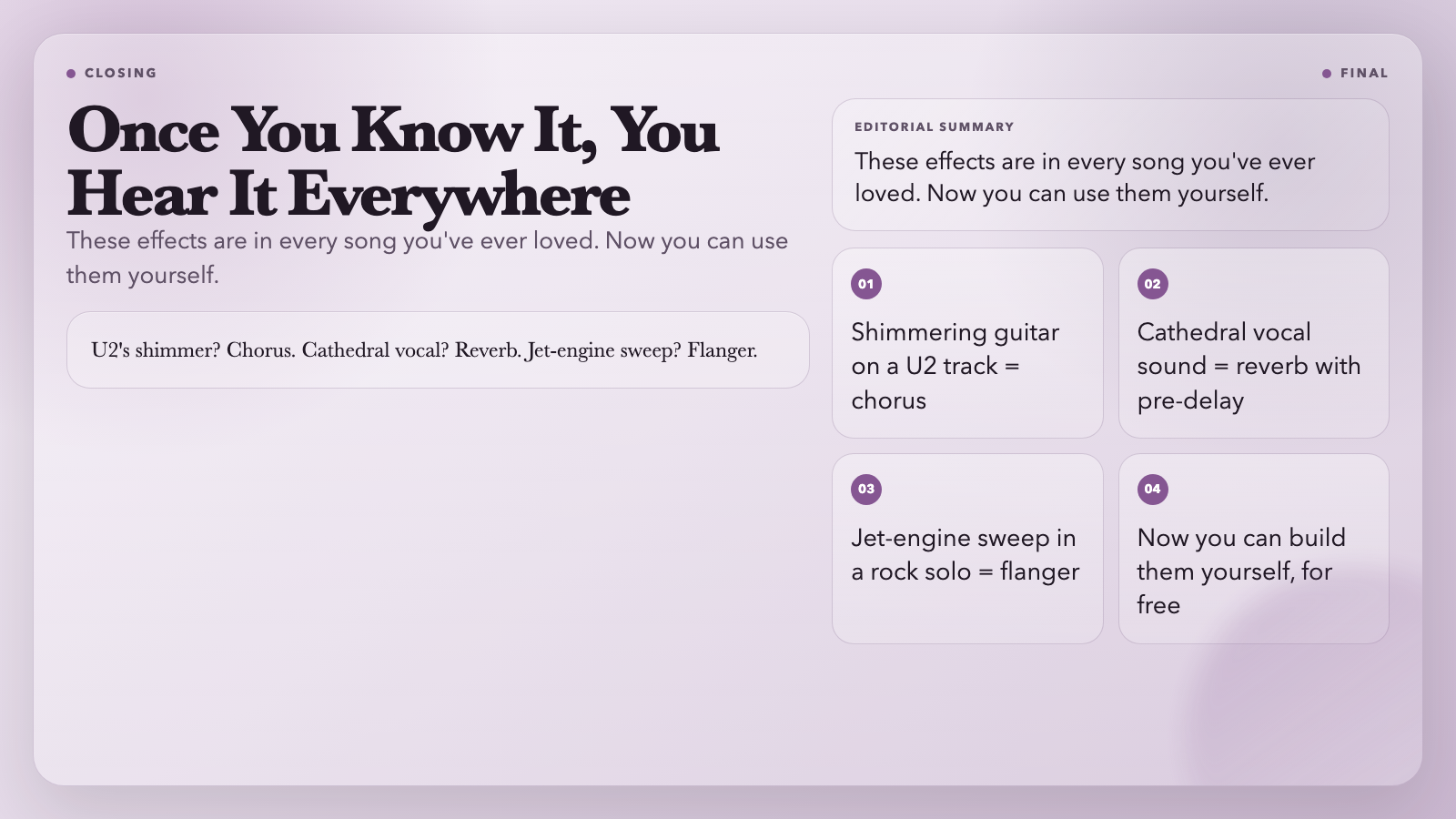
Browse all eight tools at ElysiaTools. No account. No payment. Just open the tab and start breaking things.
The question is whether you’ll use a browser tab to make something interesting, or keep wondering why your recordings sound flat.