# 8 Free Data Extraction Tools Every Developer Needs in 2026
Last week I watched a junior developer spend 40 minutes writing a regex to extract phone numbers from a support ticket dump. She got it working for US numbers. Then the European clients came in. Then the Chinese numbers. Three hours later, she’d written five different patterns and still had false positives.
She didn’t know ElysiaTools existed.
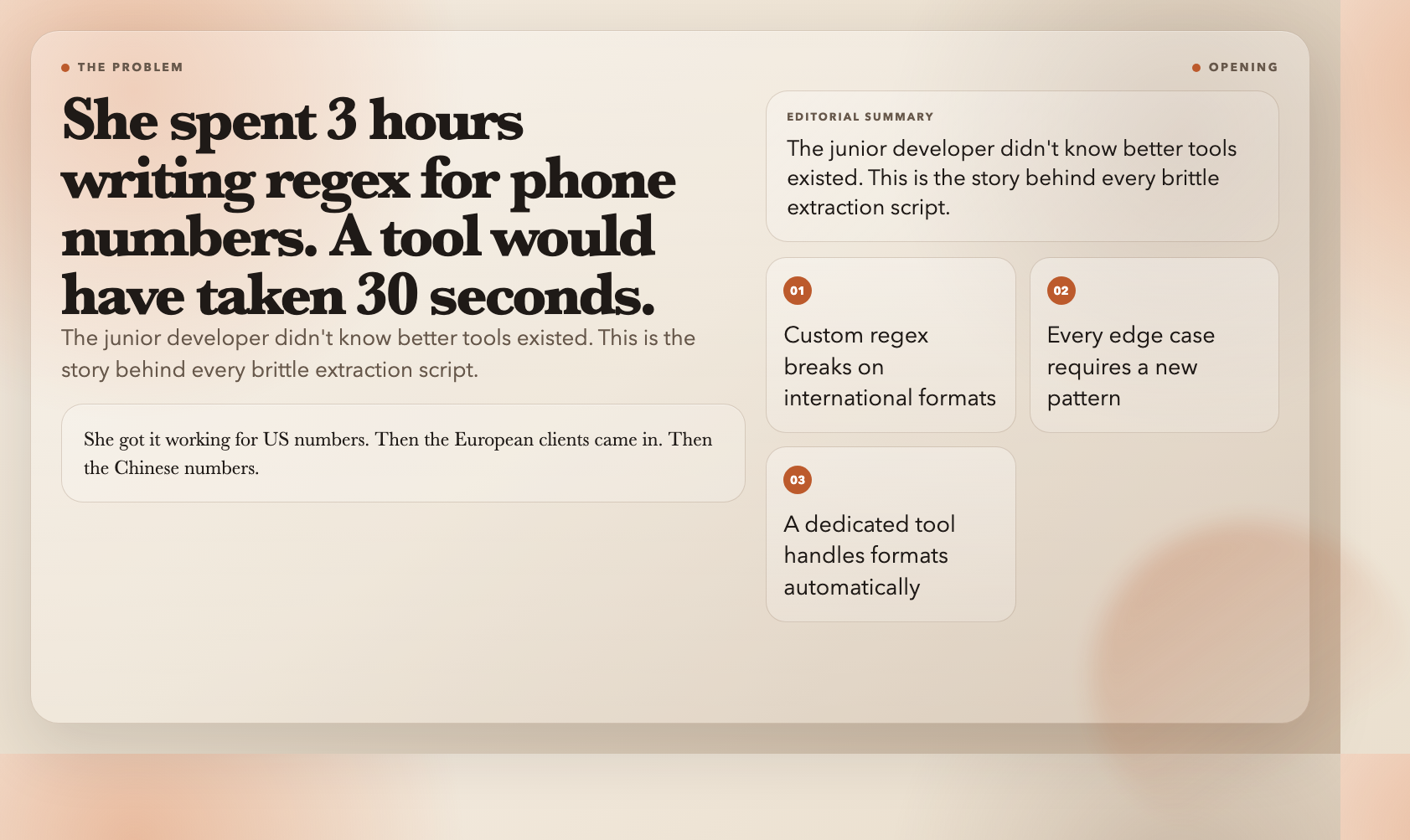
Data extraction is one of those tasks every developer encounters constantly but rarely thinks about strategically. A single well-designed extraction tool can replace hundreds of lines of brittle regex, handle edge cases automatically, and export results in a format ready for your pipeline. The eight tools below cover the most common extraction scenarios — and none of them require sign-up, installation, or a credit card.
—
1. Bulk Email Extractor — Pull Every Email Address from Messy Text
Extracting emails sounds trivial — until your input is a garbled server log, a scraped HTML page, or a mixed-content document with 20,000 characters. Naive regex (`w+@w+.w+`) fails on hundreds of valid email formats.
The Bulk Email Extractor handles this properly. It accepts any text input — raw logs, HTML source, markdown, CSV, or JSON — and returns every valid email address with deduplication built in. You can sort results alphabetically or by domain, and export to JSON for immediate pipeline use.
When to use it: Cleaning scraped contact lists, auditing server logs for leaked addresses, extracting leads from event attendee dumps.
—
2. Bulk URL Extractor — Get Every Link from Any Text
Like email extraction, URL extraction seems simple until you face real-world complexity. A single HTML page can contain relative URLs, absolute URLs, query strings with tracking parameters, `data:` links, and anchor fragments. A naive split on spaces or commas breaks immediately.
The Bulk URL Extractor handles the full URL surface area — HTTP/HTTPS, query parameters, fragments, and deduplication. Paste in 50,000 characters of HTML or plain text, and get back a clean, unique list of every link.
When to use it: Auditing scraped pages, extracting outbound links from competitor sites, building sitemaps from raw HTML.
—
3. Phone Number Extractor — Global Coverage, No Regex Required
Phone numbers are notoriously difficult to extract. A US number looks nothing like a German one. A Chinese mobile number has a completely different structure from a UK landline. Writing a regex that handles even three countries produces a pattern no one can read three months later.
The Phone Number Extractor handles international number formats natively. Paste in mixed text — a business card, a support ticket, a scraped contact page — and it identifies and extracts valid phone numbers regardless of formatting conventions.
When to use it: Building contact databases from unstructured data, cleaning CRM exports, processing international support tickets.
—
4. Hashtag & Mention Extractor — Extract Social Signals at Scale
Social media text contains two distinct signal types: topic tags (`#AItools`, `#webdev`) and user mentions (`@username`). Both are semantically meaningful, and both are often buried in text that also contains URLs, emails, and other noise.
The Hashtag & Mention Extractor separates these two signal types cleanly. You can extract hashtags only, mentions only, or both. Deduplication and sorting are built in, and output formats support JSON export for social analytics pipelines.
When to use it: Social listening dashboards, influencer identification, topic trend analysis, content tagging automation.
—
5. Image Source Extractor — Beyond the Simple `src` Attribute
Modern websites load images in dozens of ways: standard `src` attributes, lazy-loaded `data-src`, responsive `srcset` with multiple resolution variants, and CSS background images. A simple `grep` for `src=` misses most of these.
The Image Source Extractor handles the full landscape — `src`, `data-src`, `srcset`, and deduplication across all discovered URLs. This means you get a complete inventory of every image referenced on a page, not just the ones loaded synchronously.
When to use it: Image asset auditing, competitor image inventory, accessibility image documentation, content migration projects.
—
6. IP Address Extractor — Logs, Traces, and Everything In Between
Server logs contain IP addresses. Network traces contain IP addresses. Access records, firewall logs, and debugging output all contain IP addresses. The challenge isn’t finding them — it’s finding all of them, in both IPv4 and IPv6 formats, while ignoring false positives (like version numbers in software strings that look like IPs).
The IP Address Extractor handles this cleanly. It distinguishes IPv4 from IPv6, filters by version if needed, and removes duplicates. Paste in a 50MB log file and get a sorted, clean list in seconds.
When to use it: Security log auditing, network forensics, geolocation database building, access pattern analysis.
—
7. Date Extractor — Every Format, Every Language
Dates appear in text in more formats than any developer wants to hand-code: `2026-03-27`, `March 27, 2026`, `27/03/2026`, `2026年3月27日`, `last Tuesday`, `Q1 2026`. Writing a parser for even the common cases is a weekend project. Writing one that handles Chinese, ISO, US, and European formats simultaneously is a small library.
The Date Extractor handles this comprehensively. It identifies dates across all common international formats, including partial dates (month + year without day), relative dates (`last week`, `next month`), and even mixed-language documents. Output formats are configurable so results fit directly into your processing pipeline.
When to use it: Content management systems, event timeline builders, historical document processing, multilingual content pipelines.
—
8. PII Finder — Scan for Sensitive Data Before It Becomes a Breach
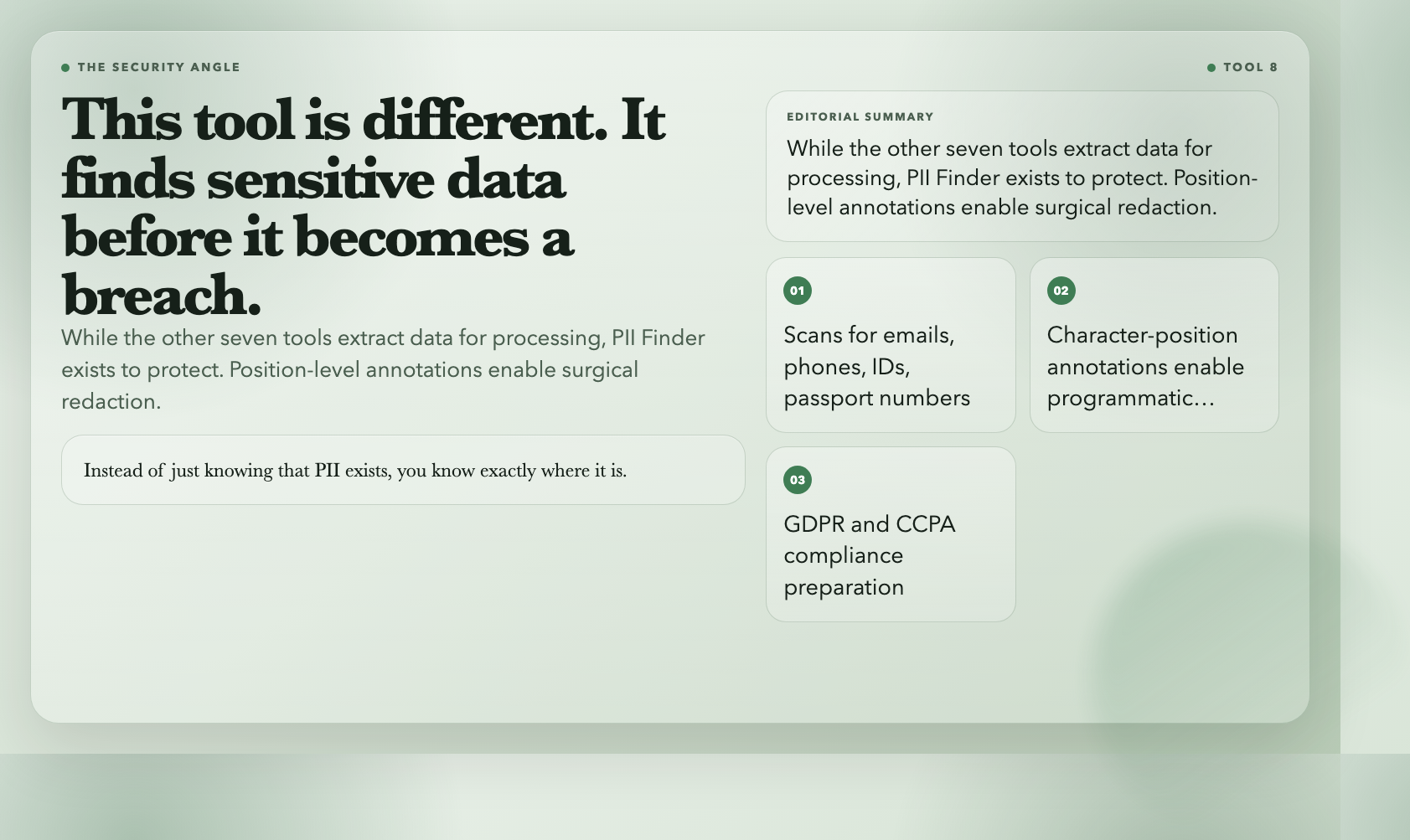
This one is different from the rest. While the other tools extract data for legitimate processing purposes, the PII Finder exists to protect. It scans text or log files for personally identifiable information — names, emails, phone numbers, ID numbers, passport numbers, credit card formats — and annotates each occurrence with its type and character position.
The position-level annotation is what separates this tool from a simple regex search. Instead of just knowing that PII exists, you know exactly where it is, which means you can redact it programmatically with surgical precision.
When to use it: GDPR and CCPA compliance preparation, data leakage audits, pre-publication content review, log sanitization before sharing with third parties.
—
The Pattern Behind These Tools

Each of these eight tools solves the same underlying problem: structured data lives inside unstructured text, and extracting it by hand is slow and error-prone. Regex works for one-off cases, but as soon as you need to handle multiple formats, international data, or edge cases, custom code becomes the liability.
These tools share a common design philosophy — they handle the format complexity so you don’t have to. They accept messy input, apply well-tested parsing logic, and return clean, structured output.
The result for your workflow is simple: what took a script, a regex debug session, and a test file now takes a paste and a click.
Which of these is most useful depends entirely on your data. For developers processing international systems, the Phone Number Extractor and Date Extractor tend to deliver the highest ROI. For security-sensitive roles, the PII Finder is becoming non-negotiable.
But here’s what most developers miss: the real value isn’t in any single tool. It’s in building a mental model where unstructured text becomes a first-class input — not something to dread processing, but something to pipe through the right tool and get back clean, structured data.
Bookmark these tools. Next time you’re about to write a regex for something common, check here first. You’ll usually find a better solution in under a minute.