
# 8 Free Regex Tools That Actually Solve Real Problems
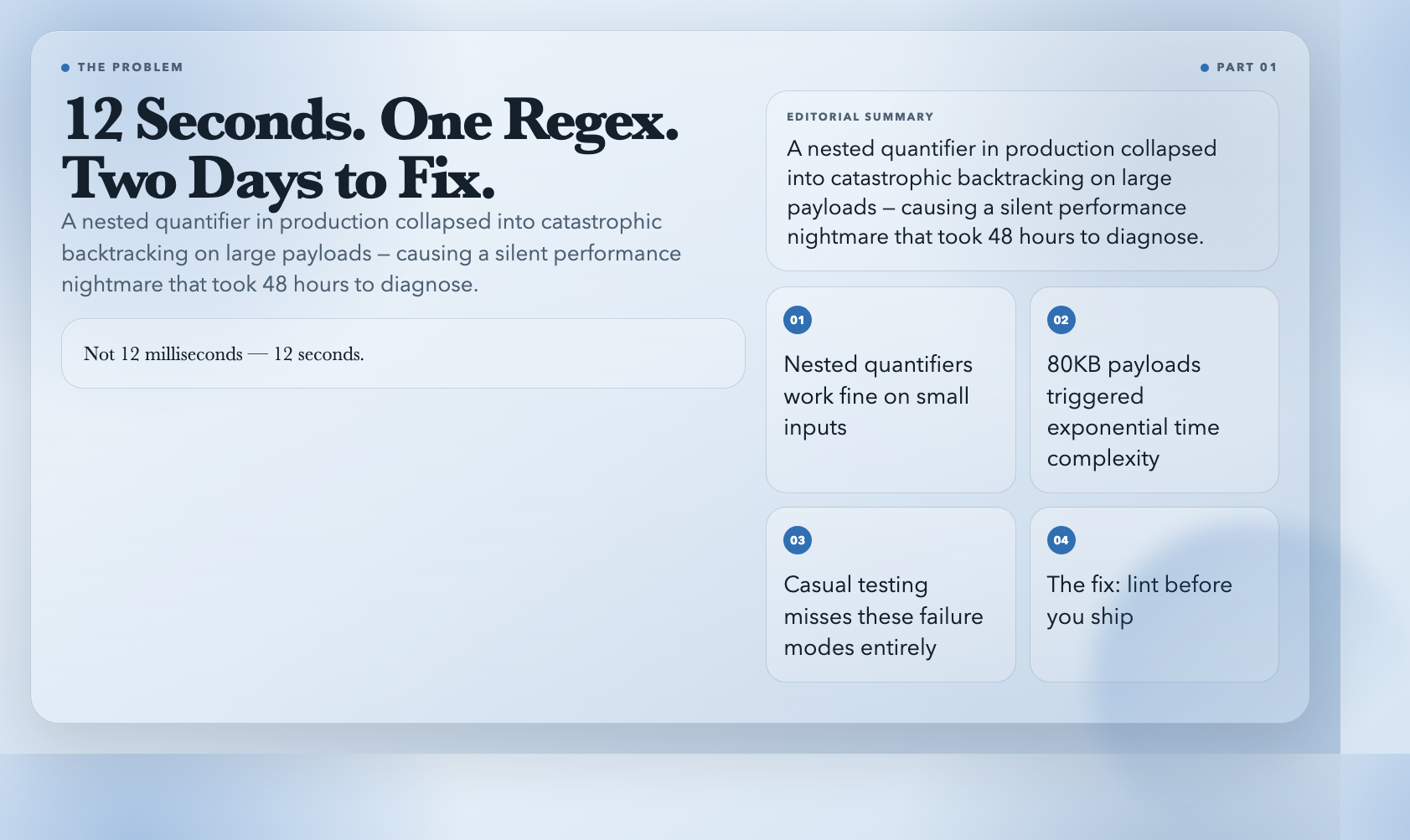
Last month, a regex pattern in production caused a 12-second response time on a specific input. Not 12 milliseconds — 12 seconds. One of our senior engineers spent two days tracking it down: a nested quantifier that worked fine on small inputs and collapsed into catastrophic backtracking on the 80KB payloads our enterprise clients were sending.
That incident prompted me to actually audit our regex patterns. I went looking for tooling and found ElysiaTools — a free, browser-based suite of regex utilities that solve problems most developers don’t even know they have. Eight of them made it into my permanent toolkit.
1. Regex Tester — The Quick Validation Loop
The most basic tool that most developers need first. You paste a pattern, add some flags, throw in test text, and see matches instantly.
What makes this one worth bookmarking instead of just using your browser console: it shows all matches with their positions, and it gives you clean error messages when your pattern is invalid. Browser console gives you a cryptic “Invalid regular expression” without telling you where the problem is.
Pattern: b[A-Za-z0-9._%+-]+@[A-Za-z0-9.-]+.[A-Z|a-z]{2,}b
Flags: gi
Test text: Contact us at [email protected] or [email protected]
The output shows each match with its index, so you can verify your pattern is actually capturing what you think it is. For quick one-off validation before copying a pattern into your codebase, this is the fastest path.
Use it when: You need to validate a pattern against a specific input and you need the answer in under 10 seconds.
2. Regex Linter — Catch What You Can’t See
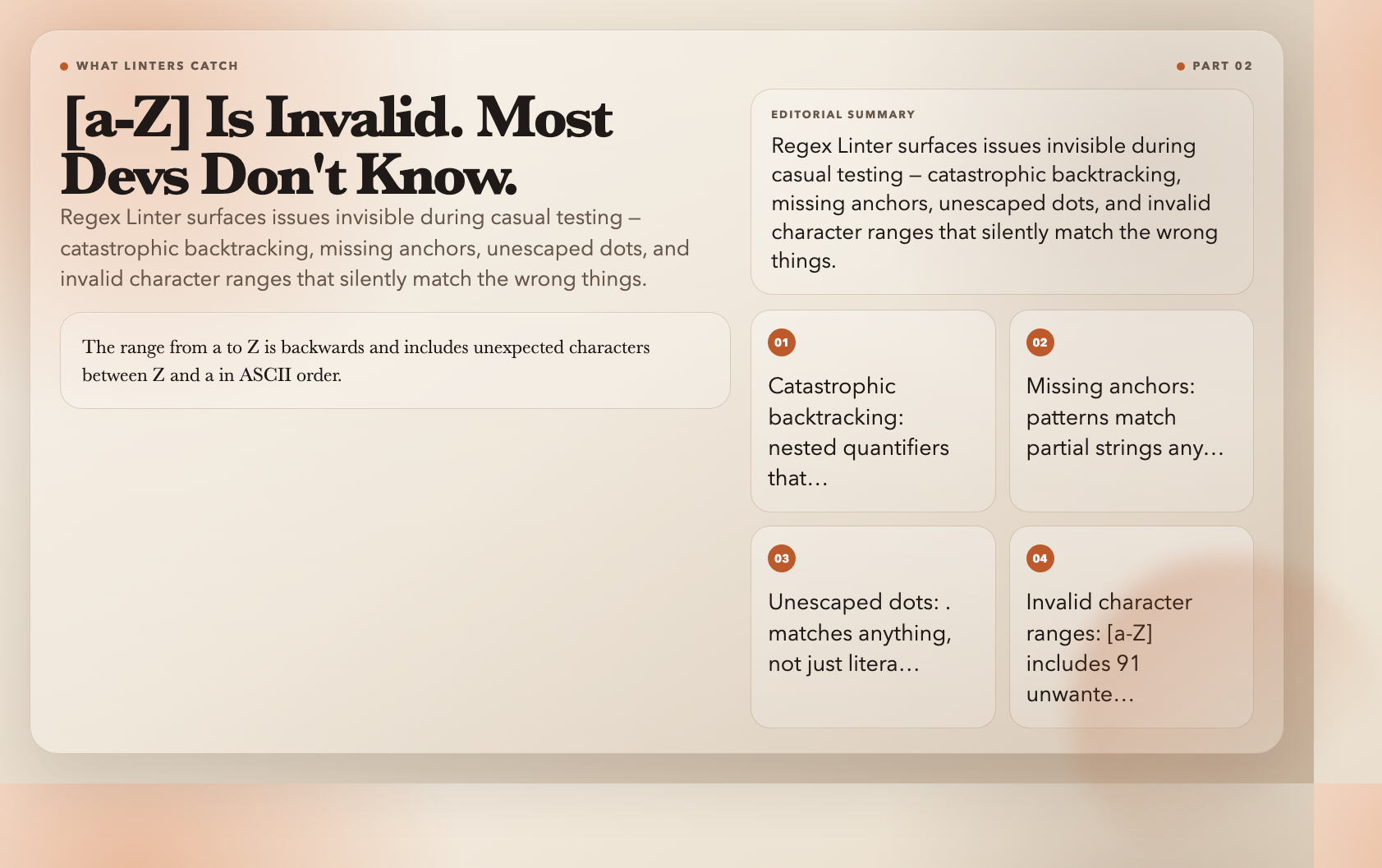
This is the tool that should be in every developer’s CI pipeline. Regex Linter analyzes your pattern and surfaces issues that are invisible during casual testing — catastrophic backtracking risks, missing anchors, unescaped dots, ambiguous alternation, and invalid character ranges.
The check levels are worth understanding:
– basic: Only catches catastrophic backtracking patterns that can cause DoS
– standard: Adds correctness issues — missing anchors, unescaped dots, invalid ranges (recommended)
– strict: Adds style suggestions — redundant escapes, non-capturing group recommendations
Here’s what it catches that will surprise you: a pattern like [a-Z] is invalid. The range from a (ASCII 97) to Z (ASCII 90) is backwards and includes all the characters between Z and a in ASCII order — things you almost certainly didn’t intend to match.
The tool also detects when you’re missing start (^) or end ($) anchors, which means your pattern can match partial strings anywhere in the input. For input validation use cases, this is almost always wrong.
Use it when: You want to catch regex vulnerabilities and mistakes before they reach production.
3. Regex Benchmark — Is Your Pattern Fast or Just Lucky?
Most developers never benchmark their regex patterns. They test one or two inputs, confirm it works, and ship it. Then it hits a 50KB log file and your API response time triples.
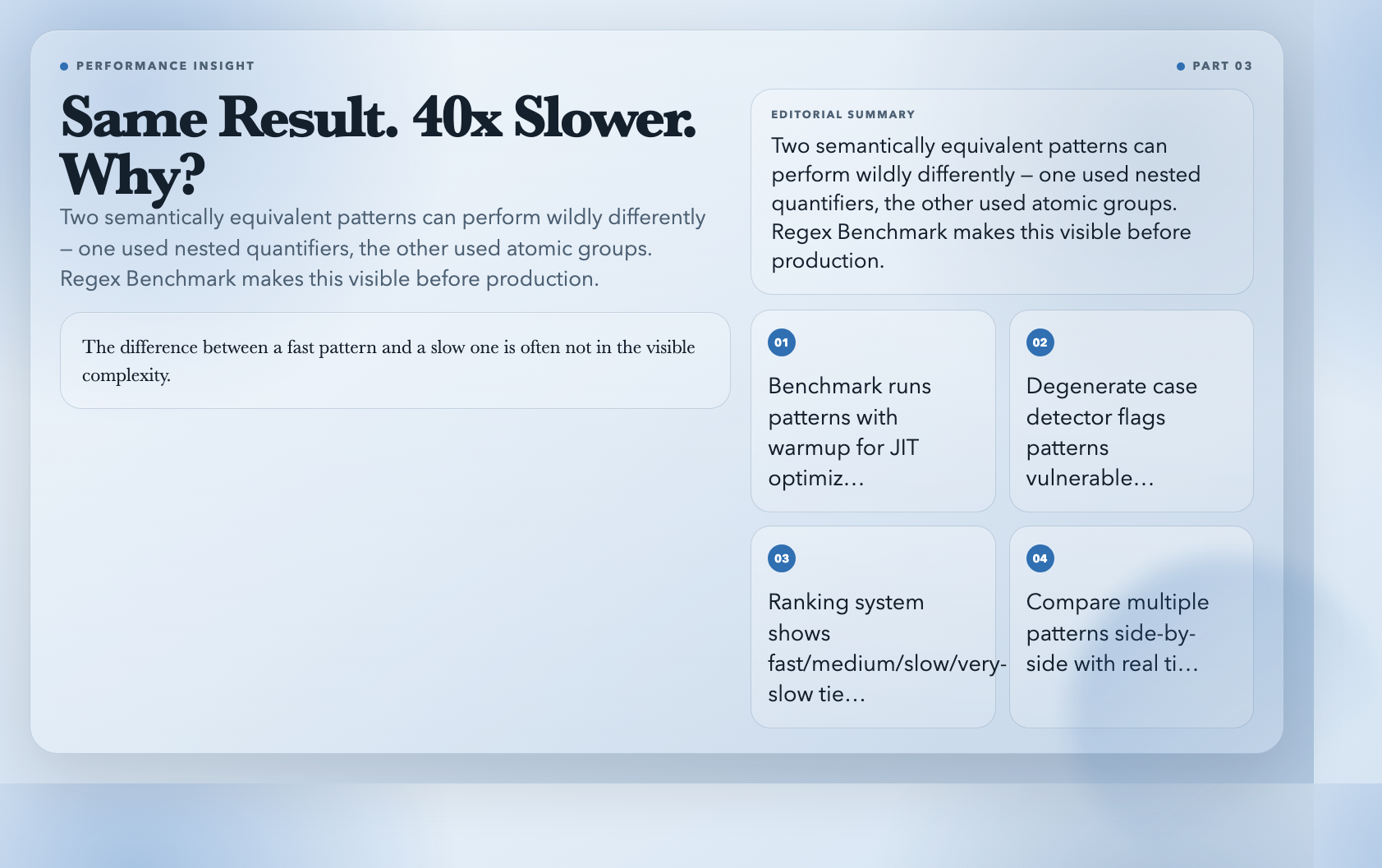
Regex Benchmark runs your pattern against test inputs multiple times (configurable iterations, with a warmup phase for JIT optimization), measures avg/min/max/median time, and ranks your pattern against common patterns. It also has a degenerate case detector that tests your pattern against edge cases like nested quantifiers — inputs specifically designed to trigger catastrophic backtracking.
Input: "aaaaaaaaaaaaaaaaaaaaaaaaaaaaaaaaX"
Expected: Pattern should match or reject quickly
Degenerate case warning if: Takes >10x average time
If you have multiple patterns that accomplish the same task, benchmark them against each other. I’ve seen a 40x speed difference between two semantically equivalent patterns — one used nested quantifiers, the other used atomic groups.
Use it when: You have patterns that will process large inputs, or you’re choosing between multiple pattern approaches.
4. Regex to String Generator — Test Data Without the Tedium
This is the tool you reach for when you need realistic test data that matches a specific pattern. You give it a regex, it generates strings that match — useful for generating test fixtures, creating sample data, or validating that your pattern actually captures what you expect.
Pattern: [A-Z]{3}-[0-9]{3}
Output: KMW-482, TJQ-017, ZBX-993, ...
What I find unexpectedly valuable: it validates each generated string against your pattern before returning it. If a generated string doesn’t match (which can happen with complex patterns), it flags it. This tells you something important about the reliability of your pattern.
Use it when: You need realistic test data that matches a specific format — order IDs, phone numbers, custom codes.
Try Regex to String Generator →
5. Regex Replace Previewer — See Your Replacements Before You Commit
Most developers write a replace pattern and hope it does what they think it does. Regex Replace Previewer shows you exactly what changes before you apply it, with diff highlighting between original and replaced text.
It handles the full range of replacement syntax: $& for the full match, $1 through $9 for capture groups, ${name} for named groups, and even $ and $’ for prefix and suffix context.
Original: "Date: 2024-01-15"
Pattern: b(d{4})-(d{2})-(d{2})b
Replacement: $3/$2/$1
Result: "Date: 15/01/2024"
The side-by-side diff view makes it immediately obvious whether your replacement logic is correct. For complex multi-capture replacements, this is far safer than trial and error in your code editor.
Use it when: You’re doing find-and-replace with capture groups and you want to verify the result before running it.
6. Multi-Pattern Matcher — Run Multiple Patterns at Once
Instead of running one pattern against text, this tool runs multiple patterns simultaneously and gives you a consolidated result. You define patterns in a label|pattern|flags format, one per line.
Email|b[A-Za-z0-9._%+-]+@[A-Za-z0-9.-]+.[A-Za-z]{2,}b|gi
Phone|bd{3}-d{3}-d{4}b|g
URL|https?://[^s]+|gi
The results show match counts per pattern, sorted by frequency. If you need to extract emails, phone numbers, and URLs from the same document — or if you’re testing several pattern variations against the same input — this is significantly faster than running each pattern separately.
Use it when: You need to extract multiple data types from the same text, or you’re comparing pattern variants.
7. Named Group Tester — Work With ES2018 Groups Without the Confusion
Named capture groups ((?
javascript
Pattern: (?d{4})-(?d{2})-(?d{2})
Input: "Today is 2026-03-27"
Result: {
  year: "2026",
  month: "03",
  day: "27"
}
It also supports batch mode — feed it multiple test strings (one per line) and it processes all of them, showing you match statistics across the entire batch. For validating that your named groups behave correctly across a range of inputs, this is much more practical than console.log debugging.
Use it when: You need to work with named capture groups and want to see exactly what’s being captured.
The One Habit Worth Building
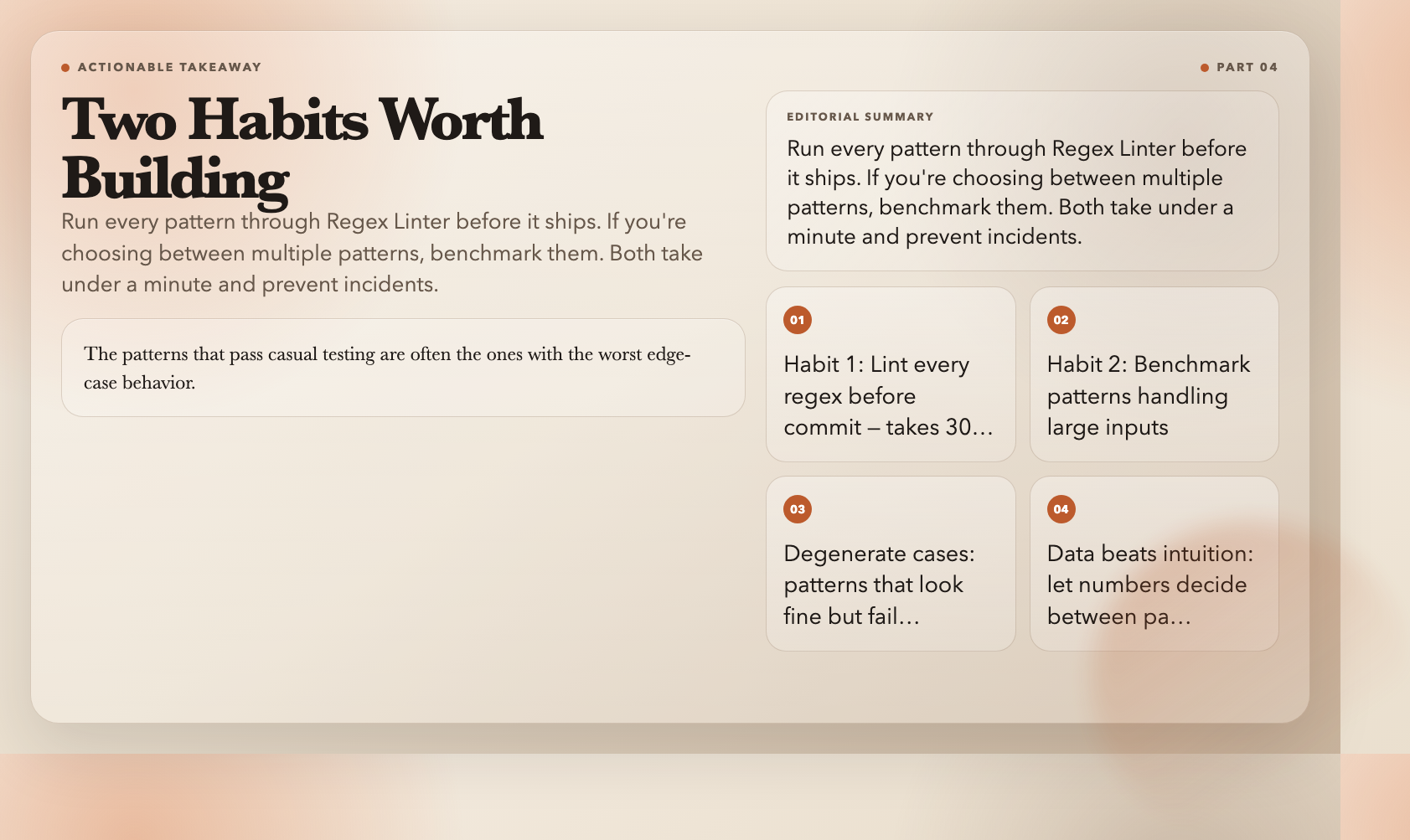
If you work with regex in any production capacity, the most valuable habit you can build is running every pattern through Regex Linter before it ships. Not just the ones that feel complex — all of them. The patterns that pass casual testing are often the ones with the worst edge-case behavior, and Regex Linter takes 30 seconds to run.
The second habit: if you’re choosing between multiple patterns for the same task, benchmark them. The difference between a fast pattern and a slow one is often not in the complexity of the visible pattern but in whether it uses nested quantifiers or possessive matching. Regex Benchmark makes this concrete and gives you numbers to argue with your team about.
Bookmark all seven tools here: https://elysiatools.com/en/tools/regex-tester