# 7 Free Geography Tools That Turn Coordinates into Real Answers
If you’ve ever stared at a pair of latitude and longitude numbers and wondered what on earth to do with them, you’re not alone. Coordinates are everywhere—in flight tracker apps, delivery APIs, GPS logs, migration datasets—but most people have no idea what those numbers actually mean or how to work with them.
These 7 free tools on ElysiaTools take the abstraction out of geographic data. Each one solves a specific, concrete problem. No geography degree required.
1. Great Circle Distance Calculator
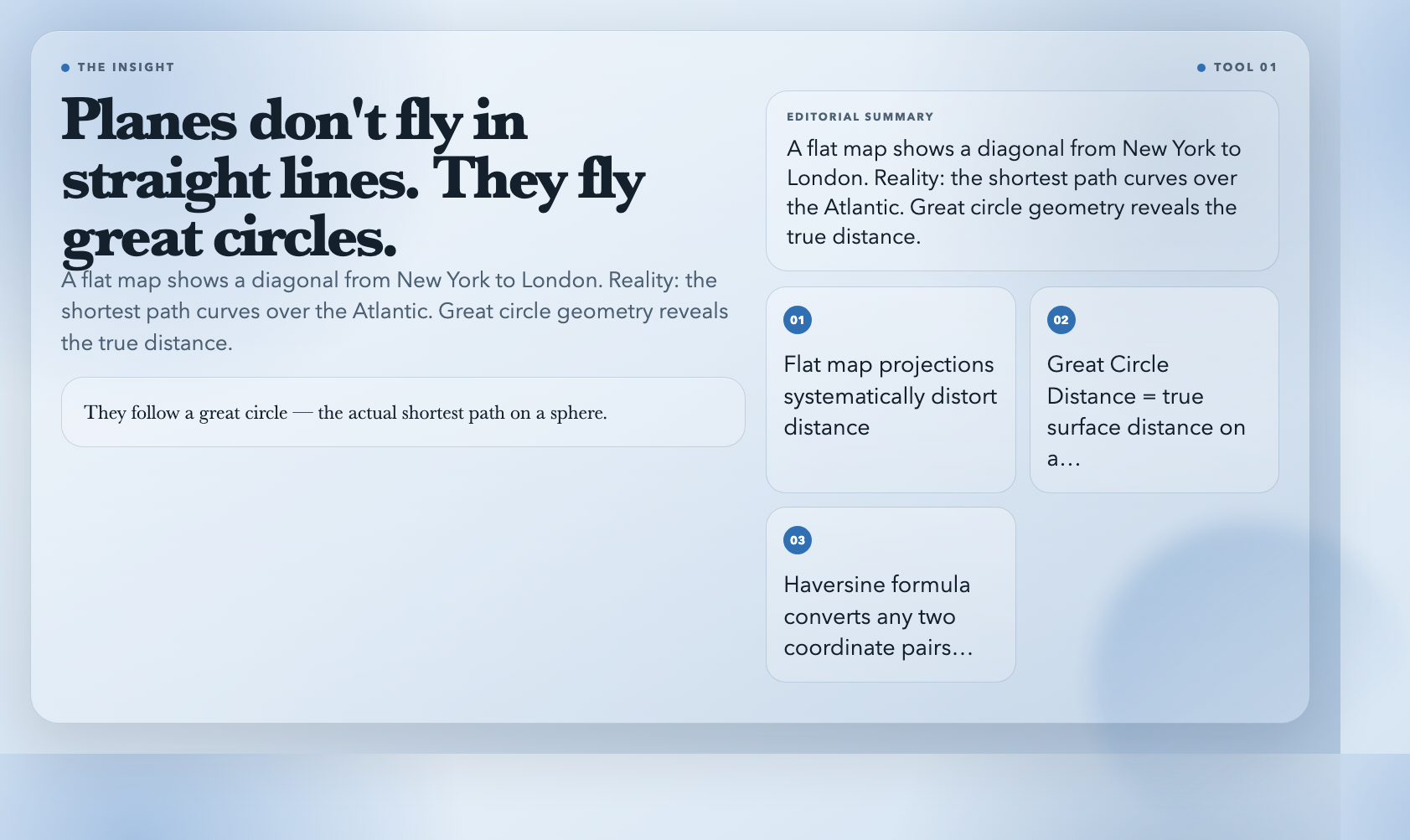
Flying from New York to London? A flat map shows a diagonal line. But planes don’t fly flat Earth routes—they follow a great circle, the actual shortest path on a sphere.
The Great Circle Distance Calculator runs the Haversine formula on any two coordinate pairs. Pick your unit (kilometers, miles, nautical miles, meters). Get back the true surface distance and the initial compass bearing you’d face at departure.
Why this matters: flat map projections distort distance. A route that looks longer on Google Maps might be shorter in reality. Airlines have known this for decades. Now you can calculate it in seconds.
Use it when: Estimating shipping routes, checking if a “direct” distance claim is accurate, or planning long-haul travel.
2. Distance Between Cities
Not every task needs raw coordinates. Sometimes you just want: how far is it from Tokyo to Sydney?
The Distance Between Cities tool has a built-in database of 30 major world cities. Select two from the dropdown, choose your unit, and it returns the great-circle distance, the compass bearing, and a rough flight time estimate at 900 km/h average speed.
No coordinate lookup. No API call. Just cities.
Use it when: You need a quick distance fact without hunting down lat/lon values, or you’re building content that compares city-to-city travel.
3. Bearing Calculator
Distance tells you *how far*. Bearing tells you *which direction*.
The Bearing Calculator takes two coordinate pairs and returns the compass bearing—the direction you’d face standing at point A to look toward point B. Output comes in four formats: decimal degrees, degrees-minutes-seconds (DMS), plain compass direction (NE, SW, etc.), or NATO mils.
This is the same math behind every compass app and navigation system. Now it’s a web tool you can use in under a minute.
Use it when: You’re placing directional antennas, plotting sailing routes, or need a bearing in a specific format for a technical document.
4. Midpoint Calculator
Two friends, two cities. Where’s the fair meeting point?
The Midpoint Calculator finds the true geographic center between two coordinate pairs—using spherical geometry, not a naive average of latitudes and longitudes. That method biases toward the poles. This tool doesn’t.
Output comes in decimal or DMS format.
Use it when: Planning meetup locations, marking the center of a delivery zone, or finding a fair split point for a shared journey.
5. Geohash Generator
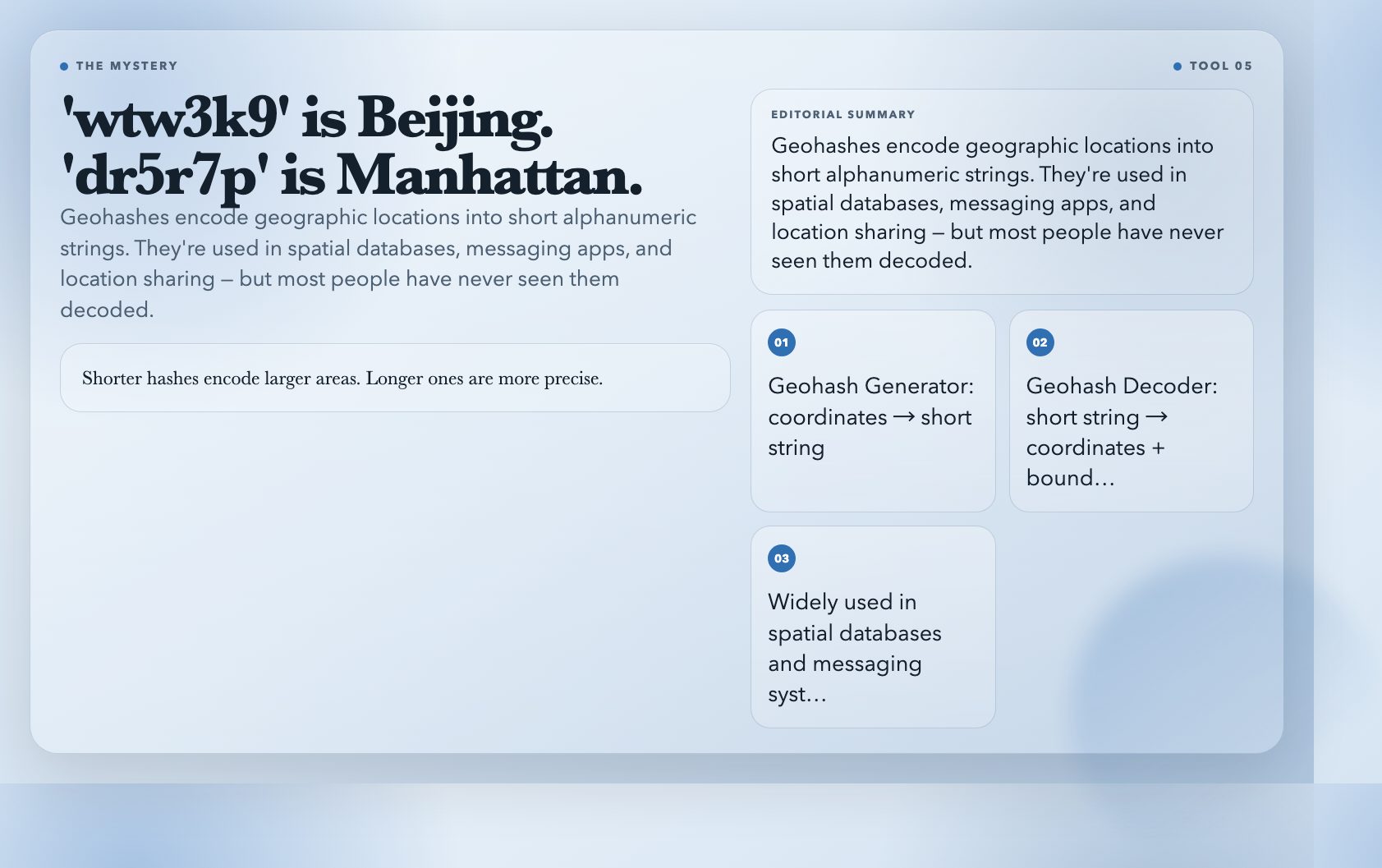
A geohash is a short string that encodes a geographic location. “wtw3k9” represents an area near Beijing. “dr5r7p” covers part of Manhattan. Shorter hashes encode larger areas; longer ones are more precise.
The Geohash Generator converts any latitude/longitude into a geohash string with precision from 1 to 12 characters. It also shows the bounding box and error margin for your chosen precision.
Geohashes appear in spatial databases, messaging systems, and location-sharing apps where “dr5r7p” beats typing out “40.7128, -74.0060.”
Use it when: Encoding locations into shareable short codes, building spatial database queries, or learning how geohashing actually works.
6. UTM Zone Calculator
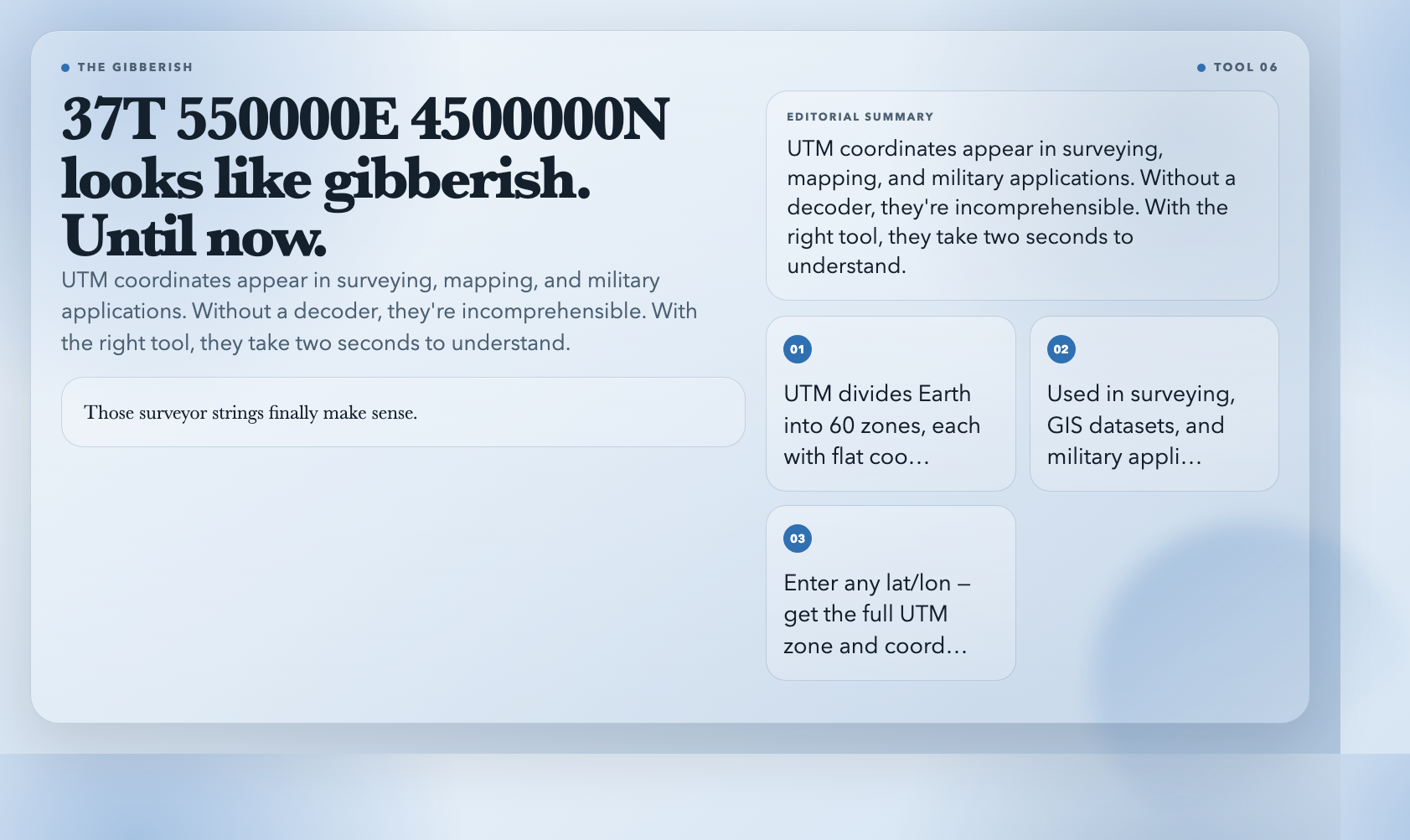
UTM (Universal Transverse Mercator) divides the world into 60 zones, each with its own flat coordinate system. Coordinates like “37T 550000E 4500000N” show up in surveying, mapping, and military work—but look like gibberish without a decoder.
The UTM Zone Calculator takes any lat/lon pair and returns the UTM zone, hemisphere, and full easting/northing coordinates. Those surveyor strings finally make sense.
Use it when: Working with GIS datasets, reading land survey documents, or converting between geographic and projected coordinate systems.
7. Geohash Decoder
The flip side of encoding is decoding. The Geohash Decoder takes any valid geohash string and returns the center point, bounding box, and precision level. See exactly what area that code covers.
Use it when: Someone shares a geohash and you want to see it on a map—or debugging why two systems aren’t matching on location data.
—
The Gap These Tools Don’t Fill
These 7 tools handle coordinate math. They won’t plot a hundred cities on a map, generate a distance matrix for a routing algorithm, or stream live GPS data.
But when you need a specific geographic calculation—fast, free, no account required—they’re already set up to deliver. Open one in a browser tab and you’re done in seconds.
So: what’s the coordinate problem sitting in front of you right now?