8 Free Validation Tools That Catch the Data Errors Your Forms Let Slip Through
A credit card number that looks valid but fails at checkout. An ISBN that passes a quick check but doesn’t correspond to any real book. A VAT number that accepted your B2B form — then bounced back three months later when the tax authority came knocking.
These aren’t edge cases. They’re daily occurrences for anyone building forms, processing payments, or handling third-party data.
The root cause is usually the same: the validation is either missing, wrong, or lazy. A regex check on a credit card field that passes `1234-5678-9012-3456` without blinking. A length check on an IBAN that accepts a domestic account number instead.
These 8 tools from ElysiaTools do the job properly — checking checksums, not just character counts.

1. Credit Card Validator
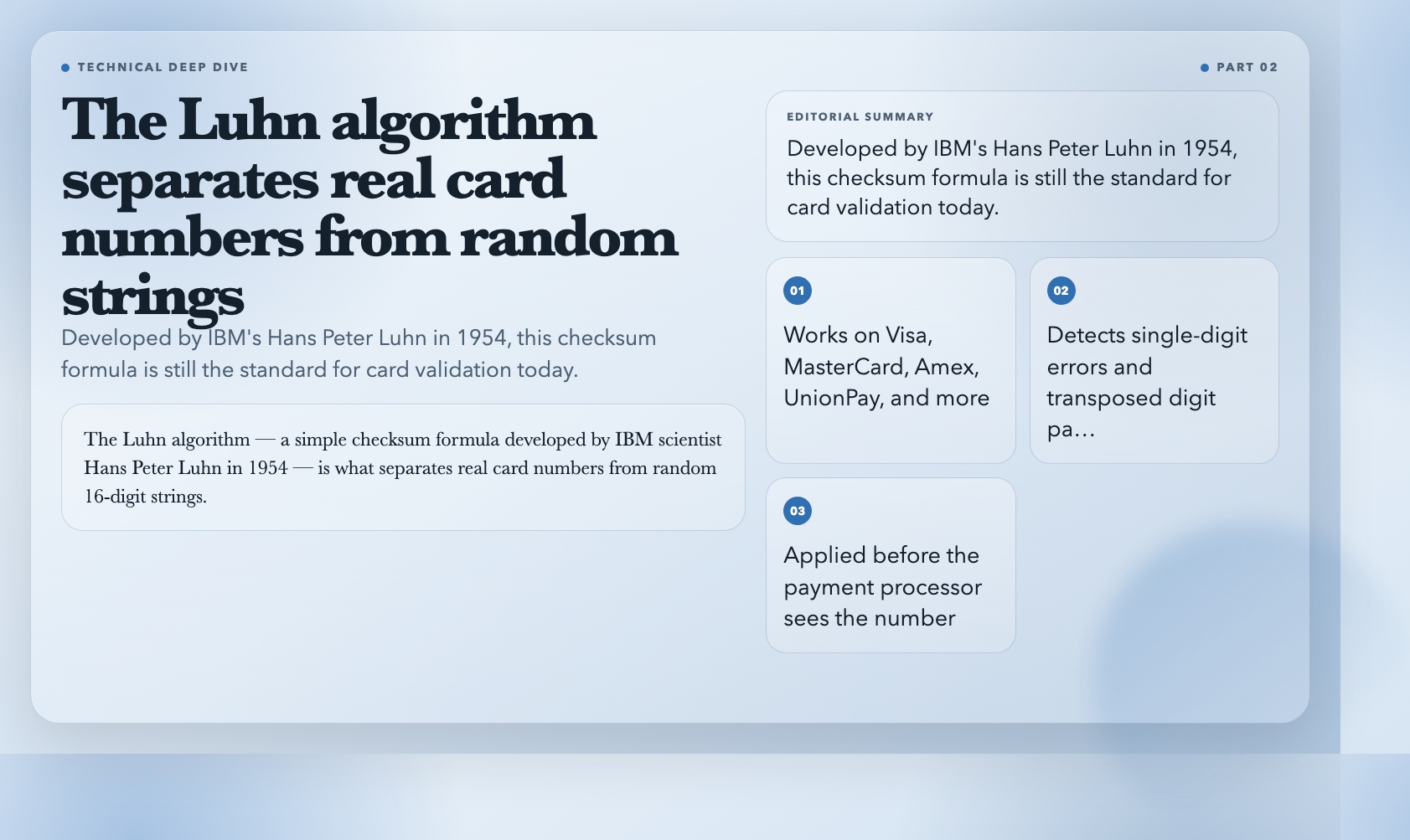
A credit card number with the right number of digits can still be completely invalid. The Luhn algorithm — a simple checksum formula developed by IBM scientist Hans Peter Luhn in 1954 — is what separates real card numbers from random 16-digit strings.
The Credit Card Validator applies the full Luhn check, identifies the card type (Visa, MasterCard, Amex, UnionPay, etc.), and flags format errors before they reach your payment processor.
Why this matters: accepting an invalid card number costs you a failed transaction fee. Processing a fraudulent one costs far more.
2. IBAN Validator
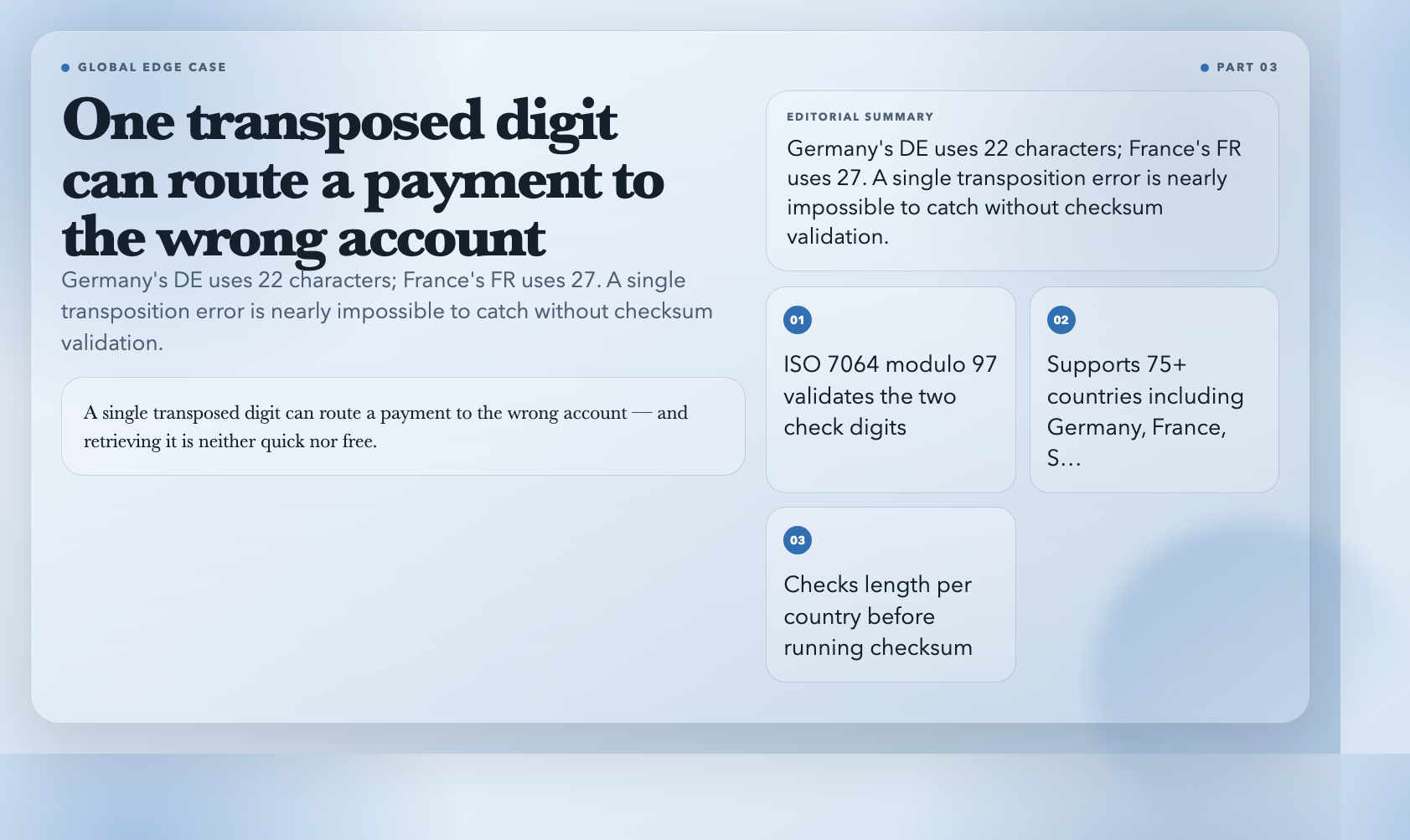
International Bank Account Numbers look intimidating but follow strict rules: country code, check digits, Basic Bank Account Number (BBAN). A single transposed digit can route a payment to the wrong account — and retrieving it is neither quick nor free.
The IBAN Validator checks length per country (Germany’s DE has 22 characters; France’s FR has 27), validates the two check digits using the ISO 7064 modulo 97 algorithm, and parses the BBAN structure for 75+ supported countries including Germany, France, Spain, the UK, and Brazil.
3. VIN Validator
A Vehicle Identification Number is a 17-character string that encodes the manufacturer, model year, plant, and serial number of a vehicle. The 9th character is a checksum that validates the entire VIN — but the validation logic is obscure enough that most DIY checks miss it.
The VIN Validator performs the full checksum calculation, decodes the World Manufacturer Identifier (WMI) to identify the automaker, and extracts the model year from the 10th character position. It works for cars, trucks, motorcycles, and road-legal vehicles in most jurisdictions.
4. ISBN Validator
ISBNs come in two formats: the older 10-digit version and the current 13-digit standard. Both have a checksum digit calculated differently — ISBN-10 uses a weighted modulo 11 algorithm while ISBN-13 uses the EAN-13 formula. A valid-looking 10-digit ISBN can be entirely wrong if that final digit doesn’t match.
The ISBN Validator auto-detects the format, validates both checksum types, and breaks down the identifier into its components: prefix (978 or 979 for books), registration group, registrant, publication number, and check digit.
Use this when building a library system, a bookstore checkout flow, or any catalog that ingests ISBN data from third-party sources.
5. SemVer Validator
Semantic Versioning is the backbone of the npm, PyPI, and Docker ecosystems. A version string like `2.1.0-beta.3+build.20240115` has four components — each with strict rules about what characters are allowed and where.
The SemVer Validator checks compliance with the SemVer 2.0.0 specification, parses major, minor, patch, pre-release, and build metadata separately, and flags malformed version strings that would silently break your CI pipeline or package resolution.
This matters if you’re building a package registry, a version comparison feature, or any tool that needs to sort or match software version numbers.
6. EU VAT Validator
European VAT numbers follow country-specific formats that change over time — Romania added a second check digit in 2023, and new member states bring new formats every few years. A VAT number that passes a regex check today might fail tomorrow when a new validation rule is introduced.
The EU VAT Validator validates VAT numbers from all 27 EU member states, checks digit-level correctness for each country’s specific algorithm, and provides the parsed format details for 75+ countries including non-EU territories that use VAT-like numbers.
For B2B platforms, e-commerce backends, or any system that needs to verify EU business registration before applying tax exemptions, this is the tool to use.
7. JSON Schema Validator
JSON Schema is the standard for defining the structure of JSON data — used by API specifications, configuration files, and data pipelines. But writing a schema that actually catches structural errors is harder than it looks. A schema can be syntactically valid JSON while still failing to validate the data it was meant to describe.
The JSON Schema Validator uses the Ajv (Another JSON Schema Validator) engine — the same validator used in production by thousands of Node.js applications — and supports JSON Schema drafts 4, 6, 7, and 2019-09. It runs entirely in-browser with no data leaving your machine.
If you’re building an API, a form that accepts structured JSON, or a data pipeline that ingests third-party JSON, this tool lets you test your schema against real data in seconds.
8. Slug Validator
URL slugs are the most underestimated validation surface on the web. A slug like `my-awesome-post_2024` will work in some routers and break in others — because whether underscores, trailing hyphens, or mixed-case characters are allowed depends entirely on your routing implementation.
The Slug Validator checks slug format against configurable rules: lowercase enforcement, underscore allowance, max length, and trailing hyphen restrictions. It returns a per-rule breakdown so you know exactly which condition failed and why.
This is especially useful for CMS developers, blog platform builders, and anyone building a permalink system that needs to handle user-generated slugs gracefully.
Why Your Current Validation Is Probably Broken
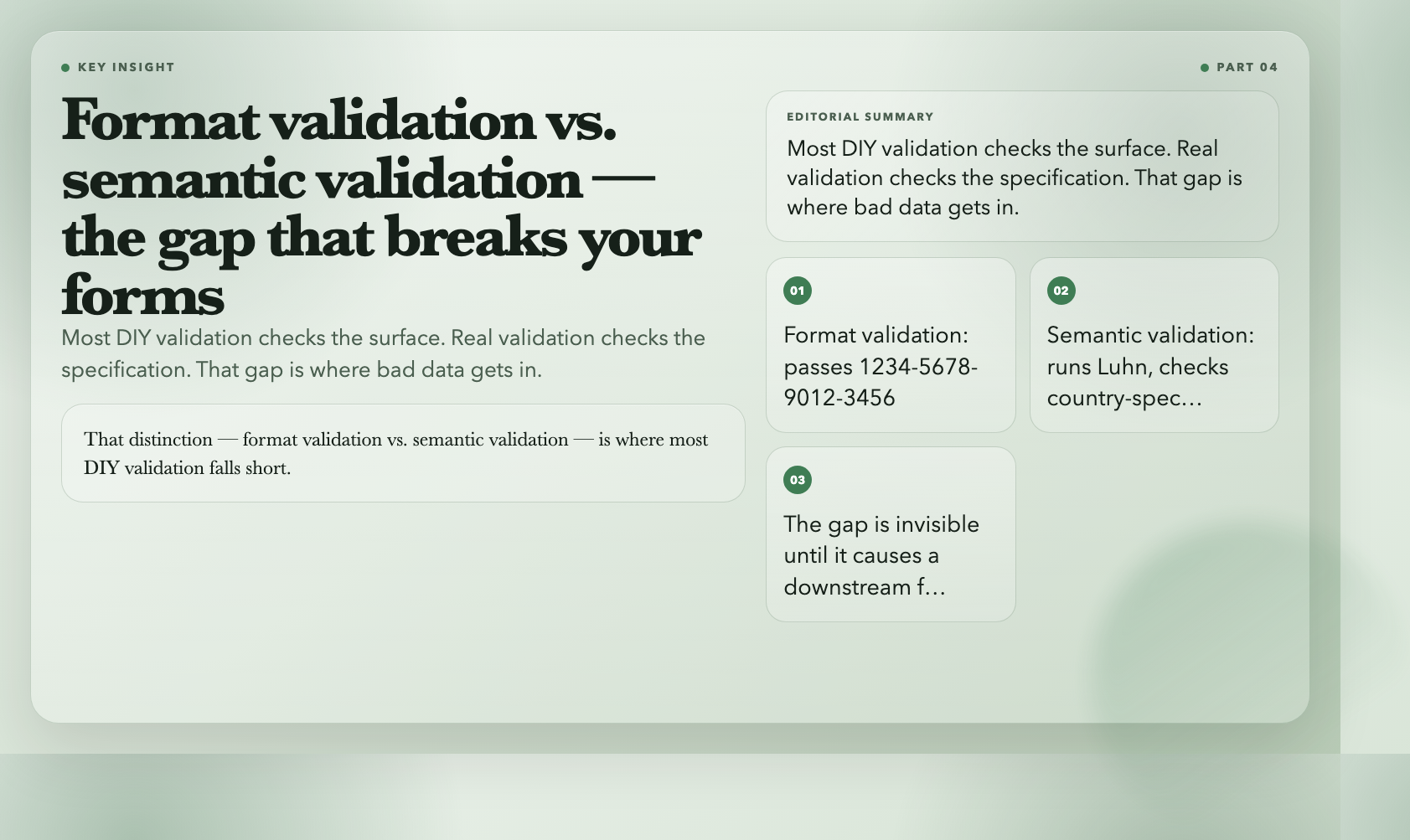
Most form validation is written once, tested with happy-path inputs, and deployed. It catches the obvious mistakes — missing fields, obviously wrong lengths — but fails silently on the subtle ones that cause problems downstream.
The tools above share one quality: they validate against the full specification, not just a rough approximation of it. They check checksums, not just character counts. They decode structure, not just surface appearance.
That distinction — format validation vs. semantic validation — is where most DIY validation falls short.
The good news is these tools are free, run in-browser (nothing leaves your machine for most of them), and require no account or API key. Add them to your QA checklist, use them during form design, or wire them into your CI pipeline to catch bad data before it enters your system.
Here’s the uncomfortable question: how many of those “invalid card” failures, “VAT number rejected” emails, and “VIN not found” errors your system produces right now — are caused by validation that looks right but isn’t?
These 8 tools answer that question fast. Bookmark them, wire them into your form handlers, and use them before your next release. Bad data doesn’t announce itself on arrival. It waits.