9 Free Audio Tools That Finally Let You Fix Pitch and Tempo Separately
A podcast episode runs 52 minutes. You need it at 30. You open your editor, hit “speed up,” and your host’s voice turns into a chipmunk. Or you lower a song’s key to match your vocal range, and it drags like a tape player winding down.
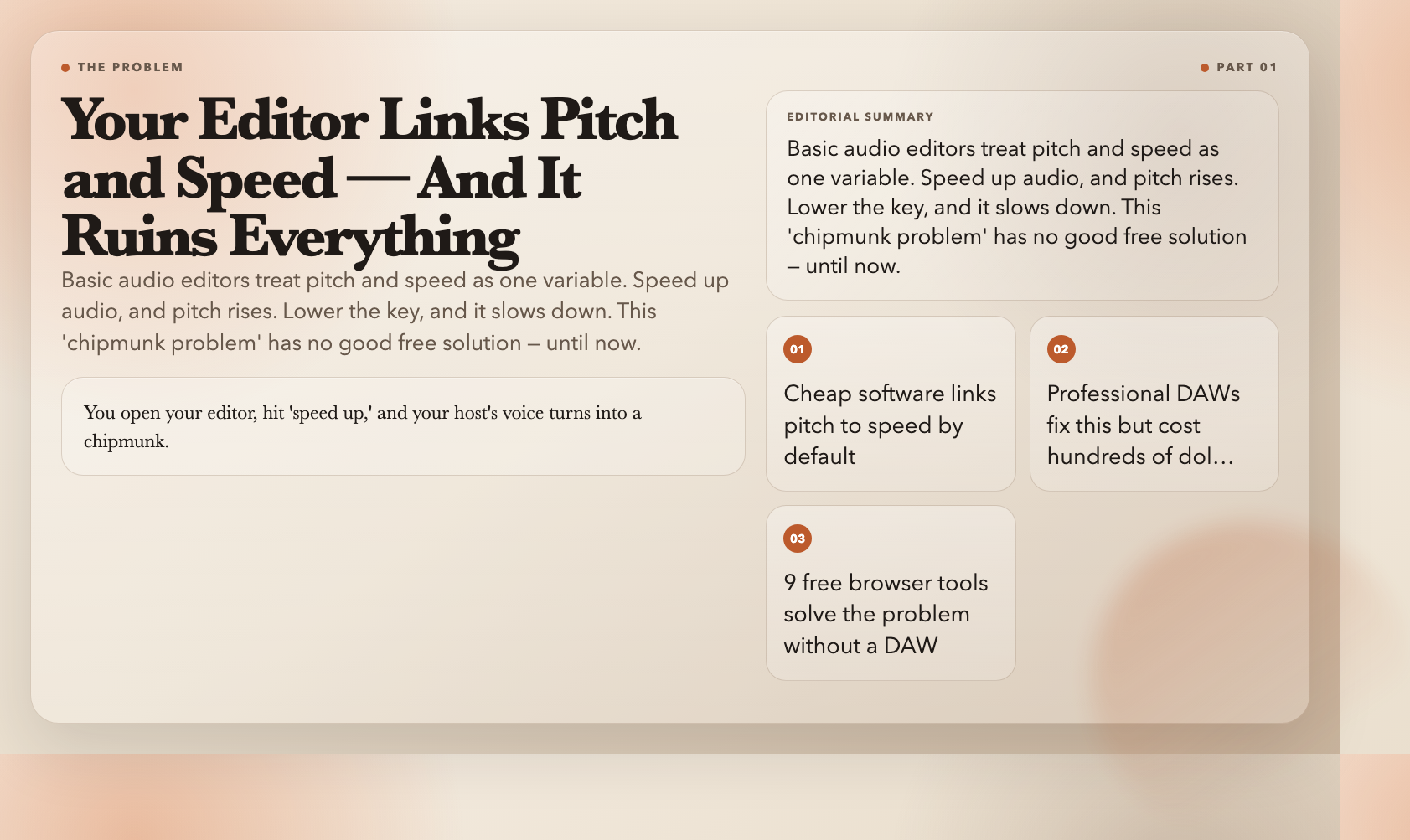
This isn’t a mystery. Basic audio editors manipulate pitch and speed together — they’re linked by physics, and cheap software doesn’t untangle them. Professional DAWs solved this years ago. The catch: DAWs cost hundreds of dollars and assume you’re fluent in their interface.
ElysiaTools built 9 free browser tools that separate pitch from tempo entirely. Upload, set your numbers, download. No account, no installation. Here’s the full set.
Pitch-Only Tools
These adjust pitch while speed stays fixed. The use case is transposition — shifting a recording into a different key without changing how fast it plays.
Audio Pitch Up — Lift pitch by 0.1 to 12 semitones. A vocalist recorded slightly flat? Bring it up without making the whole track sound frantic. Duration doesn’t change.
Audio Pitch Down — Drop pitch by 0.1 to 12 semitones in the other direction. Film composers working in a comfortable register transpose final output to match a scene’s key without the sound thickening or warping.
Audio Set Pitch — Both directions in one tool. Enter a positive semitone to raise pitch, negative to lower it, anywhere from -12 to 12. Skip switching between two tools when you already know your interval.
Speed-Only Tools
These change playback speed while pitch stays fixed. This is what podcasters, audiobook producers, and spoken-word editors actually need when they say “tighten this without making it weird.”
Audio Speed Up — Increase speed from 1.01x to 4x. A 45-minute podcast becomes a 30-minute episode with voices that still sound human. A 90-minute lecture recording becomes 40-minute study material. The pitch doesn’t move.
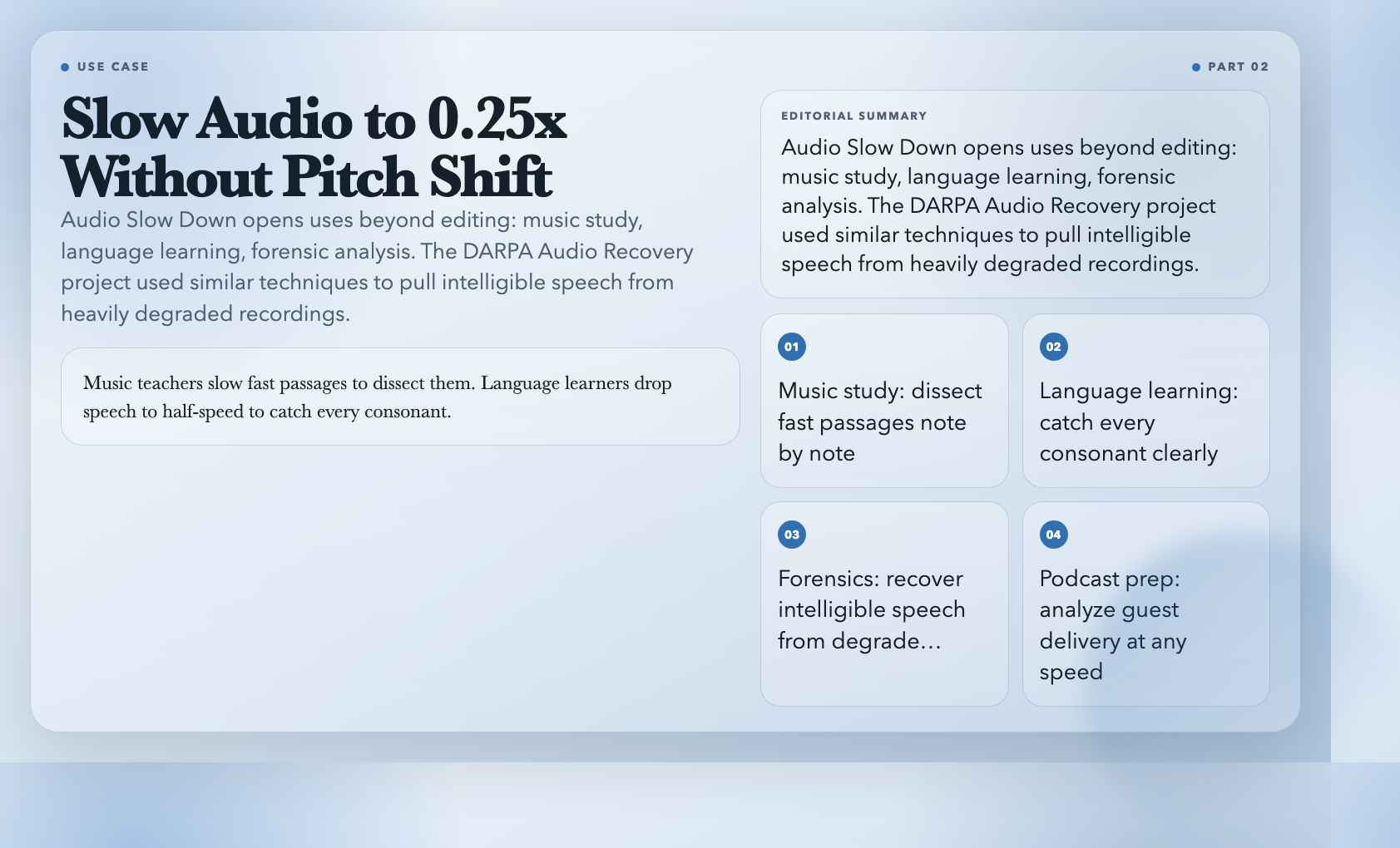
Audio Slow Down — Reduce speed to as low as 0.25x. Music teachers slow fast passages to dissect them. Language learners drop native speech to half-speed to catch every consonant. Forensic analysts slow indistinct recordings to pull words out of blur. The DARPA Audio Recovery project used similar techniques to recover intelligible speech from heavily degraded recordings.
Audio Set Speed — Set an exact multiplier between 0.25x and 4x. When you know your target duration and just need the math done automatically.
Advanced Tempo and Beat Tools
Audio Tempo Change — Adjust tempo by percentage instead of a raw multiplier. +20 means 20% faster, -15 means 15% slower. More intuitive for editors who think in pacing terms rather than decimal fractions.
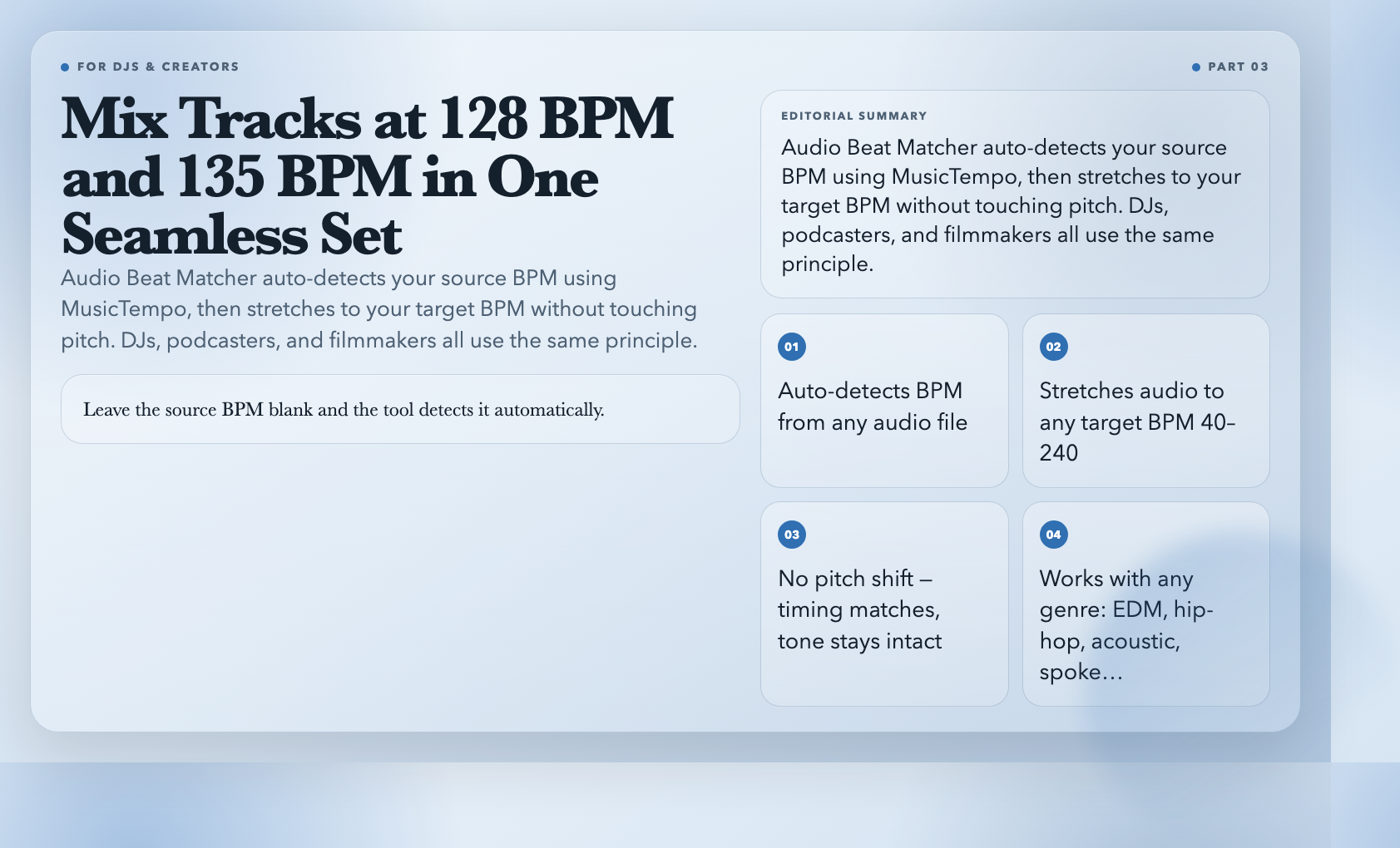
Audio Beat Matcher — The most specialized tool in the set. Input a target BPM; it auto-detects your source track’s BPM using MusicTempo and stretches the audio to your target without shifting pitch. DJs routinely mix tracks recorded at different tempos — 128 BPM, 135 BPM, even 140 BPM — into seamless sets by matching everything to a consistent grid. Podcasters use the same logic to match an intro track’s natural cadence to their show’s pacing. Leave the source BPM blank and the tool detects it automatically.
Audio Time Stretch — Specify your output duration in seconds (up to 7200 — that’s 2 hours), and the tool calculates the exact tempo change needed to hit it. Film editors use this to fit music to scene durations without the back-and-forth of manual adjustment. Fit a 3:20 music bed to a 2:47 video scene with a single input.
The Technical Reason These Work
These tools use FFmpeg’s `atempo` filter combined with sample rate manipulation. The atempo filter overlaps and window-averages audio segments, which preserves natural-sounding results at moderate speed changes. At extremes (near 0.25x or 4x), some artifacts become audible — not a flaw in the implementation, a physics constraint of the approach. The 0.25x to 4x range covers every common real-world use case.
The One Thing You Still Can’t Do
These tools handle pitch *or* tempo independently. DAWs offer something more: changing both simultaneously while holding one fixed — a composer can transpose up 3 semitones while running a track at 0.85x speed for a specific cinematic feel. That’s a legitimate creative move. It requires a DAW.
But here’s the thing: most creators don’t need that. Most creators need to fix a flat vocalist, tighten a long episode, or match a track’s tempo to a video. Those problems don’t require $400 software. They require 9 bookmarks.
Bookmark the ones that match your work. If you edit spoken content, save Audio Speed Up and Audio Slow Down. If you work with music, Audio Beat Matcher is the one you’ll return to most. The rest are there when you need them — free, in a browser, without an account.