# 8 Free Audio Effects That Will Transform Your Sound Design
The first time I heard a bitcrusher was on a Wu-Tang record in 1993. The snare had this crackling, digital stutter — like the song was being played back through a broken answering machine. It sounded wrong in the most interesting way. That snare is why I spent the next decade trying to understand what effects actually do to sound, and why I’m confident saying these eight free tools from ElysiaTools are worth bookmarking.
All run in a browser. None require an account. Here’s what each one does.

1. Chipmunk Effect — Pitch and Speed Locked Together
The chipmunk voice isn’t just “high pitch.” It’s pitch and playback speed locked at a fixed ratio — raise one, the other follows. The result is bright, cartoonish, and instantly recognizable. It works for comedy, for vocal textures, and — less obviously — for audio forensics and pitch correction research.
The Audio Chipmunk Effect lets you dial a chipmunk factor between 1.05x and 2.5x. At 1.6x, a male voice crosses into soprano range. At 2.2x, a guitar riff becomes almost unrecognizable — useful for sampling, creative destruction, or sound design. The underlying mechanism is resampling: the audio’s sample rate gets multiplied, then output is resampled back to the original rate. This is the technique used in classic pitch-shifting hardware, exposed here as a single dial.
2. Tremolo — Volume on a Schedule
Tremolo is periodic volume modulation — the sound gets louder and softer in a mechanical rhythm. It appeared on the Fender Vibrolux in 1952, fell out of fashion in the 1980s as guitarists chased more sophisticated modulation, and then came back through lo-fi indie guitar and electronic music.
The Audio Tremolo exposes two parameters: rate (0.5 to 20 Hz — 1 Hz is one full volume cycle per second) and depth (0 to 1.0, controlling how far the volume swings). At 8 Hz with high depth, the effect becomes aggressive, almost like a rapid stutter. At 2 Hz with shallow depth, it’s subtle — breathing movement on a static recording.
Try it on vocals for a vintage radio feel. On drums, it creates a chopped rhythmic quality that sounds both mechanical and hypnotic.
3. Phaser — Phase Cancellation That Sweeps
A phaser splits an audio signal, delays one copy, and recombines them. Where the delayed signal is out of phase with the original, frequencies cancel out — creating notches in the frequency spectrum. What makes a phaser distinct is that those notches sweep through the frequency range over time, producing a characteristic whooshing, swirling sensation.
The Audio Phaser gives you six parameters. Speed controls how fast the notches sweep (0.01 to 10 Hz). Decay controls how much the delayed signal fades before cycling. Phase type lets you choose between triangle and sine wave modulation — triangle creates a harder, more aggressive sweep; sine produces something smoother and more liquid.
Herbie Hancock’s “Chameleon” is one of the most famous phaser recordings, making a Rhodes sound like it’s surrounded by moving water. The Audio Phaser recreates that character in a browser.
4. Chorus — One Voice, Many Voices
Chorus plays multiple slightly detuned copies of the same signal simultaneously. Each copy has a tiny pitch and time variation — they never perfectly align. The result is the illusion of multiple voices or instruments playing together: a wider, thicker sound without reverb’s spatial wash or harmonic distortion.
The Audio Chorus lets you configure multiple chorus voices independently, each with its own delay, decay, speed, and depth. The delay parameter (5–100 ms) controls how far apart voices are in time. Speed controls the LFO rate that modulates each voice’s pitch. Depth controls the pitch swing.
For guitar, a 40ms delay with slow modulation creates the lush, swimming chorus popularized by Brian May’s layered Red Special guitar tracks on Queen’s “Bohemian Rhapsody.” For vocals, shorter delays (20–30ms) with faster modulation create a subtle doubling effect — like two takes blended, without the phase problems of simple delay.
5. Bitcrusher — Digital Decay as Texture
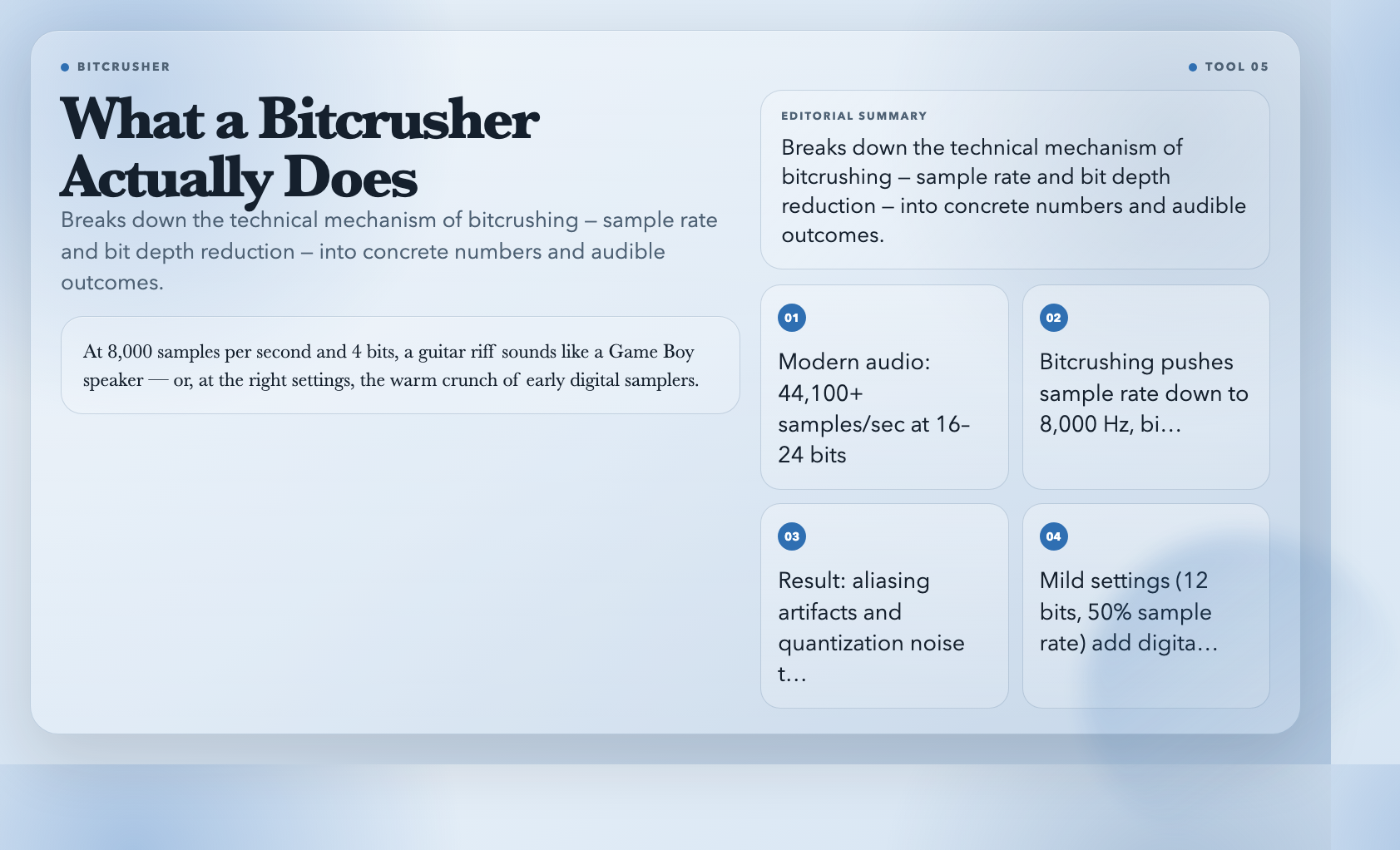
Bitcrushers simulate old, degraded digital audio by reducing sample rate and bit depth simultaneously. Modern audio lives at 44,100 or 48,000 samples per second at 16 or 24 bits. Push the sample rate down to 8,000 and the bit depth to 4, and you get something that sounds like a Game Boy speaker — or, at the right settings, the warm crunch of early digital samplers.
The Audio Bitcrusher offers four intensity presets: Mild Lo-Fi, Classic Bitcrush, Heavy Digital Distortion, and Custom with fine-grained controls. Wet/dry mixing lets you blend the crushed signal with the original rather than replacing it.
At mild settings (around 12 bits, 50% sample rate), you get subtle digital grit that sits beautifully in a mix — adding presence to drums, making bass lines feel more physical. At heavy settings, drums sound like they’re playing through a broken telephone. The RZA used this approach deliberately on Wu-Tang’s early productions — the texture wasn’t a limitation, it was a choice.
6. Distortion — Saturation Is Not the Same as Noise
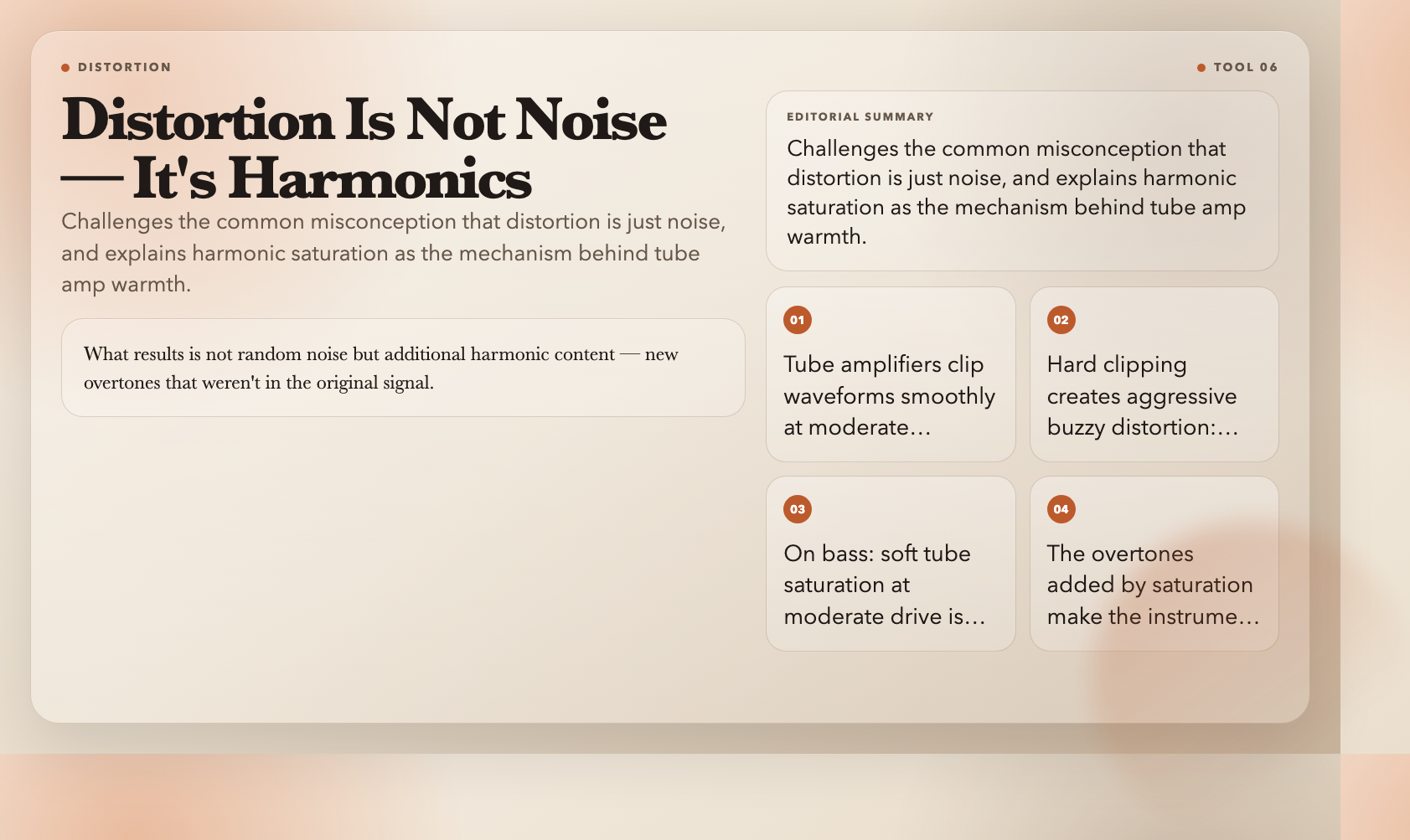
Distortion is misunderstood. People think of it as noise — fuzzy, uncontrolled, destructive. But the most useful distortion is harmonic saturation: a signal pushed beyond its clean headroom, waveforms clipping. What results is not random noise but additional harmonic content — new overtones that weren’t in the original signal. This is what tube amplifiers do at moderate drive levels. It’s why recorded guitar through a pushed tube amp sounds bigger than clean guitar, even before the distortion gets heavy.
The Audio Distortion offers three character presets. Soft Tube Saturation clips waveforms smoothly — warm, musical compression. Classic Overdrive sits in the middle — the “Led Zeppelin II” sound. Hard Digital Distortion clips abruptly — aggressive, buzzy, cutting through. The tone parameter controls brightness independently from the gain.
On bass guitar, soft tube saturation at moderate drive is one of the most reliable mix tricks in modern music production. On drums, hard distortion at low levels adds impact without noise.
7. Wah-Wah — The Filter That Breathes
The wah-wah pedal is a band-pass filter whose center frequency sweeps — either via an expression pedal or, in auto-wah form, via an LFO. As the filter sweeps upward, it progressively emphasizes higher frequencies, creating a sound that closely mimics the human vowels “ah” and “oh.” Close your mouth and say “wah-wah-wah-wah” slowly — that’s what the filter is doing.
The Audio Wah-Wah has two modes. Auto mode sweeps the filter automatically at a rate you set (0.1 to 10 Hz), creating rhythmic, predictable movement. Manual mode fixes the filter at a specific position, letting you dial in a vowel-like tonal character without movement.
Resonance is what separates a dull wah from an expressive one. High resonance creates a sharp, vocal peak that sweeps dramatically. Jimi Hendrix’s “Voodoo Child,” Stevie Wonder’s harmonica, and Clyde McPhatter’s “Low-Low” all demonstrate the wah at its most expressive — but it works equally well on synth leads, saxophone, and drums at extreme settings.
8. Granulator — Sound Dissolved Into Time
Granular synthesis takes the opposite approach from most effects. Instead of processing an audio signal as a continuous stream, it deconstructs it into tiny fragments called grains — between 1 and 500 milliseconds each. These grains are then reassembled with new timing, pitch, and overlap characteristics, creating textures and sounds that can be radically different from the source.
The Audio Granulator exposes six parameters. Grain size (1–500 ms) controls fragment length — smaller grains create fragmented, glitchy textures; larger grains retain more of the original character. Density (1–100 grains/sec) controls how many play per second. Spray adds random timing offset to each grain. Pitch shifts grains (0.25x to 4x). Randomness and overlap together determine how predictable or chaotic the result sounds.
Feed this tool a drum loop with a 10ms grain size, high density, and high spray — you get a crackling, static-like texture that barely resembles the original. Feed it a sustained string chord with large grains, low spray, and high pitch — you get an ethereal pad. Same controls, opposite results. Granular synthesis rewards curiosity above all else.
The Practical Upshot
These eight effects cover the core signal-processing vocabulary that professional audio engineers use daily: pitch manipulation, amplitude modulation, filtering, harmonic processing, noise modeling, and deconstruction. Together they handle everything from subtle mix enhancement to radical sound transformation.
Most DAWs have all of these built in somewhere. But built-in isn’t the same as accessible. These ElysiaTools effects are designed to be opened, understood in seconds, and used immediately. A browser is the right environment for that.
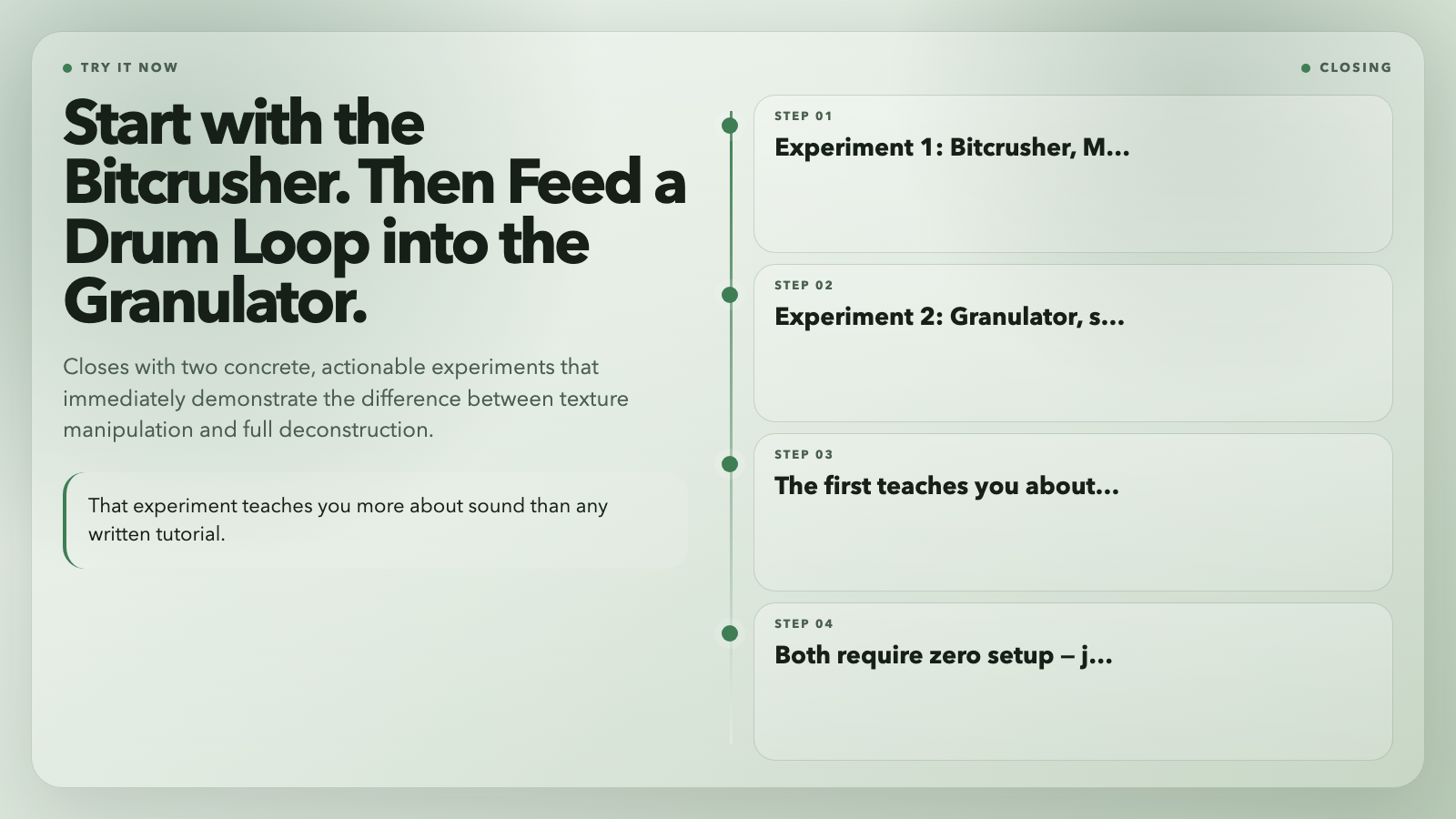
Here’s what to try first: bitcrusher, Mild Lo-Fi preset, blended under a drum loop at 30–40%. Listen for 30 seconds. Then feed a spoken word recording into the granulator with spray at maximum. That experiment teaches you more about sound than any written tutorial.
The real question is what happens next — and the point is, it starts with opening one of these tools.