
# 8 Math Calculators That Do What a Spreadsheet Can’t
You are three hours into a report. You need a confidence interval. You open Excel, forget the formula, Google it, come back, type it wrong, fix it — and twenty minutes are gone.
This happens because most people know the calculator on their phone. They don’t know about the tools sitting right next to it — free, browser-based, and precise enough for real statistical work.
Here are eight tools from ElysiaTools that cut through the noise and give you an answer in seconds.
—
1. KG to LB — Weight Conversion Without the Mental Math
Converting kilograms to pounds sounds simple. But try doing it accurately when you’re reading a European study, filling out a customs form, or comparing body composition metrics across fitness programs that use different units.
The KG to LB calculator takes any kilogram value and returns pounds using the standard factor of 2.2046. You can set decimal precision — critical for shipping labels, nutrition labeling, or any context where 154 lb and 154.32 lb are meaningfully different.
What most conversion tools get wrong: rounding to whole numbers, showing ads, or hiding the conversion factor. This one shows it.
Use it when: reading international research, converting body weight for mixed-unit fitness programs, or calculating luggage weight limits.
—
2. CM to Inches — Length Conversion for the Real World
You know 2.54 cm equals one inch. Now try converting 165 cm to feet and inches without a tool. (Answer: 5’4.96″. Most people guess wrong.)
The CM to Inches calculator handles this instantly. Input any centimeter value, get the inch equivalent with configurable precision.
This matters when buying products from countries that use different measurement systems — electronics, furniture, clothing, or anything sold internationally. A monitor listed as 61 cm diagonal is not a 24-inch screen. It’s closer to 24 inches — but “closer” is not a number you want to guess with.
Use it when: sizing electronics, comparing product dimensions, or reading architectural plans that mix metric and imperial units.
—
3. Standard Deviation Calculator — See the Shape of Your Data
Standard deviation tells you how clustered or spread out a dataset is. A dataset with a mean of 50 and a standard deviation of 5 looks completely different from one with a standard deviation of 20 — even with the same average.
The Standard Deviation Calculator handles both sample (n-1) and population (n) calculations. Paste in a comma-separated list of numbers. Get back the standard deviation, variance, mean, coefficient of variation, and one-sigma, two-sigma, and three-sigma ranges.
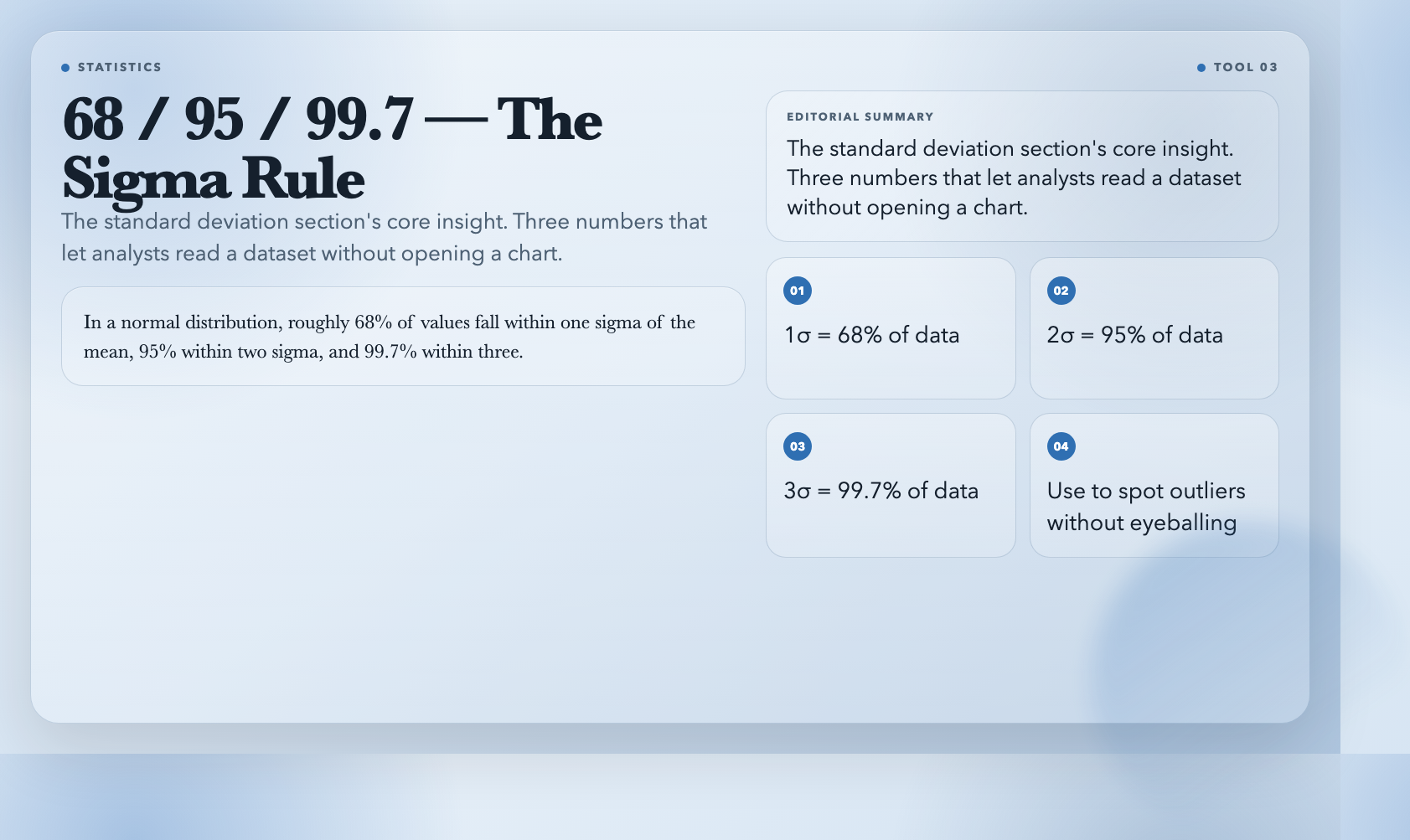
What sigma intervals tell you: In a normal distribution, roughly 68% of values fall within one sigma of the mean, 95% within two sigma, and 99.7% within three. This is how analysts spot outliers — without eyeballing a chart.
Use it when: analyzing experiment results, evaluating test score distributions, or assessing volatility in financial data.
—
4. Z-Score Calculator — Where Does This Value Actually Sit?
A z-score tells you how many standard deviations a value sits from the mean of its dataset. A z-score of 2.3 means the value is 2.3 standard deviations above the average — roughly the top 1%.
The Z-Score Calculator computes this two ways: from a provided dataset (it derives mean and standard deviation automatically) or from manually entered parameters. It also estimates the percentile — a z-score of 1.96 returns approximately the 97.5th percentile, which is the exact boundary of a 95% confidence interval.
This is the tool behind grading on a curve, comparing scores across different tests, or interpreting where a measurement falls in a normal distribution.
Use it when: grading on a curve, comparing standardized assessment results, or interpreting any normally distributed measurement.
—
5. Correlation Calculator — Are These Two Things Actually Related?
Correlation measures the linear relationship between two variables on a scale from -1 to +1. A correlation of +0.9 means when one variable goes up, the other almost always goes up too. A correlation of -0.8 means they move in opposite directions. Zero means no linear relationship.
The Correlation Calculator accepts data as paired rows (1, 52 / 2, 57 / 3, 63…) or as two separate X and Y lists. It returns Pearson’s r, r-squared, covariance, and a plain-English interpretation: “weak positive correlation,” “very strong negative correlation,” and so on.
What r-squared means: If r = 0.8, r-squared = 0.64. Sixty-four percent of the variation in Y is explained by X. The other 36% comes from other factors.
Use it when: testing whether study time predicts test scores, whether marketing spend correlates with revenue, or whether two biological measurements are linked.
—
6. Confidence Interval Calculator — The Answer Is a Range
No statistical estimate is a single number. The real answer is a range, and how wide that range is tells you how confident you can be.
The Confidence Interval Calculator handles two types: mean intervals (for continuous data like height, temperature, or response times) and proportion intervals (for percentages, conversion rates, or pass/fail counts).
For means, paste raw data and let it compute the standard deviation automatically, or enter summary statistics directly. For proportions, input successes and total trials. Choose confidence levels from 80% to 99% — most research uses 95%, which corresponds to a z-critical value of 1.96.
What the interval width tells you: A 95% confidence interval of [48.7, 52.3] means the true mean likely falls in that range. A wider interval means more uncertainty — which often means you need more data.
Use it when: reporting survey margins, interpreting election polls, or calculating error ranges for scientific measurements.
—
7. Sample Size Calculator — Don’t Launch That Survey Yet
Survey 50 people when you needed 500. Your results will be too noisy to be useful. Survey 5,000 when 400 would suffice. You’ve wasted time and money.
The Sample Size Calculator tells you exactly how many responses you need before you start collecting data.
It works in two modes: proportion mode (for conversion rates, pass rates, yes/no measurements) and mean mode (for continuous measurements like income or response time). Set your desired confidence level and margin of error, and the tool applies the appropriate z-critical value formula.
It also handles finite population correction. If you’re surveying employees at a company of 300 people, you don’t need the same sample size as for an infinite population.
Use it when: planning user research, designing A/B tests, or writing a research proposal that requires a power analysis.
—
8. Age Calculator — More Than Just Years
Most age calculators return a single number. The Age Calculator returns a complete breakdown: years, months, days, total days, total hours, total minutes, and total seconds since birth. It calculates time remaining until the next birthday and flags life milestones — 1,000 days old, 5 years, 10 years, and so on.
Why precision matters: Life insurance underwriting, eligibility criteria for age-based programs, and legal proceedings often require calculations down to the day. A child born on February 29 is 4 years old on February 28 of a non-leap year — not 5, not 4. Getting this wrong has real consequences.
Use it when: verifying age eligibility, calculating exact time-in-service for employment records, or determining milestone dates for historical research.
—
The Pattern
These eight tools share a design philosophy: take something that requires statistical knowledge or manual formula entry, and give you the answer directly from raw input.
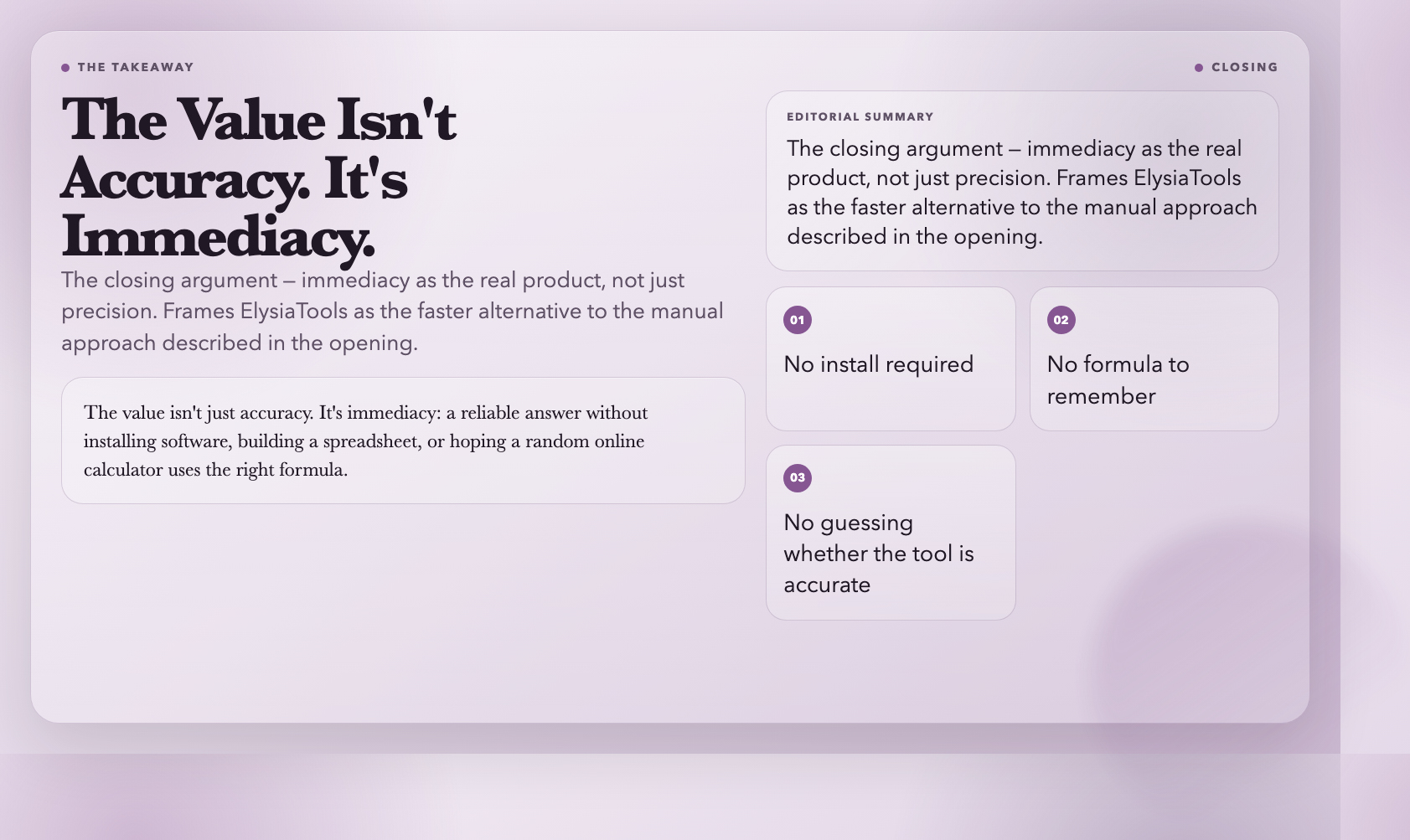
Most people encounter these calculations during a project — in the middle of writing a report, while reading research with unfamiliar notation, when planning a study. The value isn’t just accuracy. It’s immediacy: a reliable answer without installing software, building a spreadsheet, or hoping a random online calculator uses the right formula.
The next time you find yourself three hours into something and stuck on a calculation, open ElysiaTools before you open Excel. You might be surprised how fast the answer comes.
