8 Free Data Pipeline Tools That Replace the Scripts You’re Still Maintaining
You know exactly which scripts I’m talking about. The one that filters last week’s invoices from S3. The Python snippet that converts a CSV to SQL and runs on a Tuesday cron. The manual diff you do every Thursday because the CI pipeline never got built. They’re not big enough to prioritize. They’re too annoying to ignore. And they’ve been multiplying.
Here’s what’s changed: the tooling for this kind of work has gotten genuinely good — free, browser-based, no server required. Here’s what’s worth knowing about in 2026.
#
1. XLSX S3 Batch Processor
What it does: Connects to any S3-compatible bucket, pulls multiple XLSX files, applies row-level filters (equals, contains, greater than, and more), cleans whitespace and empty rows, converts to CSV/JSON/XLSX, and can push results back to a `processed/` prefix. A manifest ZIP bundles everything together.
If you’re still downloading files manually to run row filters in Excel, this is the upgrade. The tool handles pagination across multiple objects automatically.
When to use it: Weekly invoice filtering, multi-sheet XLSX consolidation before a data warehouse load, or any ETL step where input lives in object storage and output needs to be clean before the next system touches it.
Try it: XLSX S3 Batch Processor
#
2. CSV to Database Migration Planner
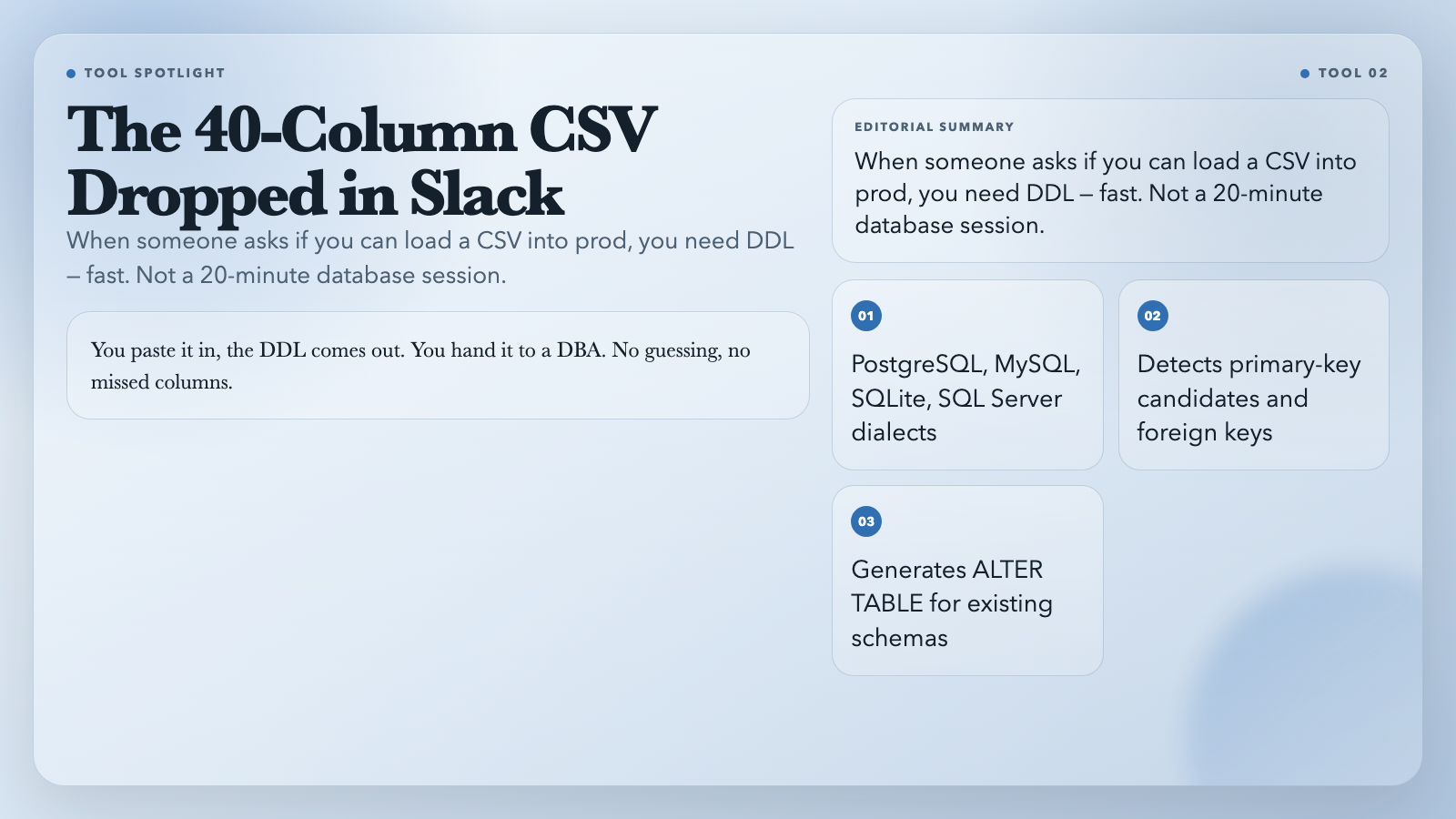
What it does: Paste a CSV, get a `CREATE TABLE` statement — in PostgreSQL, MySQL, SQLite, or SQL Server dialect. It infers column types (integer, decimal, boolean, date, text), detects primary-key candidates, flags foreign-key-style columns (`user_id`, `product_id`), and generates an `ALTER TABLE` plan if a schema already exists.
This is the tool for that moment when someone drops a 40-column CSV in Slack and says “can we load this into prod?” You paste it in, the DDL comes out. You hand it to a DBA. No guessing, no missed columns.
When to use it: One-time CSV ingestion, schema design reviews, handing off a DDL draft to an engineer without opening a database client.
Try it: CSV to Database Migration Planner
#
3. Dataset Quality Profiler
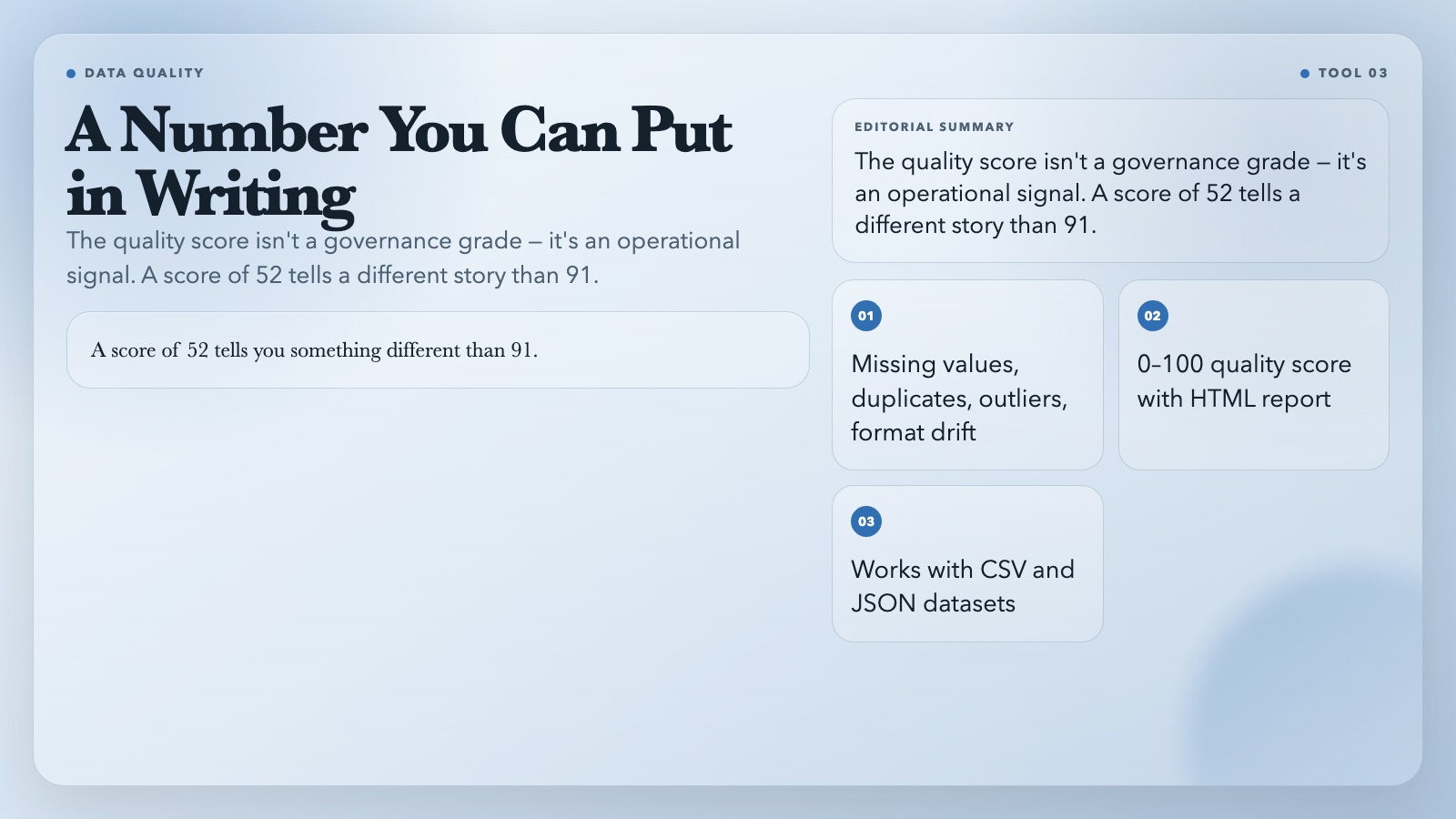
What it does: Accepts CSV or JSON, then runs a full diagnostic across every column: missing values, duplicate rows (optionally keyed by business columns like `id,email`), type inference, numeric outliers via an IQR-style rule, and format drift detection for date and string columns. Returns a 0–100 quality score with a structured HTML report.
The score is not a governance grade — it’s a quick operational signal. A score of 52 tells you something different than 91. Either way, you have a number you can put in writing before a pipeline review.
When to use it: Before any data enters a BI dashboard, ML pipeline, or production database.
Try it: Dataset Quality Profiler
#
4. Structured Log Analyzer
What it does: Accepts raw logs in any common format — JSON Lines, Apache access logs, Nginx logs, syslog, or bracketed application logs. Auto-detects the format, extracts timestamp/level/source/message, infers field types, and exports as JSON, CSV, or SQL `INSERT` statements.
If you’ve spent 20 minutes writing a regex just to parse one-off server logs, you understand the appeal of a format detector that just works.
When to use it: Incident response when you need to convert a raw log dump into something queryable. Or as a preprocessing step before loading logs into a SIEM or analytics platform.
Try it: Structured Log Analyzer
#
5. JSON Data Lineage Tracer
What it does: Takes a JSON payload and builds a field-level lineage graph — showing which output fields derive from which input paths, which transforms were applied, and which downstream consumers depend on each field. Works with both nested tree structures and flattened records.
This is the tool that answers: “If we rename `user_id` in the API response, what breaks?” You see the dependency chain before the change ships.
When to use it: Before refactoring APIs with multiple consumers, or when debugging data discrepancies across microservices.
Try it: JSON Data Lineage Tracer
#
6. CSV / Excel Diff Tool
What it does: Compares two CSV or XLSX files and produces a row-level, column-level, and cell-level diff report — exported as a PDF. You can compare by content, by type, or by format, accounting for date style differences between US and EU conventions.
This replaces the weekly “did anything change in the vendor export?” manual check. You drop two files in, you get a documented report. No diff-by-eye.
When to use it: Vendor data reconciliation, schema version comparisons, or compliance workflows that require documented evidence of what changed.
Try it: CSV/Excel Diff Tool
#
7. ICS Calendar Recurrence Rule Expander
What it does: Takes an iCalendar RRULE — the standard format for recurring events — and expands it into concrete `VEVENT` occurrences for a given date range. Outputs as JSON or a flat ICS file.
Most calendar tools show you instances. This shows you the rule. If you’ve ever wondered whether the weekly standup skips December 25th, the RRULE says yes or no — unambiguously.
When to use it: Auditing which events fire in a shared calendar, exporting recurrence data into a project planning tool, or debugging calendar sync issues across Google Calendar, Outlook, and Apple Calendar.
Try it: ICS Calendar Recurrence Rule Expander
#
8. Time Series Anomaly Detector
What it does: Upload a CSV or JSON time series and detect anomalies using Z-Score, IQR, or both. Returns a chart-backed report showing which data points were flagged and the threshold that triggered each flag.
Z-Score catches points that deviate significantly from the mean. IQR catches points outside the interquartile range — better for seasonal data where the mean shifts. You choose which matches your data.
When to use it: Monitoring application metrics, financial time series, sensor data, or any dataset where anomalous values represent real events worth investigating.
Try it: Time Series Anomaly Detector
#
The Common Thread
Every tool here replaces work that developers *know* how to automate but don’t because the payoff per task feels too small to justify a script. The scripts accumulate instead.
The alternative: stop maintaining the scripts and use tools that are already built, tested, and don’t require you to remember which Python environment has the right version of `pandas`.
Pick one. Start with the task you’ve done most recently by hand. If it involves CSV, S3, JSON, or time series data — the tool is already there.