# How to Pinpoint Anything on Earth: 7 Free Geospatial Tools That Actually Work
You’re standing on a trail. You open your phone, long-press the map, and get coordinates in 12 decimal places. Then what?
Most people just screenshot it and send it. But those numbers — 37.2456° N, 122.0428° W — stay inert. No distance, no direction, no useful context. The coordinate exists, but it doesn’t tell you anything.
That gap — between having a coordinate and having geospatial intelligence — is where most people stop. It doesn’t have to be. Seven free tools now let you calculate actual distances between cities, convert coordinates to compact codes for databases, figure out when to shoot golden hour photography, and navigate by compass bearing. No account. No install. Just open and use.
1. Great Circle Distance Calculator — The Shortest Path on a Round Earth
Flat maps lie about distance. The Mercator projection inflates everything near the poles, and most “distance between cities” calculators just draw a straight line and call it done. But Earth is a sphere, and the shortest path between two points is always an arc.
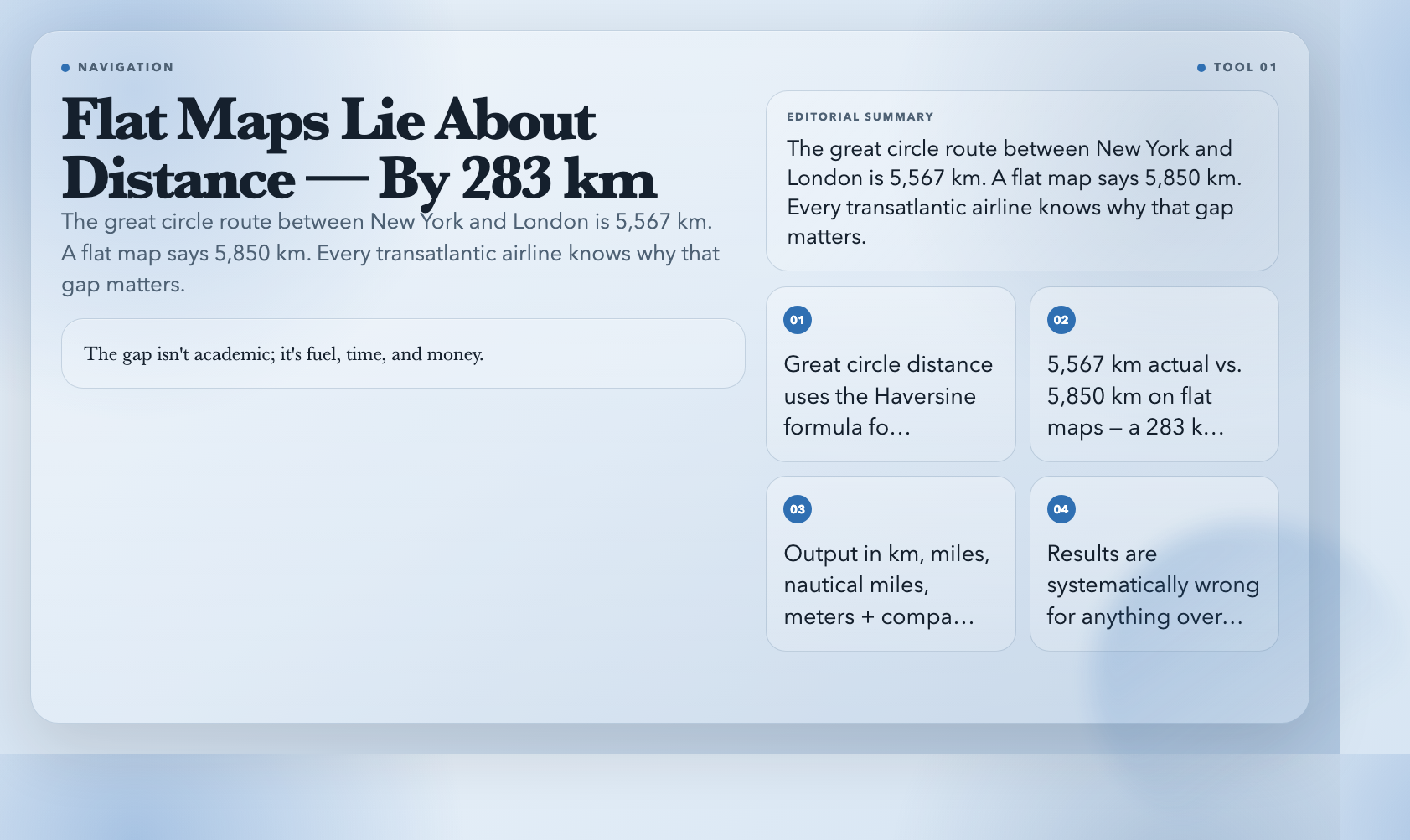
The Great Circle Distance Calculator uses the Haversine formula to compute exactly this. Enter two lat/lon pairs. Get distance in kilometers, miles, nautical miles, and meters — plus the initial bearing, the compass direction you’d steer at departure.
New York (40.7128° N, 74.0060° W) to London (51.5074° N, 0.1278° W): 5,567 km. Run the same on a flat map and you’ll get 5,850 km — a 283 km overstatement. Every transatlantic airline files great circle routes for this reason. The gap isn’t academic; it’s fuel, time, and money.
If your application calculates distances between coordinates and you’re not using Haversine, your results are systematically wrong for anything over 500 km.
2. Distance Between Cities — 30 Global Cities, One Click
Sometimes you don’t have coordinates ready. You just need the distance between Beijing and New York, or Sydney and London, and you need it now.
The Distance Between Cities has a built-in database of 30 major cities — London, Tokyo, Beijing, Sydney, Dubai, Mumbai, São Paulo — and calculates distance plus bearing between any pair with two dropdowns. It outputs kilometers, miles, nautical miles, and estimated flight time at 900 km/h average.
Beijing to New York: 11,044 km. Sydney to London: 16,989 km. Sydney to Tokyo: 8,813 km. The moment someone says “it’s only a few hours” about a destination 11,000 km away, you can prove otherwise in one click.
The math is Haversine — the same as the great circle tool — you just skip the coordinate lookup step.
3. Maidenhead Locator System — How Ham Radio Operators Share Locations
Here’s one that sounds obscure until it isn’t.
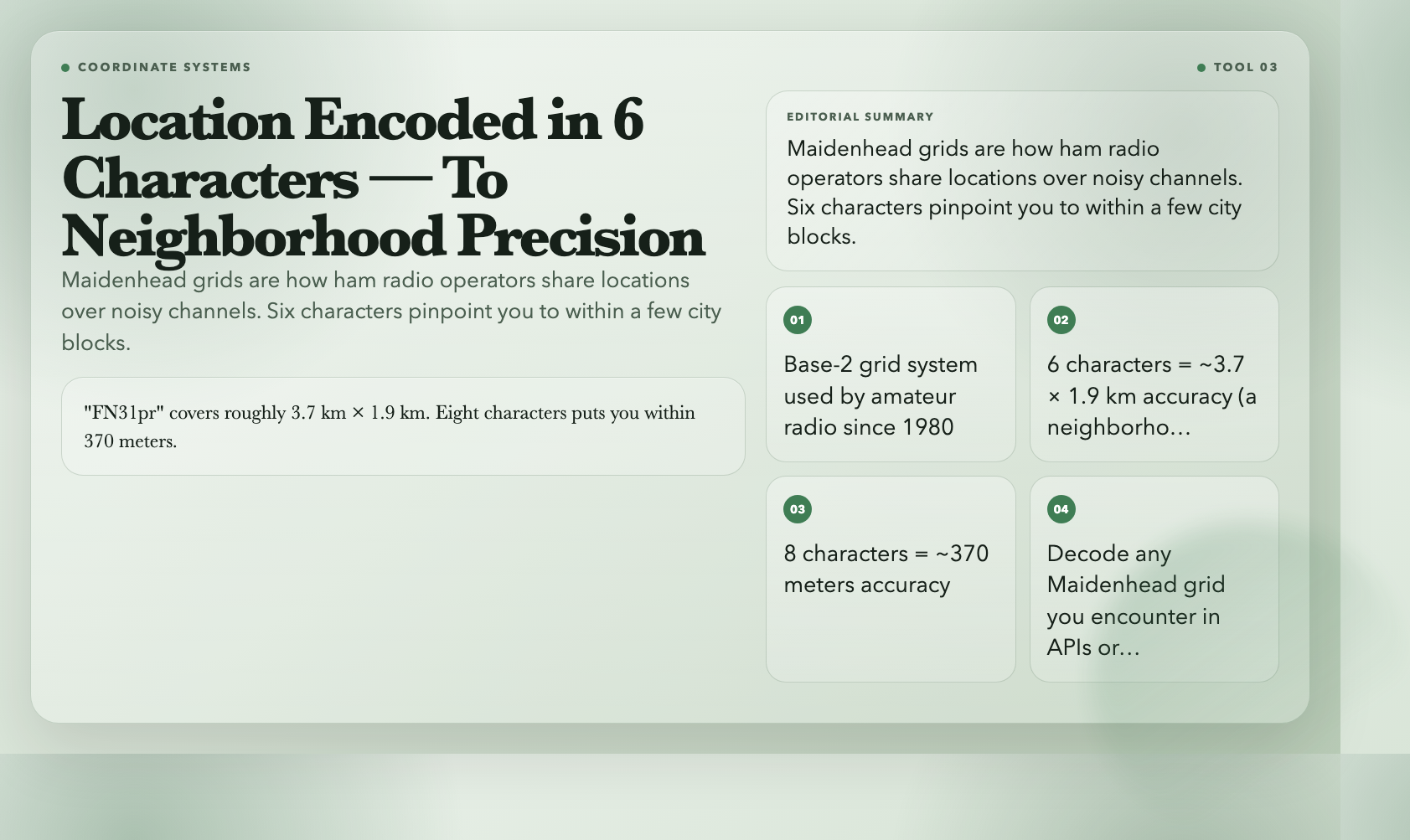
The Maidenhead locator system encodes geographic coordinates into grid squares like “FN31pr.” Amateur radio operators have used this format since 1980 to transmit locations over noisy radio channels without reading 15-digit coordinates. It’s shorter, easier to say, and precise enough for most field communications.
Precision scales with string length. “FN” spans 10° × 20°. Add two digits (“FN31”) and you’re within 1° × 2°. Six characters (“FN31pr”) narrows it to about 3.7 km × 1.9 km — a neighborhood. Eight characters puts you within 370 meters.
Coordinates to Maidenhead converts lat/lon to grid string. Maidenhead to Coordinates reverses it. If you’ve encountered Maidenhead grids in an emergency services database, a geospatial API, or a ham radio log and couldn’t read it, these tools are your decoder ring.
4. Geohash — Location as a Single String
Geohash encodes lat/lon into a compact string using a base-32 alphabet.
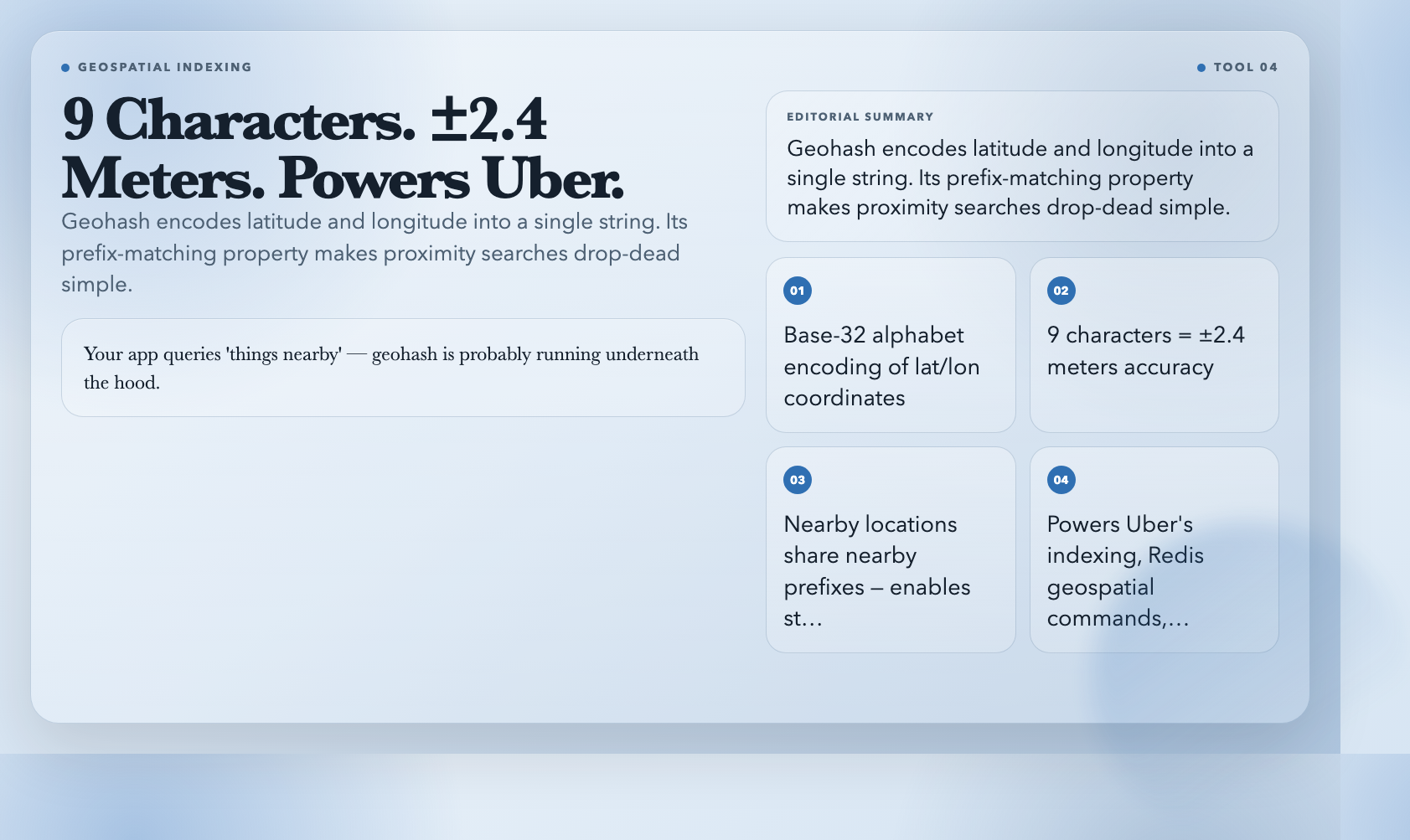 The useful property: nearby locations share nearby prefixes. Proximity searches collapse to a simple string prefix comparison — no complex geometry, no two-dimensional indexing required.
The Geohash Generator encodes coordinates into a geohash string. The Geohash Decoder takes any geohash and returns the exact coordinates plus its bounding box.
A 9-character geohash gives you roughly ±2.4 meters of accuracy. This encoding powers Uber’s geospatial indexing, Redis’s geospatial commands, and numerous mapping APIs. If your app stores user locations and queries “things nearby,” geohash is probably running underneath the hood — these tools let you inspect exactly what your system is storing.
5. Blue Hour Calculator — The 60 Minutes That Separate Amateurs from Pros
If you’ve seen a cityscape photo with a deep saturated blue sky and glowing city lights below, you’ve seen blue hour.
 It’s the roughly 60-minute window before sunrise and after sunset when the sun sits just below the horizon — the sky remains lit but cool-toned, and artificial lights pop without long exposures.
The Blue Hour Calculator takes your latitude, longitude, and date, then outputs exactly when morning and evening blue hour starts and ends. It gives you sunrise and sunset times too, plus specific photography tips: use a tripod, balance city lights with the blue sky, try 30-second exposures.
The timing shifts daily based on latitude and season. Summer at high latitudes can stretch blue hour to 90+ minutes. In tropical regions it compresses to under 40. This isn’t a fixed clock time — it’s a solar calculation, which is exactly what the tool does.
Professional cityscape photographers plan entire shoots around this window. Now you can too, without a paid subscription.
6. Golden Hour Calculator — Warm Light That Costs Nothing
Golden hour comes next. When the sun sits within about 6° of the horizon, light travels through more atmosphere and scatters blue wavelengths, leaving warm amber tones. Everything looks like a memory.
The Golden Hour Calculator follows the same logic: input your coordinates and date, get your morning and evening shooting windows. Morning golden hour starts at sunrise and runs about an hour. Evening golden hour ends at sunset and begins an hour before.
The practical difference from blue hour: golden hour has enough ambient light to shoot handheld without a tripod. Blue hour demands longer exposures. Both shift daily depending on your location and season.
Arrived at a sunrise spot at 6:00 AM last week only to find full daylight already? The calculator gives you the actual sunrise time for your exact coordinates — not your city’s eastern boundary.
7. Bearing Calculator — The Direction You’re Actually Heading
The Bearing Calculator computes the initial bearing — compass direction from point A to point B — between any two coordinates. It outputs in decimal degrees, DMS (degrees-minutes-seconds), compass direction (NNE, SW, etc.), and NATO mils.
Los Angeles (34.0522° N, 118.2437° W) to Tokyo (35.6762° N, 139.6503° E): bearing is 311°. Northwest, not west — a flat map projection would send you significantly off course.
Bearing changes as you travel. The initial bearing at departure differs from the bearing at arrival. The tool shows you the starting direction, which is what you’d steer at the beginning of a journey.
Every navigation arrow in every mapping app runs this calculation. Now you can see the number behind the arrow.
The Gap Between Data and Intelligence
Before tools like these existed on the open web, each calculation required a GIS desktop application, a scientific calculator, or custom code. The Haversine formula, Maidenhead encoding, solar declination math — none of these are trivial to implement correctly from scratch.
Seven free tools now put the entire geospatial toolkit in your browser: distance and navigation, coordinate encoding, and solar timing — instantly, no setup. Whether you’re debugging geospatial data, chasing the right light, decoding a grid square from a radio log, or settling an argument about how far “a few hours” actually is, the answer is one search away.
Those coordinates on your phone are just data. These tools turn them into something that actually tells you where you are.