# 8 Free Validation Tools That Catch Bugs Before Your Users Do
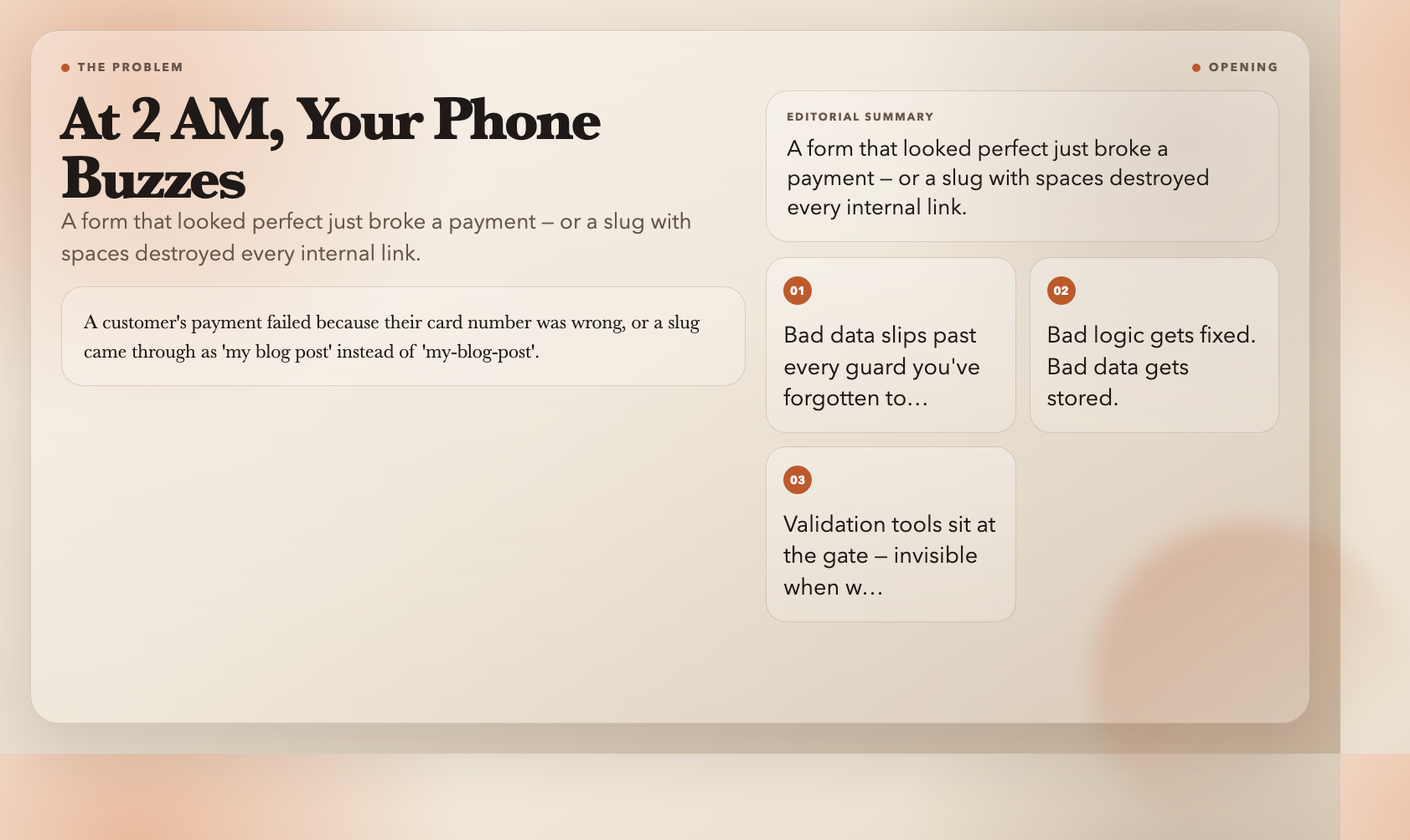
You ship the form. Everything looks right. Then at 2 AM, your phone buzzes: a customer’s payment failed because their card number was entered wrong, or a slug came through as my blog post instead of my-blog-post, breaking every internal link.
This is the unglamorous side of software. Bugs don’t always come from bad logic — they come from bad data slipping through unchecked. Validation tools are the unglamorous heroes that sit at the gate and catch it before it touches your database, your API, or your user.
Here are 8 free tools from ElysiaTools that handle this quietly, instantly, and well.
1. JSON Schema Validator — Your API’s Bouncer
Every time your app accepts JSON from an external source — a webhook, a third-party integration, a user upload — you’re trusting data you didn’t control. That’s a problem.
The JSON Schema Validator checks incoming JSON against a schema you define. It supports all major drafts (Draft 4 through 2020-12) and returns exact error locations when validation fails.
“json`
// Your schema expects this structure
{ "type": "object", "properties": {
"email": { "type": "string", "format": "email" },
"age": { "type": "integer", "minimum": 0 }
} }
If the incoming data has “email”: “not-an-email” or “age”: -5, you'll know exactly which field caused the problem and why. No more cryptic undefined is not a function errors two levels deep in your call stack.
This means your API rejects garbage data at the door rather than corrupting your database or crashing downstream services.
Try it: JSON Schema Validator
2. Credit Card Validator — More Than E-Commerce
Here's a dirty secret: credit card validation isn't just for Stripe and PayPal. Any system that touches billing information — membership platforms, invoicing tools, subscription managers — needs to verify card numbers before storage.
The Credit Card Validator doesn't just check length. It runs the Luhn algorithm (the same checksum banks use) and identifies the card network: Visa, MasterCard, UnionPay, Amex, JCB, and more. It also breaks down the number into its components — the MII (industry identifier), IIN/BIN (issuing bank), and check digit.
This matters because different card networks use different number lengths and IIN prefixes. A card entering the system with a 4 prefix that doesn't validate as Visa is fraud, not a typo.
Beyond validation, knowing the card type lets you route to the correct payment processor or apply the right currency rules.
Try it: Credit Card Validator
3. Strong Password Validator — The Gate Before the Hack
The 2019 Google/ Harris Poll found that 66% of people reuse passwords across accounts. If your app accepts Password123 as valid, you're not protecting your users — you're giving attackers a master key.
The Strong Password Validator checks passwords against configurable rules: minimum length, uppercase, lowercase, digits, and special characters. But it goes further — it scores the password on a 0–100 scale, flags common sequences (123456, qwerty, password), and provides specific suggestions for improvement.
If a password passes all structural checks but scores below 80, the tool recommends passphrases — multiple random words that are harder to crack and easier to remember than a short string of symbols.
This is how you turn a security requirement into genuine protection, not friction.
Try it: Strong Password Validator
4. SemVer Validator — The Version Number That Breaks Builds
If you publish npm packages, Docker images, or any software that follows semantic versioning, an invalid version string can silently break CI pipelines, dependency resolvers, and deployment scripts.
The SemVer Validator checks version strings against the Semantic Versioning 2.0.0 spec. It parses major, minor, patch components, pre-release identifiers, and build metadata. It flags leading zeros (illegal in SemVer), mixed numeric/alphanumeric pre-release identifiers (which cause sorting issues), and invalid build metadata characters.
The distinction between 1.0.0 and 1.0.0-alpha and 1.0.0+build has real consequences. Pre-release versions (-alpha, -beta) are explicitly excluded from version comparisons in most package managers. Build metadata (+build.sha) is ignored for precedence. Get this wrong and your version resolution might pick the wrong artifact.
For any team shipping software with dependencies, this tool is a quiet sanity check before a broken package.json takes down five services.
Try it: SemVer Validator
5. Color Code Validator — The CSS Trap Nobody Warns You About
Front-end developers lose hours to malformed color codes. rgb(255, 0, 0) works. rgba(255, 0, 0) works. But rgb(255,0,0,0.5) (extra argument) or hsl(0, 100%, 50%) with a trailing space can silently break in some browsers.
The Color Code Validator handles all major formats: Hex short (#RGB), Hex long (#RRGGBB), Hex with alpha (#RRGGBBAA), RGB, RGBA, HSL, HSLA, and named colors. It detects the format automatically, validates the syntax, and converts between formats.
This is particularly useful when importing color palettes from design tools, receiving CSS from contractors, or debugging why a theme color looks wrong in one browser but not another. The tool also catches the HSL format trap — HSL values must be in the range 0–360° for hue and 0–100% for saturation and lightness, and values outside these ranges are silently clamped by some browsers.
Try it: Color Code Validator
6. Slug Validator — The URL That Breaks Everything
URL slugs are deceptively simple. They look like just a string, but they have strict rules: lowercase only, numbers allowed, hyphens for word separation, no spaces, no special characters, no trailing hyphens.
The Slug Validator checks a URL slug against these rules and, critically, generates corrected alternatives when it finds problems. Input My Blog Post and it suggests my-blog-post. Input contact-us_ and it flags the trailing underscore.
What makes this particularly valuable is the SEO angle. Google treats your-site.com/my-blog-post and your-site.com/My-Blog-Post` as two different URLs. If your CMS accepts uppercase slugs and then lowercases them on redirect, you’ve created a duplicate content issue. Catch this at input time, not when your SEO tool flags it six months later.
The tool also validates maximum length (adjustable, default 100 characters) and checks for consecutive hyphens, which are both common mistakes that affect readability and search rankings.
Try it: Slug Validator
7. IBAN & SWIFT Validator — The International Transfer That Vanishes
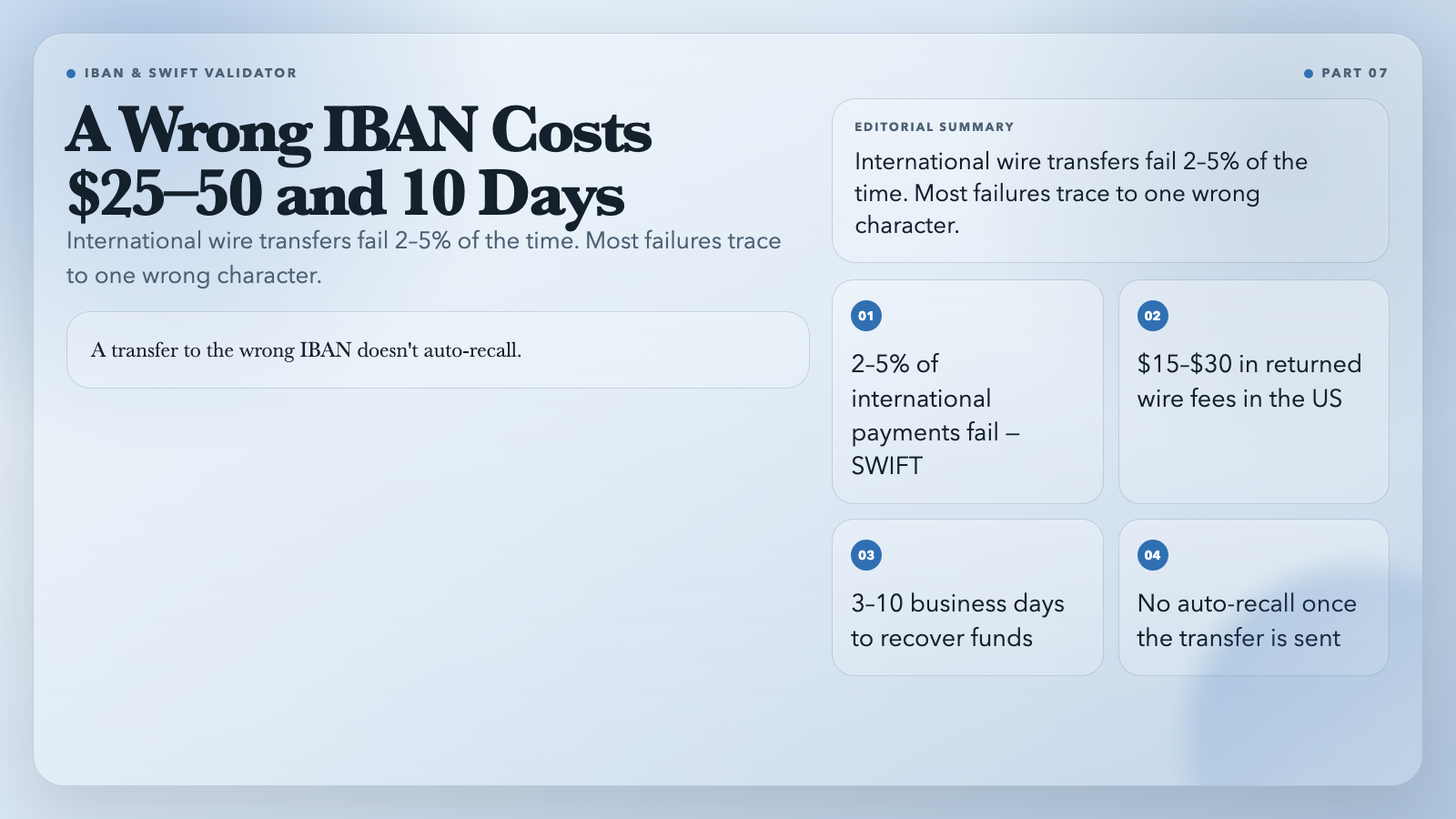
International wire transfers fail more often than people realize. SWIFT estimates that 2–5% of international payments fail, and a significant portion of those failures trace back to incorrect account identifiers.
The IBAN & SWIFT Validator checks both formats. IBAN (International Bank Account Number) has country-specific length requirements, a two-letter country code at the start, and a checksum computed via MOD-97. SWIFT/BIC codes are 8 or 11 characters and identify the specific bank and branch.
For fintech apps, payment platforms, or cross-border invoicing systems, validating these identifiers before submission prevents failed transfers, returned fees ($15–$30 per returned wire in the US), and customer support burden. A transfer sent to the wrong IBAN doesn’t auto-recall. Depending on the banks involved, it can take 3–10 business days and $25–$50 in fees to recover the funds.
This is one of those validators where the cost of a mistake is dramatically higher than the cost of checking upfront.
Try it: IBAN & SWIFT Validator
8. VIN Validator — The 17-Character Problem
Vehicle Identification Numbers (VINs) are 17 characters long and encode the vehicle’s country of origin, manufacturer, vehicle attributes, and model year. A single wrong character makes a VIN invalid — and used car marketplaces, insurance platforms, fleet management systems, and repair databases all depend on accurate VINs.
The VIN Validator checks the format (no letters I, O, or Q allowed in any position — a common mistake), the checksum digit (position 9, calculated from a weighted sum of the other 16 characters), and the country/manufacturer encoding in the first three characters.
For automotive platforms, this is non-negotiable infrastructure. A VIN that passes the checksum validation but encodes the wrong model year could mean the difference between selling a 2021 and a 2011 vehicle — with a price difference of thousands of dollars.
Try it: VIN Validator
The Pattern
Validation tools share one characteristic: they’re invisible when they’re working. No one notices the form that correctly accepted a card number. Users only notice when the form breaks — and by then, the bad data is already inside your system.
That’s exactly why they’re worth investing in. The 20 minutes you spend adding validation to a checkout flow will save you hours of debugging a payment processor’s cryptic error logs. The moment you validate a VIN before storing it is the moment you avoid a legal dispute over a vehicle’s odometer reading.
The tools above are free, run in a browser, and require no account. Bookmark the ones relevant to your stack and validate early.
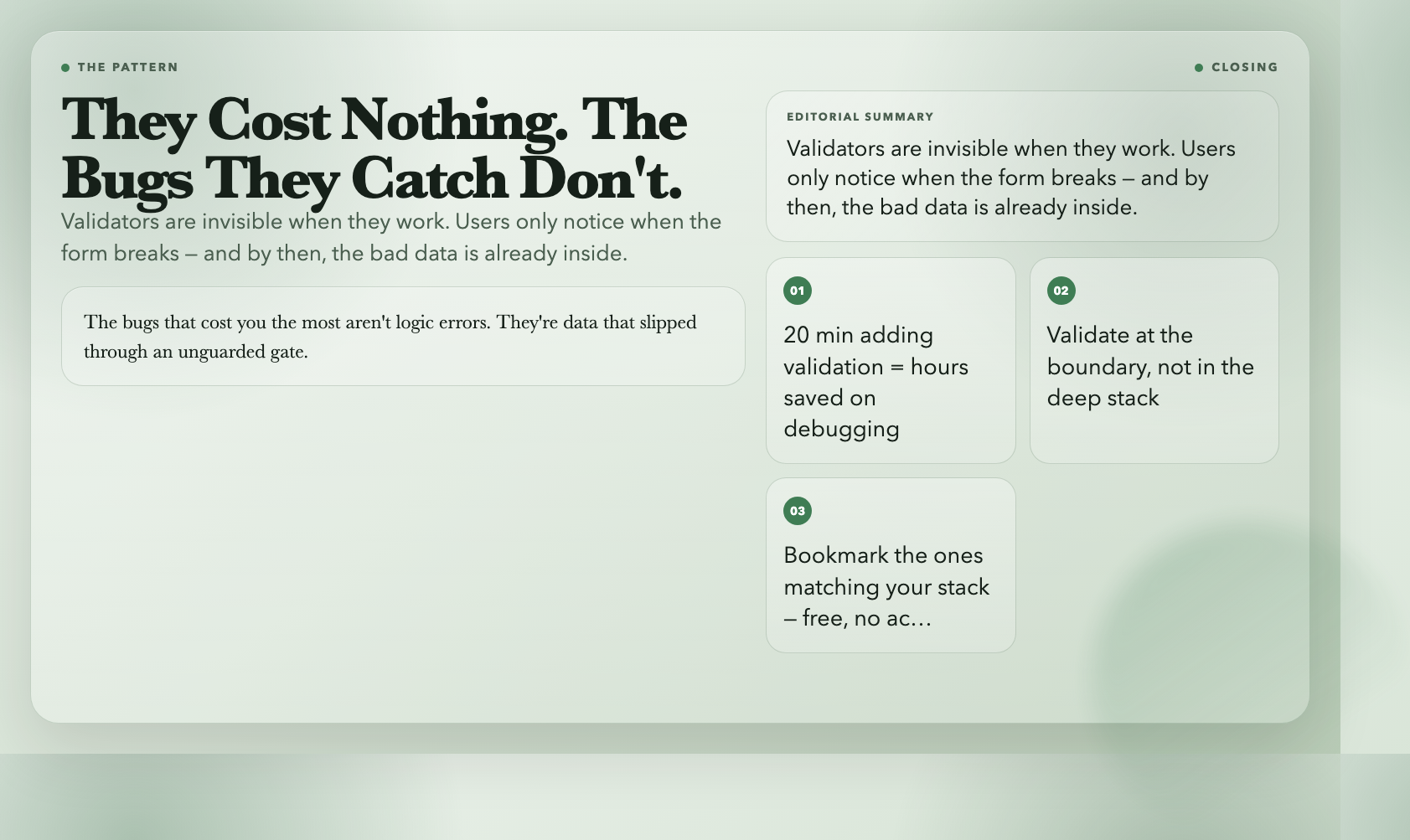
Here’s what nobody tells you when you’re learning to build software: the bugs that cost you the most aren’t logic errors. They’re data — a malformed number, a missing hyphen, an extra zero — that slipped through an unguarded gate and detonated somewhere deep in your system at 2 AM.
Validators are that gate. They cost nothing. The bugs they catch don’t.
Pick the ones that match your stack. Validate at the boundary, not in the deep stack where errors finally surface — by which point the cause is long gone.