Every TLS handshake on the public internet starts with one document: an X.509 certificate. It tells your browser who owns the domain, who issued the credential, when it expires, and which public key to use. It also exposes a dozen things that quietly go wrong — a SAN that doesn’t match the hostname, a signature algorithm the client no longer trusts, a self-signed root masquerading as a CA, a 90-day Let’s Encrypt cert that expired on a Friday night. When something breaks, the first thing you need is the ability to read the certificate. The X.509 Certificate Decoder gives you everything openssl x509 -text shows — subject, issuer, validity, key, SANs, fingerprint, key usage — rendered as a structured page you can read in five seconds. No command line, no chain of flags, no terminal scrolling. This article walks through what an X.509 certificate actually contains, the eight fields you always want to look at, the four traps that silently break TLS, and how to use the decoder alongside five sibling tools that round out certificate operations.
What an X.509 Certificate Actually Is
An X.509 certificate is a binary structure encoded in ASN.1, base64-wrapped inside -----BEGIN CERTIFICATE----- / -----END CERTIFICATE----- markers, and signed by a Certificate Authority. When you paste one into the decoder, two libraries — Node’s crypto.X509Certificate plus node-forge for the readable signature-algorithm and extended-key-usage names — parse the binary into a structured object. Everything visible is parsed locally; nothing is transmitted.
The output is organised into eight sections. Each one answers a different operational question: Is this certificate valid right now? Who issued it? Whose key am I trusting? What domains does it cover? Is the signature still acceptable? The decoder’s job is to surface those answers in a form a human can scan, not in the wall of ASN.1 output that openssl prints by default.
The Eight Fields That Matter
If you only ever inspect eight fields, you have everything you need to debug most production TLS incidents. The decoder displays them at the top of the page, grouped by concern.
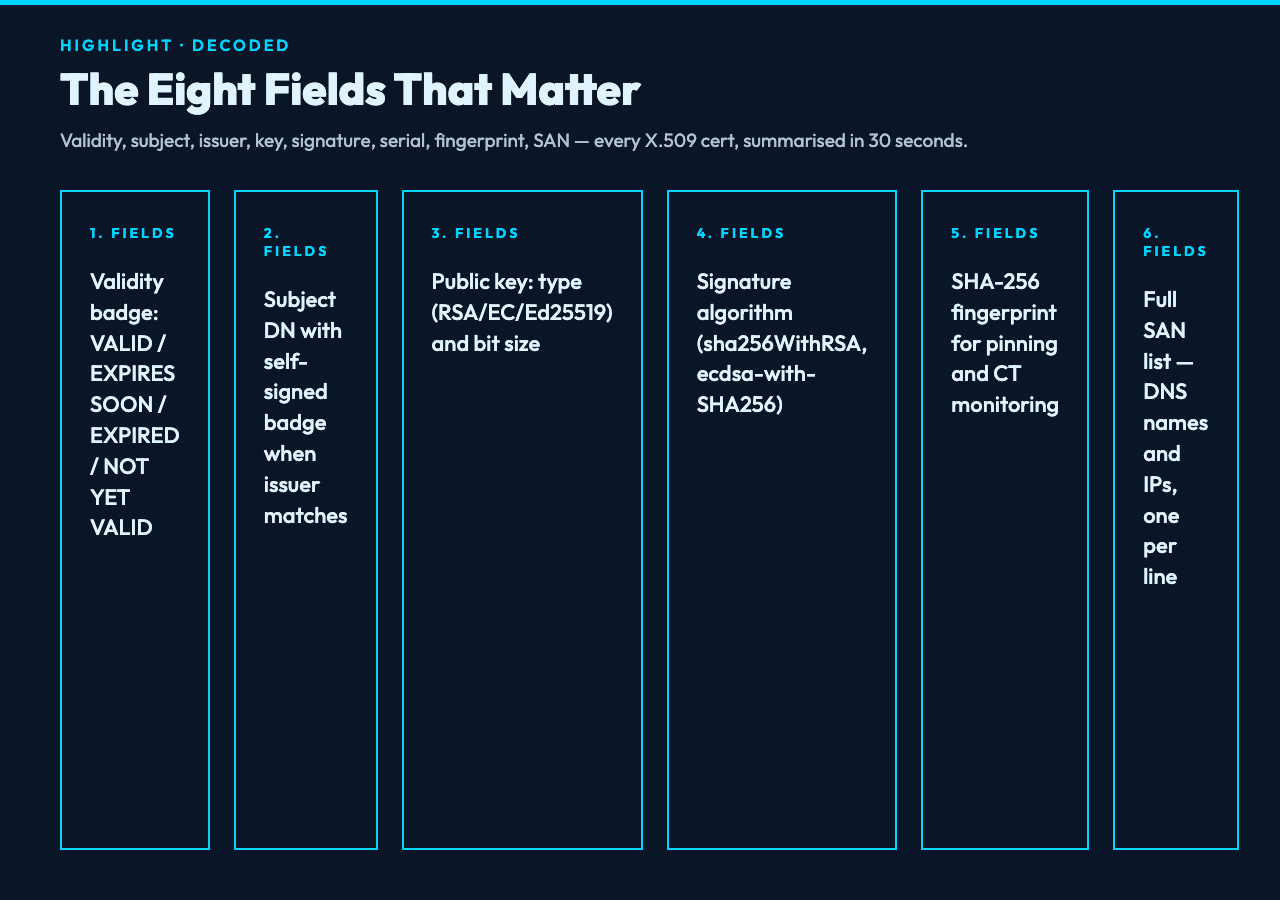
1. Validity status and days remaining. The decoder shows one of four states — VALID, EXPIRES SOON (within 30 days), EXPIRED, or NOT YET VALID (start date in the future). Days remaining is the most operationally important number on the page. Anything under 14 should trigger a renewal workflow.
2. Subject. The Distinguished Name of the certificate holder, typically CN=api.example.com. The decoder renders the DN as a readable list rather than openssl‘s flat one-liner.
3. Issuer. The CA that signed the certificate. If Subject and Issuer are identical, the decoder shows a Self-signed badge — useful for distinguishing real public certificates from local test certs.
4. Public key type and bit size. RSA-2048, RSA-4096, EC P-256, EC P-384, Ed25519. Anything below RSA-2048 or EC P-256 is below current minimums; the decoder flags the bit size next to the algorithm so you can spot weak keys at a glance.
5. Signature algorithm. sha256WithRSAEncryption, ecdsa-with-SHA256, sha384WithRSAEncryption. sha1WithRSAEncryption is the historical red flag — SHA-1 is broken for collision resistance and has been deprecated in all major browsers since 2017.
6. Serial number. A CA-assigned unique identifier. Useful when filing revocation requests or correlating with a CA’s audit logs.
7. SHA-256 fingerprint. The hex digest of the DER-encoded certificate. This is what you pin to a known-good value, what certificate transparency logs index, and what shows up in CT monitoring alerts.
8. Subject Alternative Names (SANs). The full list of hostnames and IPs the certificate is valid for. A modern TLS client only checks SANs; the legacy CN match is gone. The decoder lists every SAN on its own line, with separate DNS and IP entries.
Four Traps That Silently Break TLS
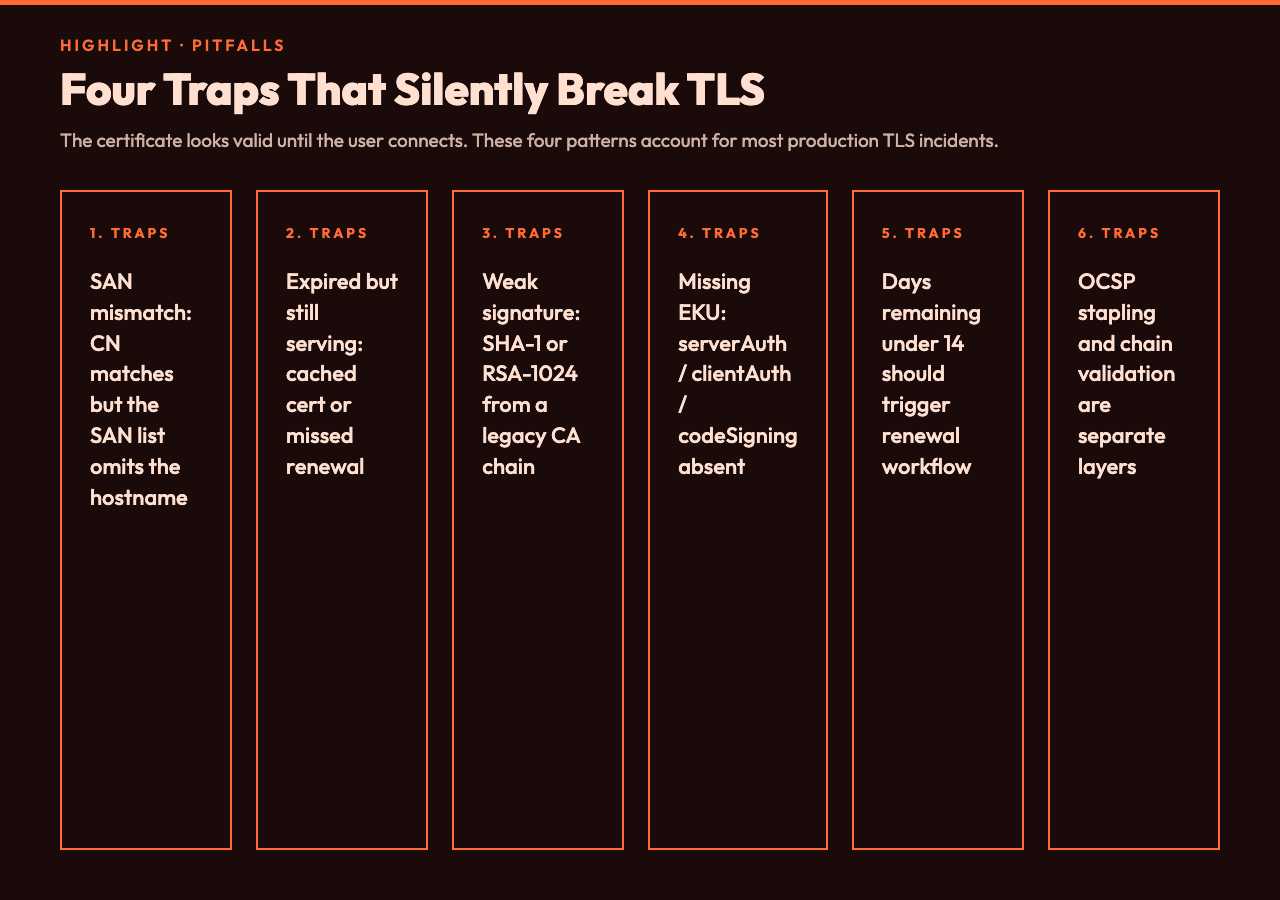
Most TLS incidents fall into one of four patterns. The decoder exposes all of them.
Trap 1: SAN mismatch. The certificate is valid, the chain is trusted, but the SAN list doesn’t include the hostname the user typed. The decoder shows you the SAN list — cross-reference with the URL the user accessed and the mismatch is immediate. CN is irrelevant here; browsers stopped trusting CN-only matching years ago.
2. Expired but still serving. A load balancer cached an old certificate, an automation job missed the renewal window, or a wildcard cert expired while only the prod host was monitored. The decoder shows the notAfter date plus the live EXPIRED badge. For deep automation — CT log queries, batch chain validation, monitoring across many hosts — the cert-manager automation sample set walks through Let’s Encrypt renewal, Nginx reloading, and certificate monitoring dashboard patterns.
Trap 3: Weak signature algorithm. A certificate was generated by a 2015-era CA chain or by an internal PKI that never updated the default. SHA-1 is broken; RSA-1024 is brute-forceable within budget; both still appear in production. The decoder surfaces the signature algorithm next to the public key, so the sha1WithRSAEncryption tag is impossible to miss.
Trap 4: Missing Extended Key Usage. A certificate is valid for an LDAP server but not for serverAuth; a signing cert can’t do codeSigning; a CA cert doesn’t include the keyCertSign usage. The decoder lists every Extended Key Usage OID next to its readable name (TLS Web Server Authentication, TLS Web Client Authentication, Code Signing, Email Protection). If the EKU your application needs is missing, the certificate will pass a chain validation check but fail the handshake.
Beyond the Certificate Itself: TLS Context
An X.509 certificate never operates alone. It rides on top of a TLS configuration (cipher suites, protocol versions, OCSP stapling), a chain of trust (root CA, intermediate CAs), and a renewal pipeline. When you’re auditing a host, the certificate is one of five things to check. The decoder answers the question — is this certificate valid and correctly scoped? — but the broader TLS posture is a separate concern. The network-security sample hub covers SSL/TLS configuration, Nginx and Apache hardening, firewall rules, and WireGuard setup — the other four layers around the certificate.
Five Sibling Tools That Round Out Certificate Operations
Decoding is the read path. The other four operations — generating, signing, validating, comparing — have their own tools in the Elysia Tools catalogue. The decoder pairs naturally with:
- PBKDF2 Validator — for validating password-derived keys when working with PEM-encrypted private keys.
- X.509 Certificate Decoder — the canonical read path for any cert you have in hand.
- AES Encryption Tool — for encrypting private keys or PEM bundles before storing them.
- AWS ARN Validator — for verifying IAM-managed certificate ARNs once you’ve imported a cert into AWS Certificate Manager.
- Security Headers Checker — for the HTTP response headers layer that complements the certificate layer in your TLS posture.
Putting It Together
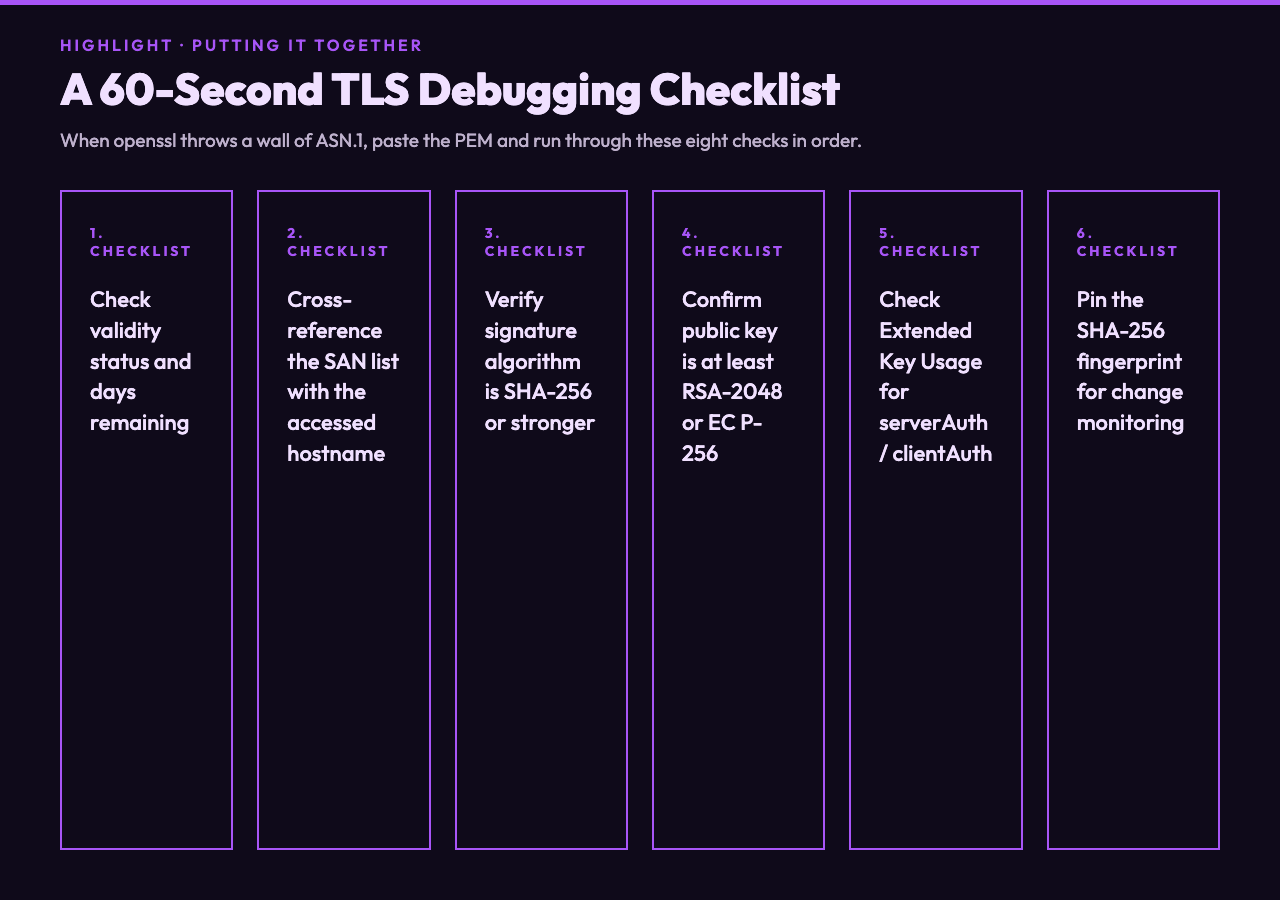
An X.509 certificate is small, signed, and self-describing — the entire document fits on a screen, the entire chain of trust is one click away, and the decoder gives you the eight fields plus the four traps in a single page. Use it whenever a TLS error doesn’t immediately resolve itself: paste the PEM, check validity, check SANs, check signature algorithm, check EKU. If any of those is wrong, the decoder points you to it before you start reading 200 lines of ASN.1. For the operations around the certificate — renewal automation, TLS hardening, key encryption — the cert-manager and network-security sample hubs give you copy-ready patterns. The certificate is the foundation of TLS, but the foundation needs to be inspected before it can be trusted. Open the decoder, paste your cert, and read what’s actually there.
Explore more tools at elysiatools.com.