# 8 Free Statistics Calculators That Do the Hard Math for You
You’re looking at a spreadsheet with 200 rows of data. You know the answer is in there somewhere — a mean, a spread, a relationship between variables that explains why things happened the way they did. You know what statistic you need. You do not know why the formula has (n-1) in the denominator.
These 8 calculators solve that exact problem. No signup, no manual lookup tables, no hunting through textbooks for the right critical value. Paste your numbers, get the answer with context, understand what it means.
—
Standard Deviation Calculator
Standard deviation answers: how spread out is my data? A low number means values cluster near the mean. A high number means they’re scattered wide across the range.
This calculator handles sample standard deviation (when your data is a subset of a larger population) and population standard deviation (when you have the complete dataset). It also computes the coefficient of variation — a normalized spread metric that lets you compare variability across datasets with different units or scales.
What you get: mean, standard deviation, variance, minimum, maximum, one-sigma/two-sigma/three-sigma intervals.
Real example: Input `600, 470, 170, 430, 300` as a sample. The calculator returns a standard deviation of 164.71. Most values fall between roughly 265 and 765 — a range the mean (394) alone would never reveal. The one-sigma interval tells you where most of your data actually lives.
Use it for: Quality control, test score analysis, stock volatility comparisons, team performance benchmarking.
Try the Standard Deviation Calculator →
—
Variance Calculator
Variance is standard deviation squared — and it is the building block behind nearly every advanced statistical test. It measures the average of squared deviations from the mean, giving you the raw material for ANOVA, regression, and hypothesis testing.
This calculator delivers both sample variance (n-1 denominator) and population variance (n denominator), along with the mean, sum of squared differences, and min/max.
What you get: variance, mean, sum of squared differences, divisor used, min, max.
Real example: Input `10, 12, 23, 23, 16, 23, 21, 16` as a sample. Result: variance = 27.43, mean = 18. That 27.43 is the number that ANOVA, regression, and most hypothesis tests are built on. Without it, you cannot move from descriptive stats to inferential ones.
Use it for: Any statistical test requiring variance as input, comparing spread across groups with different units or measurement scales.
—
Z-Score Calculator
A z-score tells you how many standard deviations a value sits above or below the mean. It is the translation layer between raw scores and standardized metrics — and it is the foundation of the entire normal distribution framework.
This calculator is flexible: provide a full dataset and it computes mean and standard deviation automatically, or enter known values manually if you already have summary statistics.
What you get: z-score, mean, standard deviation, and a plain-English label (near the mean / moderately far / far / extreme tail).
Real example: Dataset `80, 85, 90, 95, 100`, raw value = 85. Returns z = -0.63 — the value sits about two-thirds of a standard deviation below the mean (90). Useful for comparing a student’s score to a norm group, or flagging outliers in manufacturing data without eyeballing it.
Use it for: Standardized test score interpretation, anomaly detection, comparing performance across different measurement scales.
—
Confidence Interval Calculator
A single estimate is fragile. A confidence interval is honest — a range with a probability attached. “We’re 95% confident the true mean lies between 42 and 58” is more useful than “the mean is 50” — because it tells you how wrong you might be.
This calculator handles mean intervals (continuous data) and proportion intervals (count/frequency data). Feed it raw data and let it compute, or enter pre-calculated summary values directly.
What you get: center value, lower and upper bounds, margin of error, standard error, critical t-value, confidence percentage.
Real example: 25 values, sample mean = 100, sample standard deviation = 15, 95% confidence. The interval lands around 93.7 to 106.3. If you’re interpreting election polls, product defect rates, or clinical measurements, that range is the real answer — not the point estimate.
Use it for: Survey and polling interpretation, scientific estimates, quality assurance with sample-based testing.
Try the Confidence Interval Calculator →
—
Correlation Calculator
Correlation measures the strength and direction of the linear relationship between two variables. A coefficient of +1 means perfect positive correlation, -1 means perfect negative, 0 means no linear relationship.
This calculator accepts paired data (one row per pair) or separate X and Y lists. It returns Pearson’s r, a p-value for statistical significance, the coefficient of determination (r²), and a plain-English interpretation of the relationship strength.
What you get: Pearson’s r, p-value, r², sample size, qualitative label.
Real example: X = `10, 20, 30, 40, 50`, Y = `15, 28, 37, 45, 52`. Returns r ≈ 0.99 — nearly perfect positive correlation. These variables move in near-lockstep. An analyst immediately knows whether they’re measuring one underlying thing (redundant) or two separate signals (complementary).
Use it for: Research validation, business metric analysis, identifying redundant KPIs, catching misleading correlations.
Try the Correlation Calculator →
—
Regression Calculator
Regression goes further than correlation — it gives you the equation. Not just “these variables are related,” but “for every unit X changes, Y changes by exactly this much.” The best-fit line through your data, quantified.
This calculator computes simple linear regression and generates predictions for new X values.
What you get: slope, intercept, regression equation, predicted Y values, R², strength label.
Real example: Data pairs X: 1, 2, 3, 4, 5 and Y: 2.1, 4.0, 5.9, 8.1, 9.8. Fits Y ≈ 1.96 + 0.18X with a very high R². For every additional unit of X, Y increases by roughly 1.96. You now have a predictive model, not just a correlation coefficient.
Use it for: Sales forecasting, trend modeling, scientific data fitting, A/B test analysis, any scenario where prediction matters.
Try the Regression Calculator →
—
ANOVA Calculator
Comparing two groups? A t-test handles that. Three or more? You need ANOVA — Analysis of Variance. It answers whether the differences between group means are statistically significant or just random noise.
This calculator performs one-way ANOVA, computing the F-statistic, p-value, degrees of freedom, and critical F value at your chosen significance level.
What you get: F-statistic, p-value, between-group df, within-group df, total df, significance determination.
Real example: Four teaching methods, four groups of test scores. ANOVA returns F = 5.42, p = 0.003. The p-value (well below 0.05) tells you at least one method produces a meaningfully different mean. You run post-hoc tests to find which one — but ANOVA tells you that conversation is worth having.
Use it for: Clinical trials, multi-variant A/B testing, academic research, product testing across multiple batches.
—
Normal Distribution Calculator
The normal distribution is where z-scores, probabilities, and percentiles converge. This calculator handles the three core operations:
– Probability: find the likelihood a value falls below, above, or between two points on the curve
– Percentile: find what percentile a given z-score corresponds to
– Z-score: find the z-score for a given percentile
Enter a raw value with a mean and standard deviation, or provide a dataset to derive them automatically. It uses the error function (erf) for precise cumulative calculations.
What you get: probability, percentile, z-score, one-tailed and two-tailed probabilities, shape parameters.
Real example: Mean = 100, standard deviation = 15 (the actual IQ distribution). A value of 130 gives z = 2.0, probability = 97.7%. Someone scoring 130 is in the top 2.3% of the population. This is how standardized tests, medical reference ranges, and financial risk models are all built — and the math behind it all runs through this calculator.
Use it for: IQ and standardized test scoring, manufacturing quality control, medical screening thresholds, financial risk modeling.
Try the Normal Distribution Calculator →
—
The Arithmetic Problem Nobody Talks About
The intuition for statistics is not that hard. Means make sense. Spreads make sense. Correlations are obvious once you see them. What is hard is the arithmetic — the rounding, the lookup tables, the critical values, the n-1 denominators that trip you up even when you know what you’re doing.
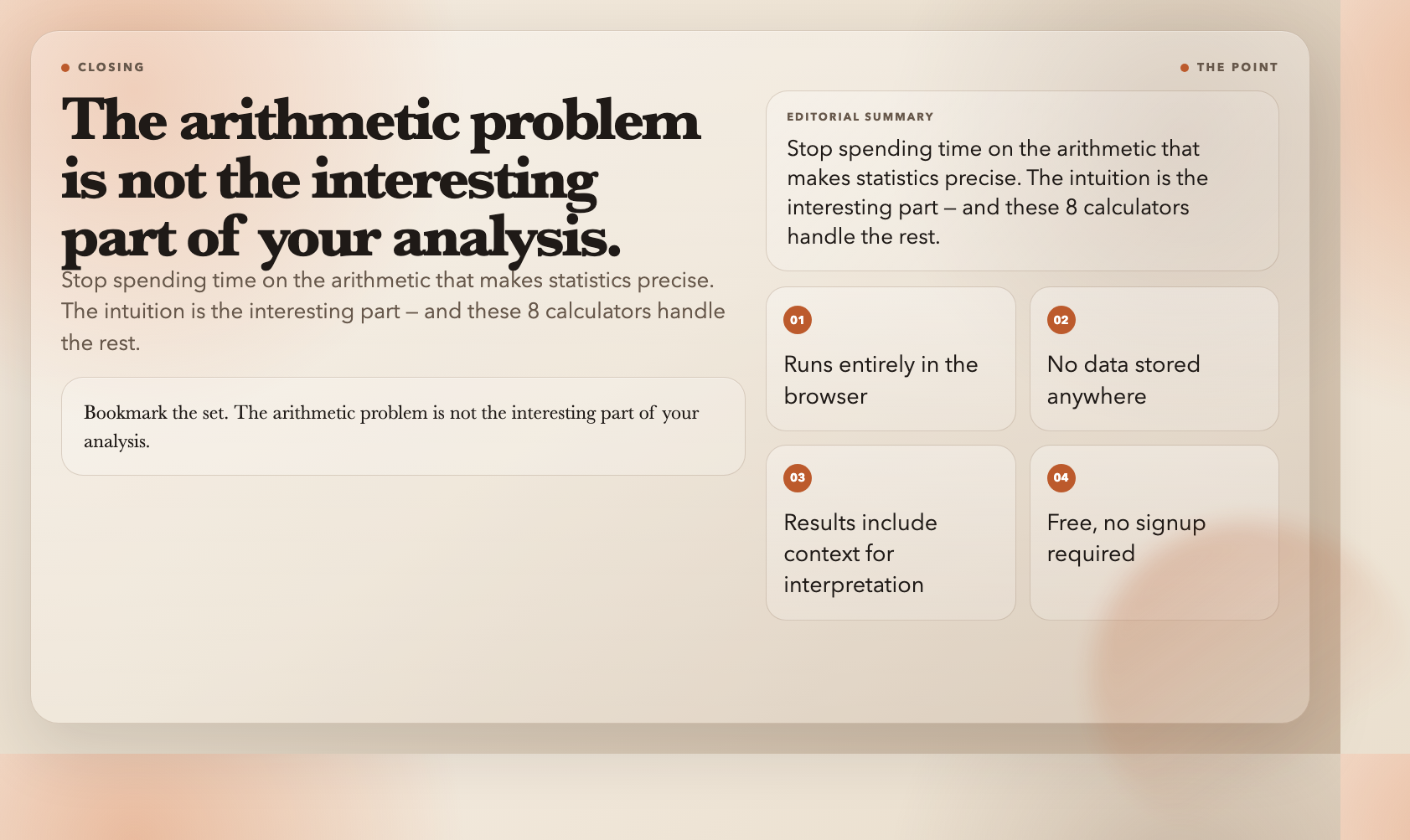
These 8 calculators remove that layer entirely. They run in your browser, don’t store your data, and return results with enough context to interpret them without a textbook next to you.
Bookmark the set. The arithmetic problem is not the interesting part of your analysis. Stop spending time on it.