
# 8 Free Text Format Converters That Solve Problems Your IDE Can’t
You’re three hours into a data migration. The data is mostly clean — except every phone number is formatted differently, filenames have spaces that break your parser, and someone stored prices as `1234567` instead of `1,234,567`.
You could write a script. Or open a browser tab.
Here are 8 text format converters that handle the small, tedious formatting jobs your code editor can’t do natively.
1. Advanced Case Converter
Python uses `snake_case`. JavaScript wants `camelCase`. CSS properties are `kebab-case`. Switching between them by hand is a reliable way to introduce bugs.

The Advanced Case Converter handles all common naming conventions in one place: `snake_case`, `camelCase`, `PascalCase`, `kebab-case`, `dot.case`, `path/case`, `sentence case`, and more. Paste a string, pick your format, copy the result.
This becomes essential when integrating APIs that return inconsistent field names, or when migrating between codebases with different style guides.
2. Phone Number Formatter
Phone numbers look different depending on where you’re from. `+1 (555) 123-4567` in the US. `+86 138 0000 1234` in China. `+44 20 7946 0958` in the UK. If your app accepts international phone numbers, formatting them consistently matters.
The Phone Number Formatter takes a raw number and outputs a properly formatted version based on the detected country code. No library install. No regex debugging. Just paste and copy.
3. Filename Sanitizer
Not all characters are legal in filenames. Windows bans `<>:”/|?*`. Linux bans `/` and null bytes. If your app generates filenames from user input, you need to sanitize before writing to disk.
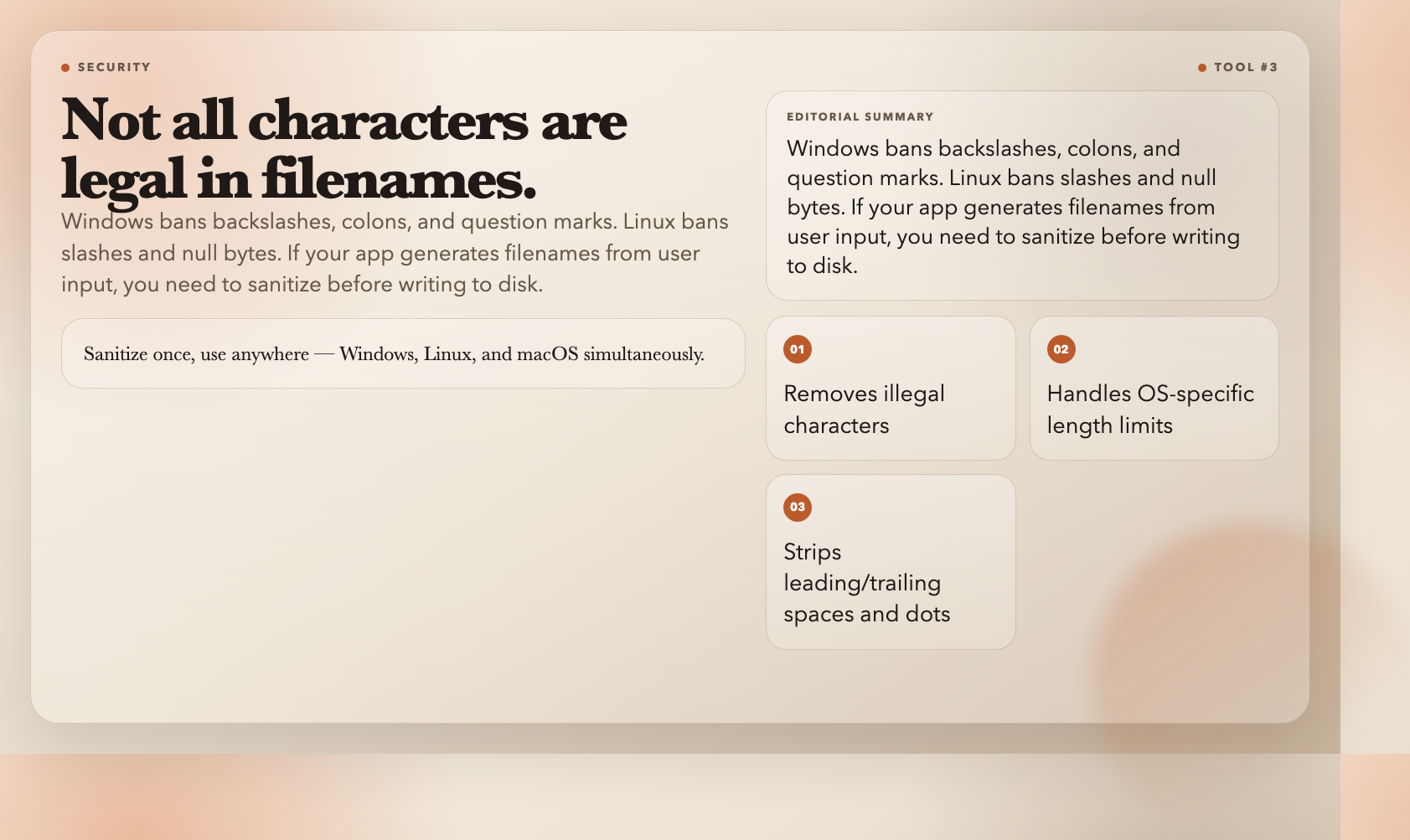
The Filename Sanitizer removes illegal characters, strips leading/trailing spaces and dots, and respects OS-specific length limits. It covers Windows, Linux, and macOS simultaneously — sanitize once, use anywhere.
This is the tool you reach for when building file upload handlers, document management systems, or any app where users name things.
4. Markdown List Formatter
Converting raw text into clean Markdown lists is tedious with dozens of items. Are they already bulleted? Numbered? Raw lines? Do sub-items need indentation?
The Markdown List Formatter takes any text and converts it into properly formatted Markdown list syntax. It handles both unordered and ordered lists with configurable markers.
If you maintain documentation, build static sites, or write READMEs, this saves time on every file you touch.
5. Non-Alphanumeric Cleaner
Sometimes you need to extract only letters and numbers from a string. API keys, slugs, identifiers — sometimes the input has stray characters that break parsers or cause validation errors.
The Non-Alphanumeric Cleaner strips special characters while letting you preserve specific ones (like hyphens or underscores). You can also split on non-alphanumerics instead of just removing them.
This is useful for cleaning scraped data, processing user-generated content, or preparing text for use as system identifiers.
6. Text Spacer (Chinese and English)
Mixing Chinese and English without proper spacing looks unprofessional and hurts readability. In Chinese typography, there’s supposed to be a space between Chinese characters and English words. Most text editors don’t do this automatically.
The Text Spacer automatically inserts spaces between Chinese characters and English/numbers. It handles mixed content, preserves existing spacing, and produces properly typeset text that follows Chinese composition conventions.
This tool is essential for anyone publishing bilingual content or maintaining Chinese-language documentation.
7. Whitespace Normalizer
Consecutive spaces. Tabs that look like spaces. Lines with trailing whitespace. These are invisible in most editors but they cause real problems: noisy diffs, inconsistent string comparisons, hidden bugs in parsers.
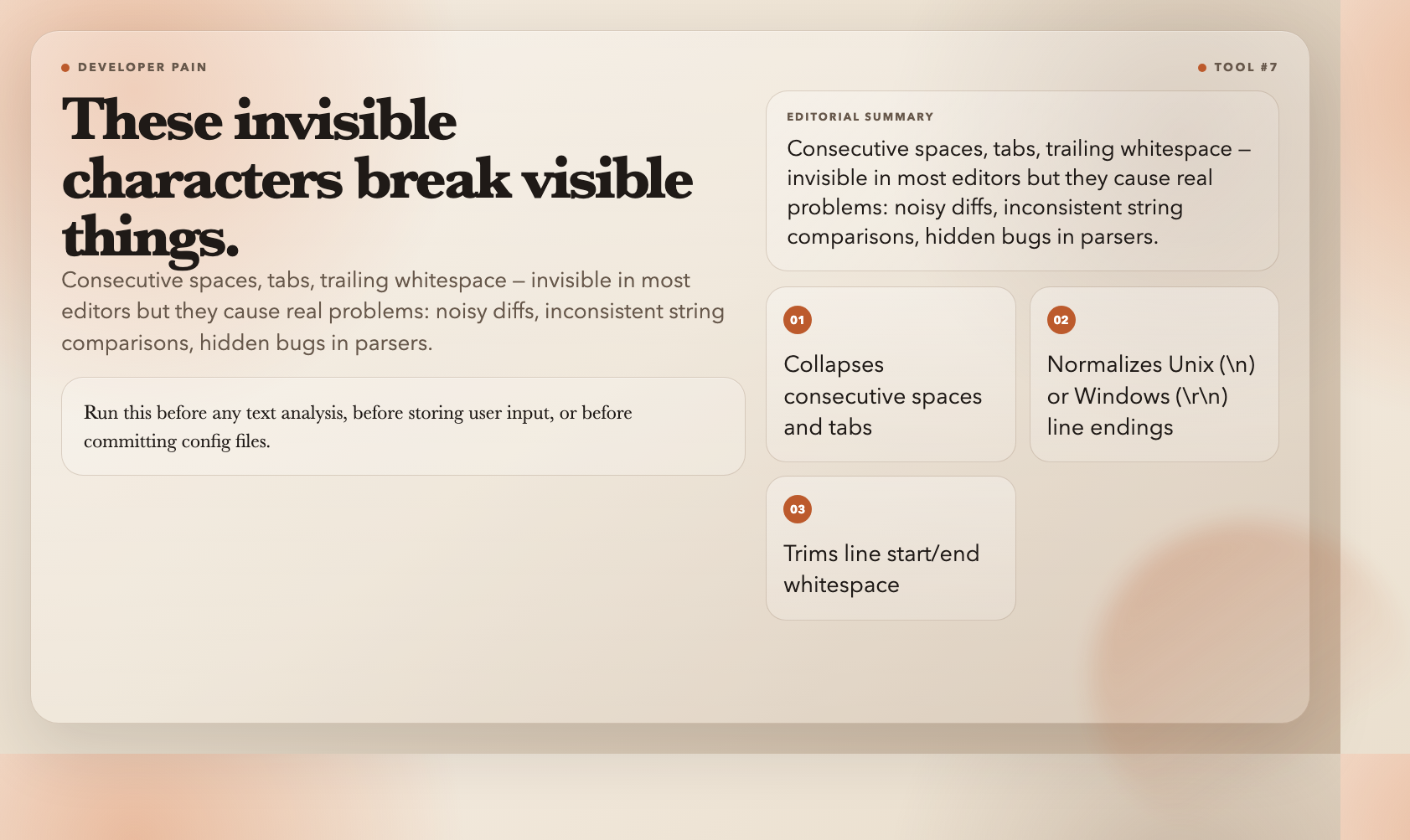
The Whitespace Normalizer collapses consecutive spaces and tabs into single spaces, trims line boundaries, and optionally normalizes line endings to Unix (`n`) or Windows (`rn`) style.
Run this before any text analysis, before storing user input, or before committing config files to version control.
8. Thousands Separator
Reading `1234567890` is hard. Reading `1,234,567,890` is effortless. Yet most systems don’t add separators automatically, and most people do it wrong when they try manually.
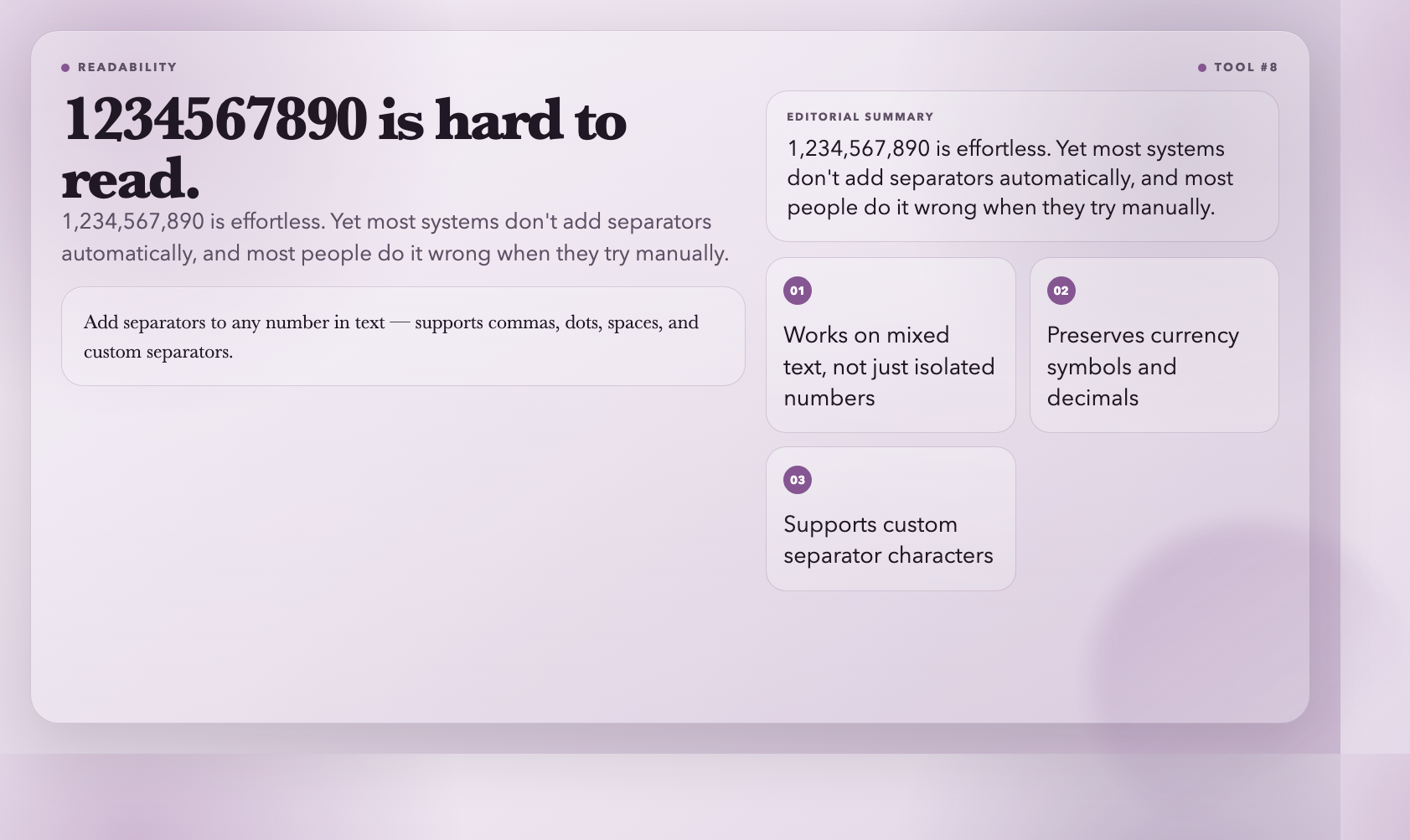
The Thousands Separator adds separators to any number in text. It supports commas, dots, spaces, and custom separators. It handles decimal numbers, preserves currency symbols, and works on mixed text — not just isolated numbers.
This is useful for financial dashboards, data reporting tools, or any interface where users need to read large numbers at a glance.
These 8 tools handle the recurring formatting problems that feel too small to script but burn enough time to matter. Next time you’re staring at a messy import wondering how it got this bad, remember — there’s probably a free tool for exactly that.