# 8 Free API & Data Developer Tools That Replace What You’re Cobbling Together
Debugging a distributed trace should not require four different browser tabs. Parsing a User Agent string should not mean copying a regex from Stack Overflow that you don’t fully understand. Yet here we are — most developer toolchains are held together by scripts, guesses, and the quiet hope that someone, somewhere, has solved this already.
They have. Here are eight tools that handle the awkward middle work of API and data development — the stuff that slows you down but never quite warrants building from scratch.
—
1. JSON Schema to Zod Schema Converter
JSON Schema is the standard. Zod is what you actually want in a TypeScript project at runtime. The gap between them is annoying.
This tool converts a JSON Schema document into a Zod schema in one click. It handles $ref chains, enum values, required fields, and custom formats. You paste the schema, you get a ready-to-use TypeScript definition that validates at runtime.
Use it when: You’re building a TypeScript API client and want runtime validation without duplicating your type definitions across two files.
Why it matters: Manually translating JSON Schema to Zod introduces errors. Automated conversion eliminates that whole class of bugs.
Try the JSON Schema to Zod Schema Converter →
—
2. JWT Decoder & Security Auditor
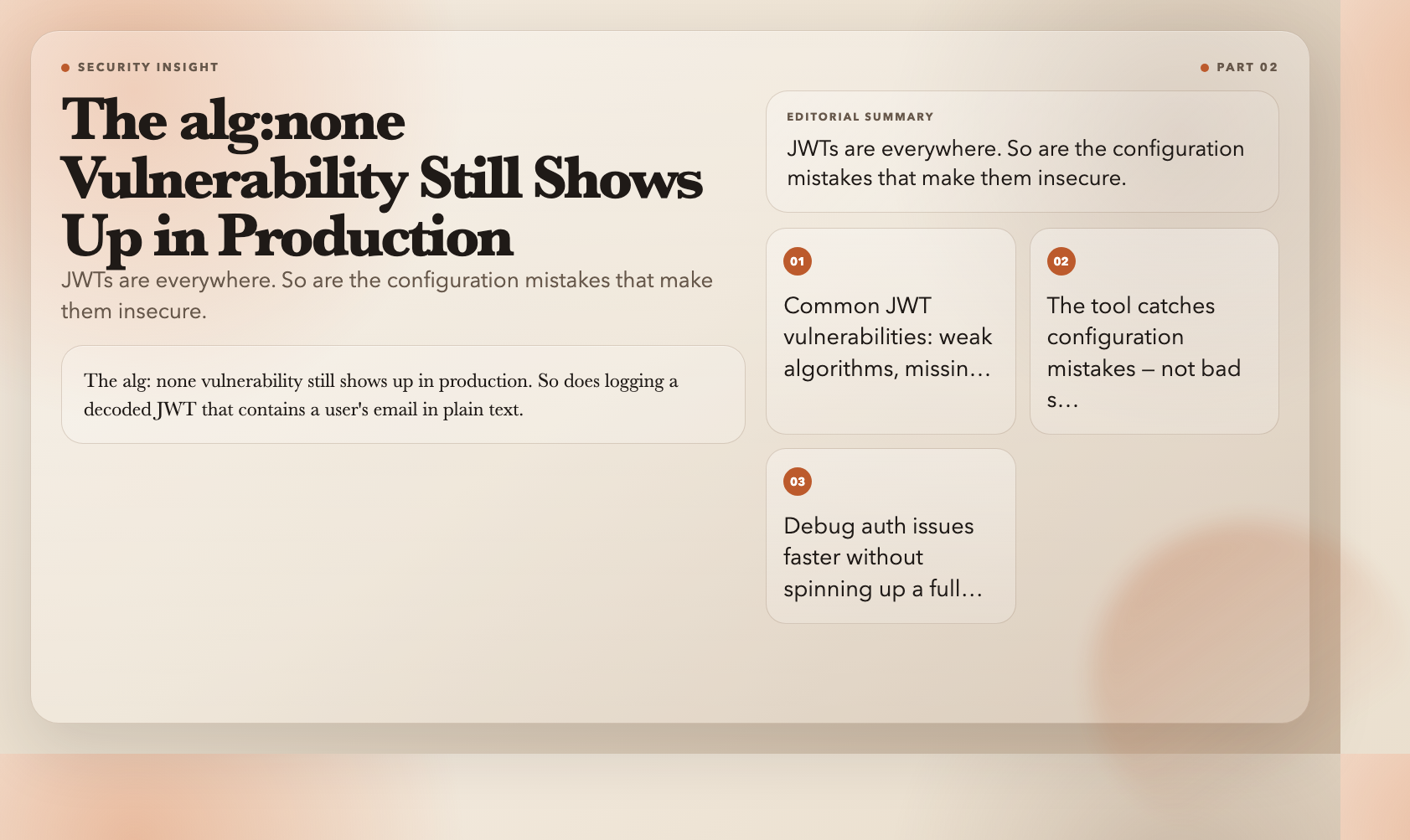
JWTs are everywhere. Security mistakes in JWT handling are also everywhere.
This tool decodes a JWT and displays the header, payload, and signature in a readable format. But it goes further — it runs a security audit on the token and flags common vulnerabilities: weak algorithms (none), missing exp claims, overly permissive audience claims, and exposed sensitive data in the payload.
It won’t tell you if your signing secret is actually secure. But it will catch the configuration mistakes that are far more common.
Use it when: Debugging an authentication issue, auditing a third-party JWT implementation, or onboarding onto a new codebase.
Why it matters: The alg: none vulnerability still shows up in production. So does logging a decoded JWT that contains a user’s email in plain text.
Try the JWT Decoder & Security Auditor →
—
3. Distributed Trace Decoder (Waterfall Visualizer)
You have a trace ID. You have logs from three services. They don’t line up. You spend twenty minutes in a spreadsheet.
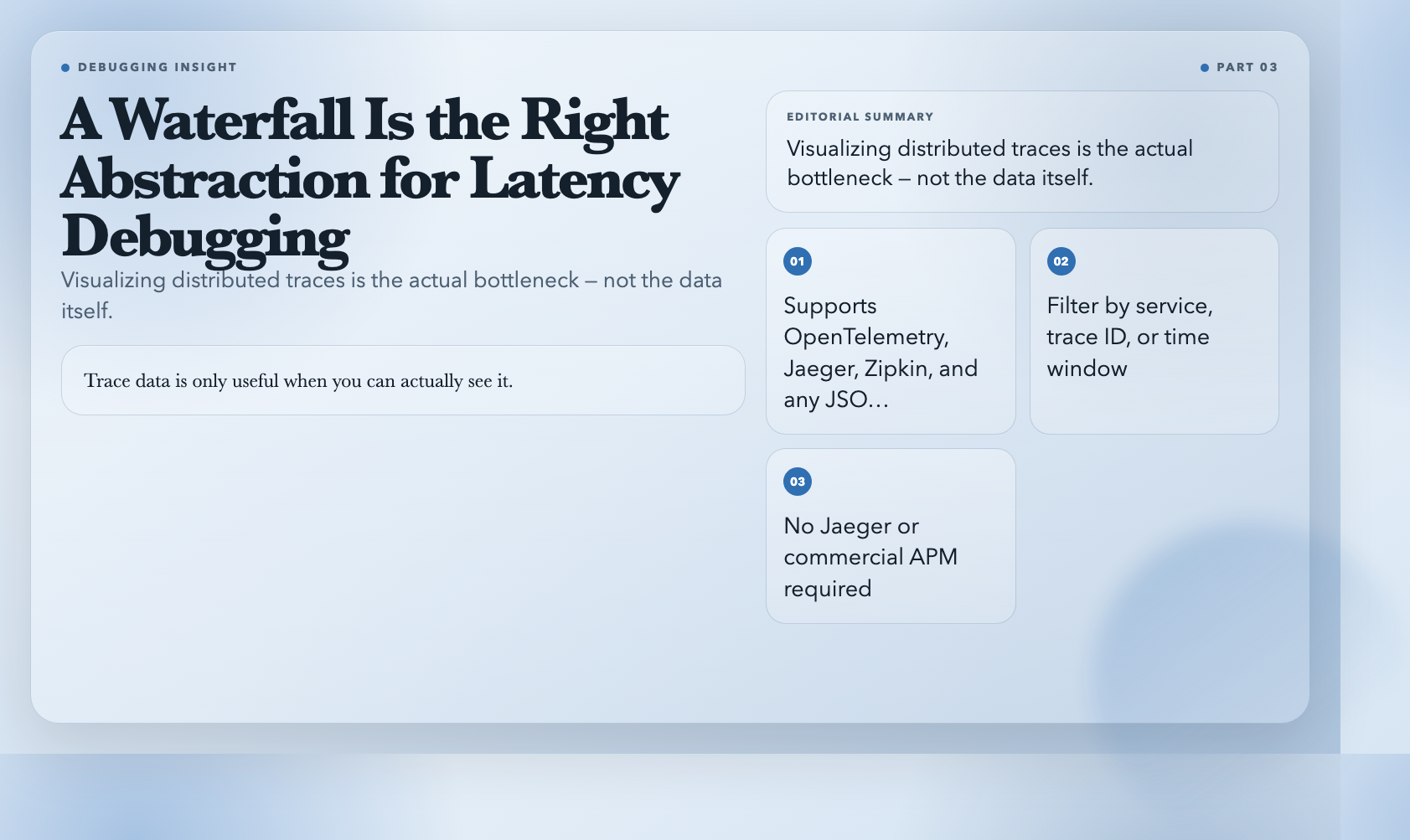
This tool takes raw distributed trace data — OpenTelemetry, Jaeger, Zipkin, or any JSON structure with timestamps and spans — and renders it as an interactive waterfall chart. Spans show duration, overlap, and parent-child relationships. You can filter by service, trace ID, or time window.
Use it when: You need to visualize latency across services without spinning up Jaeger or a commercial APM.
Why it matters: Trace data is only useful when you can actually see it. A waterfall is the right abstraction for latency debugging — not a log dump.
Try the Distributed Trace Decoder →
—
4. JSONata Query Studio
JSONPath works for simple queries. When you need transformations — grouping, aggregation, conditional logic — JSONPath starts feeling like the wrong tool.
JSONata is a lightweight query and transformation language purpose-built for JSON. {{ account.balance > 0 ? "active" : "inactive" }} is valid JSONata. This tool gives you an interactive editor with a split view: write your query on the left, see results on the right, with sample data you can swap out.
Use it when: You need to reshape API responses, build derived data views, or test JSONata expressions before embedding them in a pipeline.
Why it matters: JSONata expressions are more readable than equivalent JavaScript and significantly faster to write for complex transformations.
Try the JSONata Query Studio →
—
5. Log Sequence Diagram Converter
You’ve seen those ASCII sequence diagrams in pull request descriptions. They’re hand-drawn or generated by tooling that requires a full install. This tool converts a text-based sequence description into a clean SVG diagram — from a format that looks almost like writing.
“plaintext`
Browser -> Server: GET /api/data
Server -> Database: SELECT * FROM items
Database --> Server: result
Server --> Browser: 200 OK
Use it when: Documenting API flows, debugging message-passing issues, or adding diagrams to README files without opening draw.io.
Why it matters: Sequence diagrams communicate timing and causality faster than any other format. The friction of creating them has been the only reason developers avoid them.
Try the Log Sequence Diagram Converter →
---
6. .env Parser
Environment files are simple. Until someone adds a value with an = in it, or a comment that spans multiple lines, or a space after the key name that breaks your bash script.
This tool parses .env files and displays them as structured key-value pairs. It detects duplicate keys, flags suspicious spacing, handles quoted values (single, double, multiline), and reports parse errors with line numbers.
Use it when: You're debugging a configuration issue, auditing an unfamiliar .env file, or verifying that your deployment config matches your development one.
Why it matters: .env parsing sounds trivial until a subtle character breaks production and the error message gives you nothing to work with.
---
7. User Agent Parser
Most analytics tools give you browser data that is either too vague (Chrome on Windows) or so detailed it requires a lookup table. This tool parses any User Agent string and returns structured data: browser name and version, rendering engine, operating system, device type, and a confidence level.
It detects bots (Googlebot, Bingbot, Facebook Bot, and 15 others), identifies mobile vs. desktop, and handles spoofed or ambiguous strings with a confidence indicator.
Use it when: Building custom analytics, filtering bot traffic, or writing logic that depends on client type.
Why it matters: The difference between "Mobile Safari on iOS" and "Chrome on a Pixel 6 running Android" changes how you handle touch events, viewport sizing, and feature support. Both report as "Chrome" if you're not parsing deeply enough.
---
8. CSV Transformer
You're handed a CSV export. It has 23 columns. You need 7, two of which are computed. One column is dates in MM/DD/YYYY format but some rows use DD-MM-YYYY. You reach for Python.
This tool handles it in the browser. You define a sequence of transformation operations — rename columns, remove columns, add computed columns, convert data types, filter rows — and it applies them in order. Output is CSV, JSON, or a summary report.
Use it when: Quick CSV cleanup before import, building a data pipeline prototype, or transforming exports without launching a Python environment.
Why it matters: The mental overhead of "just a small CSV fix" often ends up being a Python script with pandas imports that takes longer to write than the actual work.
---
The Gap These Tools Fill
Every developer has a folder of one-off scripts they wrote for problems that seemed too small to solve properly. The CSV cleaning script. The JWT debugger. The regex that parses whatever that weird log format is. They work. They're ugly. They're not documented.
The difference between those scripts and these tools is about twenty minutes of setup and zero maintenance going forward. The distributed trace waterfall visualizer doesn't require a running service. The JWT auditor doesn't require an account. The CSV transformer doesn't require installing Python, navigating a virtual environment, or remembering which version of pandas` you used last time.
They work now. Bookmark the ones that match the problems you’ve been solving with ugly scripts — and stop solving them that way.