8 Free Converter Tools for the Data Formats Nobody Talks About
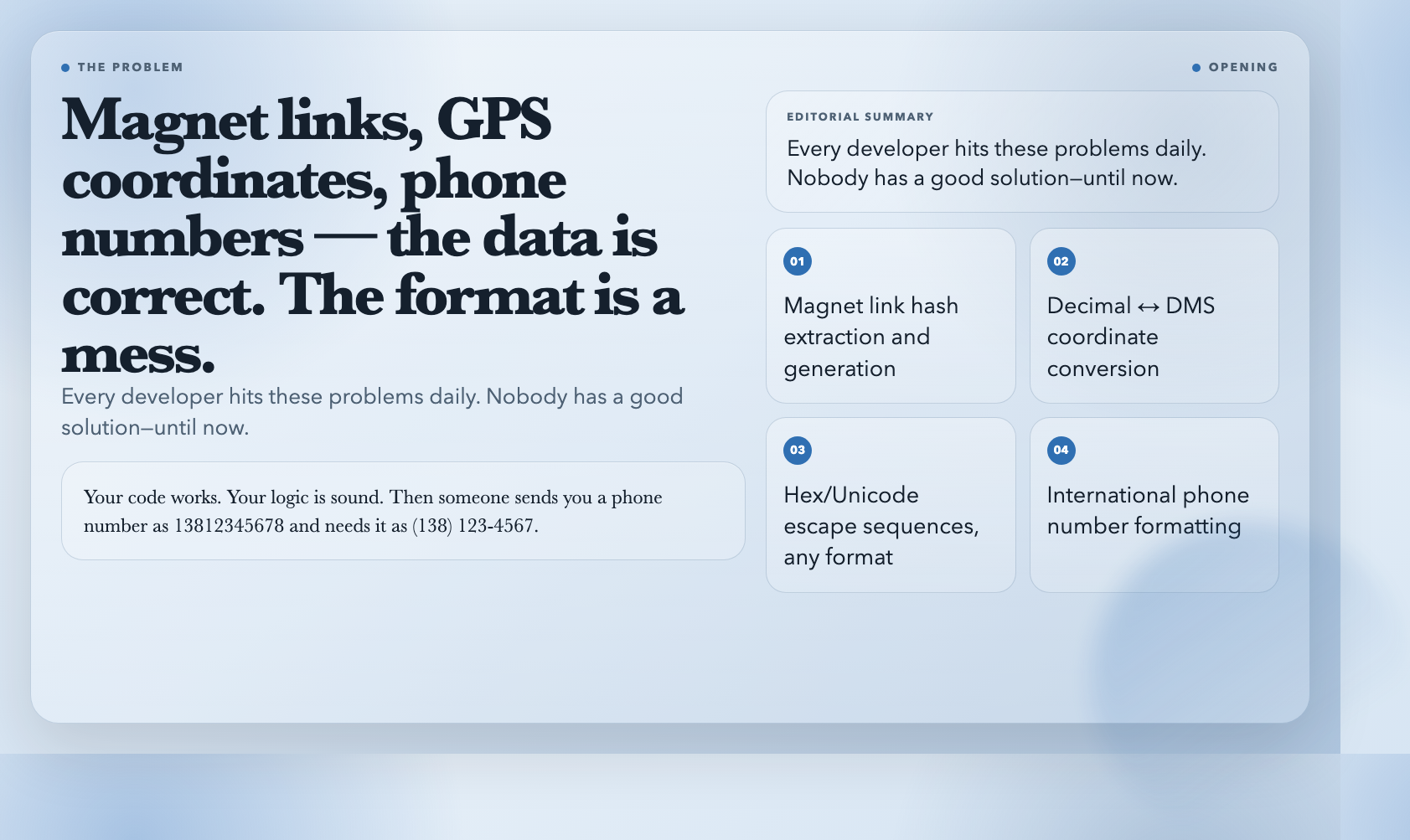
Your code works. Your logic is sound. Then someone sends you a phone number as 13812345678 and needs it as (138) 123-4567. A teammate pastes GPS coordinates as 31.2304° N, 121.4737° E but your system wants 31°13'49.4"N 121°28'25.3"E. A magnet link shows up in a config file and you need just the hash.
These problems are small. They are also constant.
Here are eight free tools that handle the formats developers encounter daily but rarely have good solutions for—until now.
Magnet Link Converter
Torrent magnet links are long. Sometimes you only need the hash—the 40-character BTIH identifier that uniquely identifies the file. Sometimes you’re building a system that works with raw hashes and needs to reconstruct full magnet links.
The Magnet Link Converter handles both directions. Drop a full magnet link like magnet:?xt=urn:btih:ABCDEF1234567890... and it extracts the hash. Drop a raw hash and it builds the full link. You can output plain hash, full link, or structured JSON.
This is the tool you want when working with torrent-based content distribution, archival systems, or any workflow that ingests magnet links at scale.
Coordinate DMS Converter
GPS coordinates show up in at least three formats: decimal degrees (31.2304°), degrees-minutes-seconds (31°13'49.4"N), and sometimes as raw DMS strings without the directional indicators.
The Coordinate DMS Converter switches between decimal degrees and DMS in either direction. Input a latitude and longitude, pick your output format, and it handles the math. It validates ranges (latitude −90 to 90, longitude −180 to 180) and lets you control decimal precision on the output.
If you’re building anything that consumes GPS data—travel apps, logistics dashboards, field service software—this tool is a fast way to standardize coordinate formats without writing conversion functions from scratch.
Hex/Unicode Converter
Debugging a network protocol? Working with fonts or emoji? Encoding international character data for an API?
The Hex/Unicode Converter converts text to and from hex escape sequences (x48x65x6Cx6Cx6F) and Unicode escapes (u0048u0065u006Cu006Cu006F). You can toggle between prefixed output (x48), compact hex (48), and array format.
The tool handles surrogate pairs for emoji and characters outside the Basic Multilingual Plane automatically. Paste any escaped sequence and it reconstructs the original text—regardless of whether the escapes use x, u, or compact notation.
Phone Number Formatter
Phone numbers are deceptively hard. A US number, a Chinese number, and a German number all look different in their raw form. Display them wrong and they look like bugs to users.
The Phone Number Formatter takes a raw number and formats it for 15 different countries: China, US, Japan, South Korea, UK, Germany, France, India, Brazil, Russia, Australia, Italy, Spain, Mexico, and Canada.
Paste 13812345678, select US, and get (138) 123-4567. Select FR and get 13 81 23 45 67. Select CN and get 138-1234-5678. No country code detection required—just pick the format you need.
Thousands Separator
Financial reports, population figures, scientific data—long numbers are unreadable without grouping. But depending on context you might need commas (1,000,000), dots (1.000.000), spaces (1 000 000), or underscores (1_000_000).
The Thousands Separator handles all of these. Paste a single number or text containing multiple numbers, choose your separator style, and it formats everything in one pass. You can toggle whether decimal points are preserved and whether it should format all numbers found in text or only standalone numeric lines.
This is the tool for cleaning up data exports, preparing reports, or making raw dataset numbers scannable without touching a spreadsheet.
What Problem Do These Solve
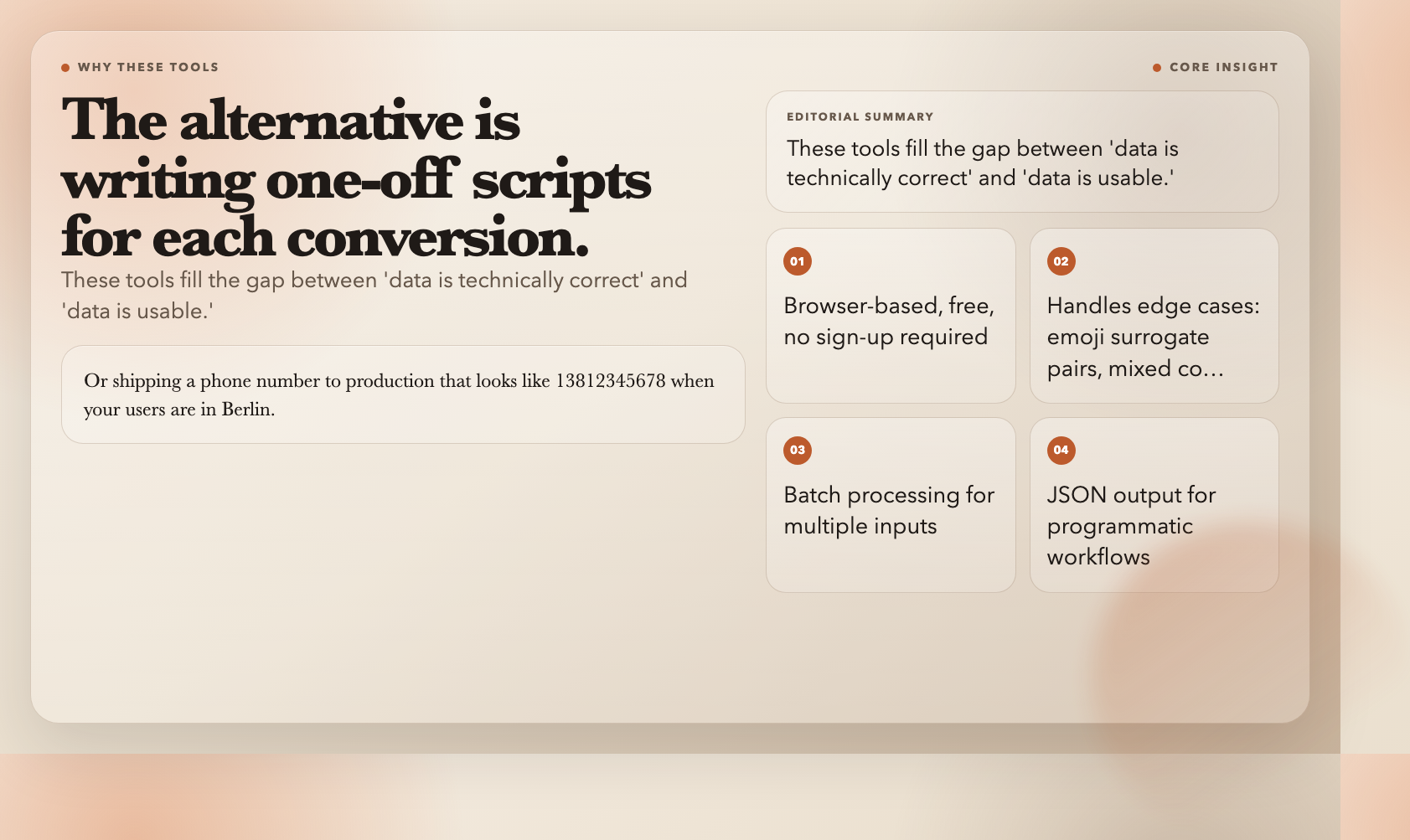
Each of these tools fills the gap between “data is technically correct” and “data is usable.” They handle the formats that don’t get covered in mainstream tooling—magnet hashes, GPS coordinates, Unicode escapes, international phone numbers, numeric separators.
The alternative is writing one-off scripts for each conversion. Or eyeballing DMS coordinates and hoping you didn’t flip a sign. Or shipping a phone number to production that looks like 13812345678 when your users are in Berlin.
Bookmark these tools before the next time messy data shows up—which will be tomorrow.
All five tools run free at elysiatools.com, alongside 1,600+ other utilities for developers and data workers.