# Stop Manually Editing CSVs — 8 Free Tools That Do the Work for You
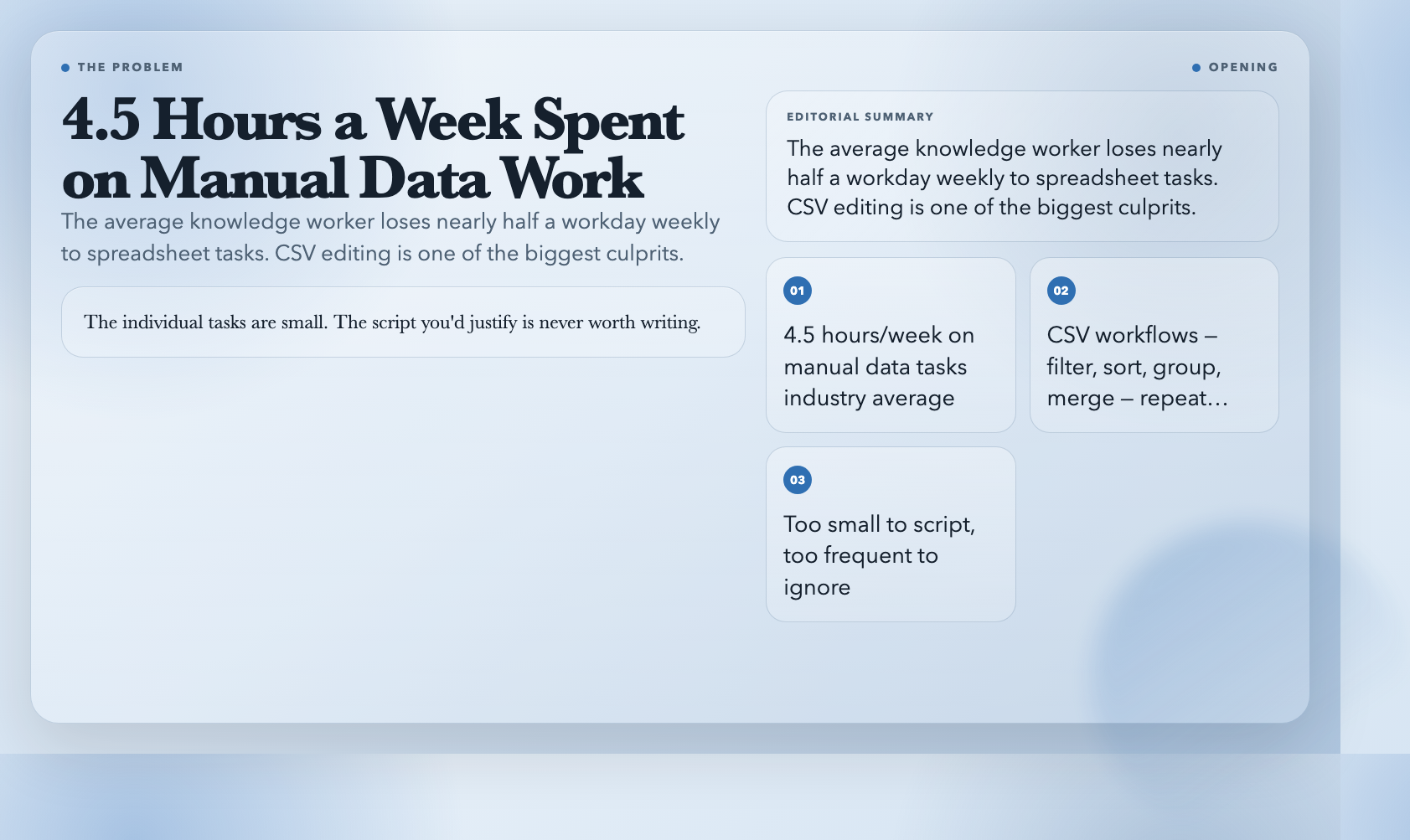
The average knowledge worker spends 4.5 hours per week on manual data tasks. For developers and analysts, a significant portion goes to CSVs: filtering rows, sorting columns, grouping summaries, merging exports, converting formats. The individual tasks are small. The script you’d justify is never worth writing.
That’s exactly the gap these tools fill.
Here are eight free CSV tools from ElysiaTools that handle the workflows you keep doing manually — faster, and without touching a terminal.
1. CSV Filter — Pull Rows That Actually Matter
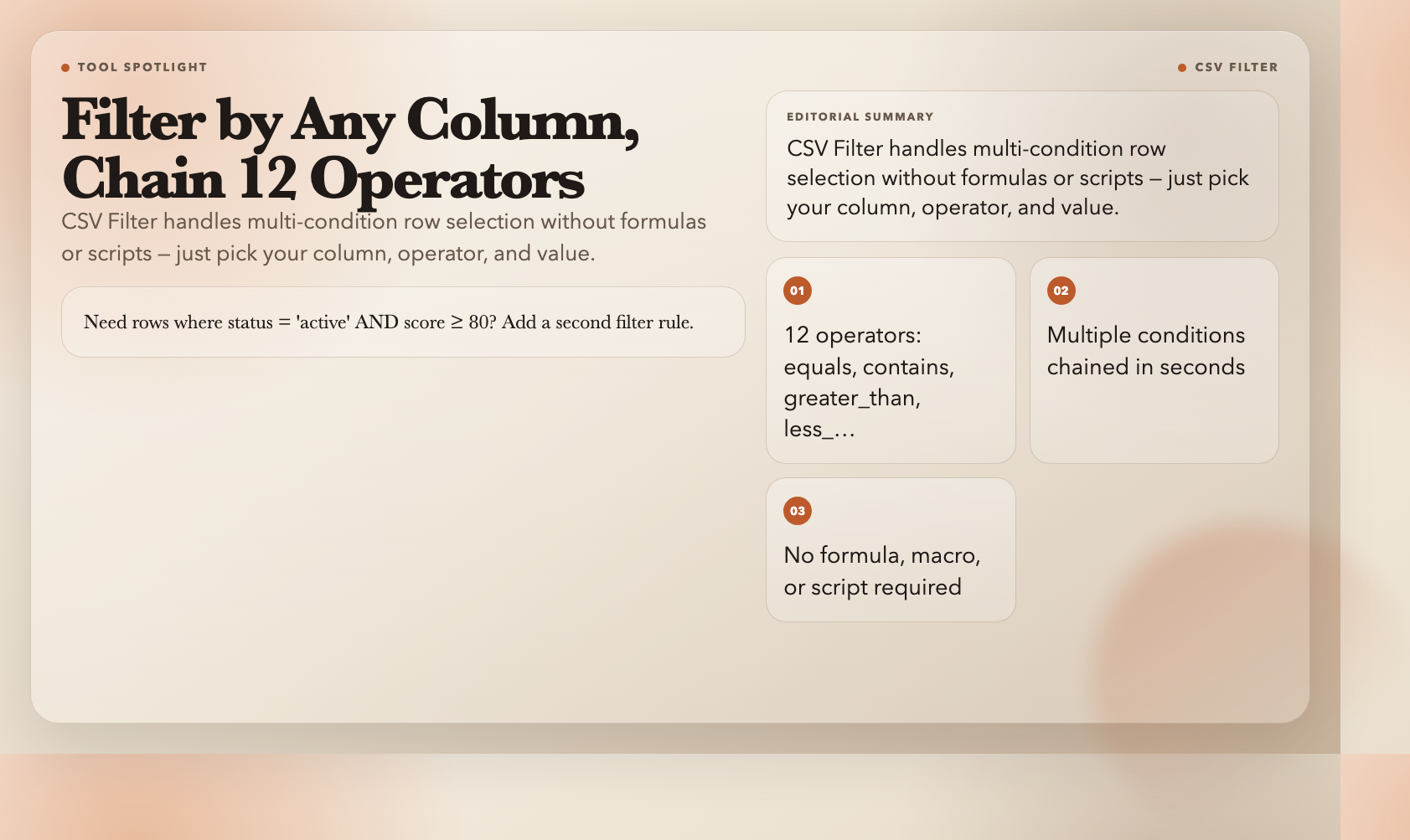
Most CSVs contain far more data than you need. CSV Filter lets you define conditions on any column and returns only matching rows — no formulas, no macros, no script.
Chain multiple conditions in seconds. Need rows where `status = “active”` AND `score ≥ 80`? Add a second filter rule. Twelve operators available: `equals`, `contains`, `greater_than`, `less_than`, `is_empty`, `is_not_empty`, and more.
This is the tool you’d reach for when someone says “just pull the rows where price exceeds $50 and the category is Electronics.”
Use it here: CSV Filter
2. CSV Sorter — Sort by Any Column, Any Order

Basic sorting works fine — until you need a secondary sort. CSV Sorter handles multi-column sorting with independent ascending or descending order per column.
It sorts numbers as numbers, not text. Text sort puts “12” before “9.” Numeric sort puts “12” after “9.” If you’ve ever stared at a spreadsheet silently sorting “10, 11, 2” as “10, 11, 2” and spent 20 minutes hunting the error, you understand why this distinction matters.
Use it here: CSV Sorter
3. CSV Data Grouper — Summarize Without Writing a Query
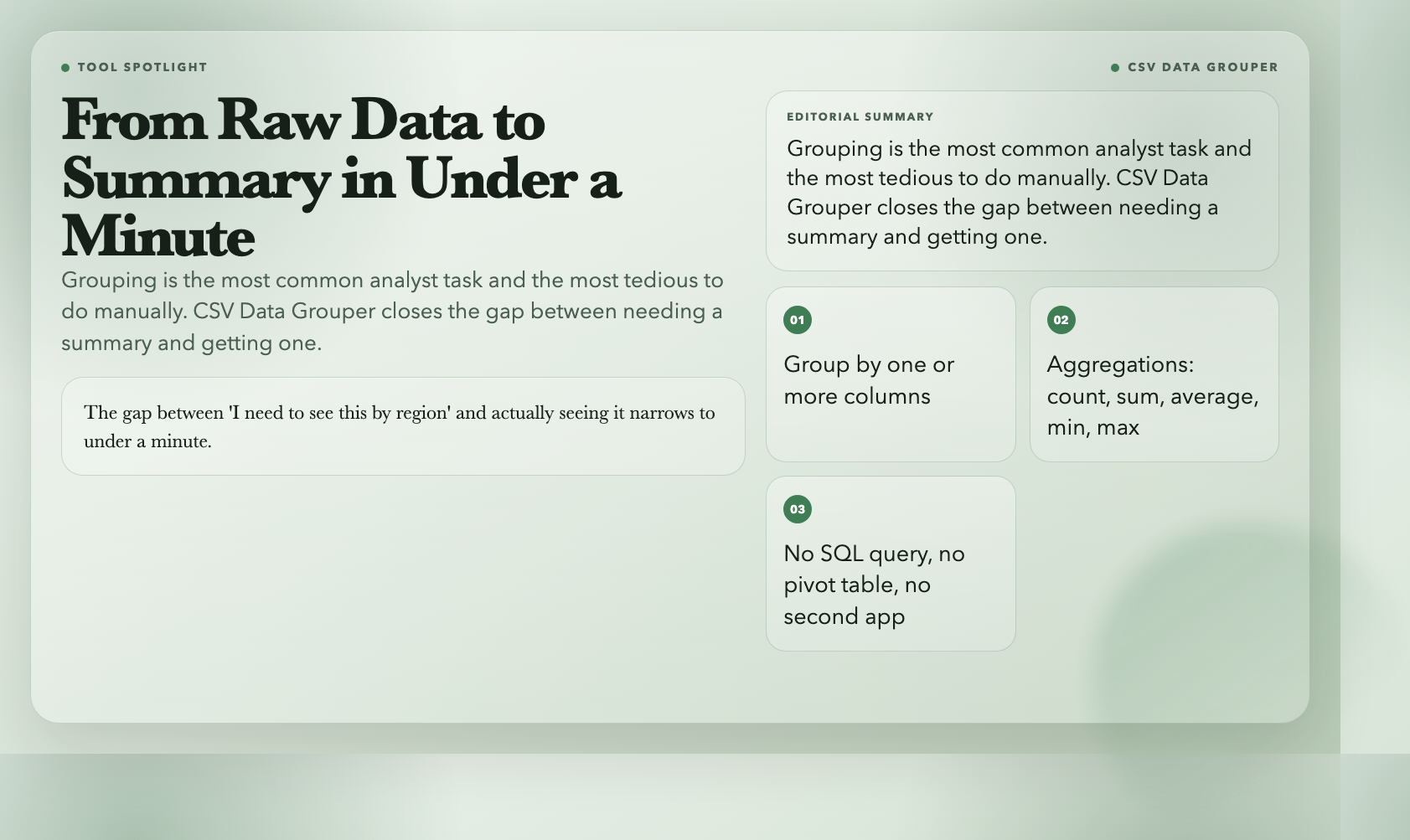
Grouping data is one of the most common analyst tasks and one of the most tedious to do by hand. CSV Data Grouper lets you pick one or more columns to group by, then applies aggregation functions — count, sum, average, min, max — to the rest.
Paste your CSV, pick your group column, choose your aggregation, get a clean summary. No SQL, no pivot table, no opening a second app. The gap between “I need to see this by region” and actually seeing it narrows to under a minute.
Use it here: CSV Data Grouper
4. CSV Row Column Transposer — Flip Rows Into Columns
Sometimes your data is oriented the wrong way. Countries as rows, years as columns — but your downstream tool expects the opposite. CSV Row Column Transposer flips the orientation in one step.
It handles headers intelligently, controls how empty cells are treated, and supports multiple delimiters. The output is a clean CSV compatible with any spreadsheet or data tool. In data pipelines, a simple transpose is often what unlocks two systems that expect different layouts.
Use it here: CSV Row Column Transposer
5. CSV File Merger — Combine Files Without the Copy-Paste
Marketing sends three separate CSV exports for Q1, Q2, and Q3. The instinct is to open each file and manually paste rows into a master sheet. CSV File Merger automates this — multiple files in, one combined file out, with options for header handling and deduplication.
If you’ve ever spent 20 minutes on a merge that took longer than writing a throwaway script would have, this tool earns its place in your workflow immediately.
Use it here: CSV File Merger
6. CSV Column Selector — Extract Only What You Need
Data exports frequently contain 40 columns of metadata when you only need 5. CSV Column Selector lets you specify which columns to keep — by name or by index — and returns a clean file with exactly the data you need.
Fewer columns means less noise, faster downstream processing, and smaller files when passing data between tools.
Use it here: CSV Column Selector
7. CSV Splitter — Break Large Files Into Usable Chunks
Some import tools fail on files over 100MB. Some cloud platforms cap uploads at fixed thresholds. CSV Splitter takes a large file and divides it into chunks of a specified row count, preserving the header row in each split.
If you’ve ever manually counted rows and split a file in a text editor — or wrote a one-off script just to chunk a CSV — this replaces that whole process with a single paste-and-click.
Use it here: CSV Splitter
8. CSV to Markdown — Put Your Data Where Your Docs Live
Markdown tables live in READMEs, wikis, GitHub issues, and technical specs everywhere. Building one from raw CSV means getting the pipe characters and alignment right for every row. CSV to Markdown converts your data in one step.
Paste your CSV, confirm your header row, copy the output, paste it into your doc. If your team maintains RFCs, architecture decision records, or any living technical documentation, this small automation eliminates a recurring friction that somehow still costs time every single sprint.
Use it here: CSV to Markdown
One More Thing Worth Knowing
ElysiaTools has over 1,600 free tools across audio processing, data validation, image manipulation, and more — all browser-based, no account required. The CSV tools are a small corner of what’s available. The tool that saves you the most time is usually the one you haven’t discovered yet.