Someone on your team has just emailed you a spreadsheet. It has the new pricing list, the migration target, the customer export, the one the legal team needs to be in the warehouse by Monday. The data is right there — 12 columns, 8,400 rows, one sheet, a header row that almost matches the table schema. All you need to do is get it into Postgres.
You open the file. You check the types. You try a copy-paste. The first ten rows work. Row 4,000 contains a comma in a customer name and your INSERT statement splits it into two values. Row 4,891 has a date that Excel formatted as “Nov-12” and your parser saw it as a string. Row 5,103 has a NULL that the spreadsheet shows as empty but Python reads as 0.0 because pandas decided the column is numeric. By the time you reach the bottom, the first attempt has produced a transaction that looks successful and writes garbage to your production table. The next four hours, you spend cleaning it up.
This is the gap between a spreadsheet and a database. It is not a data problem. It is a contract problem. And the four rules that fix it have not changed since 1995, even though every team keeps rediscovering them.
The contract is the test
A SQL table is precise about its columns. A VARCHAR(255) field expects a string up to 255 characters. A DATE field expects something the database can parse into a calendar date. A DECIMAL(10,2) field expects a number with two decimal places. A TIMESTAMP field expects a specific moment in time. The contract is enforced by the database, row by row, value by value. If the value does not match the contract, the INSERT fails — or worse, succeeds with a coerced value the team did not expect.
A spreadsheet is forgiving. Excel does not enforce types. A column can be 80% text, 10% numbers, 8% dates, and 2% empty cells, and the format menu will let you call it “General.” When you read that file with pandas, the inferred dtype is whatever pandas could guess from the first 100 rows. A column that is mostly empty will be inferred as float because pandas treats empty cells as NaN and NaN is a float.
The contract that the SQL table expects is not the contract that the spreadsheet provides. The XLSX-to-SQL converter sits in the middle, and its job is to translate between them. Get the translation right and the load is invisible. Get it wrong and you ship a postmortem.
The value, the format, and the metadata
A row in a spreadsheet is a sequence of cells. Each cell is a tuple of value, format, and metadata. The cell value is what the user sees. The format is the way the user wants it displayed. The metadata is the type Excel assigned to the cell — string, number, date, boolean, error.
When you read the file, you have access to all three. A proper converter uses the metadata, not the value, to decide how to render the value into SQL. A cell with metadata type date and value Nov 12, 2024 becomes '2024-11-12' in SQL, regardless of how it was displayed. A cell with metadata type string and value O'Brien becomes 'O''Brien' — apostrophe escaped, because SQL string literals use single quotes and the apostrophe inside the value would otherwise terminate the literal.
A naive converter reads the value as Python sees it. If the cell shows 1,234.56 because of a thousand-separator format, Python reads it as the string "1,234.56", and your INSERT statement produces a value-error. If the cell shows 0 because the formula was =B2-B2, Python reads it as 0, and your INSERT writes a zero where the column should have been NULL. The difference between value and type is the difference between a working pipeline and a 3 AM page. Read the cell wrong, and the team ships a rollback.
The four rules that catch 95% of failures
A good XLSX to SQL converter does four things that the naive approach gets wrong. These rules matter because each one fixes a category of bug that the spreadsheet does not warn you about.
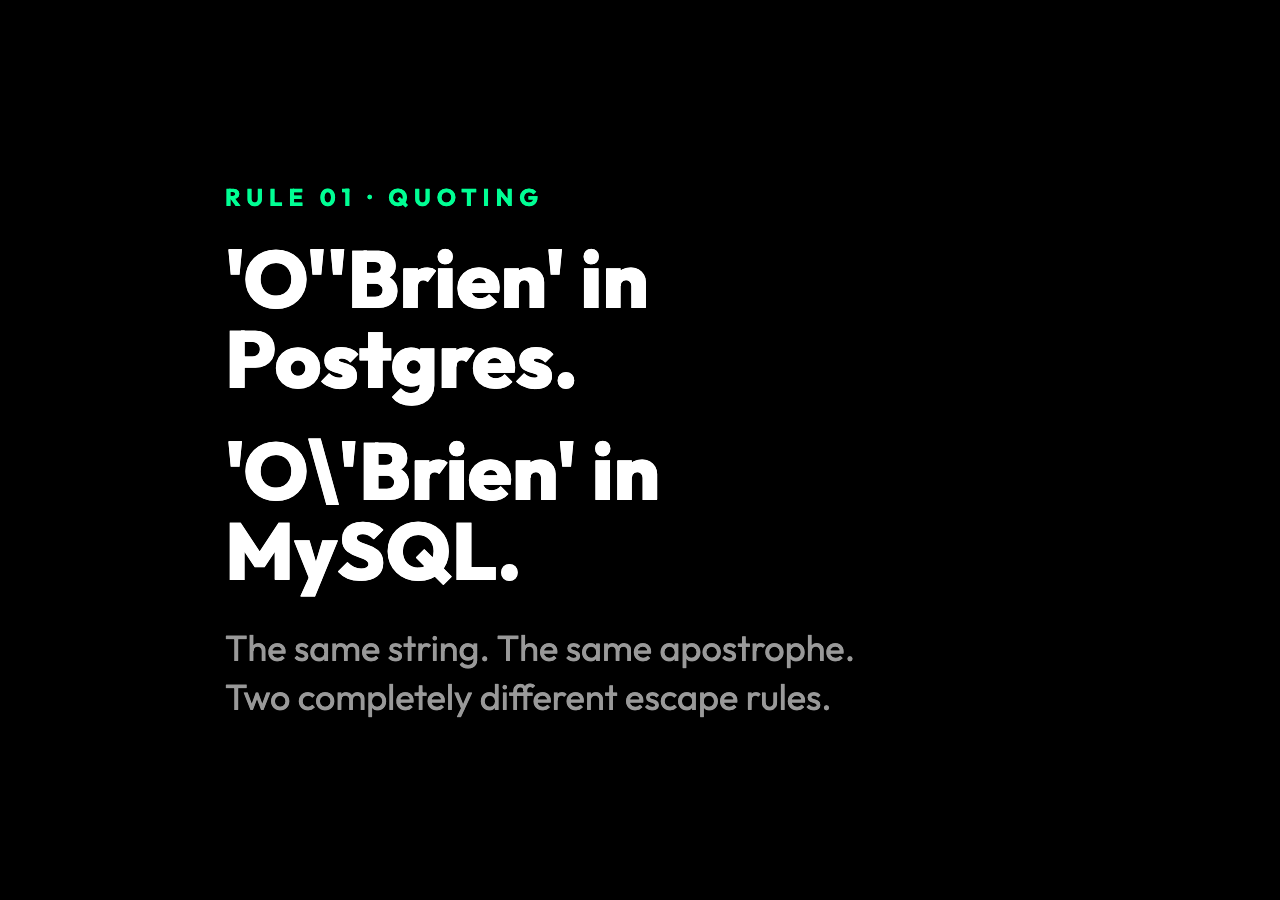
1. Quoting and escaping. SQL string literals are wrapped in single quotes. Apostrophes inside the string are escaped by doubling them. Backslashes are not special in standard SQL — they are special in MySQL, where they are doubled too. The converter has to know which database it is targeting. The same string O'Brien becomes 'O''Brien' in Postgres, 'O''Brien' in SQLite, and 'O'Brien' in MySQL. Get the dialect wrong and the same input produces syntactically invalid SQL on the wrong engine.
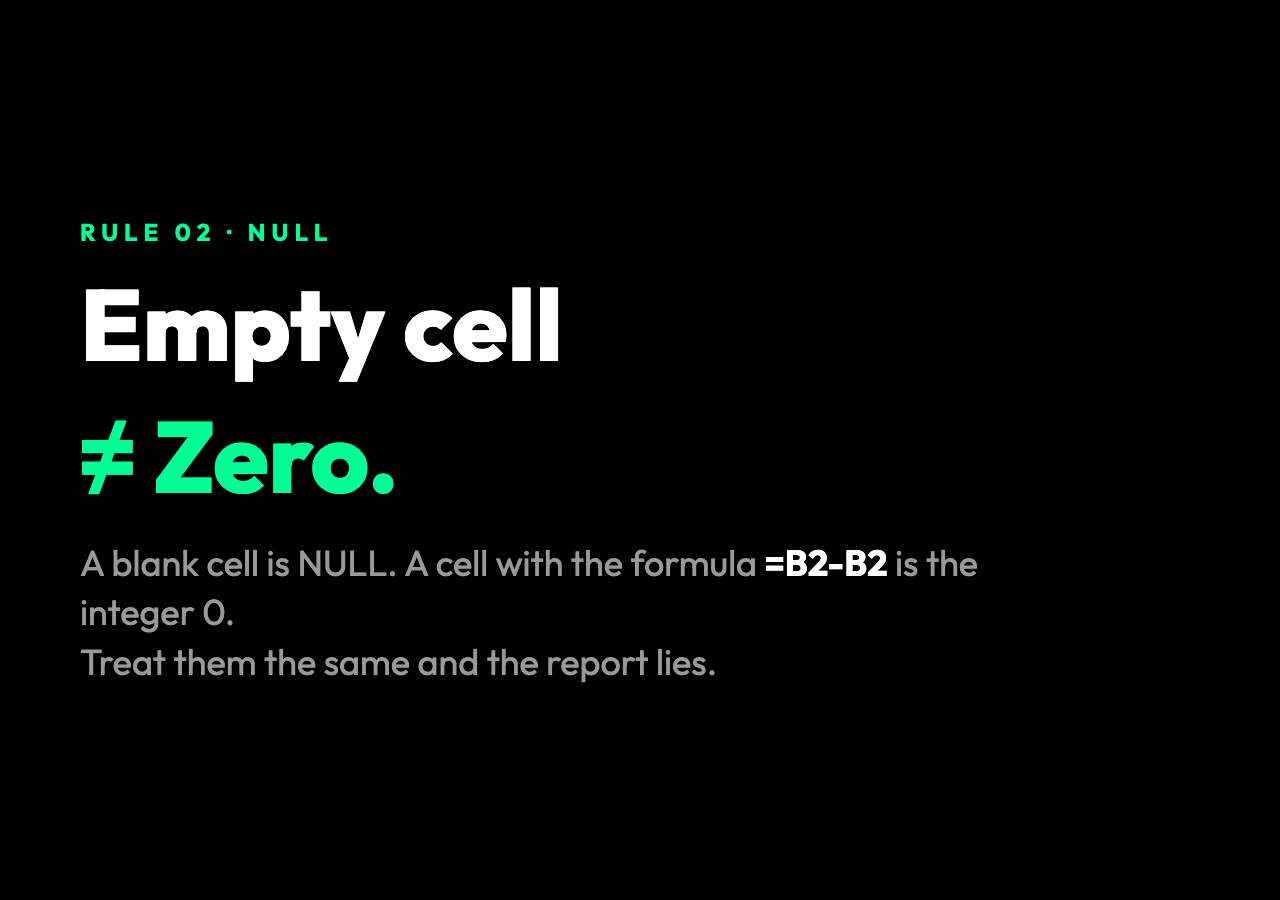
2. Empty cells map to NULL, not zero. This is the silent corruption. A spreadsheet cell that is empty is not the same as a cell that contains zero. A column of “price adjustments” with 200 empty cells means 200 customers had no adjustment. A column of “price adjustments” with 200 zeros means 200 customers had a $0 adjustment, which is a different story and a different business decision. The converter must distinguish empty from zero, and write NULL for the former, 0 for the latter. The way to do this is to check the cell’s metadata, not its rendered value.
3. Date format consistency. A date column in a spreadsheet often contains a mix of formats: 2024-11-12, Nov 12, 2024, 11/12/2024, 12-Nov, 44972 (Excel’s serial date number). The user sees dates. The cell metadata says date. A correct converter treats all of them as dates and emits them in a single canonical format — usually ISO 8601 (2024-11-12). Treat them as strings and the SQL DATE column will reject the value or, worse, the database will silently accept a malformed date in some dialects.
4. Type inference from the schema, not the data. The best converters let you tell them the schema. “Column A is VARCHAR(255), column B is DATE, column C is DECIMAL(10,2).” With that information, the converter can validate each cell against the expected type before it writes the SQL. If column B contains 44972 in row 4,891, the converter can convert it to 2023-02-11 because it knows the column is a date. If the user provided the wrong type, the converter can warn before the INSERT runs, not after.
What batching does to the equation
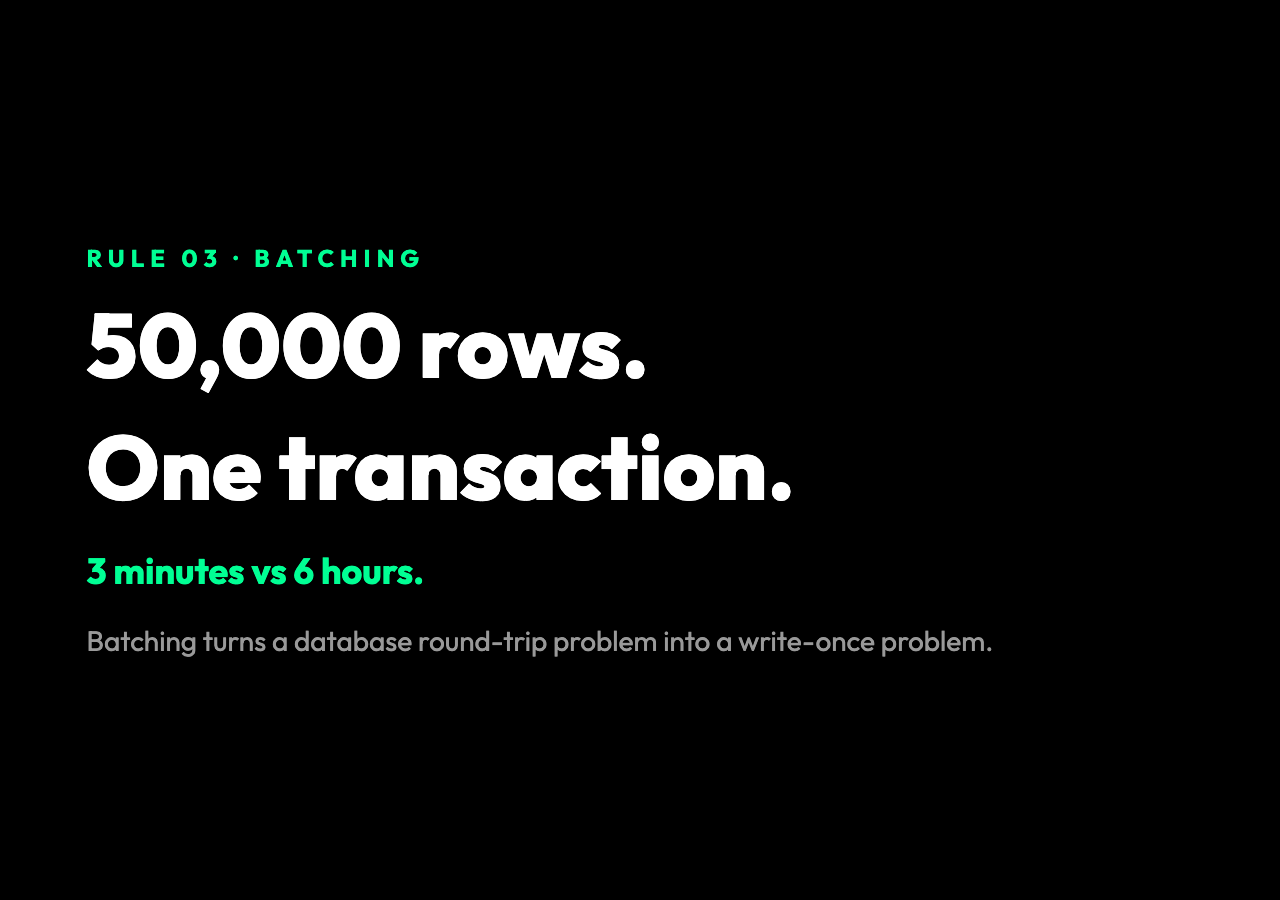
A 50,000-row spreadsheet, one INSERT per row, is 50,000 round-trips to the database. On a local network, that is fast enough. On a managed database with 5 ms latency per round-trip, it is 4 minutes. On a database that lives across a region, it is an hour. The answer is batching: wrap 1,000 rows in a single multi-row INSERT, or wrap 10,000 rows in a transaction.
INSERT INTO customers (id, name, email, created_at) VALUES
  (1, 'Alice', '[email protected]', '2024-11-12'),
  (2, 'Bob',   '[email protected]',   '2024-11-12'),
  (3, 'Carol', '[email protected]', '2024-11-13'),
  -- ... 997 more rows
;
The same script that produced this string can also produce a transaction:
BEGIN;
INSERT INTO customers ... ;
COMMIT;
The difference between these two outputs is the difference between a 3-minute load and a 6-hour load. The difference between a transaction and a bare multi-row INSERT is the difference between an atomic load and a partial load that you have to clean up by hand. Change the batch size and you change the failure surface.
The column header is a contract, not a label
The header row in a spreadsheet is a contract too. If the spreadsheet says customer_id and the SQL table says id, the converter has to know. The two ways to handle this are a header mapping (customer_id -> id) and a header validation (every spreadsheet column must match a known table column, otherwise refuse to run).
Header validation is the safer default. If the spreadsheet has a column the table does not, a good converter warns, not silently drops it. If the table has a column the spreadsheet does not, the converter demands an answer: insert NULL for that column, or refuse the run. These are the questions that, answered silently by the script, lead to silent data loss.
Why the script is older than the tooling
What I have described — type inference, NULL handling, dialect-aware quoting, batching, header validation — is not a new idea. Every data team has, at some point, written a script that does this. The reason the problem persists is that the script is a one-time thing. The team writes it for the 3 AM load. It works. It gets checked into a repo. Six months later, a new spreadsheet arrives with a slightly different shape, and the script breaks. The new shape is, of course, the urgent one.
A well-designed XLSX-to-SQL tool is just this script, written once, with the four rules encoded, with the dialect as a parameter, with the schema as input. It is not glamorous. It does not use machine learning. It is, however, the difference between the spreadsheet on your desktop and the data in your warehouse. Build the script once, and the team stops rediscovering it every quarter.
You can see the whole pipeline laid out in a single screen at Elysia Tools — header preview, type inference, dialect selector, batched output, downloadable SQL. The interesting design choice is what the tool does not do: it does not try to load the data for you. It produces a SQL file. The loading is your call, in your database, with your transaction. The contract is the test, the contract is the deliverable, and the rest is a script you could have written in 1995.
What you do with the SQL file is the part that does not generalize. Some teams run it once and never touch it again. Some teams wire it into a CI step that runs on every spreadsheet upload. Some teams treat the SQL file as a versioned artifact, committed to the same repo as the schema it is loading into. The right answer depends on the team. The wrong answer, in every case, is the one that does not ask the question.