Most email validation in the wild happens in one of two places: a <input type="email"> tag that fires before a form submits, or a regex on the server that rejects anything without an @. Both are useful. Both are also incomplete. A regex that accepts [email protected] will also accept [email protected], [email protected], and [email protected] — three very different kinds of trouble that no format check will ever catch.
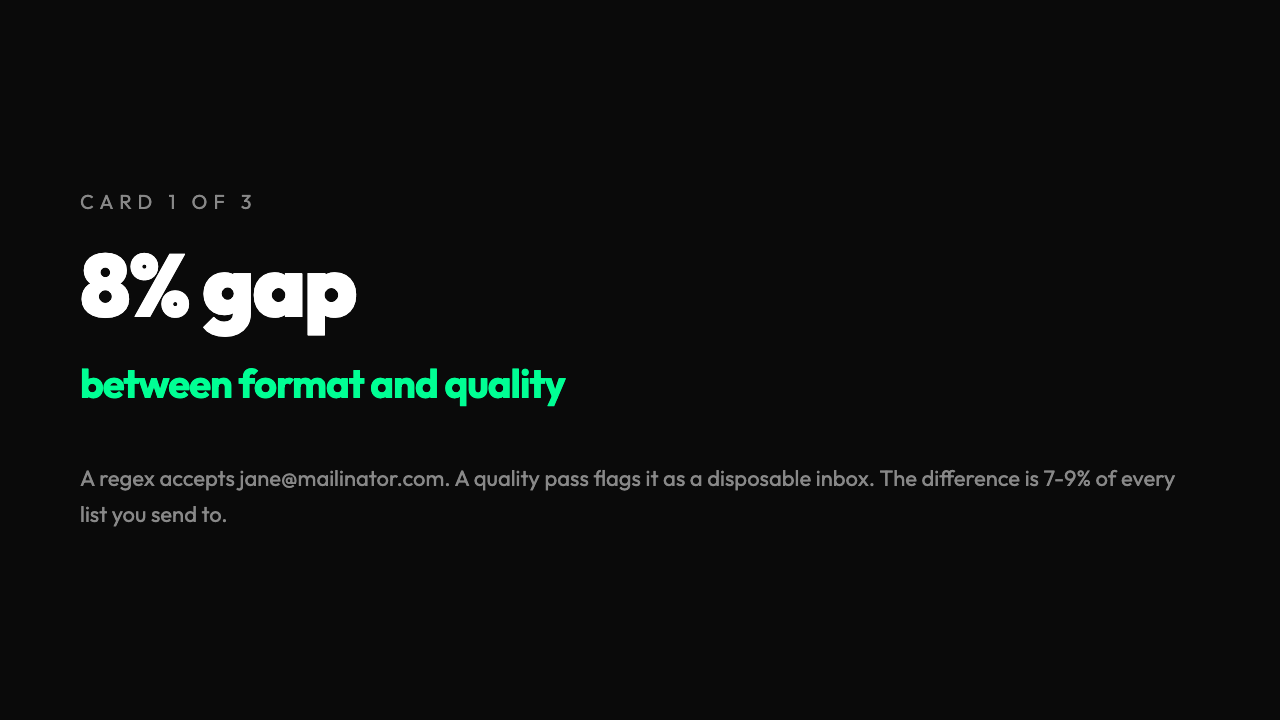
That gap — the space between well-formed and worth sending to — is where most batch email lists quietly rot. HubSpot’s 2024 deliverability benchmarks put the average list hygiene win at 7–9% of total addresses when companies run a quality pass instead of a format-only pass. Across 10,000 emails, that is 700 to 900 addresses that your regex called “valid” but your inbox placement will punish you for. The fix is a second pass that looks at things a regex can’t: disposable domains, role-based addresses, local-part patterns that scream “spam trap,” and consecutive dots that slip past most hand-rolled validators. A well-built batch email validator runs both passes in a single input — and the output of that second pass is what separates a clean list from a 12% bounce rate.
Format tells you syntax. Quality tells you intent.
The cleanest way to see the difference is to run a small list through both layers. Take these six addresses:
| Address | Format check | Quality check |
|---|---|---|
[email protected] | ✅ Valid | 🟢 Good |
[email protected] | ✅ Valid | 🟡 Fair (role-based) |
[email protected] | ✅ Valid | 🔴 Poor (disposable) |
[email protected] | ❌ Invalid | 🔴 Poor (consecutive dots) |
[email protected] | ✅ Valid | 🟡 Fair (spam-pattern local part) |
[email protected] | ❌ Invalid | 🔴 Poor (leading dot in domain) |
Every row passes or fails the regex predictably. The middle two are the interesting ones: a regex would happily accept [email protected] (it’s a real person you want to reach, but a generic inbox that may or may not be monitored) and [email protected] (a one-off burner that will never open your email). Both are valid in the strict sense and useless in the practical sense. That is exactly the 7–9% gap.
The four quality rules that catch the most rot
When you peel the batch email validator apart, it runs four orthogonal quality checks after the format regex has already accepted the address. Each one catches a different kind of problem, and each one is something a regex can’t express in a single line.
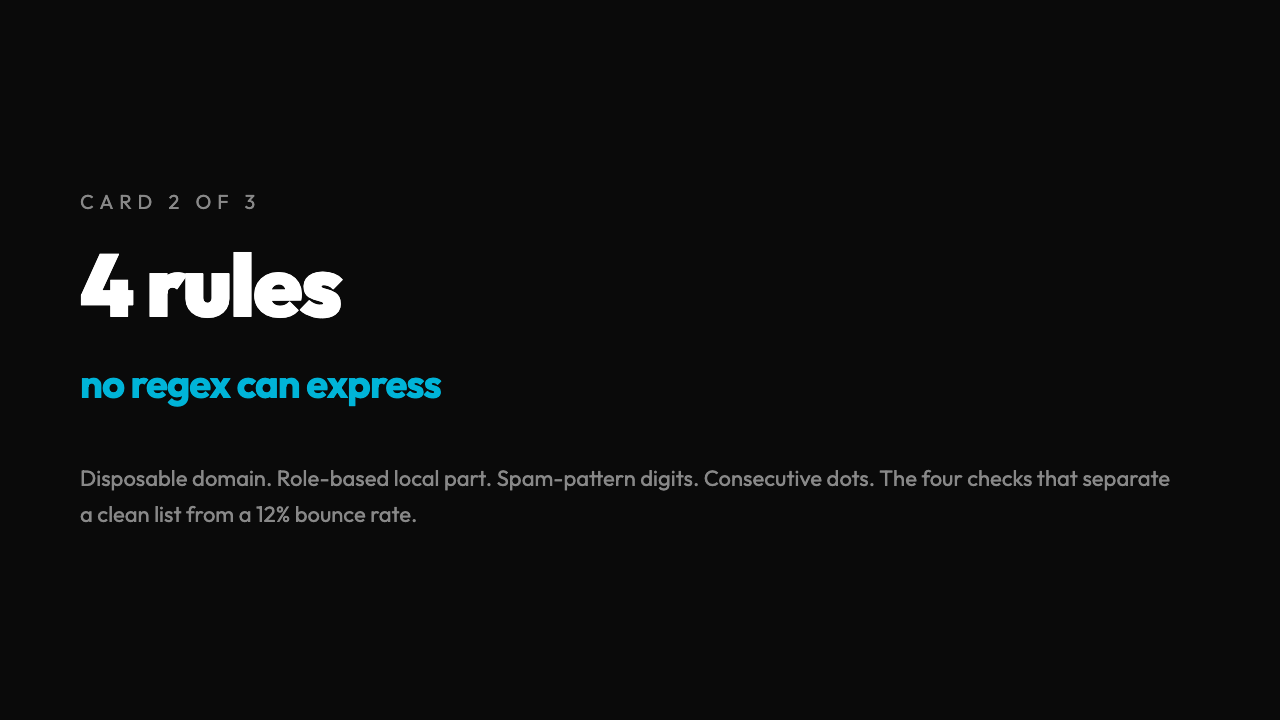
1. Disposable domain detection. Services like mailinator.com, 10minutemail.com, yopmail.com, tempmail.org, and guerrillamail.com exist for one reason: to let users sign up for things they never want to hear from again. Sending a marketing email to one of these is a guaranteed zero, and major mailbox providers (Gmail, Outlook, Yahoo) track the volume of mail you send to disposable inboxes as a negative engagement signal. The validator checks the domain against a curated disposable list and flags the row.
2. Role-based local parts. info@, support@, admin@, noreply@, sales@, team@ — these are not people, they are mailboxes. Sending to a role address gets you past the format check and into a triage queue. Worse, if [email protected] ends up in another company’s role-based inbox, it gets filtered before a human ever sees it. The validator flags these as Fair quality, not Poor, because they aren’t wrong — they just aren’t people.
3. Spam-pattern local parts. Local parts containing four-or-more consecutive digits, the strings test, demo, fake, temp, sample, or example are the most common spam-trap construction. Anti-spam groups plant these addresses on public websites to catch senders who scrape the web for emails. If a sender hits one, their domain reputation takes a 30-day hit. The validator runs a regex /d{4,}|test|demo|fake|temp|sample|example/i over the local part and flags the match.
4. Structural oddities. Consecutive dots (.. anywhere in the address), local parts that start or end with a dot, and domains that are too short or too long (RFC 5321 caps local parts at 64 characters and full addresses at 254). The first two are technically valid in some old specs but rejected by every modern SMTP server. The validator flags them because they almost always indicate a typo or a bot-constructed address.
What the summary view tells you at a glance
When you turn on the Show Summary Statistics option, the tool prints a header block before the detailed list. For a 1,000-address list, it typically looks like this:

Email Validation Summary
=======================
Total Emails: 1,000 Valid:   912 (91.2%) Invalid:  88 ( 8.8%)
Quality Distribution: ------------------- Good: 743 (74.3%) Fair: 121 (12.1%) Poor:  48 ( 4.8%)
That Poor: 4.8% is your actual deliverability risk — addresses that are well-formed but should never go to a mail server. The Fair: 12.1% is your secondary risk: role-based and spam-pattern addresses that might work but won’t perform. The Invalid: 8.8% is the format failures you would have caught with a regex alone. Add the Poor and Invalid rates together and you have 13.6% of the list that the regex-only pass would have left in place. That is the entire 7–9% deliverability benchmark, plus a margin for the cases that aren’t quite bad enough to fail format but aren’t worth the send.
The domain analysis view is the underrated feature
After the per-row results, the tool prints a domain distribution sorted by count. For a real 1,000-row list, the top of the distribution usually looks like:
gmail.com:    412 (41.2%)
yahoo.com:    138 (13.8%) hotmail.com:   87 ( 8.7%) outlook.com:   62 ( 6.2%) acme-corp.com: 41 ( 4.1%)
That breakdown does two things. First, it tells you whether your list is healthy: a B2B newsletter that is 87% free-webmail addresses has a targeting problem, not a validation problem. Second, it surfaces typos that the format check would have missed: a row showing gnail.com: 23 (instead of gmail.com) is a list-acquisition bug worth fixing at the source, not just a row to drop.
The point isn’t that the domain view validates anything new. The point is that it turns a flat list of “valid/invalid” decisions into a structural view of the list — and that is the view you need to make a real hygiene decision.
Where format-only validation quietly fails you
A regex like /^[^s@]+@[^s@]+.[^s@]+$/ does exactly one thing: it confirms there is a string, an @, another string, a ., and a third string. It says nothing about the third string being a real TLD, the second string being a real domain, or the first string being anything other than keyboard mash. It will accept [email protected], [email protected], and [email protected] with the same confidence it accepts [email protected].
The reason regex-only validation persists is that it is fast and “good enough” for sign-up forms. It is not good enough for a 10,000-address list you are about to send a campaign to. A sign-up form protects you from typos in the moment; a list validator protects you from the years of accumulated junk that has piled up in your CRM. Those are two different jobs, and they need two different tools.
The batch email validator is built for the second job. Paste a list, pick a delimiter (comma, semicolon, space, newline, or a custom character), toggle the quality checks on, and read the summary. The 8% of your list that no regex can save is right there in the output, sorted into the rows you can drop, the rows you can fix, and the rows that need a real human to decide.