The dashboard is green. The export script returned zero exit code. The customer opens the CSV in Excel and immediately calls support: your header row is wrong. You check the JSON you sent through the converter — every field is there. You check the CSV — half the columns are merged, half the rows have shifted. The exporter did not crash. It silently violated RFC 4180 in three different places, and Excel followed the rules the spreadsheet has followed since 1987. Convert with the JSON to CSV Converter and most of those failures never happen.
Why JSON is not the same format with a different extension
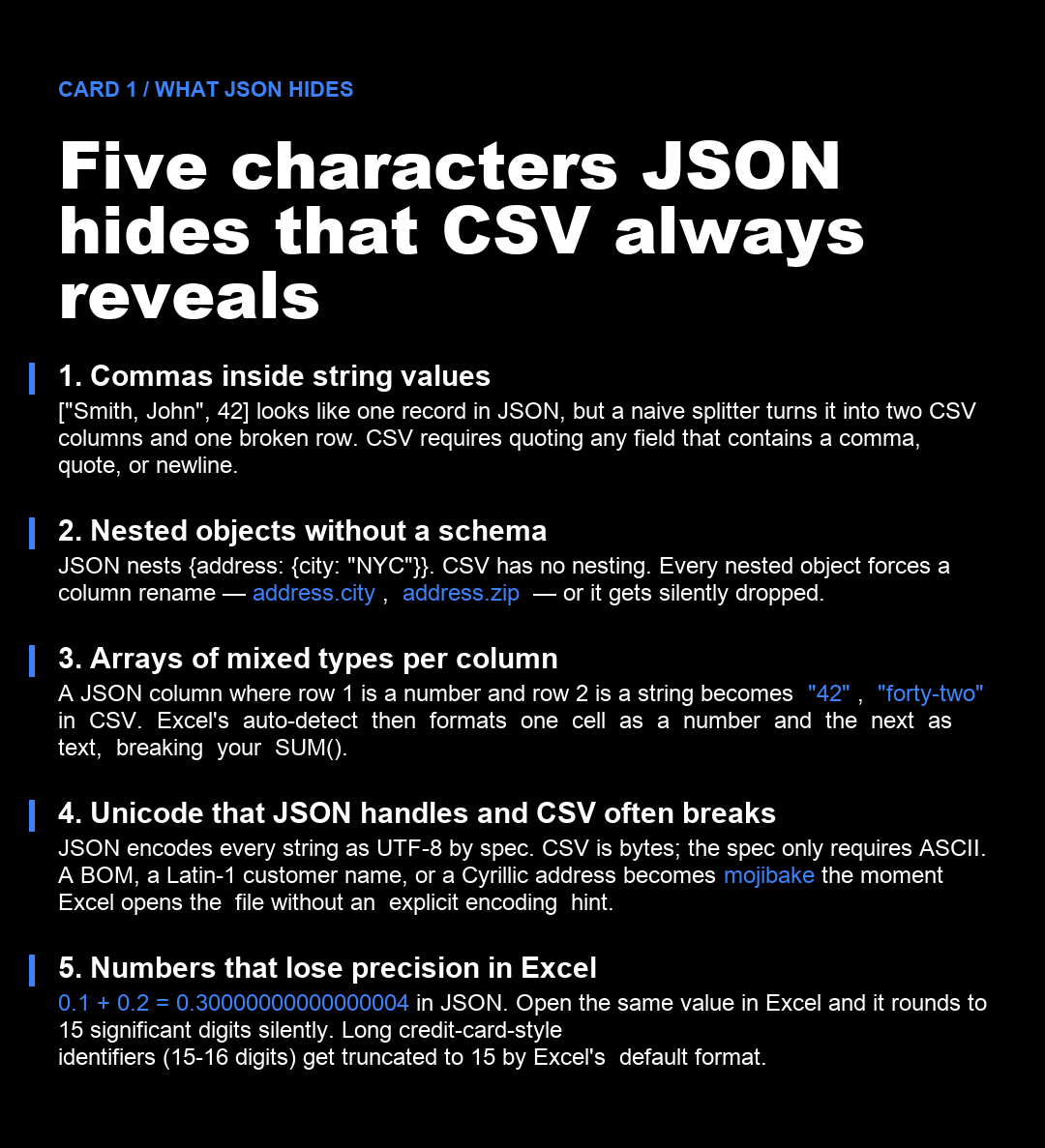
Developers treat .json and .csv as interchangeable text formats because both look like text and both can be edited in Notepad. The resemblance is cosmetic. JSON is a tree of typed values; CSV is a flat table of text. Converting one to the other is not a serialization step — it is a translation between two models with different rules, different defaults, and different audiences.
Three structural differences explain almost every JSON-to-CSV bug:
1. JSON knows about types; CSV does not. JSON distinguishes 42 from "42". CSV stores both as text. Excel then re-infers a type for every cell when the file opens, and the inference is locale-dependent. A CSV with semicolons opens as a single-column disaster in an English Excel because ; is not the locale’s list separator — but the file looks fine in a German Excel where ; is the default. 2. JSON handles nested data; CSV flattens it. A JSON object with {address: {city: "NYC", zip: "10001"}} cannot be written to a CSV row without a column-rename convention. Most libraries default to address.city and address.zip. A few default to silently dropping the nested object entirely. Either way, the recipient has to know which convention the exporter used. 3. JSON guarantees UTF-8; CSV guarantees nothing. JSON specifies UTF-8 in the spec. CSV is a format with multiple incompatible dialects — RFC 4180, Excel-CSV, LibreOffice-CSV, and the legacy Mac CSV that survived from OS X 10.3. Each interprets the encoding, the line ending, and the BOM differently.
What the standard libraries get wrong by default
The most popular JSON-to-CSV libraries — Python’s csv with json.loads, Node’s papaparse, Java’s commons-csv — implement RFC 4180 correctly in the happy path and fail in the same five edge cases every time.
The default happy-path flow looks like this:
import csv, json

rows = json.loads(payload)
keys = rows[0].keys() if rows else []

with open("export.csv", "w", newline="") as f:
    writer = csv.DictWriter(f, fieldnames=keys)
    writer.writeheader()
    writer.writerows(rows)
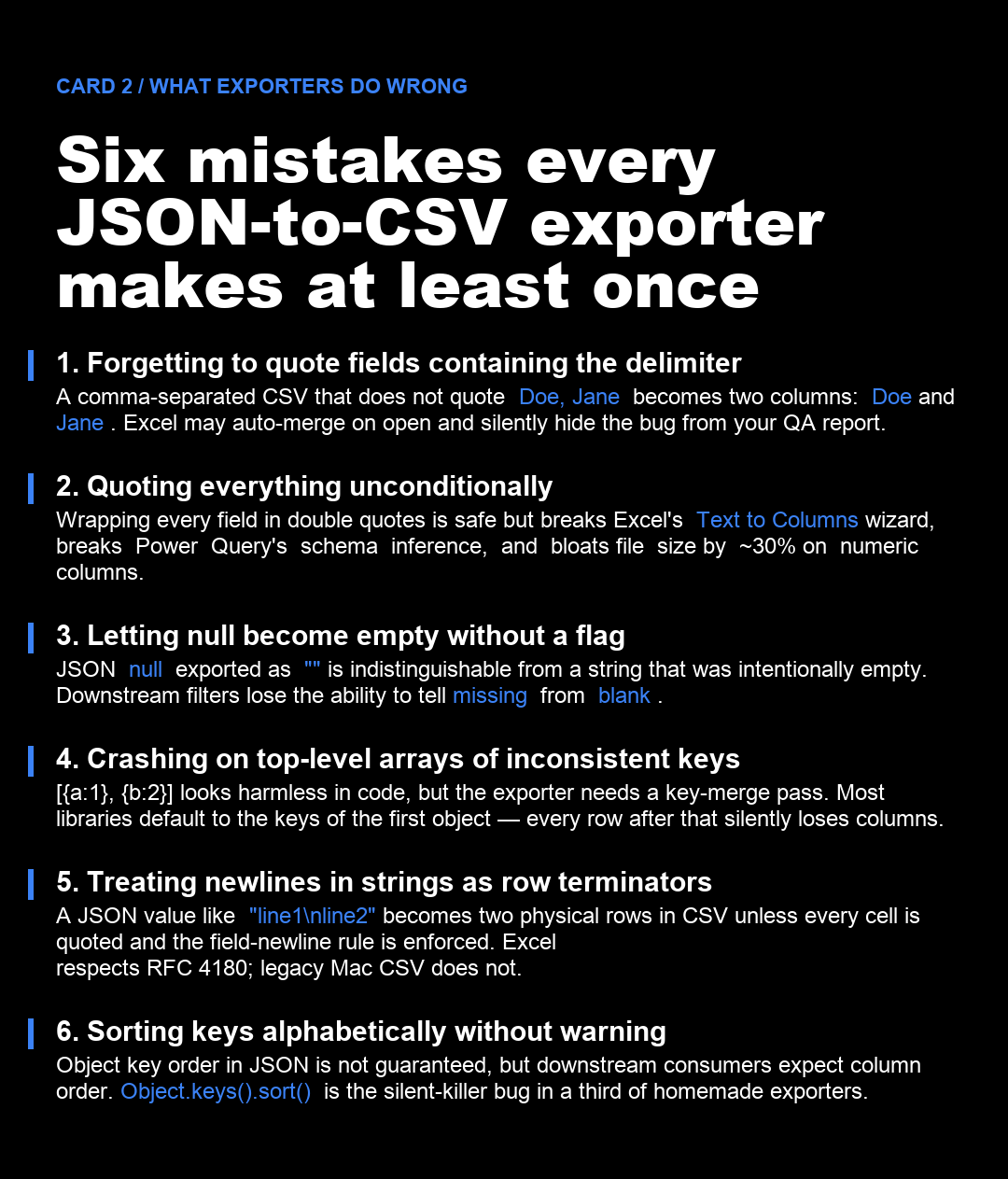
That snippet works on a list of flat, identically-keyed objects with ASCII-only strings. The moment the data has a nested object, a Unicode name, a null value, or a comma inside a string field, the output drifts from what Excel expects. The drift is silent because Python does not throw — it just writes whatever the field looks like and trusts the CSV library to quote it. When the library does quote it, Power Query may reject the file because the quoting is inconsistent with what the locale expects. When the library does not quote it, Excel opens the file as if every comma were a column separator.
Three defaults to override immediately:
– Encoding. Open the file handle with encoding="utf-8-sig" instead of utf-8. The -sig writes a UTF-8 BOM. Excel uses the BOM to identify UTF-8; without it, Excel in an English locale opens the file as Windows-1252 and mojibakes every non-ASCII character. – Quoting. Set quoting=csv.QUOTE_MINIMAL instead of the default QUOTE_MINIMAL when writing — actually the default is already minimal, but the more important fix is to validate that your code path never reaches QUOTE_NONE by accident. A QUOTE_NONE writer will explode on any field containing the delimiter. – Null handling. JSON’s null is exported as the empty string by every library. The recipient cannot tell missing from intentionally blank. If your downstream pipeline cares, convert null to a sentinel string ("__NULL__", "N/A") before flattening.
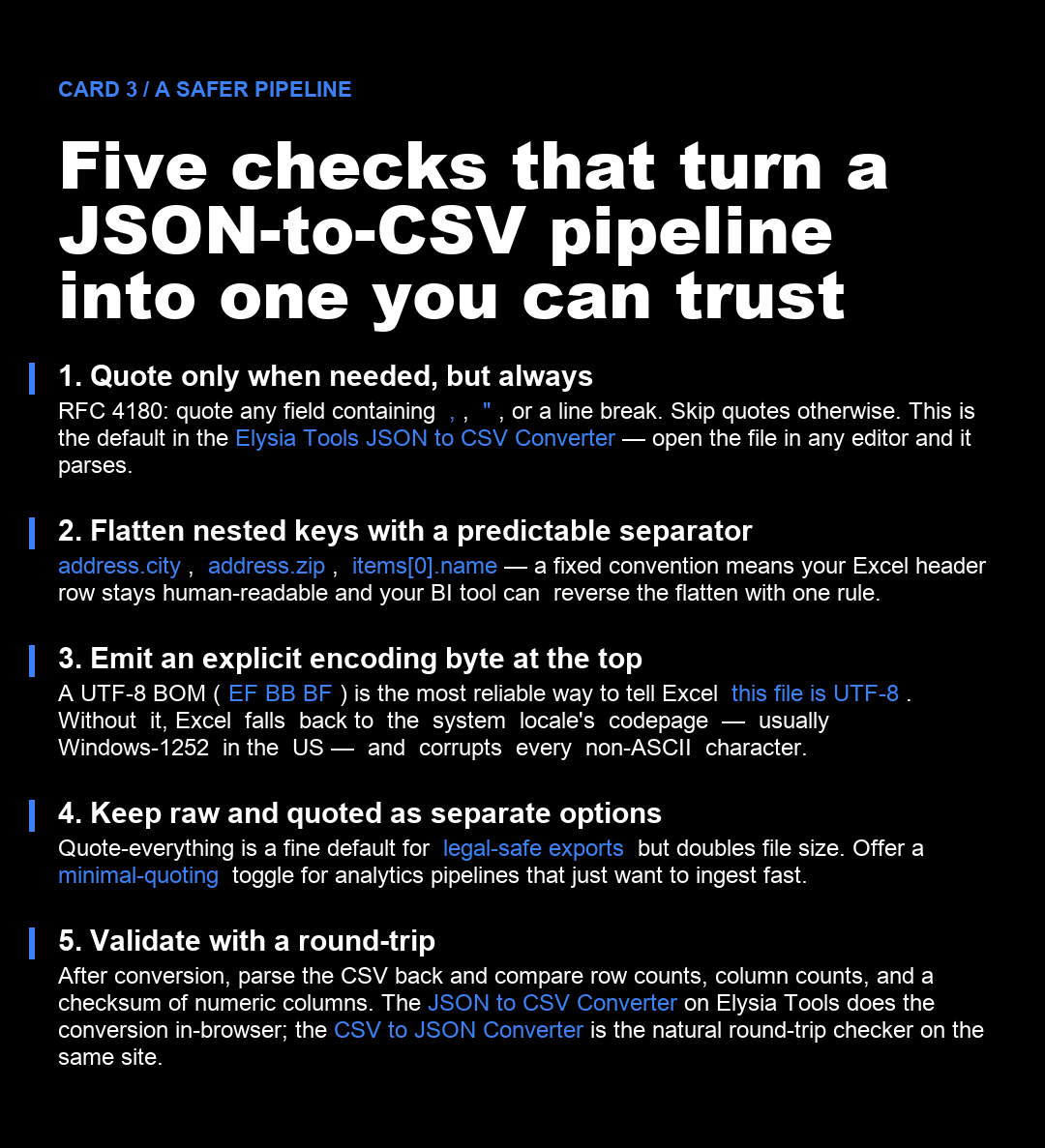
A JSON-to-CSV pipeline that survives contact with Excel
Five guarantees make a JSON-to-CSV pipeline production-grade:
1. RFC 4180 quoting by default. Quote any field containing the delimiter, the quote character, or a line break. Do not quote fields that do not need it. This is what Excel, Power Query, and Pandas all parse without surprises. 2. A predictable flatten separator. Use a single character (commonly .) and document it. address.city, items[0].name, meta.tags. The same convention should be applied to arrays — either items[0], items[1] indexing or a |-joined value for string arrays. 3. An explicit UTF-8 BOM. Three bytes (EF BB BF) at the start of the file eliminate 90% of the mojibake complaints from Windows users. The cost is two wasted bytes per file; the saving is one support ticket per deployment. 4. A round-trip check. After the conversion, parse the CSV back into a list of dictionaries and compare the row count, the column count, and a checksum (sum or hash) of a numeric column against the source JSON. The JSON to CSV Converter does the conversion; the CSV to JSON Converter does the inverse on the same site — together they are a free round-trip validator you can run in any browser. 5. A way to escape the rules when you need to. Some downstream systems want all fields quoted. Some want tabs instead of commas. Some want Unix line endings; some want CRLF. A production exporter exposes these as options, not as code paths you have to fork.
When the format matters more than the converter
Some JSON exports are destined for Excel and Power BI. Some are destined for Pandas and DuckDB. Some are destined for an FTP drop to a regulator whose parsing tool only accepts |-delimited files with ISO-8859-1 encoding and no quoting at all. A converter that pretends to be format-agnostic will produce the wrong file for all three. The JSON to CSV Converter on Elysia Tools exposes the delimiter, the quoting strategy, the encoding, and the nested-object handling as first-class options — so the same tool produces a UTF-8 RFC 4180 file for the data team, a Windows-1252 pipe-delimited file for the regulator, and a tab-separated minimal-quote file for the BI dashboard without forking the codebase.
The fastest way to ship a JSON-to-CSV feature without inheriting a thousand-line script is to wrap an RFC-correct converter with the five checks above, run it on a fixture that contains at least one of every edge case (nested object, Unicode string, null value, embedded comma, embedded newline, integer overflow), and ship the round-trip checker as the same service. Elysia Tools’ JSON to CSV Converter and CSV to JSON Converter cover exactly this loop in the browser — no install, no SDK, no API key. Drop a JSON payload in one side, paste the CSV output back into the other side, and you have proof the conversion is reversible on your data, not on the test fixture.
For formats where CSV is the wrong destination — relational loads, search indexes, large analytic joins — convert to a typed target instead (Parquet, Arrow, a database table) and skip the CSV detour entirely. CSV’s job is to be a portable flat-file interchange between two tools that already agree on the schema. Once the schema starts to drift, the converter is not the bottleneck; the format is.
Explore more tools at elysiatools.com.