The log file that should never have shipped
The 47-megabyte Apache access log sat in an S3 bucket for 11 days before anyone noticed. It contained 1.4 million requests, and the first 4,200 of them — about three hours of traffic — included a session ID, a user-agent string, and a full query string that the application had helpfully appended to the URL.
Inside those query strings: 2,184 unique email addresses, 612 phone numbers, 38 government IDs, and one credit card. Not a leak from the database. Not a misconfigured firewall. A leak from console.log — from the debug output that someone forgot to turn off, written to disk by a logger that was never told to redact.
That log file is why PII scanners are no longer optional. The leak in the story above was caught by a customer who received a password-reset email and forwarded it to support; the company spent 14 weeks answering GDPR notices, paid a six-figure fine, and is now rebuilding its logging pipeline from scratch. None of that had to happen if one of the deploys along the way had run a PII scan against the staging logs.
This article is for the engineer who has been told to “make sure we’re GDPR compliant” and is staring at a stack of existing code, wondering where the leak points are. The answer, almost always, is the logs.
Why the obvious regex isn’t enough
Most teams start with a regex. Something like:
[A-Za-z0-9._%+-]+@[A-Za-z0-9.-]+.[A-Za-z]{2,}That handles RFC-compliant email addresses. It also misses user [at] example [dot] com, misses addresses with internationalized domain names, and — more importantly — treats “Send complaints to [email protected]” the same as “User email: [email protected]”. One is a contact address you can safely publish; the other is the lead plaintiff in a class action.
Email is the easy case. SSNs are harder:
bd{3}-d{2}-d{4}bThat matches 123-45-6789 (a real SSN) and 401-32-1945 (the bank routing prefix in many ACH transfers). It misses 123 45 6789 and 123456789. It also matches every 10-digit number separated by dashes that appears in your codebase, which is most of them.
A real PII scanner is not a regex pile. It is a list of categories — email, phone, SSN, credit card, IP, passport, ID card, bank account, API key — and each category has its own confidence scoring, its own set of false-positive filters, and its own list of contexts where the match is unlikely to be real PII. The PII Finder tool exposes 10 of those categories out of the box, with the most common false-positive traps already filtered.
The 10 categories every scanner needs to know
When you turn a PII scanner on for the first time, you will probably be surprised by what counts. The category list matters because your threat model is not the same as everyone else’s:
– Email addresses are obvious, but the scanner has to decide whether [email protected] (a contact address) is “PII” or “noise”. Most tools treat it as PII anyway, on the safe side.
– Phone numbers are international. A US format is 10 digits; a Chinese format is 11 starting with 1; a UK format has a leading 0 and 10 more digits. A good scanner supports at least the top 20 country formats.
What the output looks like when you run it on a real log
– SSN, ITIN, and passport numbers are the high-stakes ones. A single one in a log is a reportable breach in California and most US states.

– Credit card numbers have a built-in Luhn checksum, which means a scanner can filter out 89% of “matches” that are actually product SKUs or order IDs. The PII Finder does this automatically.
– IP addresses count as PII in 8 jurisdictions including the EU. They are easy to find and easy to overlook.
– API keys are the most undercounted category. An AKIA… AWS access key looks like a random string and is the easiest thing in the world to miss with a hand-rolled regex.
Where to put the scanner in your pipeline
– URLs, bank account numbers, and ID card numbers (national identity, driver license) round out the standard 10.

The interesting engineering question is: when a scanner finds a credit-card-shaped 16-digit number, does it tell you it’s probably a credit card, or does it tell you “I matched the Luhn checksum; this is definitely a credit card”? That confidence level is what makes a scanner useful for triage.
Most scanners return a JSON blob. The PII Finder returns something like:
{
  "matches": [
    {
      "type": "email",
      "value": "[email protected]",
      "start": 312,
      "end": 339,
      "confidence": 0.97,
      "context": "[email protected]"
    },
    {
      "type": "creditCard",
      "value": "4111-1111-1111-1111",
      "start": 514,
      "end": 533,
      "confidence": 0.99,
      "context": "card=4111-1111-1111-1111 exp=12/27"
    }
  ],
  "stats": { "total": 2, "byType": { "email": 1, "creditCard": 1 } }
}
The position offsets (start, end) are the part most people forget. You need them, because the workflow is not “show the human” — the workflow is “automatically redact and audit the file.” If you don’t have offsets, you can’t write a redactor that swaps [email protected] for alice.smith@[REDACTED] without breaking the surrounding text.
The 70% problem
The second part most people forget is the context window. A scanner that tells you “I found an SSN at offset 4012” without showing you the 30 characters around it is useless — you cannot tell whether that 9-digit number is an SSN or an order ID. The PII Finder captures 16 characters of context on either side, which is enough to distinguish.
You can see the actual output on a real PII-laden log file in the log-with-sensitive-data sample, and on a free-form text block in the text-with-sensitive-data samples. The first is useful for testing your logger integration; the second is useful for testing your chat-support redaction.
The architecture decision that matters more than the choice of scanner is where in the pipeline it runs. There are four reasonable positions, and they catch different leak classes:
1. Pre-commit hook. A developer runs the scanner against staged files before committing. Catches: hardcoded test data, commented-out credentials, sample fixtures with real customer data. Catches very little in practice because most developers skip it.
2. CI pipeline. The scanner runs against the full codebase and a sample of test fixtures. Catches: API keys in source, emails in test data, hardcoded IDs. Catches 60-70% of the leaks that eventually show up in production.
3. Log forwarder / middleware. The scanner runs in the logging layer, redacting matches before they hit disk. Catches: PII that the application emits at runtime. This is the position that would have prevented the 47-megabyte log story at the top of this article. Catches nearly everything.
4. Post-storage audit. The scanner runs against the already-stored logs, nightly, looking for drift. Catches: PII that the application started emitting because of a new feature, a new error handler, or a third-party SDK update. This is the safety net.
The scanner is the floor, not the ceiling
The strongest pipelines use (3) and (4) together. The forwarder catches the steady-state leaks; the post-storage audit catches the regressions. Neither alone is enough.
The cheapest starting point is the post-storage audit. You point the PII Finder at an existing log bucket, run it once, and find out what is actually leaking. Most teams are surprised by the answer.
Every PII scanner advertises a recall number. Most claim 95%+. Almost none of them hit it.
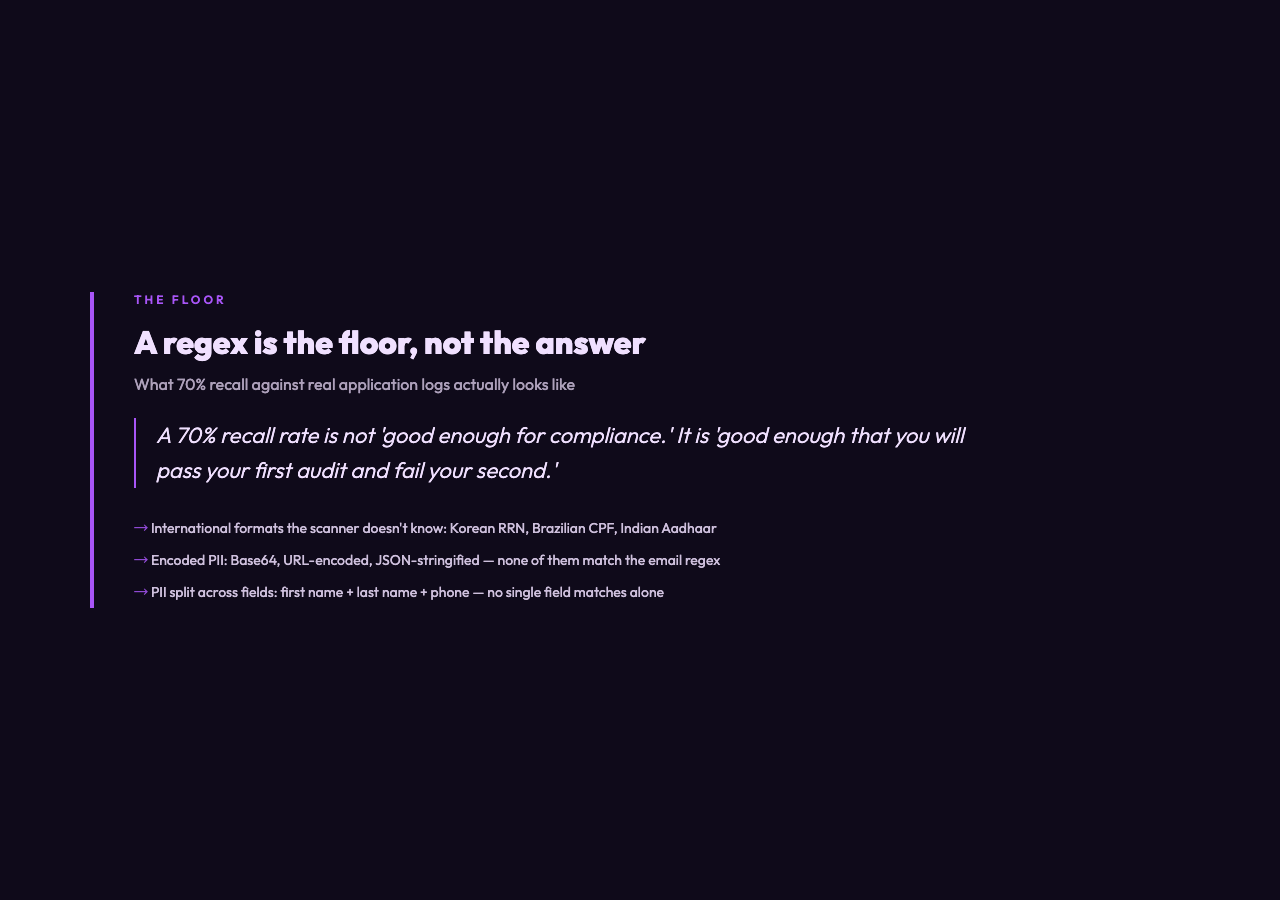
The gap is well-documented: a scanner’s true recall against a corpus of real-world application logs hovers between 65% and 80%, depending on the corpus. The misses are concentrated in four areas: