The Watermark You Forgot to Add: Why Your Shared CSV Becomes a Liability the Day You Email It
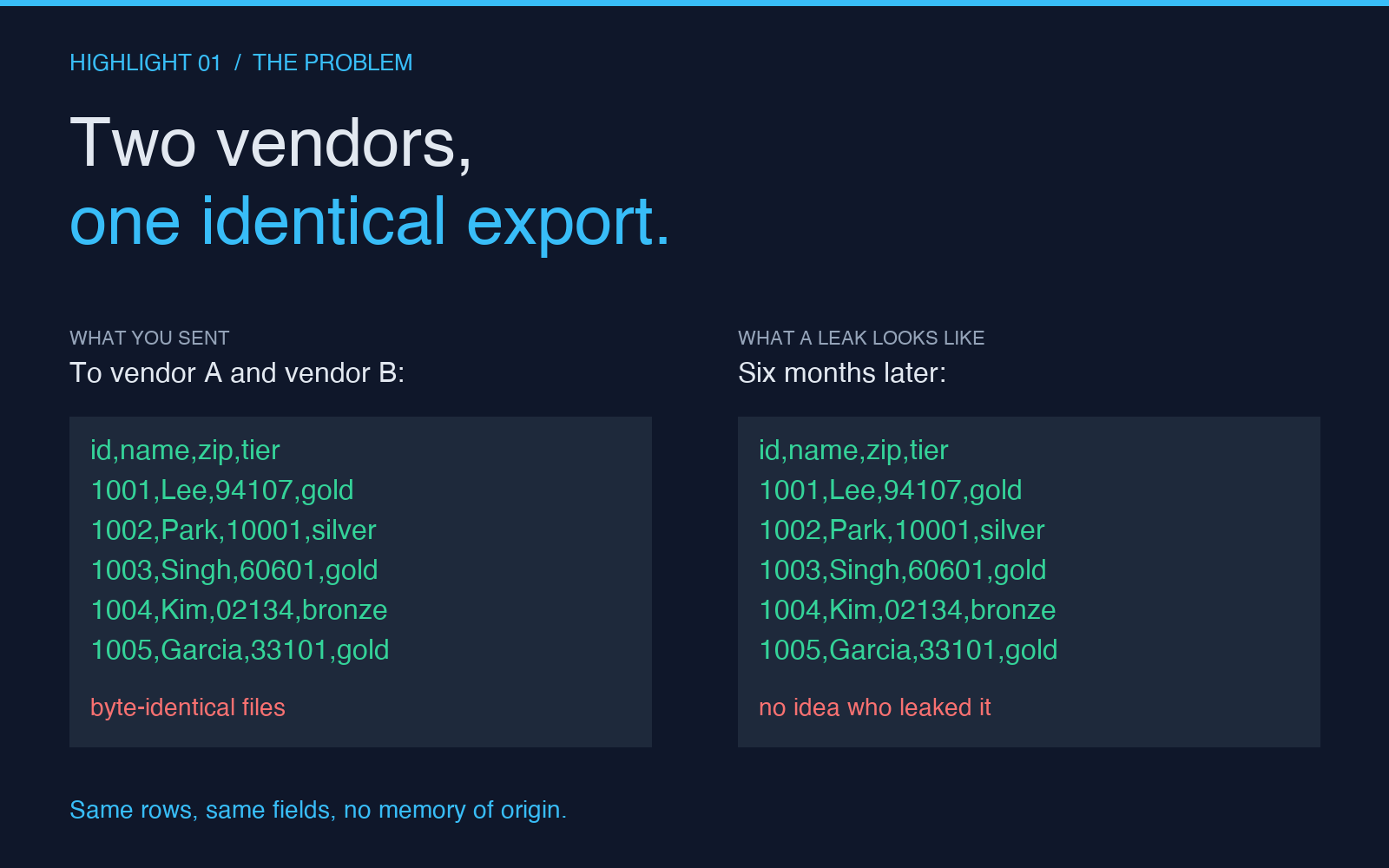
A finance team exports a customer cohort every Monday morning and sends it to three different vendors for analysis. Six months later, a copy of that exact export shows up in a competitor’s onboarding flow — same row order, same column count, even the same minor timestamp artifact in the corner. Nobody knows which vendor leaked it, because every copy is byte-identical. The investigation stalls. The legal team shrugs. The export keeps being sent.
This is the problem CSV/JSON Data Watermarker was built to solve: stamping each shared export with a recipient-specific signature so that, six months later, you can point to the file and say this copy went to vendor A, that copy went to vendor B, and the leaked one is B’s. Not by inspecting logs. Not by trusting a verbal recollection. By reading the data itself.
Why a “shared CSV” is a privacy problem before it’s a workflow problem
The instinct when you share data with a partner is to look at what the data says — PII exposure, retention policy, consent. The instinct when a leak happens is to look at who had access. Both instincts miss the gap in the middle: once the file has been copied, the data itself carries no memory of where it came from. It’s just rows.
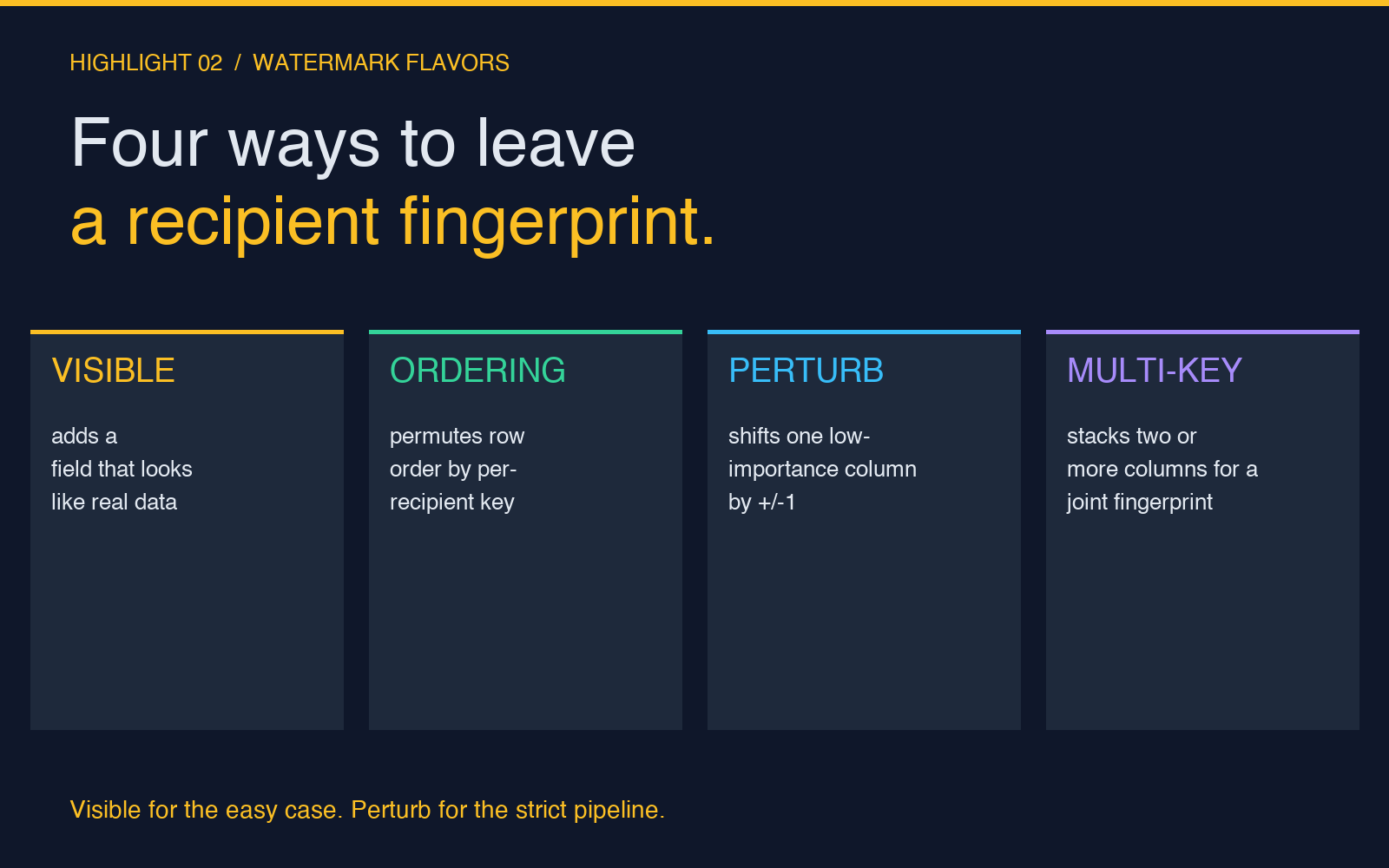
Watermarking closes that gap. The technique has two flavors.
Visible watermarks add fields that look like legitimate data — a notes column that says something useful, an account_owner_email that includes a per-recipient tag, a _ column most parsers will skip but humans can grep. Visible watermarks survive every transformation that doesn’t strip unknown fields. They survive the typical vendor “import into staging” step. They usually survive the “drop the columns I don’t need” step too, because the field looks ordinary enough not to flag.
Signature-style watermarks encode the recipient identifier in places the data already has — permuting the row order by a recipient-specific key, perturbing a single low-importance column (say, customer_loyalty_tier) by one tier for some fraction of rows, shifting decimal precision in a deterministic way, leaving a fingerprint in a column most readers treat as noise. These survive stricter cleaning pipelines because they don’t add new fields; they change existing ones in ways that look like data quality issues unless you know what to look for.
Both flavors matter. The right choice depends on what your partner’s import pipeline does. A staging table that runs ALTER TABLE ... DROP COLUMN will eat a visible watermark in seconds. A pipeline that ingests every CSV column verbatim will preserve a visible watermark for months. Knowing which one you’re dealing with is the first move — not an afterthought.
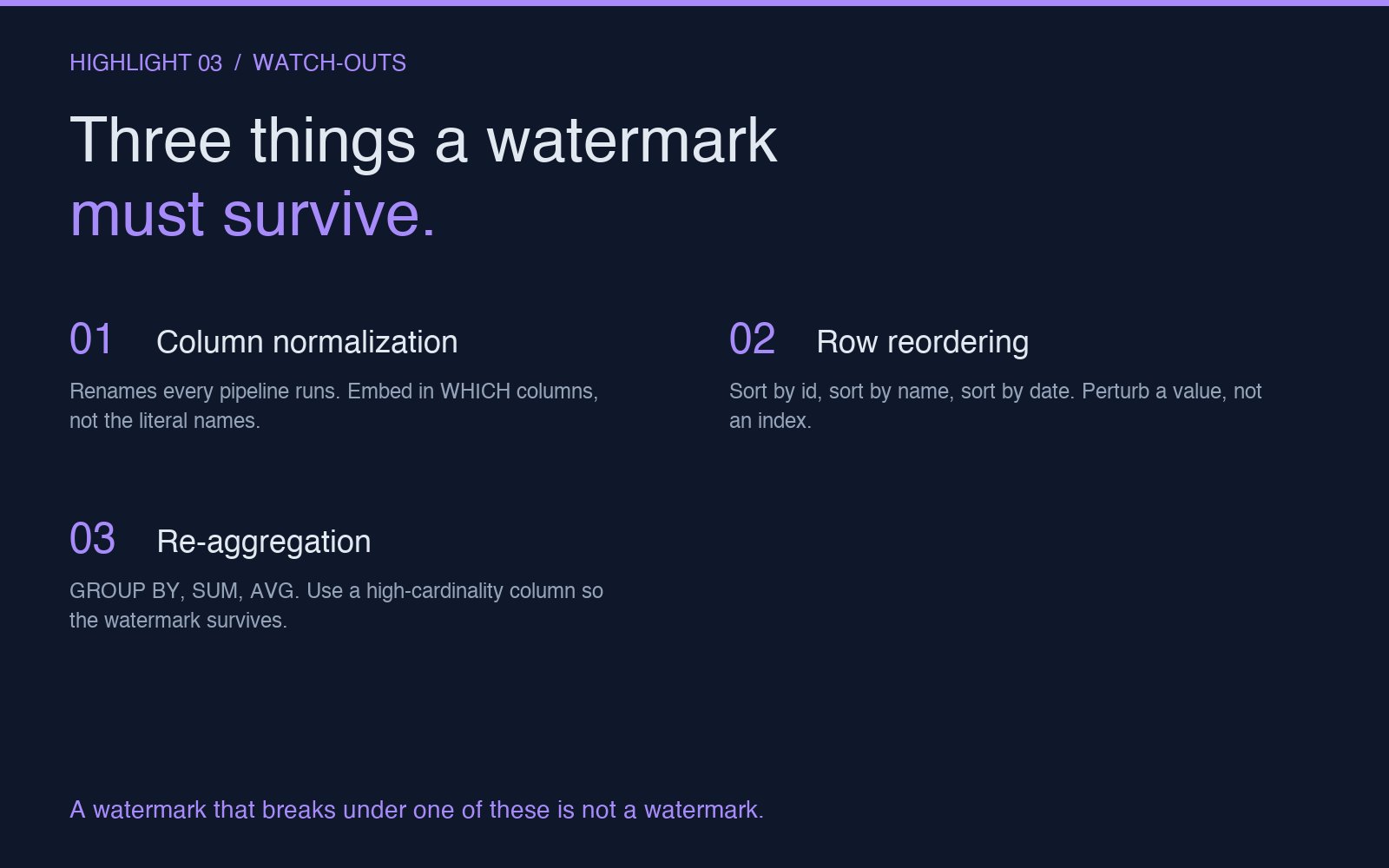
The three things a watermark must survive to be useful
Most homegrown watermark schemes fail because the author only tested the happy path. A useful watermark has to hold up against three classes of transformation that almost every data-sharing pipeline runs.
Column normalization. Every ETL pipeline renames columns. Every Excel user retypes them. The watermark can’t live in a single column name, because the name won’t survive. The watermark has to live in which columns you chose to perturb, not the literal names.
Row reordering. Sorting by id, sorting alphabetically by customer_name, sorting by created_at — they all destroy row-index-based watermarks. The watermark has to be embedded per-row in a way that survives sorting. A common pattern: perturb a deterministic column (like zip_code) by a per-recipient shift, so the value is still plausible but encodes which recipient got the file. Sorting won’t break it; the value travels with the row.
Re-aggregation. Partners often aggregate before they use your data — GROUP BY region, SUM(revenue), AVG(age). A watermark that lives in a single high-cardinality column survives aggregation better than one in a low-cardinality column, because the aggregation step is more likely to combine the watermark with surrounding rows than to drop it. The classic mistake is embedding the watermark in a column that the partner will COUNT(*) GROUP BY away.
The reason this matters: a watermark that breaks under one of these transformations is not a watermark, it’s a hope. And hope is what the finance team in the opening paragraph had.
Where the recipient-specific key actually lives
This is the part most teams get wrong. The watermark key is per-recipient, not per-export. If you use the same key for every partner, you’ve built a “this came from us” watermark, which is useless when you’re trying to figure out which partner leaked it. The key must encode the recipient — typically something like recipient_id or a hash of the vendor name with a salt.
A simple scheme: each row carries a perturbation pattern derived from hash(secret_salt + recipient_id + row_id). The vendor receiving the export gets one pattern; a different vendor gets another. The two CSVs look identical to a human reader, but every row differs by a small, deterministic, recoverable amount.
A stronger scheme: embed the watermark across multiple columns. Say you perturb zip_code by ±1 based on the recipient, and also adjust loyalty_tier for ~5% of rows based on the recipient. Each watermark alone is too weak to be conclusive; together they form a joint signal. A leaked copy can be matched to a recipient with high confidence even after the leaker has tried to clean the data — because cleaning has to defeat every watermark column to succeed, and most cleaning pipelines defeat none.
A weaker scheme (and the most common in homegrown tools): add a single column called __export_marker with a string value. This works until the partner’s pipeline does DROP COLUMN on anything that doesn’t match its schema — which is exactly what most do. Don’t do this. Use the row-level perturbation approach instead.
How to ship a watermark without breaking the data
The practical move: treat the watermark as a post-processing step that runs on a clean export. The pipeline is “export → apply watermark → ship.” Not “export and tag during generation.” Two reasons.
First, separating the steps makes the watermark auditable. You can show that the original export contains no recipient-specific data, and the watermark is a pure function applied after the fact. Auditors, legal teams, and your future self will thank you for the separation.
Second, separation makes the watermark reversible. If the recipient complains that the data looks slightly off, you can prove the watermark applied and offer to re-export without it. If the watermark is baked into the generation step, you have to rerun the whole export pipeline to make the recipient happy — usually the day before the data is due.
For CSV exports, the implementation can be a 30-line script that reads the export, applies the per-recipient perturbation, and writes the result. For JSON, similar — but with the added benefit that JSON arrays preserve order under most transformations, so row-order watermarks work particularly well in JSON.
This is the workflow that the CSV/JSON Data Watermarker tool is designed around: take a clean export, configure a recipient-specific key, choose visible or signature-style, and emit a watermarked file you can ship. The pattern takes less than a minute once you’ve decided on the recipient identifier scheme.
What to actually do with this
If you share CSV or JSON exports with partners, vendors, or contractors — and you’ve never thought about watermarking — start here: pick one export you ship every week, and watermark it for each recipient. Use a per-recipient key, perturb a single low-importance column, and keep the original clean export for six months. If a leak ever happens, you’ll be able to answer the question that was unanswerable in the opening paragraph.
If you’ve already had a leak and you’re trying to figure out who to talk to, you can still watermark new exports going forward — and pair it with the PII Finder to understand what you’re actually exposing before the next export goes out. For a workflow that handles the “is this export signed correctly” side, the Hash Generator gives you a way to fingerprint each watermarked copy so the file checksum itself becomes part of the audit trail.
The underlying insight is small but durable: shared data carries no memory of where it came from, unless you put the memory there. The watermark is that memory. The day you add it is the day the next leak stops being a mystery.
Explore more tools at elysiatools.com.