Most teams think two pieces of text are “similar” or “not similar” based on a quick visual scan. The Text Similarity Detector on Elysia Tools quietly exposes that the visual scan is usually lying. Two paragraphs can share every important keyword and still score 38 percent. Two paragraphs with no overlapping words at all can score 71 percent. The number depends entirely on which algorithm you pick, and which algorithm you should pick depends on a question you probably have not asked yet: what kind of difference are you actually looking for?
The three algorithms answer three different questions
The tool ships with three independent similarity algorithms and a fourth “combined” mode that averages them. They look interchangeable in the dropdown, but they are answering fundamentally different questions about the two strings you paste in.
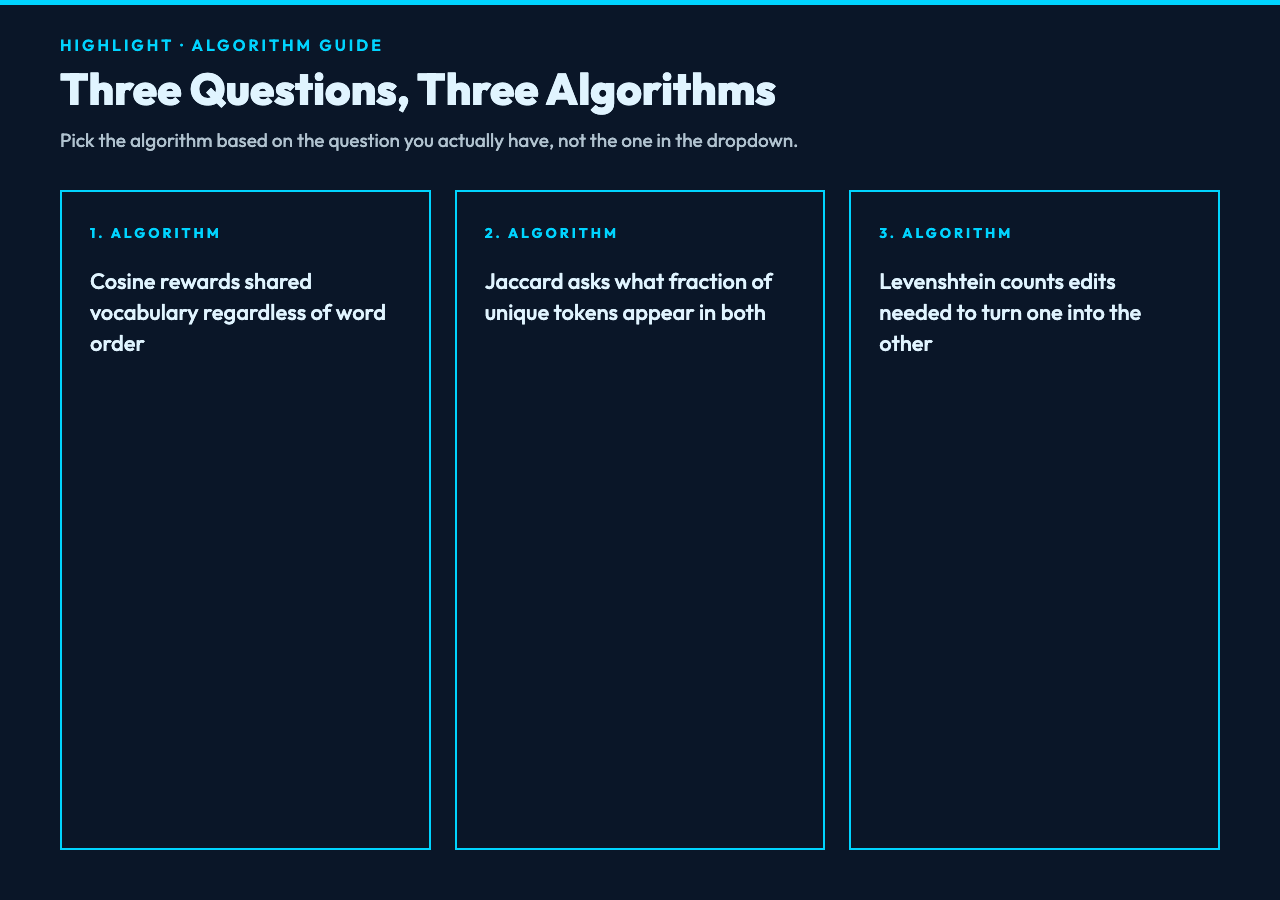
Try the Cosine, Jaccard, and Levenshtein modes side by side on the same input to feel the gap. Cosine treats each text as a vector of word frequencies and measures the angle between them, so it rewards shared vocabulary regardless of order. Jaccard treats each text as a set of unique tokens and asks what fraction of tokens appear in both, so it ignores repetition entirely. Levenshtein treats the text as a literal character sequence and counts the minimum number of single-character edits (insertions, deletions, substitutions) needed to turn one into the other, so it rewards surface-level closeness even when the words themselves are different.
That means a marketing email rewritten from a competitor’s original can score 95 percent on Levenshtein, 60 percent on Cosine, and 40 percent on Jaccard — and all three numbers are simultaneously correct. The number that matters depends on whether you are catching plagiarism (Levenshtein), topic drift (Cosine), or content reuse (Jaccard).
The three options that quietly change every score
Before trusting the percentage on the screen, look at the three toggles underneath the algorithm dropdown. They change the number more than the algorithm choice does, and the defaults are not always what you want.
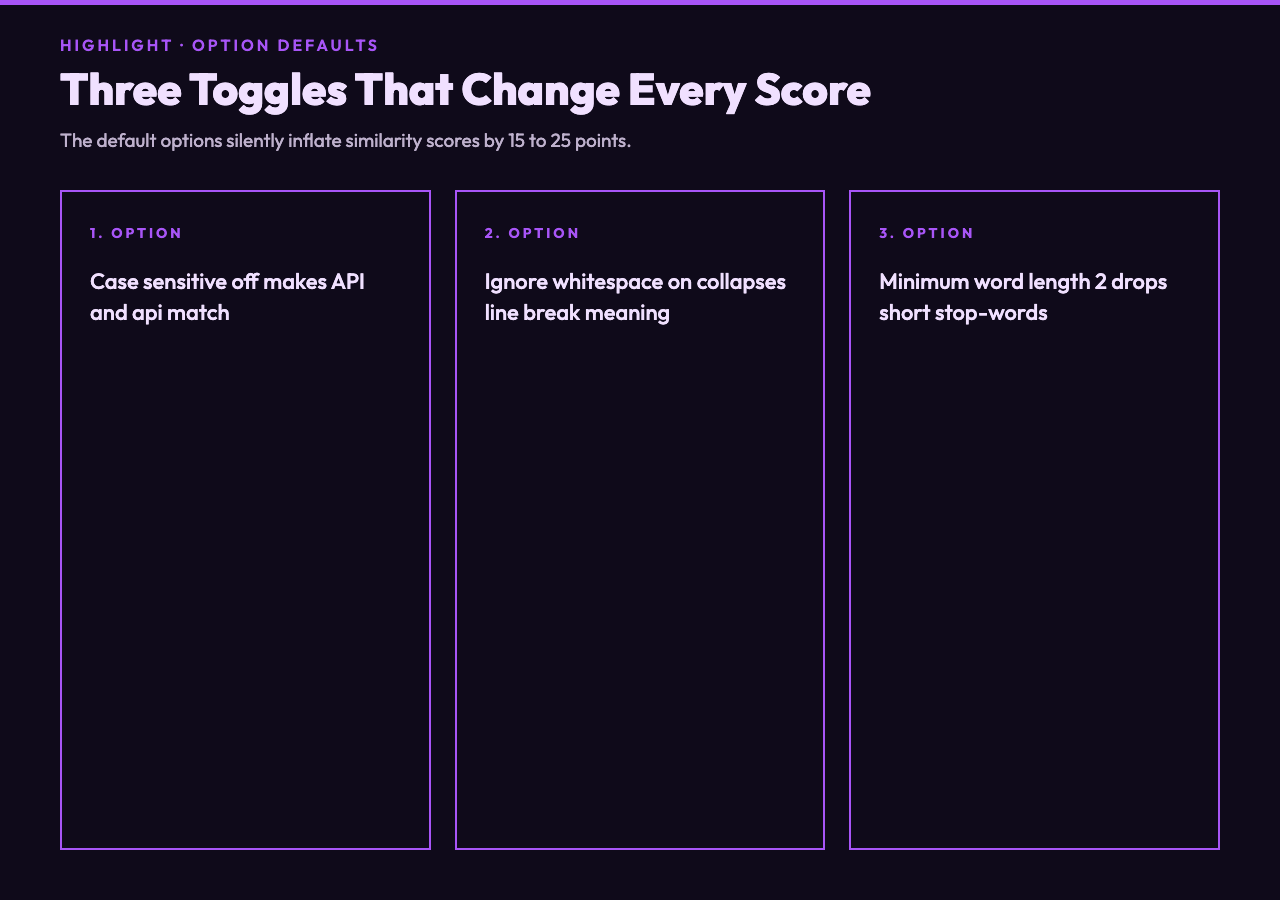
- Case sensitive defaults to off. With case sensitivity off,
APIandapicount as the same word. Turn it on if you are checking code identifiers, brand names, or anything where capitalization is semantic. - Ignore whitespace defaults to on. With it on, a single newline versus three newlines versus ten spaces between paragraphs all collapse to one separator. Turn it off if line breaks carry meaning (poetry, source code, log files, CSV previews).
- Minimum word length defaults to 2. Words shorter than the threshold are dropped before comparison. Raise it to 4 if your texts contain lots of articles and prepositions that should not dominate the score, drop it to 1 if you are comparing short strings where every token matters.
A practical example: comparing a 1,200-word blog post against its own outline, with default options, gives you a score inflated by shared stop-words like the, and, to. Raise the minimum word length to 4 and the score drops by 15 to 25 points — that drop is the actual topic overlap, not noise.
The combined mode hides disagreement
The fourth option in the algorithm dropdown, “Combined (all algorithms averaged)”, is the default most users land on first. It is also the most dangerous choice for decision-making. Averaging three different signals does not give you a stronger signal — it gives you a number that disagrees with all three of its inputs in different ways. When Cosine says 82 percent, Jaccard says 41 percent, and Levenshtein says 67 percent, the combined score of 63 percent tells you nothing actionable. The right move is to look at all three side by side.
The exception is bulk screening, where you need a single threshold to filter thousands of pairs. There, the combined mode acts as a noisy but stable ranking signal. Just do not treat the threshold as semantically meaningful — treat it as “probably worth a human look.”
Why identical word counts can produce wildly different scores
Take two 200-word paragraphs that share exactly 50 unique words out of a vocabulary of 200. Cosine will score them around 71 percent (the square root of 50/200, mathematically), which feels generous. Jaccard will score them at 25 percent (50 divided by 200, with shared words counted once). Same shared vocabulary, two different stories. If you are checking whether two product descriptions cover the same features, Jaccard is closer to the truth. If you are checking whether two articles are about the same topic, Cosine is.
This is why the tool keeps the algorithms separate instead of collapsing them. The Text Similarity Detector is not a single metric — it is a small instrument panel. Read each needle separately, and you will know what kind of similarity you are actually looking at.
Putting it into practice
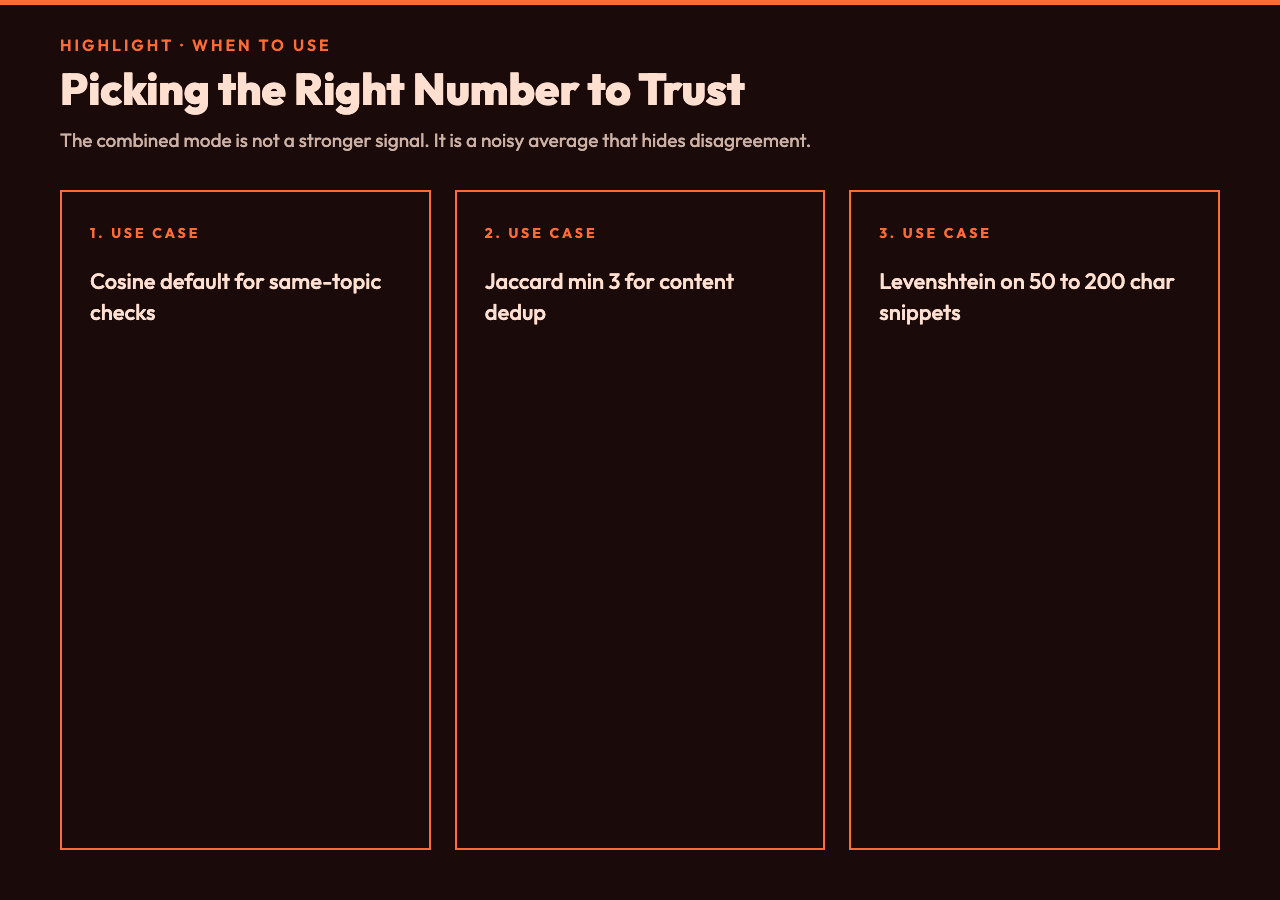
Pick the algorithm first, then verify the three toggles. If you are doing a quick “are these two paragraphs roughly the same topic?” check, Cosine with default options is the fastest answer. If you are deduplicating a content library, Jaccard with minimum word length set to 3 is closer to what your CMS thinks duplicate means. If you are scanning for plagiarism or near-duplicates at the sentence level, Levenshtein on shorter snippets (50 to 200 characters) is what you want. If you are screening a large batch and just need to flag candidates for human review, combined mode is fine as a noisy first pass.
The number that comes back is not a verdict. It is a measurement. The tool is most useful when you treat the algorithm dropdown as the actual question and the percentage as the answer.
Run your next comparison at elysiatools.com/en/tools/text-similarity-detector. Try the same pair of paragraphs under all three algorithms with the toggles in their default state, then flip minimum word length to 4 and watch the score settle into the number you actually wanted. The instrument panel is the point.