A MAC address is 12 hex characters. That is the entire standard. Every network interface card, every Bluetooth radio, every virtual adapter that Linux spins up for a Docker bridge carries one. And yet the moment you start treating those 12 characters as ground truth — as the identity of the device on the other end of the wire — you discover that the field is full of land mines: the OUI is supposed to identify the vendor but the OUI is trivially spoofable, the address is supposed to be unique but locally administered addresses deliberately break uniqueness, and the six-byte format has at least four mutually incompatible human-typed representations that all need to validate as the same value.
This is the gap the MAC Address Validator fills. It does two things and it does them quickly: it confirms a 12-hex-digit string is well-formed under whichever separator convention you typed it in, and it looks up the IEEE-registered OUI prefix to tell you the manufacturer. Both checks are fast, both checks are deterministic, and both checks fail loudly when the input does not match the standard. If you are an engineer configuring switch port security, a security analyst triaging an alert, or a developer writing tooling that has to ingest MAC addresses from a dozen different systems, this is the validation you want before you trust the value.
Why the format is the first thing that breaks
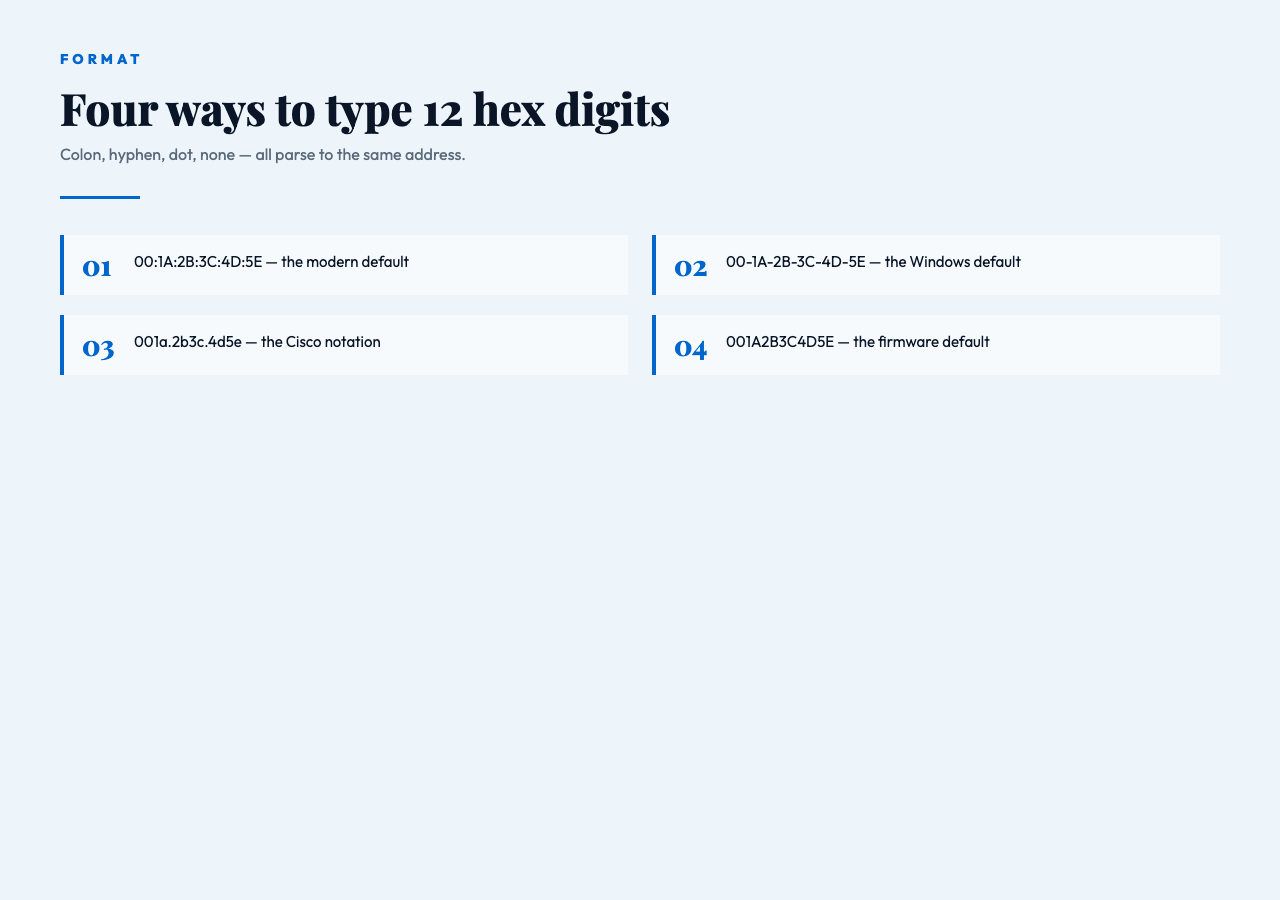
IEEE 802 defines a MAC address as 48 bits, written as six groups of two hexadecimal digits. The standard does not specify the separator, which is where the trouble starts. The same physical address 00:1A:2B:3C:4D:5E shows up in Cisco switch output as 001a.2b3c.4d5e, in Windows ipconfig /all as 00-1A-2B-3C-4D-5E, in Linux ip link as 00:1a:2b:3c:4d:5e, and in some Bluetooth Low Energy advertising payloads with no separator at all as 001A2B3C4D5E. All four are the same address. All four need to be accepted as valid by anything that processes MAC addresses.
Beyond separator choice, the format also has to reject a long list of plausible-looking near-misses: 11 hex digits (off-by-one typo), 13 hex digits (extra nibble from copy-paste), 12 characters that include a G or a Z (not a hex digit), a string that is 17 characters long but missing the last group, and the perennial favorite — a MAC address with mixed separators like 00:1A-2B:3C-4D:5E that some printer drivers still emit. The validator handles all of these by normalizing the input: strip the separators, lowercase the result, check the length is exactly 12 hex digits, and only then attempt any further interpretation. The normalization step is what lets a single 12-character hex string be both the well-formed input and the lookup key.
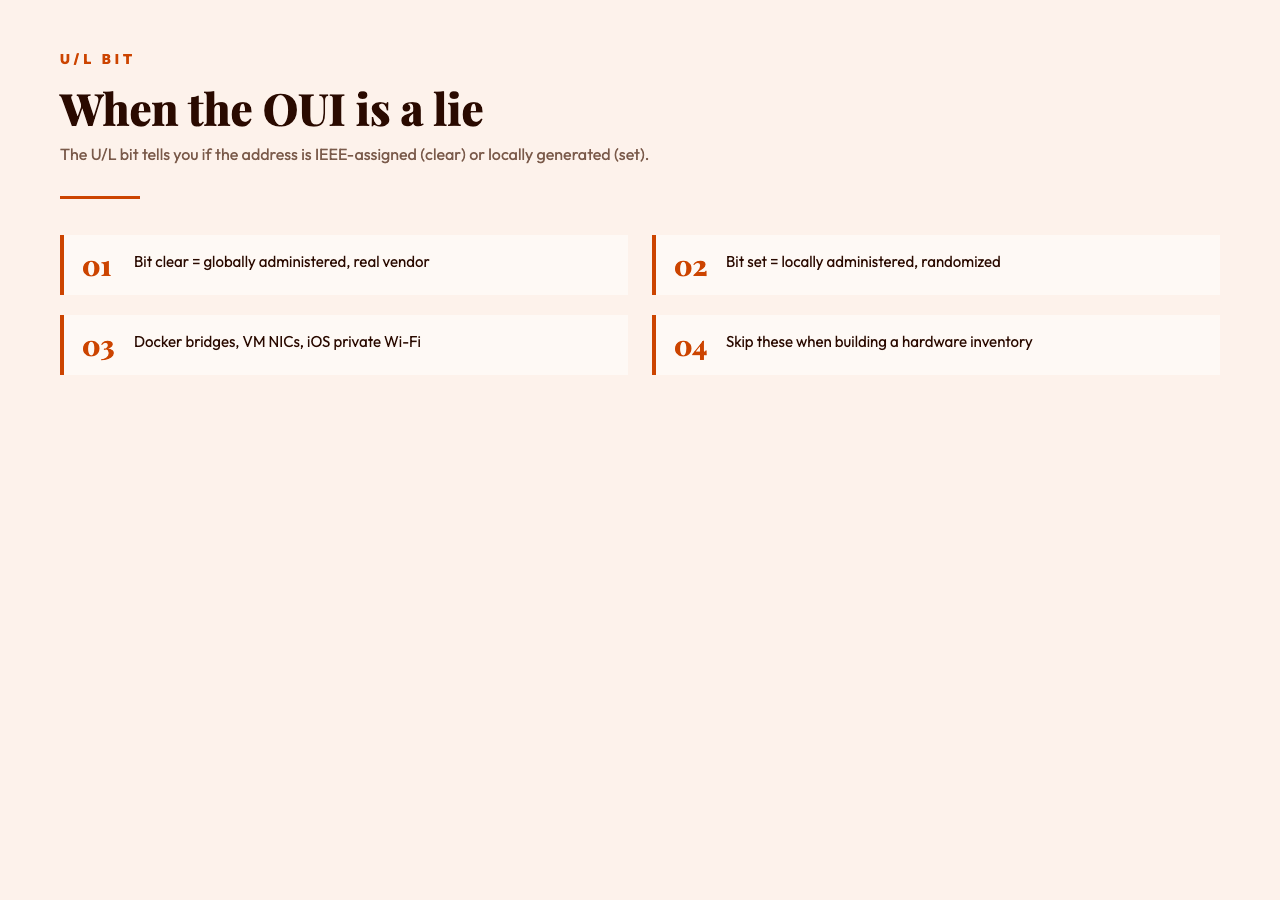
The tool also distinguishes between the unicast/multicast bit (the least significant bit of the first octet) and the U/L bit (the second-least-significant bit of the first octet). A unicast address with the U/L bit clear is a globally administered address assigned by the manufacturer; the same address with the U/L bit set is locally administered and almost certainly spoofed, randomized, or generated by a virtualization layer. Catching this distinction matters for the security use case below — the same hex string can mean very different things depending on which bit is set.
Reading the OUI to identify the vendor
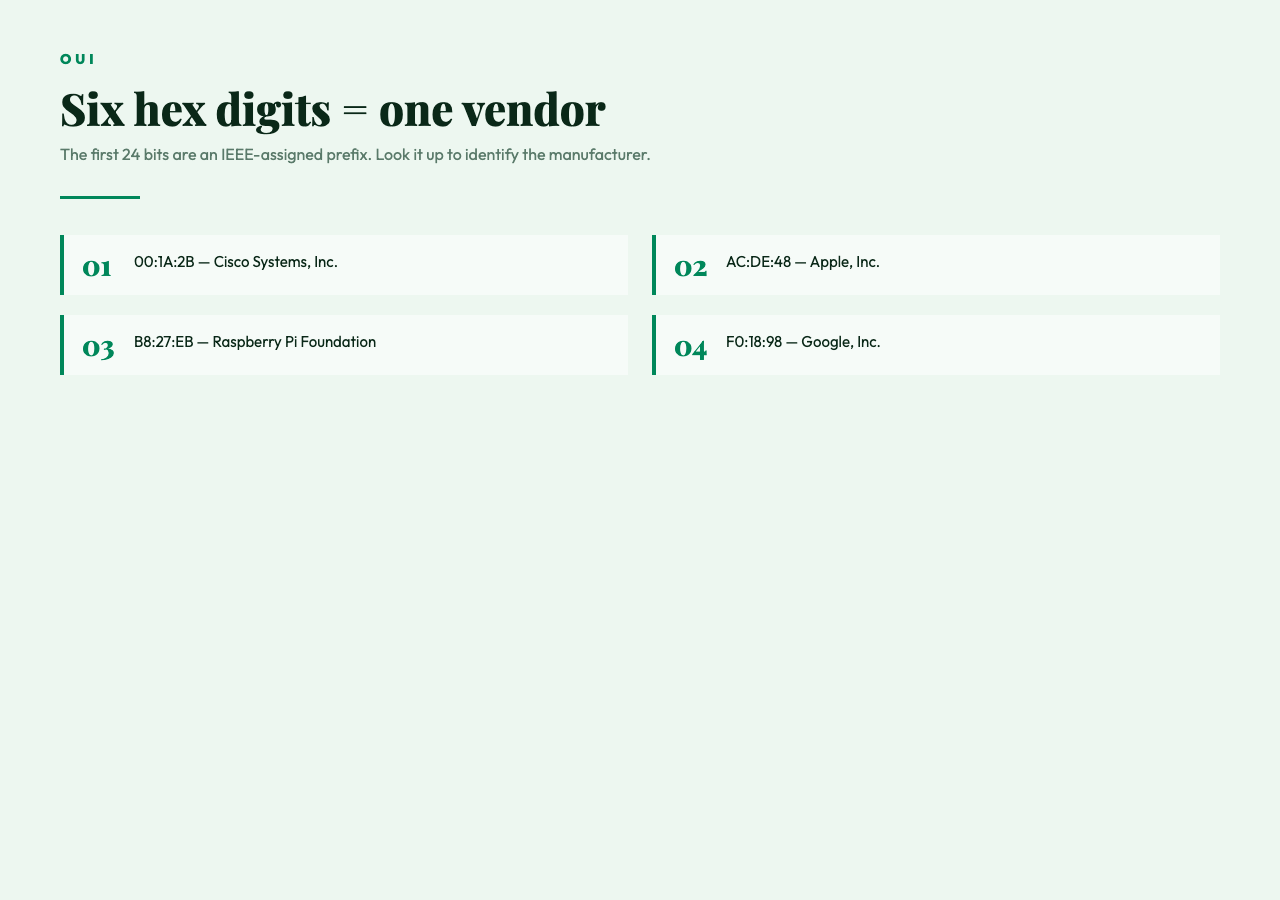
The first 24 bits of a MAC address (the first three octets, the OUI) are assigned by the IEEE to a manufacturer. Cisco, Intel, Apple, Samsung, and roughly 18,000 other organizations each own a slice of the OUI space. The IEEE publishes the OUI assignment list as a public registry, and the validator uses it to look up the manufacturer for any well-formed address. The lookup is a simple prefix match: take the first six hex characters of the address, search the registry, return the registered organization name.
This is a powerful primitive for two reasons. First, on a managed network, an unknown MAC address should map to a known OUI that matches the device type the port is connected to — if the OUI says Apple and the port is supposed to be a printer, something is wrong. Second, on a wireless network, the OUI tells you the manufacturer of the client device, which is useful for triaging alerts: a MAC address with an OUI registered to a consumer electronics vendor showing up on a corporate SSID at 3am is a different risk profile than a MAC address with an OUI registered to the company’s own hardware.
The OUI registry is large and the validator handles the lookup locally, so the check is fast (no network round trip) and works on isolated networks where the management station has no internet access. The registry is also updated periodically — a MAC address that came back as “Unregistered” six months ago may resolve to a known vendor today, and the validator’s local copy of the registry is refreshed on the same cadence.
The security use case: why the format check matters more than the lookup
For most security workflows, the format check is the load-bearing piece, not the vendor lookup. The OUI can be spoofed trivially: most operating systems expose a way to change the MAC address of a network interface, and any attacker with a goal of bypassing MAC-based access control lists will set the MAC to one with a valid OUI prefix for the target environment. The vendor lookup, in other words, tells you what the OUI says, not what the device is.
What the format check tells you is whether the input is well-formed enough to be worth comparing against an allowlist or a deny list. If the address is 11 hex digits, the comparison is meaningless. If the address contains a non-hex character, the comparison is meaningless. If the address is well-formed but the U/L bit is set, the address is locally administered and the vendor lookup will not help you — the OUI was generated by the operating system, not assigned by the IEEE. The validator returns the well-formedness check, the OUI lookup, and the U/L bit status, and the calling code can decide which of the three to trust for which decision.
The classic example is switch port security. A Cisco switch configured with switchport port-security mac-address sticky will learn the first MAC address it sees on a port and lock the port to that address. If the address is a randomized locally administered address (the U/L bit is set), the lock is meaningless — the next device to connect can pick a new locally administered address and the port will accept it. The validator flags this case explicitly, and a network engineer configuring port security should be checking the U/L bit status before relying on MAC-based port locks.
How to handle the four common separator formats
Once you have validated that the input is 12 hex characters, the next step is usually to normalize it to a canonical form for storage or comparison. The four common formats are AA:BB:CC:DD:EE:FF (colon, the most common in modern systems), AA-BB-CC-DD-EE-FF (hyphen, the Windows default), AABB.CCDD.EEFF (Cisco dot notation, three groups of four), and AABBCCDDEEFF (no separator, common in firmware and embedded systems). The validator accepts all four, returns the normalized colon-separated uppercase form, and the calling code can use that as the canonical representation.
For the OUI lookup, the separator does not matter — only the first six hex characters are used. For storage, picking one separator and sticking to it is the right call: a database column for MAC addresses that accepts colon, hyphen, dot, and no-separator representations will eventually have two records for the same device. The validator does not enforce a single storage format, but the canonical colon-separated uppercase form it returns is the natural choice.
For the edge case of a 64-bit EUI-64 address (used by IPv6’s modified EUI-64 scheme and by some newer Bluetooth Low Energy devices), the validator is explicitly a 48-bit validator and returns an error for 16-hex-digit input. The 64-bit to 48-bit conversion for IPv6 is a separate workflow: insert FF:FE in the middle of the 12-hex-digit MAC address and flip the U/L bit. If your tooling needs to round-trip between 48-bit MAC addresses and 64-bit EUI-64 identifiers, the conversion is well-defined and worth implementing as a separate step rather than overloading the MAC address validator.
Wiring the validator into automation
For automation, the MAC Address Validator exposes a single text input and returns a structured result that includes the well-formedness check, the normalized form, the OUI prefix, the registered vendor, and the U/L and multicast bit flags. The shape is consistent enough that you can write a single wrapper function in your language of choice that calls the validator, normalizes the result, and returns a boolean for “is this a globally administered, IEEE-assigned, unicast MAC address” without having to parse the response yourself.
Two patterns come up often in production. The first is filtering a list of MAC addresses from a switch port dump to find the ones that are locally administered (the U/L bit is set) — these are almost always virtual adapters, Docker bridges, or randomized addresses and usually do not need to be in the inventory. The second is validating MAC addresses from a CMDB import against the format before the import, so that a single typo in a column of 10,000 addresses does not poison the entire batch with a string-comparison false positive.
If you are working with a mixed fleet — some real hardware, some virtual machines, some containers — the U/L bit is the cleanest signal for “this is a real device that should be in the inventory” versus “this is a software-generated address that can be discarded.” The validator returns the bit explicitly; the wrapper function can return a boolean for the inventory filter in one line.
What the validator does not do
The MAC Address Validator checks well-formedness, normalizes the format, and looks up the OUI. It does not check that the address is actually in use on the network (that is an ARP table lookup, not a string format check). It does not check that the address is unique on your network (that requires a scan of the address space). It does not check that the address is allowed by your access control list (that is a policy check, not a format check). And it does not check that the OUI is not stale (the IEEE updates the registry on a rolling basis, and an OUI that was assigned to a manufacturer five years ago may have been transferred to a different organization).
For the security use case, the validator is a necessary first step — it confirms the input is well-formed enough to be worth any further comparison — but it is not a complete authentication mechanism. MAC-based port security is defense in depth, not a primary control. The validator tells you whether the address is well-formed; whether the device is authorized is a separate decision.
For the inventory use case, the validator is sufficient: a well-formed MAC address with a registered OUI is a real device, and the manufacturer name is a useful label. Combine the OUI lookup with the U/L bit check, filter out the locally administered addresses, and the resulting list is the hardware that is actually on the network.
For the configuration use case — you are about to type a MAC address into a switch port security configuration and you want to make sure you typed it correctly before you commit — the validator is exactly the right tool. Paste the address in, confirm the vendor matches the device, confirm the U/L bit is clear, copy the normalized form, paste it into the config. The whole check takes two seconds and prevents the kind of typo that is impossible to debug after the fact.
For more on how to structure the validation in your code, the MAC Address Validator is the entry point. The OUI lookup is local and the format normalization is consistent, so you can wire it into a config-management pipeline or a switch-audit script without worrying about a network dependency. And if you need to validate other kinds of identifiers alongside the MAC address — IP addresses, UUIDs, IMEI numbers, the usual suspects — the rest of the elysiatools.com validation toolkit follows the same shape: one text input, one deterministic result, no network round trip required.